Personalise Your Fisheye Pet Close-Up
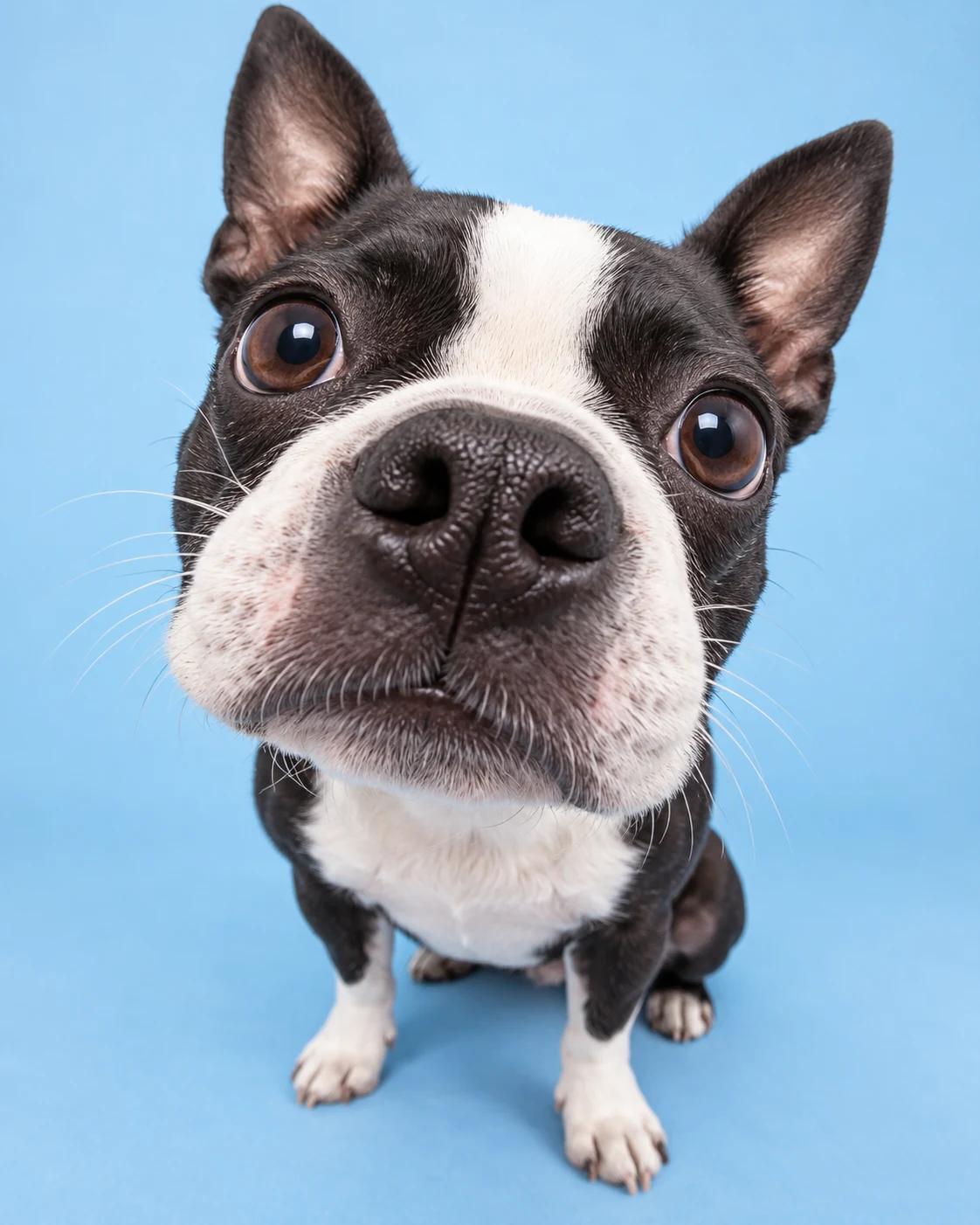
A fisheye pet portrait makes the nose the first thing you notice, with bright eyes just behind it. The humour comes from perspective rather than a costume, so a simple background and clear markings are enough to make the image work.
What Defines This Look
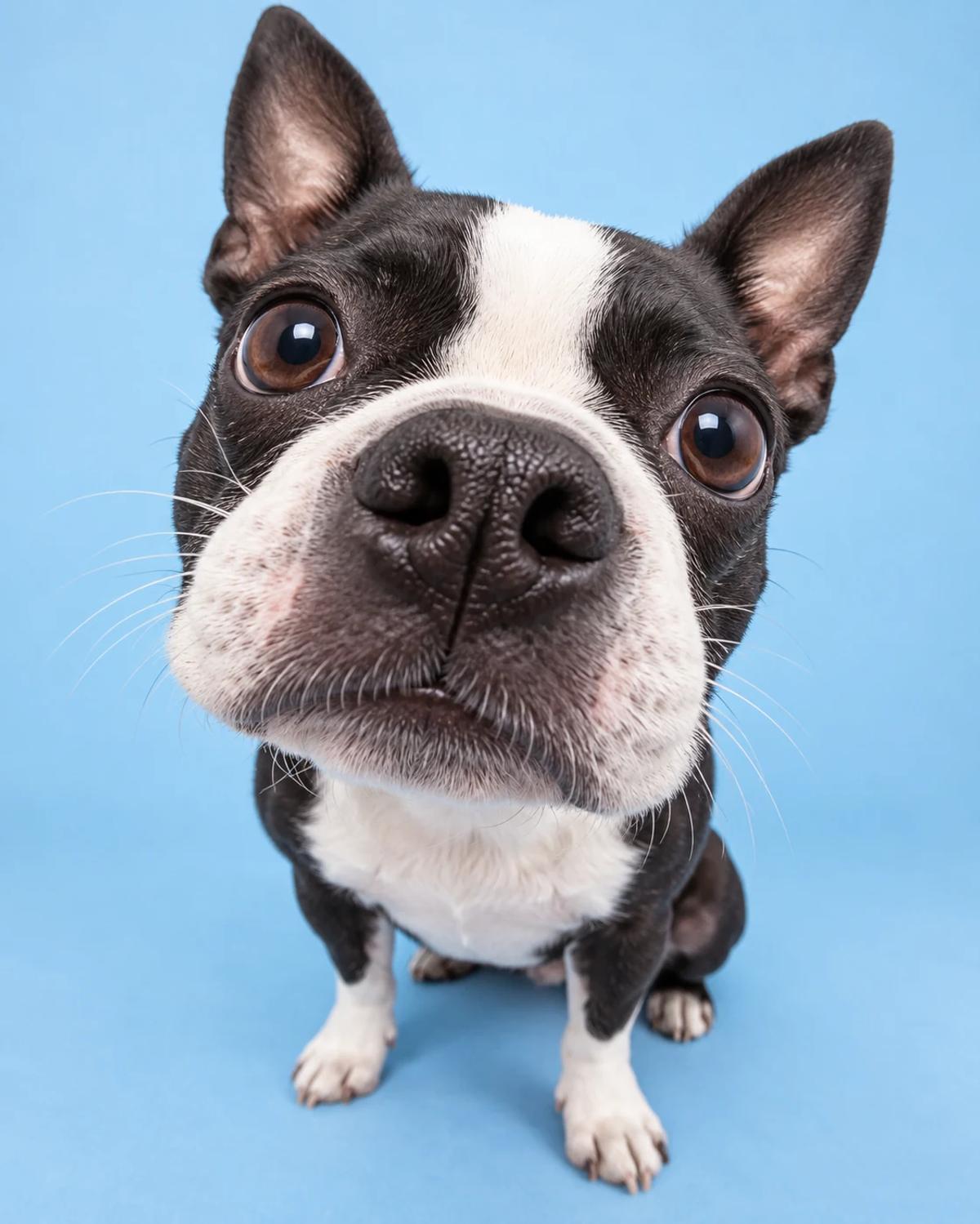
The example uses a Boston terrier, but the uploaded photo should determine the animal’s species and features. The close camera makes nearby details larger while the body recedes; the result should still look like one coherent pet.
How to Create Your Version
Start with one clear identity photo and let the template supply the scene.
Choose the reference photos
Use an eye-level pet photo with both eyes and the muzzle visible. Sharp markings are useful. Avoid a source already distorted by an extreme close-up or obscured by a toy.
Open Remix and upload
Upload one pet photo in Remix. The template supplies the camera perspective and blue studio background. A normal photo taken at a comfortable distance is enough.
Review before sharing
Check the nose, nostrils, eyes and ears before judging the humour of the perspective. Make sure the animal has not inherited the example dog’s markings or breed.
Make the Result Useful
Keep the composition readable and make any final adjustments deliberately.
Choose the right crop
The close face can work as an avatar or a playful feed post. Keep both ears and a little background in the crop so the optical effect remains readable.
Refine a small detail
If a hand, accessory or background detail needs attention, open Image Editing for a focused adjustment. Keep the first result so you can compare your edit without losing the original.
Questions About This Template
Practical guidance for the reference photos and the generated result.
Can I use a cat?
Yes. The prompt asks to preserve the uploaded animal’s species and muzzle. Review the output for any dog-like features carried over from the example.
Should I photograph my pet extremely close to its nose?
No. A clear, normal portrait is enough. The close-camera perspective is generated from the template.
Why can the nose look too large?
Exaggerated perspective is part of the concept, but it should still preserve plausible anatomy. Reject results with duplicate nostrils, distorted eyes or an unrecognisable muzzle.
Continue Creating
Explore a related template or open a separate creation tool. Model links below start a separate workflow.
You and Your Pet Studio Portrait
Try a different composition with related upload guidance.
Pet Portraits
Browse the other templates in this topic.
Image Editing
Refine a local detail in your finished image.
GPT Image 2.5 Flare
Explore free-form image creation on this model page.
GPT Image 2.5 Sunburst
Open another model page for a separate image workflow.