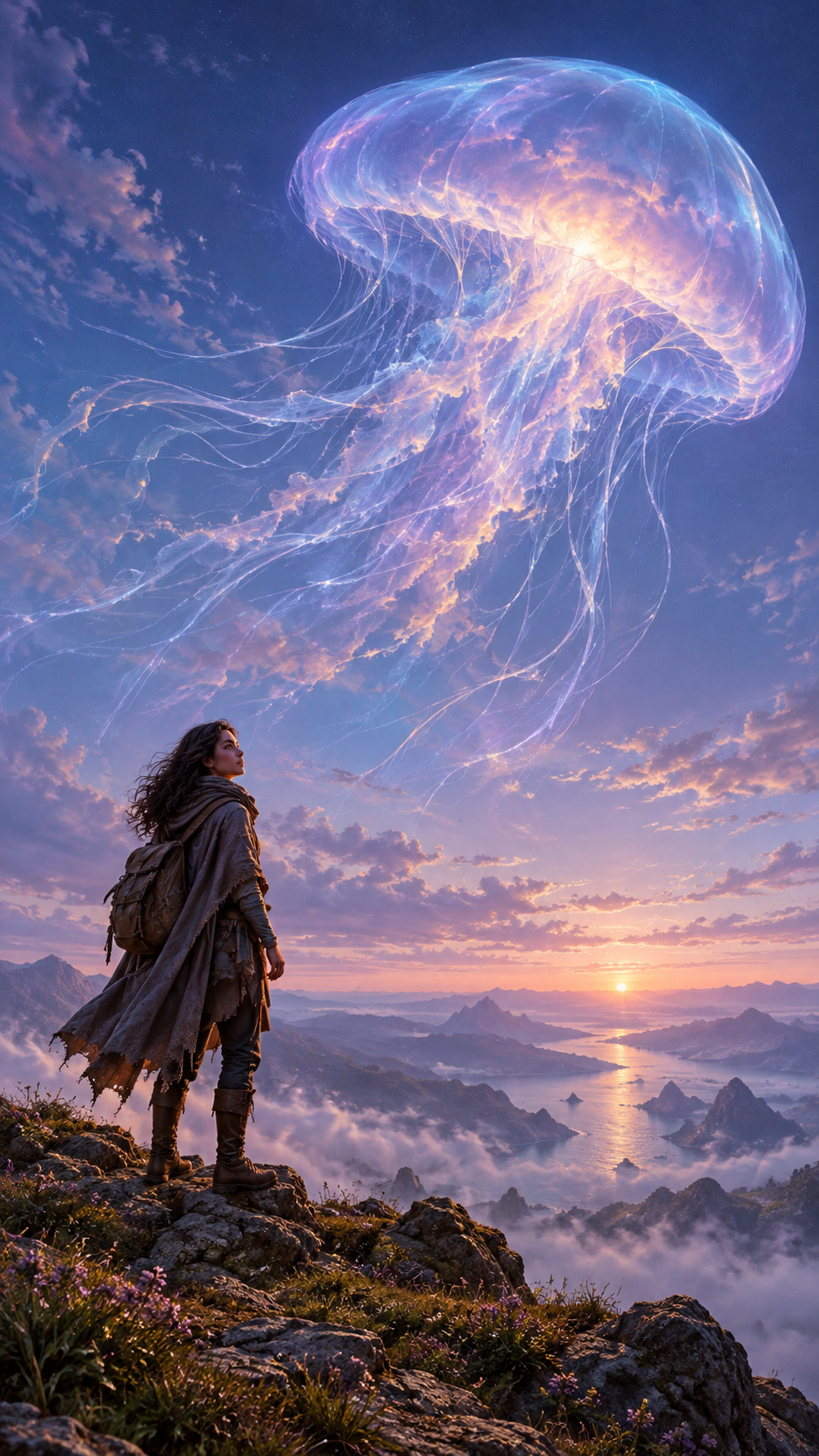
Build a Fantasy Portrait Beneath a Glowing Sky
Turn the visual idea of a “space jellyfish” into an original science-fiction illustration: a small traveller beneath a vast umbrella of glowing cloud and fine light trails. The spacious composition suits phone wallpapers and atmospheric creator backgrounds.
This template imagines a new setting rather than recreating launch footage or a reported event. Start with the fictional traveller in the text prompt; personalising the face is a separate editing step.
Give the Cloud Scale and the Traveller Presence
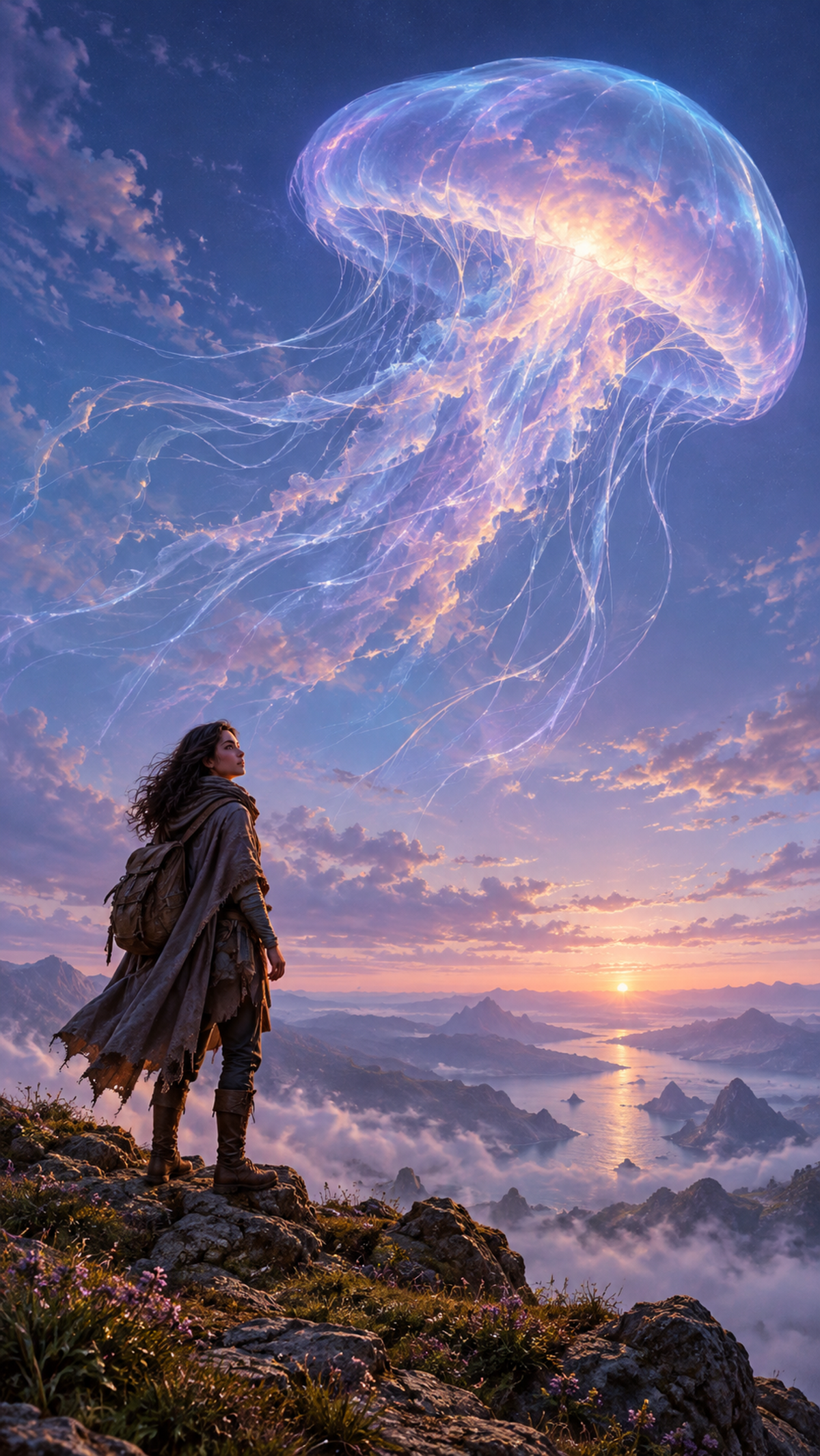
Place the traveller in the lower third and keep the horizon low so the luminous canopy has room to spread. A three-quarter view makes the upward gaze readable while preserving visible facial features.
Describe the subject as a translucent cloud with an umbrella-shaped canopy and trailing light strands. This helps communicate the intended atmospheric form. Cyan and lavender establish the cool sky palette; a restrained warm rim light separates the traveller from the rocks. Sparse haze adds depth without obscuring the face.
Create Your Portrait
Use the public prompt as a starting point, then adjust one visual choice at a time.
Set the vertical composition
Choose a vertical format where available. Keep the traveller low in the frame and reserve most of the image for the cloud and open sky.
Generate the imagined scene
Paste the prompt into the image creator using the selected model, nano-banana-2.1. Begin with the fictional adult traveller described in the prompt.
Refine the cloud silhouette
Check that the canopy reads as a glowing atmospheric formation. If it looks too solid, emphasise translucent mist, soft edges and thin strands of light.
Prepare the final crop
Check the image in your intended wallpaper or profile layout. Preserve the canopy, upward gaze and enough empty sky for interface elements. Use a separate portrait-editing workflow if you want to personalise the traveller with a clear single-person photo.
Troubleshooting and Useful Variations
Keep the traveller, canopy and trailing strands readable before adding extra scenery.
The cloud looks like a sea creature
Replace anatomical language with “umbrella-shaped luminous mist” and “wispy trails of light”. Ask for a cloud formation without eyes, a mouth or a solid body.
The face disappears into shadow
Ask for gentle reflected light on the face and a clear three-quarter profile. Reduce haze around the person while keeping it in the distant sky.
The sky feels crowded
Remove extra stars, planets and landscape details. Keep one canopy with a few separated light strands and broad areas of indigo sky.
Adapt the image for an avatar
Create a closer portrait variation with a smaller glowing canopy behind the head. Check a circular crop before finalising; the wallpaper composition makes the person relatively small.
Portrait Questions
Does this template recreate a rocket launch?
No. It uses the “space jellyfish” visual idea as inspiration for an imaginary cloud. The prompt excludes rockets, launch landmarks and news graphics.
Can I use my own portrait?
The supplied text-to-image prompt creates a fictional traveller. To personalise the face, use a separate portrait-editing workflow with a clear photo of one person and check the result for likeness and natural lighting.
How do I leave space for a phone clock?
Ask for an empty upper portion of the sky and position the canopy slightly below it. Preview the crop on your device, since clock and notification layouts vary.
Can I make it more photographic?
Replace the painterly style instruction with cinematic fantasy photography while retaining the imaginary setting and translucent cloud. Present the result as fantasy artwork.
Continue Creating
Use these pages to generate the scene or refine its portrait and composition.
Image Creator
Start here to use the public prompt with the selected text-to-image model.
Nano Banana Pro
Explore this listed text-to-image alternative if you want another model option. It is separate from the selected nano-banana-2.1 model.
Image Edit
Use this page for a separate editing pass to refine the sky, simplify distracting details or adjust the composition.
Portrait Edit
Explore portrait editing when personalising the traveller or refining the face in the finished scene.