Make This Look Your Own
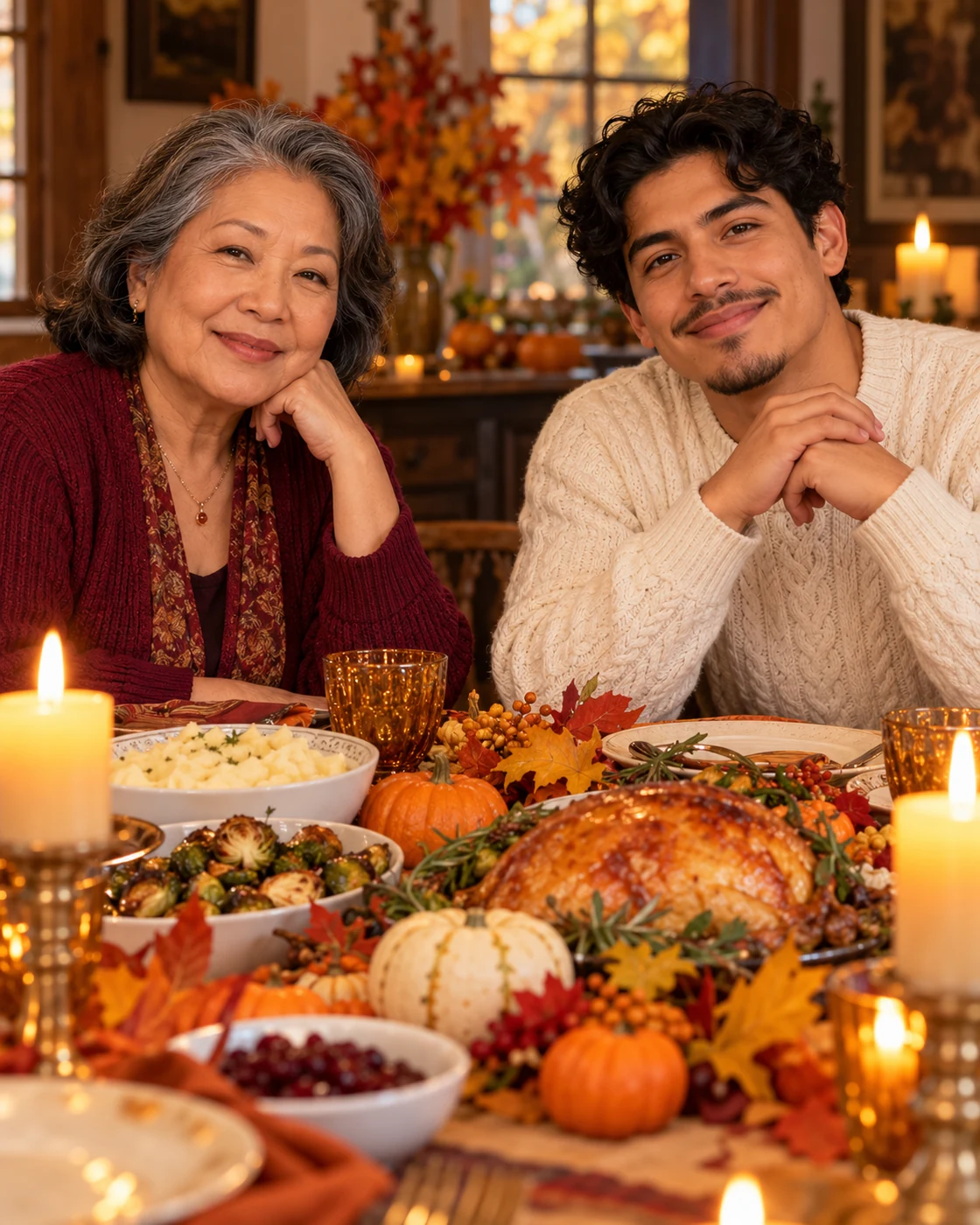
The harvest setting includes candles, seasonal table colours and food, but faces remain the focal points. A seated side-by-side arrangement makes the relationship readable without overlapping bodies or a crowded group.
The Scene and Visual Details
Bring two people together at an autumn dinner table. Upload separate photos for the left and right seats to create a warm, imagined holiday gathering. Use the wider table context for a greeting card. If you add names or a message, place them outside the faces in an editor after generation.
How to Create Your Version
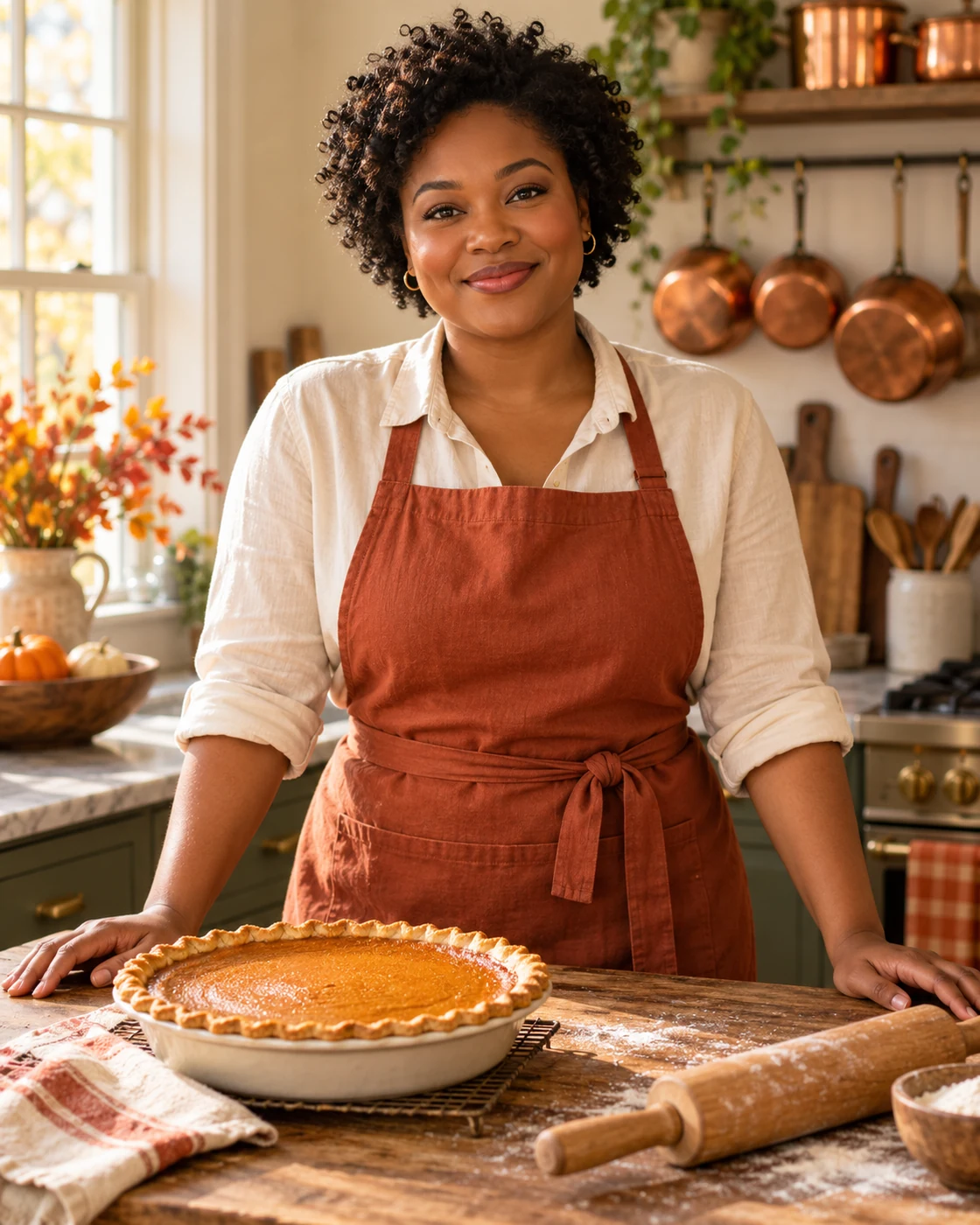
Prepare two separate photos, one subject in each. The example image is included automatically.
Choose your reference
Upload one person per slot. Person A appears on the left and Person B on the right.
Upload in Remix
Open Remix and place each reference in its labelled slot. Person A maps to the left subject and Person B to the right. Check the thumbnails before submitting.
Review the result
Compare the two faces separately and check that plates, arms and bodies do not merge.
Composition and Finishing Tips
Choose your final version deliberately rather than judging only the small preview.
Choose a useful crop
Use the wider table context for a greeting card. If you add names or a message, place them outside the faces in an editor after generation.
Make a focused refinement
Compare the two faces separately and check that plates, arms and bodies do not merge. If one detail needs work, open Image Editing and describe that change while preserving the rest of the composition. Keep the first version for comparison.
Questions About This Look
Reference-photo quality and the intended output affect how useful the final image will be.
Which photos should I upload?
Upload one person per slot. Person A appears on the left and Person B on the right.
What should I inspect before sharing?
Compare the two faces separately and check that plates, arms and bodies do not merge. Generated details and likeness can vary; compare the result with the original references.
How should I crop or use the result?
Use the wider table context for a greeting card. If you add names or a message, place them outside the faces in an editor after generation.
Continue Creating
Explore a related template or open a separate creation tool. Model links start a separate free-form workflow.
Autumn Maple Film Portrait
Try a different scene with its own upload guidance.
Autumn Portraits
Browse the other templates in this topic.
Image Editing
Refine a detail in an image you have already generated.
GPT Image 2.5 Flare
Explore a separate model workflow.
GPT Image 2.5 Sunburst
Try another model page for free-form creation.