
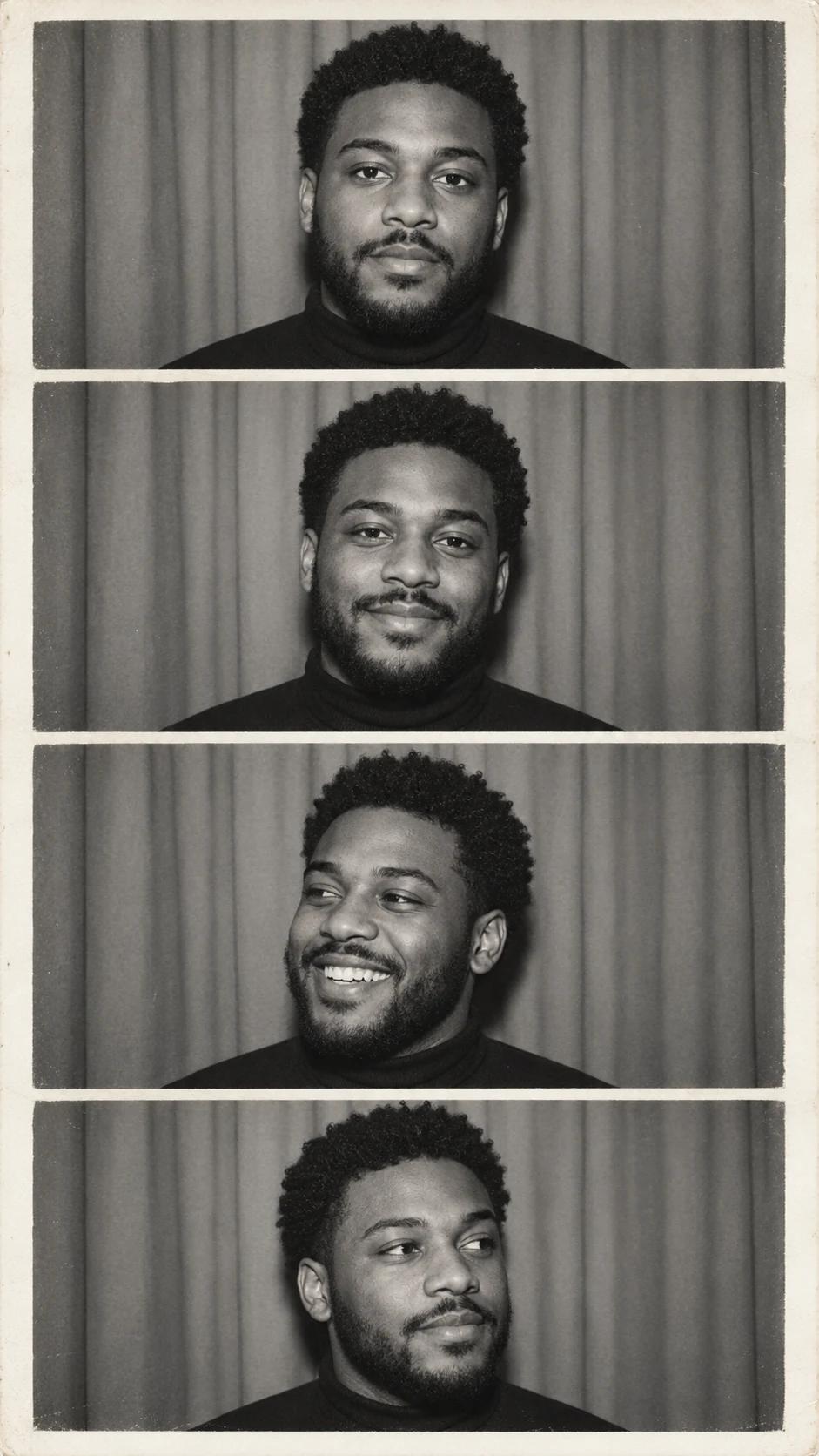
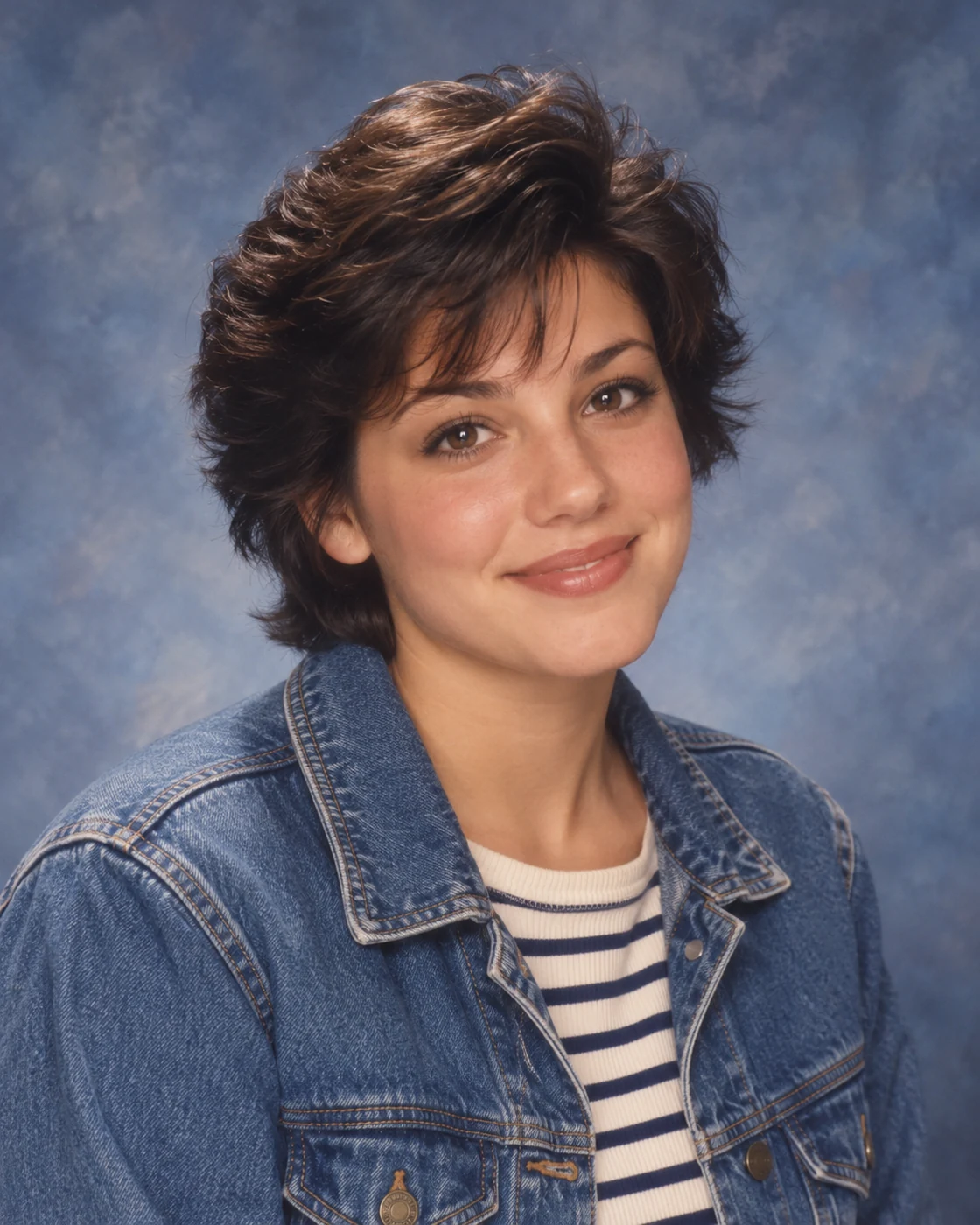
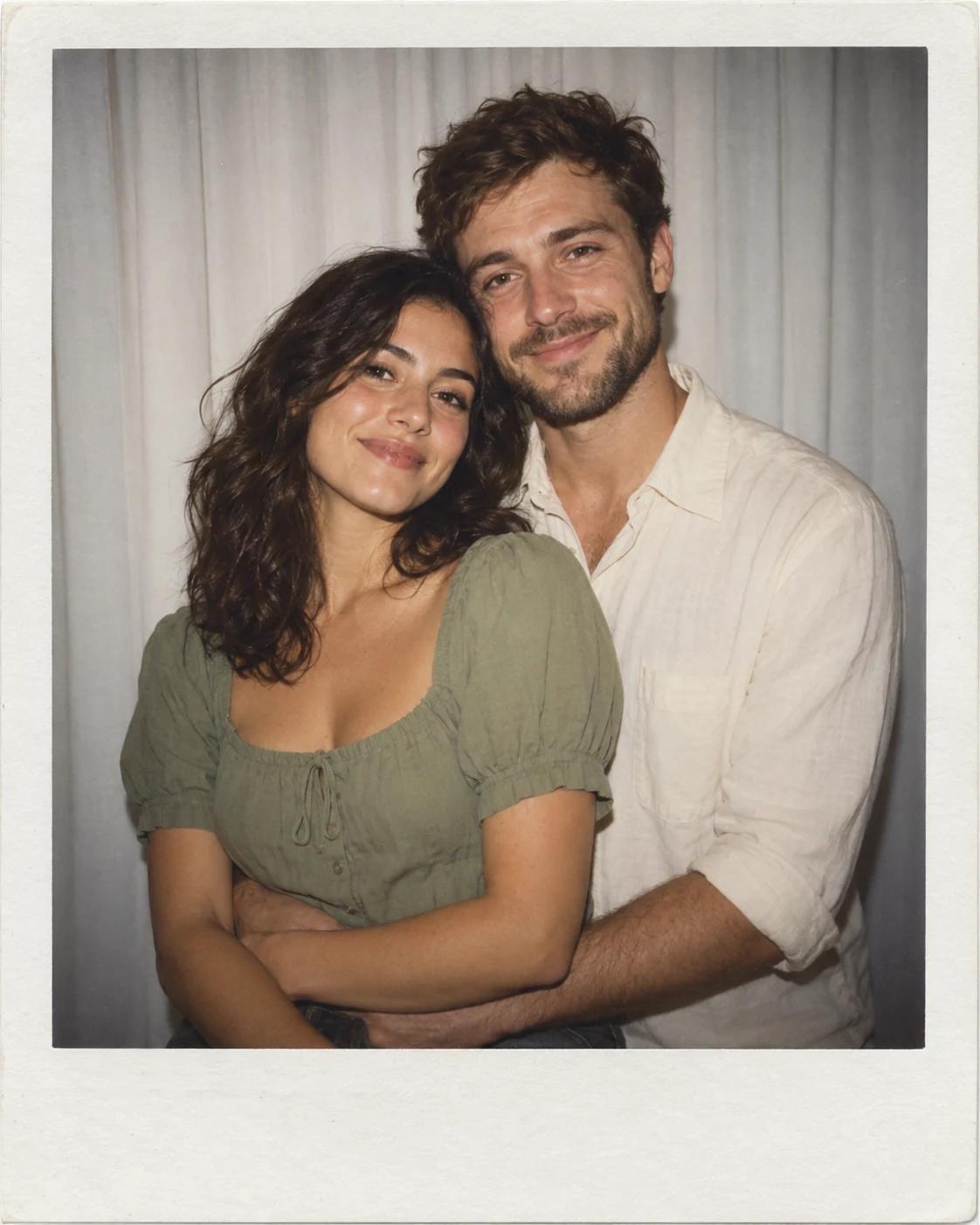
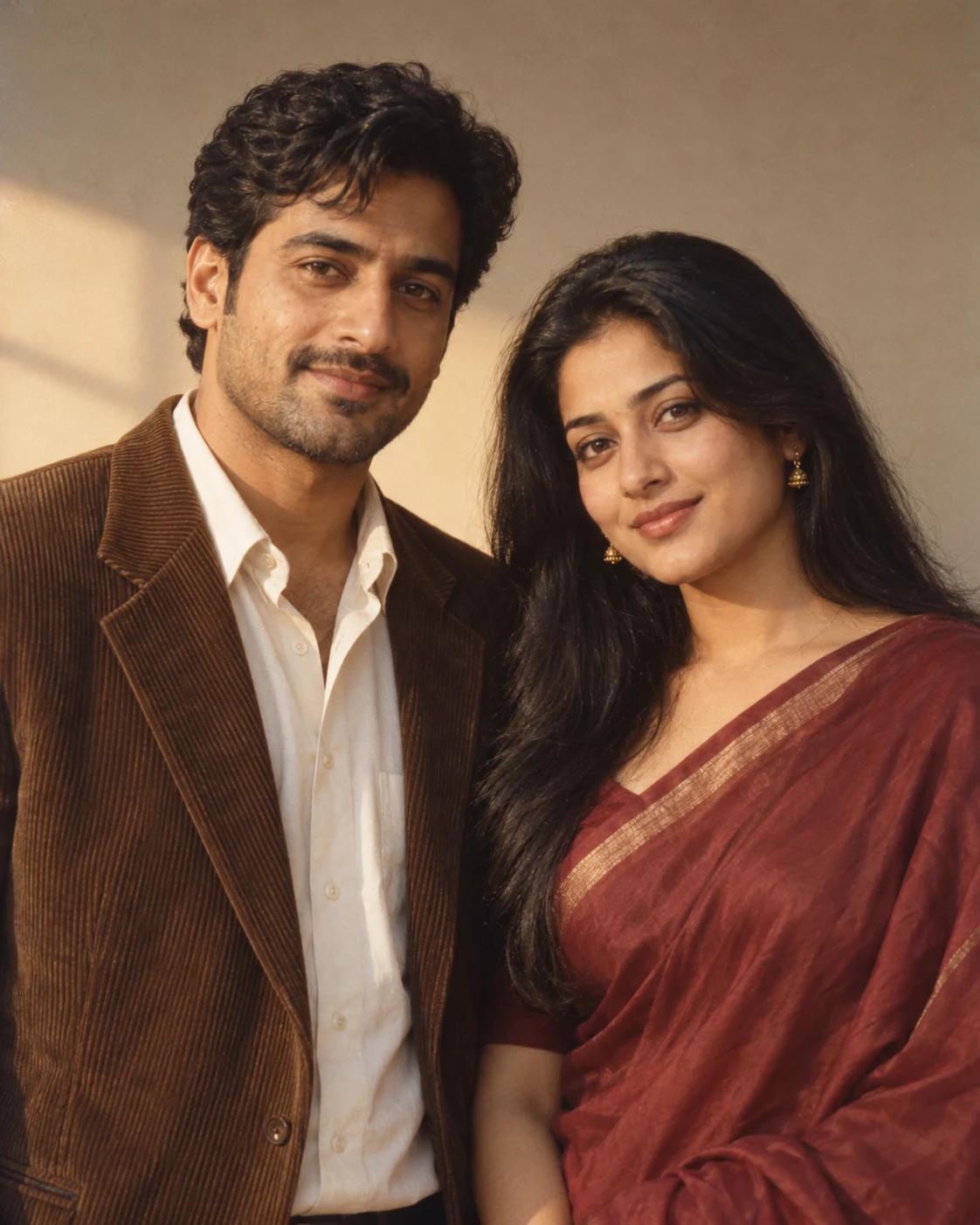
Explore Retro Portraits
Retro portraits rely on expression, tone and composition. Begin with one clear reference and let the template supply the film-like finish and border.
Choose a Scene With a Clear Focus
Explore nostalgic photo strips and monochrome portrait ideas, with simple lighting, expressive faces and thoughtful framing.
Start With a Useful Reference
A clear source photo makes it easier to judge the final result.
Prepare the photo
Compare identity across every frame.
Review the composition
Preserve borders when sharing a complete photo strip.
Before You Create
Use these templates as creative starting points.
How do I personalise a template?
Open a template, select Remix and upload one clear photo. The scene and styling come from the example; the reference supplies the subject.
Will the result match the example exactly?
Details and likeness can vary. Review the finished image at full size and check the face, anatomy and crop before sharing.
Start Exploring
Choose a finished scene or refine an image you already have.
Vintage Black and White Photo Booth
Open the example and its upload guidance.
All Image Templates
Browse other themes and compositions.
Image Editing
Adjust a local detail in a finished image.