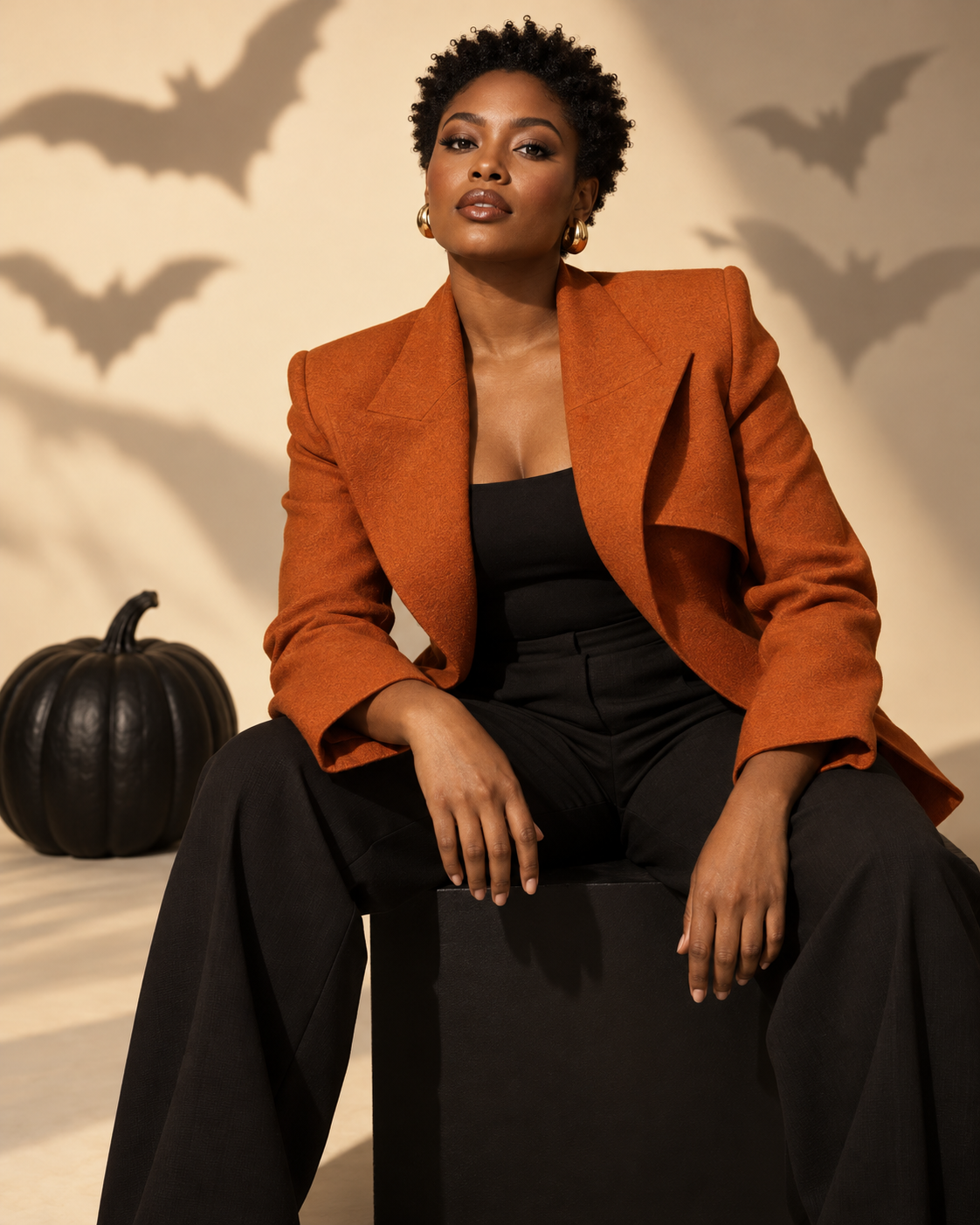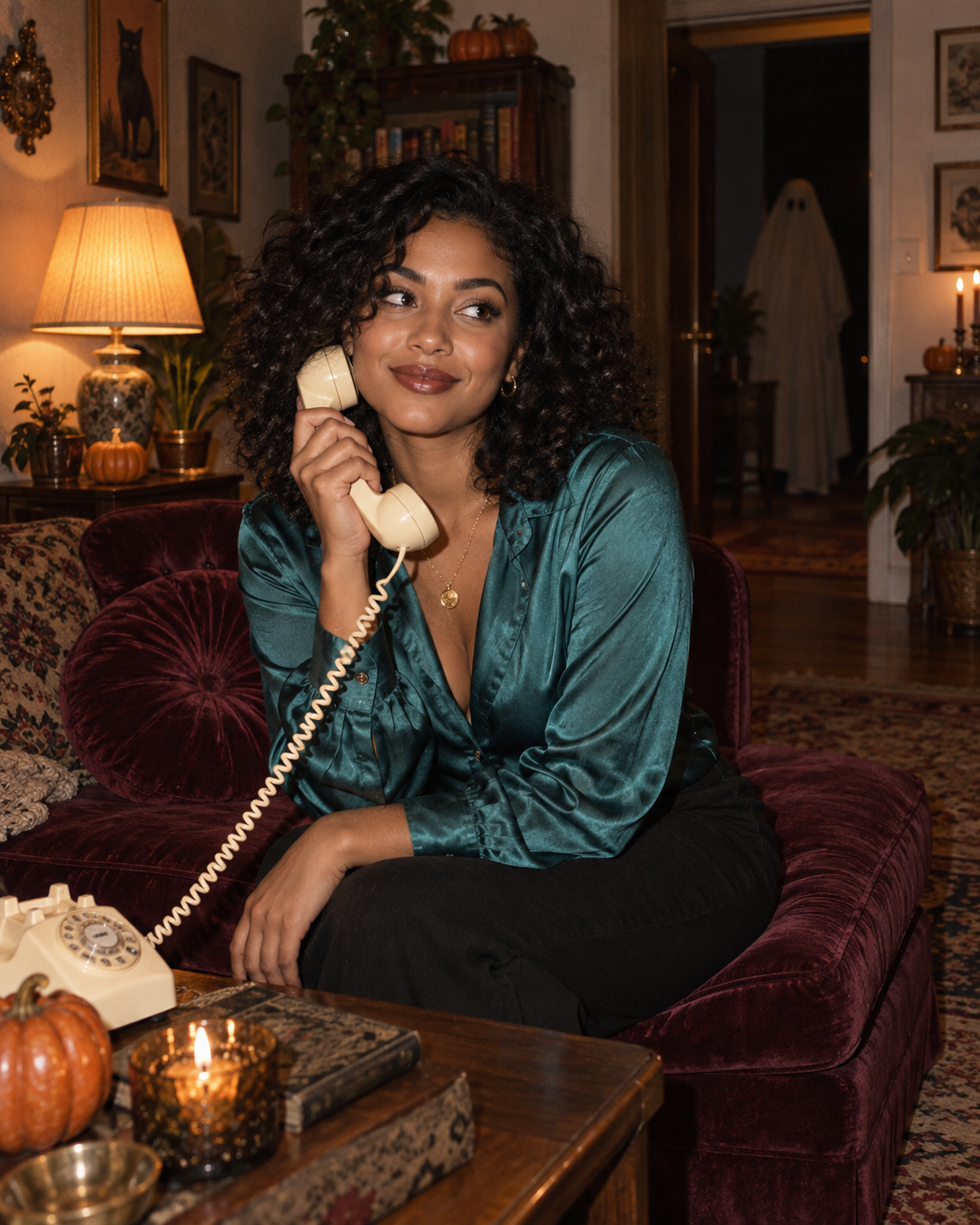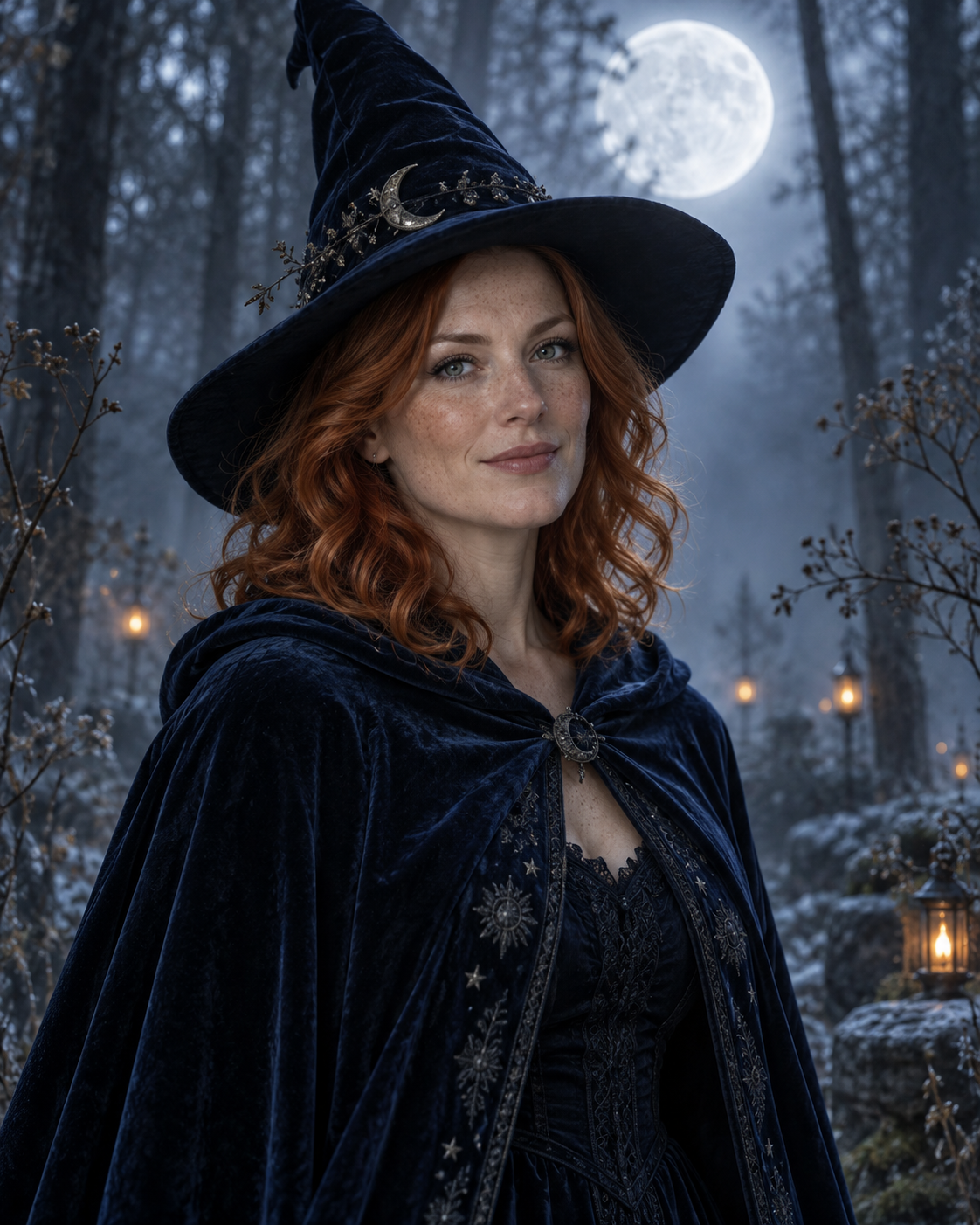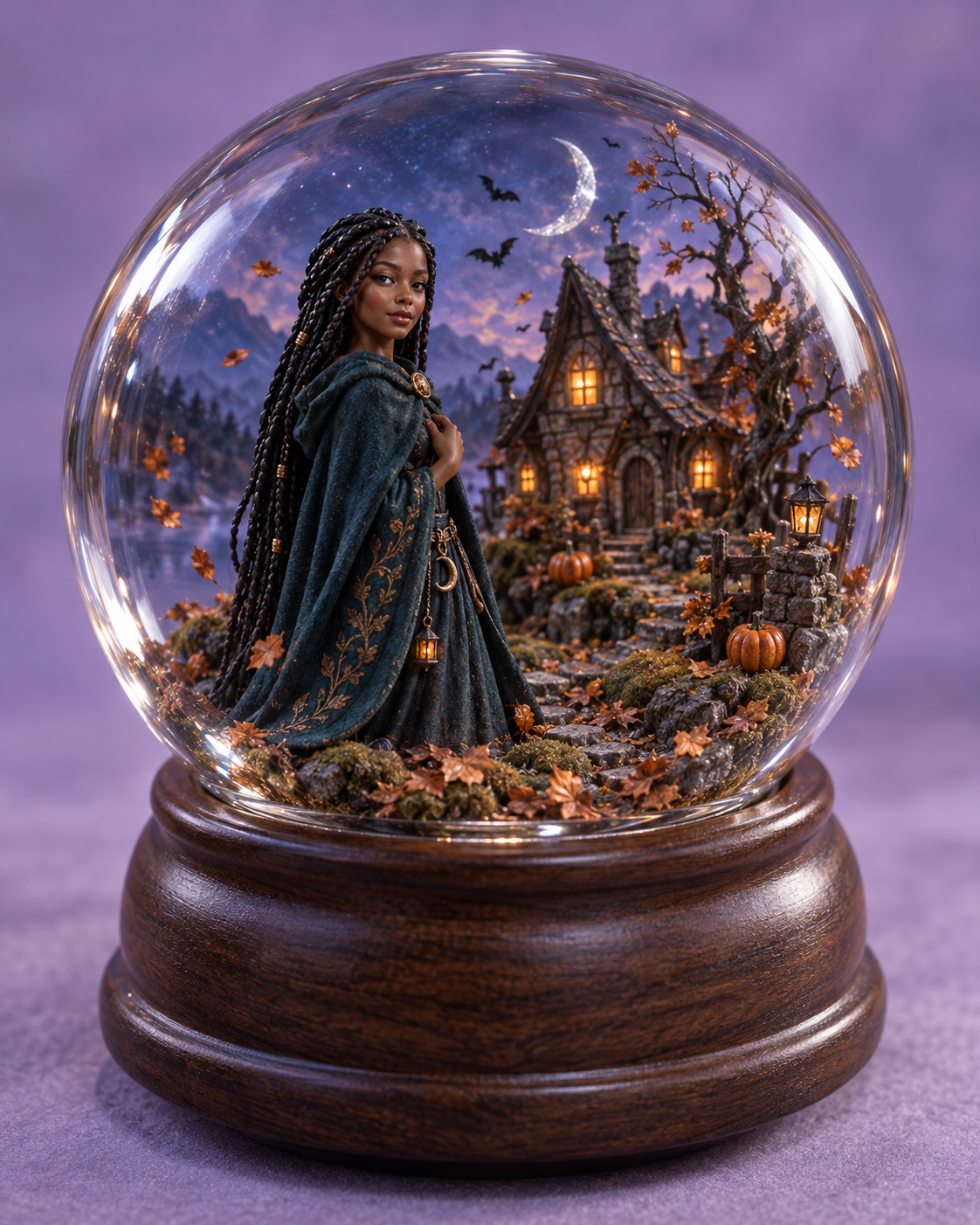
A small Halloween world built around your likeness
Place a miniature version of yourself inside a Halloween glass globe with a haunted cottage, pumpkins and twilight light. Upload one clear portrait to personalise the figure. The example shows the intended composition. Your uploaded photo provides the identity; the template provides the scene and styling. Generated likeness and small details can vary, so review the result before sharing.
A small Halloween world built around your likeness
The glass globe frames a miniature cottage, pumpkins and falling copper leaves. A foreground figure is deliberately larger than the background details so its face remains readable. Edge reflections and a walnut base make the image feel like a photographed keepsake rather than a flat portrait pasted into a circle.
Use a well-lit face or half-body portrait with a clear hair outline. Avoid sunglasses and heavy facial shadows, since the person will be rendered at miniature scale.
Make this look with one photo
The template instructions are applied automatically. You do not need to write or copy a prompt.
Choose a clear identity reference
Use a well-lit face or half-body portrait with a clear hair outline. Avoid sunglasses and heavy facial shadows, since the person will be rendered at miniature scale.
Open Remix and upload your photo
Use this template’s Remix button, then upload one photo of one person. The template image is supplied automatically as the visual base. Avoid uploading a collage or several different people.
Review the settings before generating
The intended composition is 4:5. Check the available settings and credit estimate in the creator before starting. The main subject is personalised while the template scene is retained.
Check the result and save
Reflections belong near the globe edges. Inspect the eyes and nose for glare or distortions that make the person difficult to recognise. The figure should stand inside the globe on the same ground as the cottage and pumpkins. It should not overlap the outer glass or float in front of the base. Save a version you are happy with; another attempt may produce different details.
Get a more convincing result
Small source-photo choices are more useful than adding complicated instructions.
Keep the face visible through the glass
Reflections belong near the globe edges. Inspect the eyes and nose for glare or distortions that make the person difficult to recognise.
Check the miniature scale
The figure should stand inside the globe on the same ground as the cottage and pumpkins. It should not overlap the outer glass or float in front of the base.
Start with a clean reference
Use an unfiltered photo with one clear face. Tight crops, strong beauty filters and objects across the face can make identity transfer harder to assess. Keep the original photo for comparison.
Before you remix
Do I need a full-body photo?
No. A clear portrait can supply identity while the template supplies the miniature body, cloak and pose.
Will the face keep every small detail?
Miniature styling simplifies detail. Judge recognisability at the intended viewing size rather than expecting a full-size photographic face.
Is the globe a real product?
No. This creates a digital image of an imagined collectible scene, not a physical item for purchase.
Do I need to enter a prompt?
No. This template supplies its instructions automatically. Upload one photo and review the available settings before starting.
Continue creating
Explore a related Halloween look, refine a detail, or try a separate image model.
Halloween collection
Browse the full seasonal collection and choose a different visual treatment.
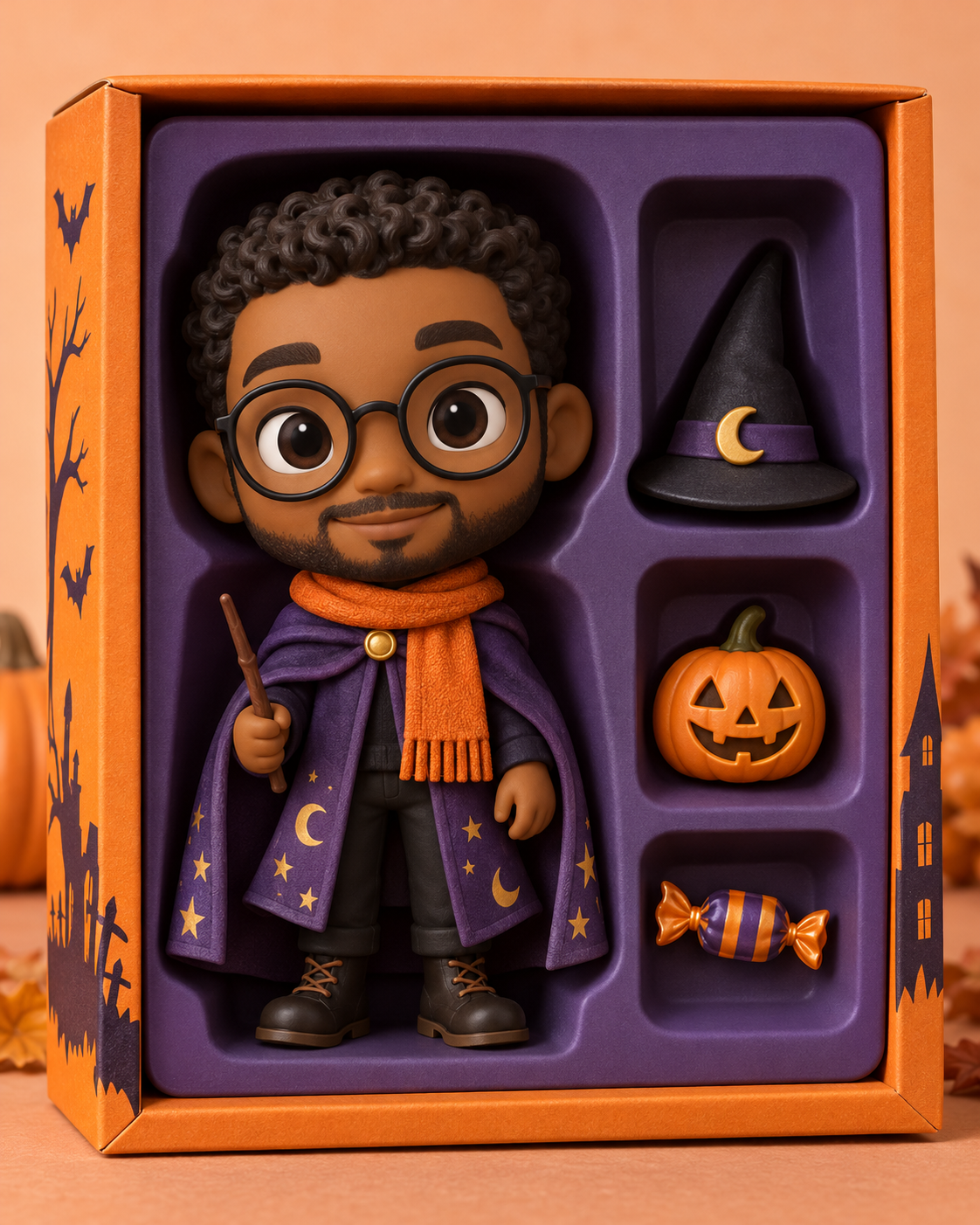
Halloween Collectible Doll Box
Choose a larger toy face and an open display box when facial detail matters more than the surrounding miniature world.
Image editor
Refine a small visual detail or prepare another source photo for a new attempt.
GPT Image 2.5 Flare
Explore this separate image-model page for another project. Opening it does not change this template’s Remix preset.