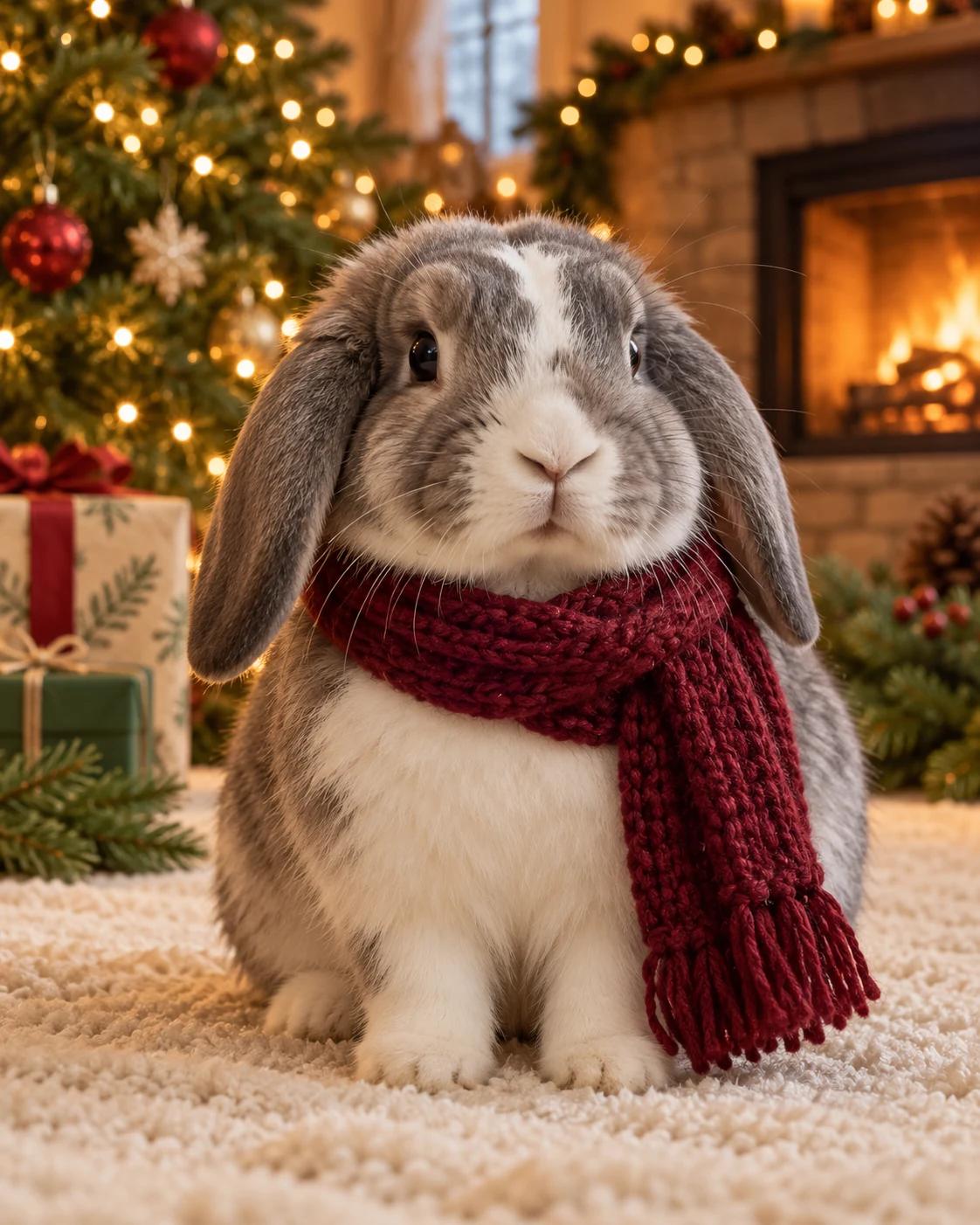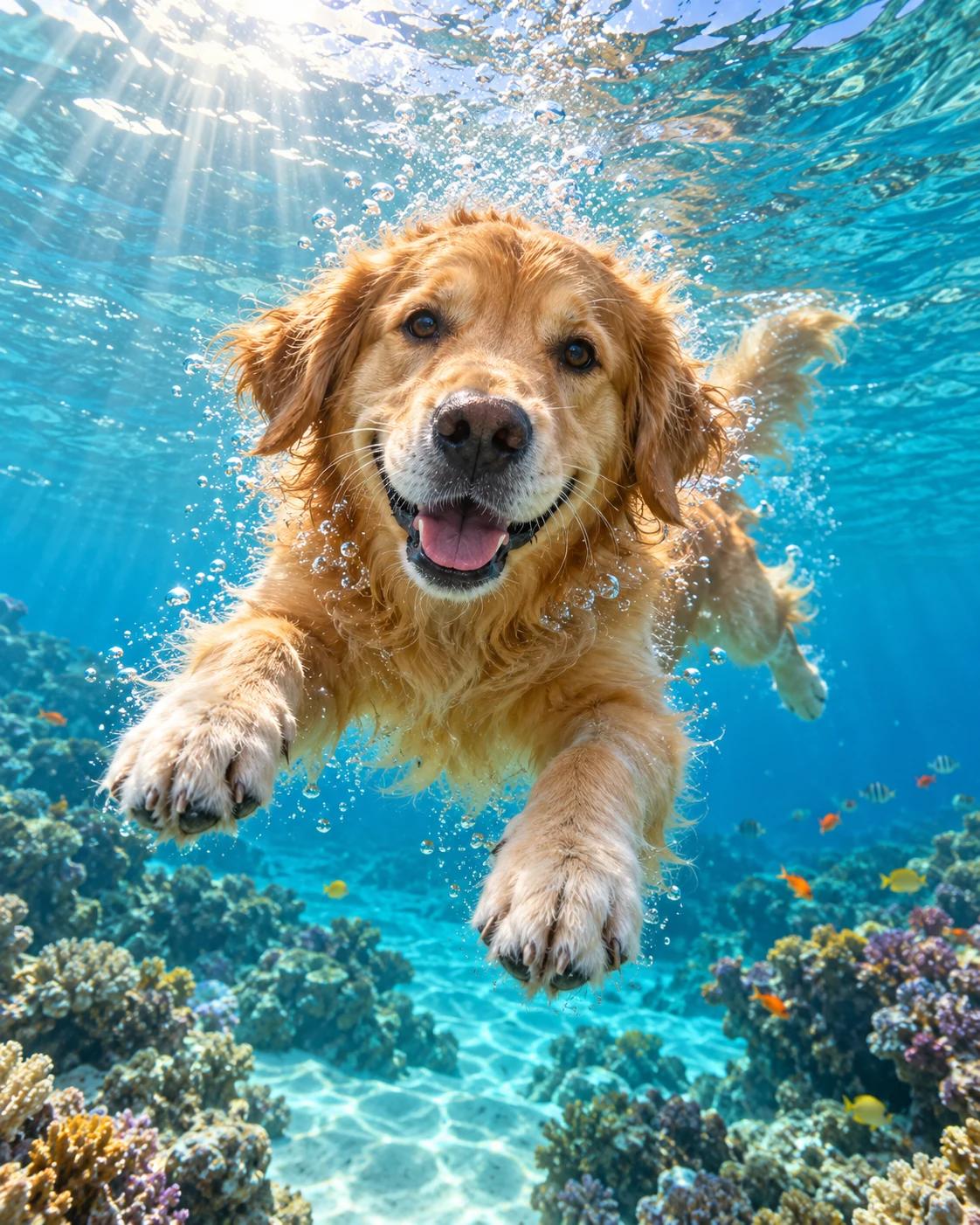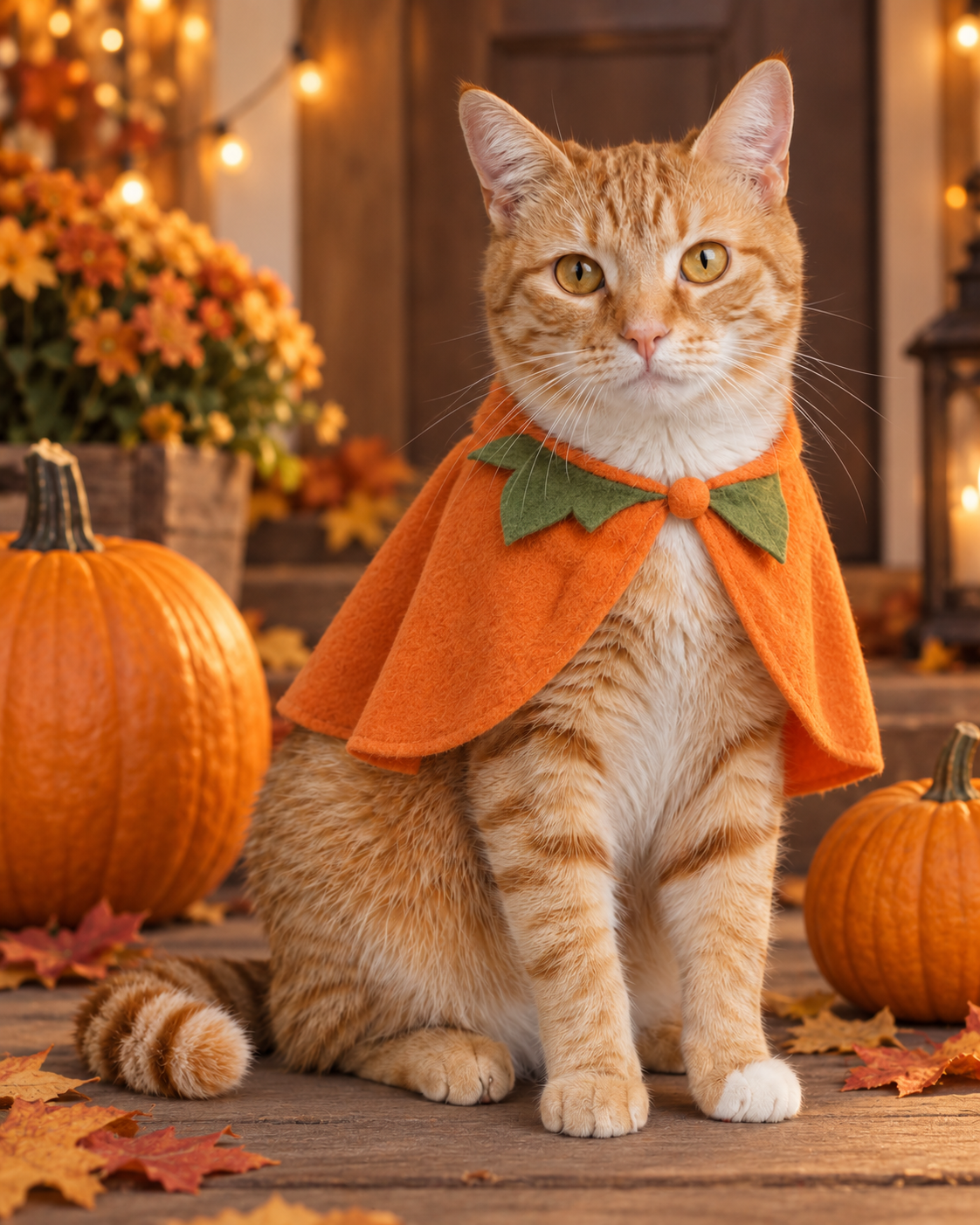
Make a Halloween portrait that still looks like your pet
Bring your pet into this warm Halloween scene. Upload one clear photo; the template supplies the pumpkin cape, wooden porch, pumpkins and autumn lighting. Your photo provides the animal’s recognizable features, while the template image guides the composition.
Choose a photo that shows your pet clearly
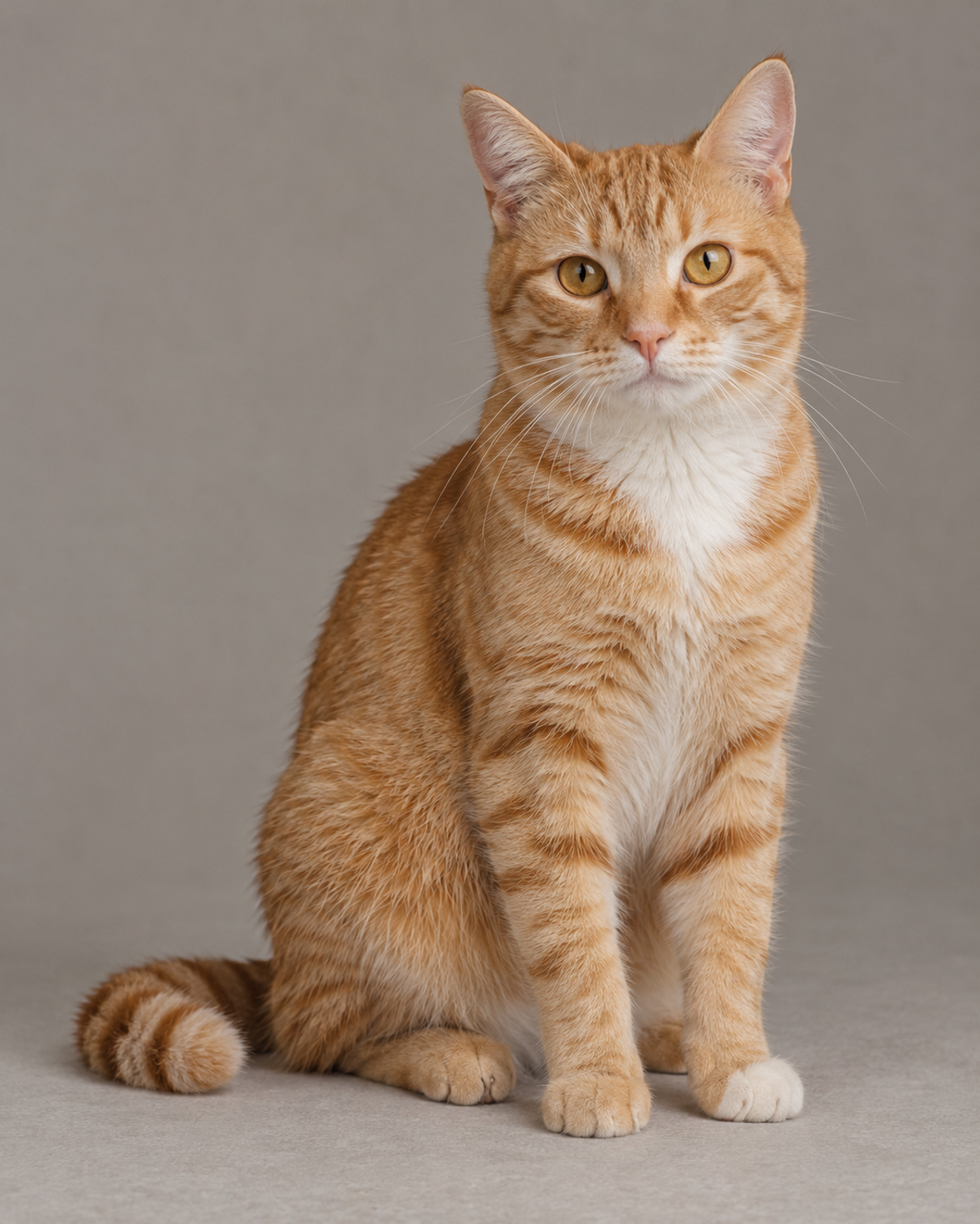
Use one sharp photo with visible eyes, muzzle, ears and distinctive markings. A seated pose with unobstructed front paws is a good match for this portrait. Crop out other animals and avoid motion blur. The sample reference illustrates useful framing; upload your own photo to personalise the result.
Create from your pet photo
The template preset and base image are supplied automatically.
Upload one pet photo
Open this template in the creator and upload one JPG, PNG or WebP photo. You do not need to upload the template image or enter any instructions.
Use the ready-made scene
The template keeps the pumpkin-orange cape, green neckline leaf, autumn porch and warm lighting. Your uploaded photo supplies the animal’s face, species, markings and other identifying features.
Review the cost and generate
Check the credit estimate before starting. The template uses its configured image settings and combines the scene reference with your uploaded photo.
Check your pet’s likeness
Compare the face, eyes, ears and coat markings with your source. Check the cape fit and natural anatomy before downloading. Likeness and fine details can vary.
Get a clearer result
Use even lighting
Choose a well-lit photo with visible facial details. Heavy shadows or colored lighting can make the animal’s markings harder to preserve.
Try your own pet
The ginger tabby is the template example. Upload a dog, rabbit or another pet to replace the subject while keeping the Halloween setting.
Check the costume fit
Inspect the neckline, ears and paws. The cape should sit naturally on the shoulders without covering the face or distorting the body.
Before you generate
Will it keep my pet’s markings?
The uploaded photo guides the subject’s identity, but likeness can vary. Inspect the generated eyes, muzzle and markings against your original photo.
Do I need to upload the template image?
No. The template image is supplied automatically as the scene reference. You only upload one photo of the pet you want in the picture.
Do I need to write a prompt?
No. The template supplies its instructions automatically. This template requires one uploaded photo; use the general image creator for a separate text-only project.
What changes and what stays the same?
The animal is replaced using your photo. The template guides the pose, cape, background, lighting and composition. This is a generated edit, so small details may differ from the example.
Continue creating
Choose the next step for your image.
Image creator
Open the general image workspace for a separate project. Use the template entry above to apply this preset automatically.
Image editor
Refine the background or a costume detail after selecting a result.
Pet portrait pumpkin lantern
Try a different Halloween treatment: turn pet features into a glowing carved portrait.