
AI Ad GeneratorFrom product assets to your next ad
Upload product images and describe the selling points, audience, and creative direction. Find inspiration in templates, refine the script through conversation, and let AI produce the plan you approve.
Start creatingWhat is an AI ad generator?
Vidma brings product assets, creative briefs, scripts, and production into one project. Develop your idea, review the shots and copy, then confirm the plan to generate ad assets.
Start with a clear creative brief
Describe your product, audience, and placement. Upload product, model, or reference images to give the script a clear starting point.
Move from script to production
Review the creative direction, shots, and copy. Check production settings and the credit quote, then track tasks and preview results in your project.
One product, multiple ad ideas
Explore beauty, drinks, technology, and fashion through different scenes, lighting, and camera angles to shape your creative direction.

Beauty · Product close-ups

Drinks · Lifestyle scenes
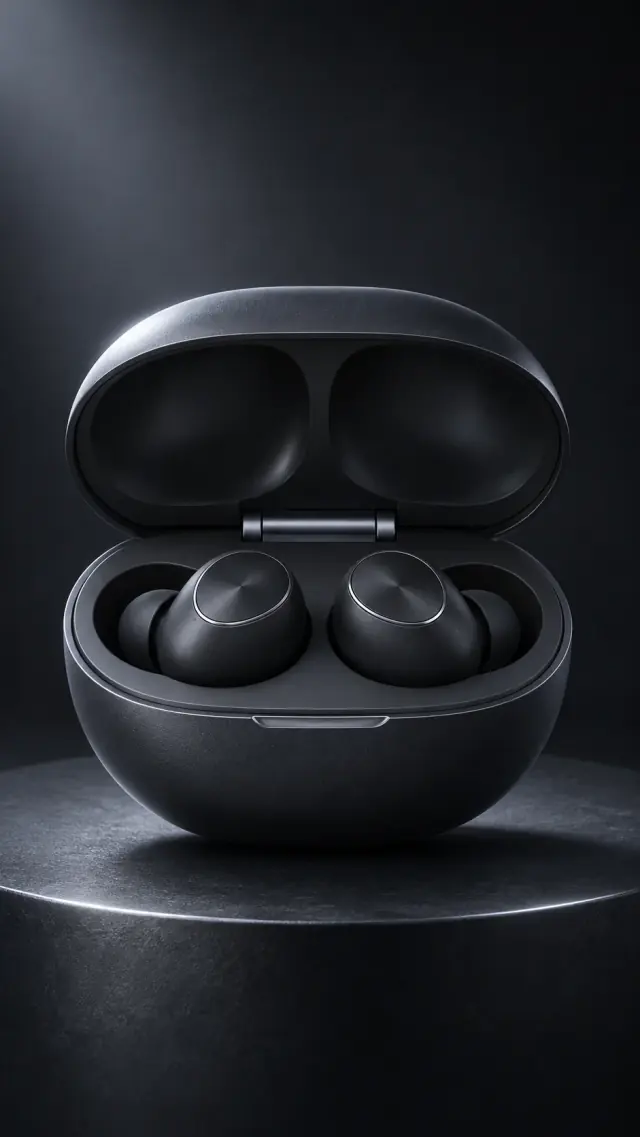
Technology · Product showcases
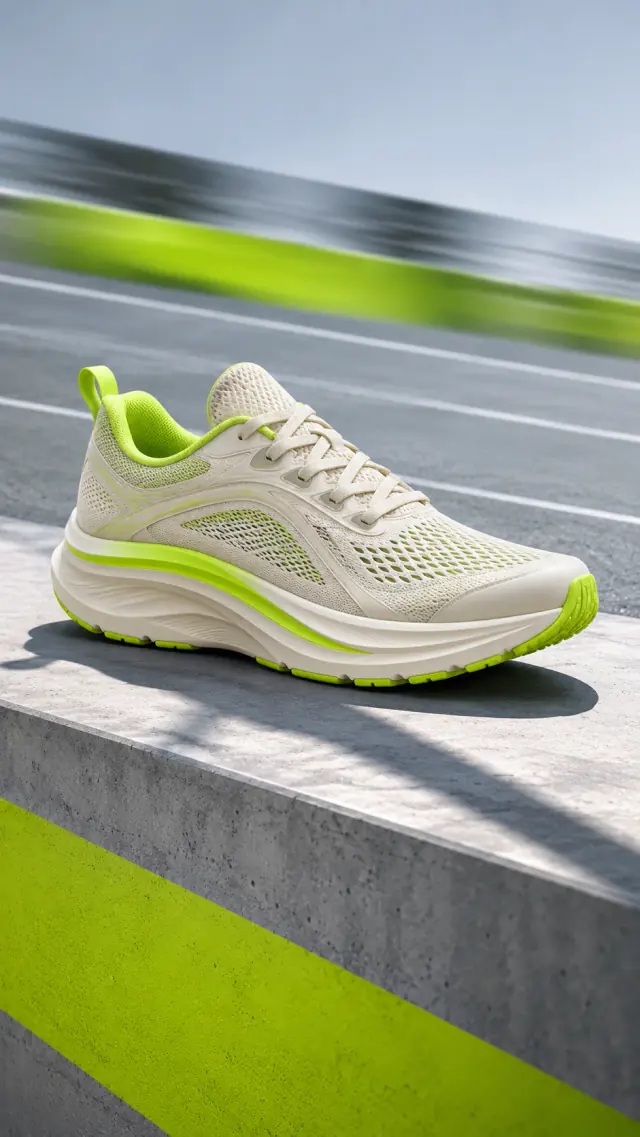
Fashion · Motion-led ideas
Prepare assets for your campaign
Create ad assets for product pages, social content, launches, or creative testing. Check the format and content against your target platform's requirements before publishing.
- Product pages
- Social media
- Product launches
- Creative testing
Give every step a clear direction, from assets to finished video
Start with product and reference assets
Upload clear product images and add factual selling points, use cases, and audience details. Specific information helps AI understand the product you want to promote.
Start creating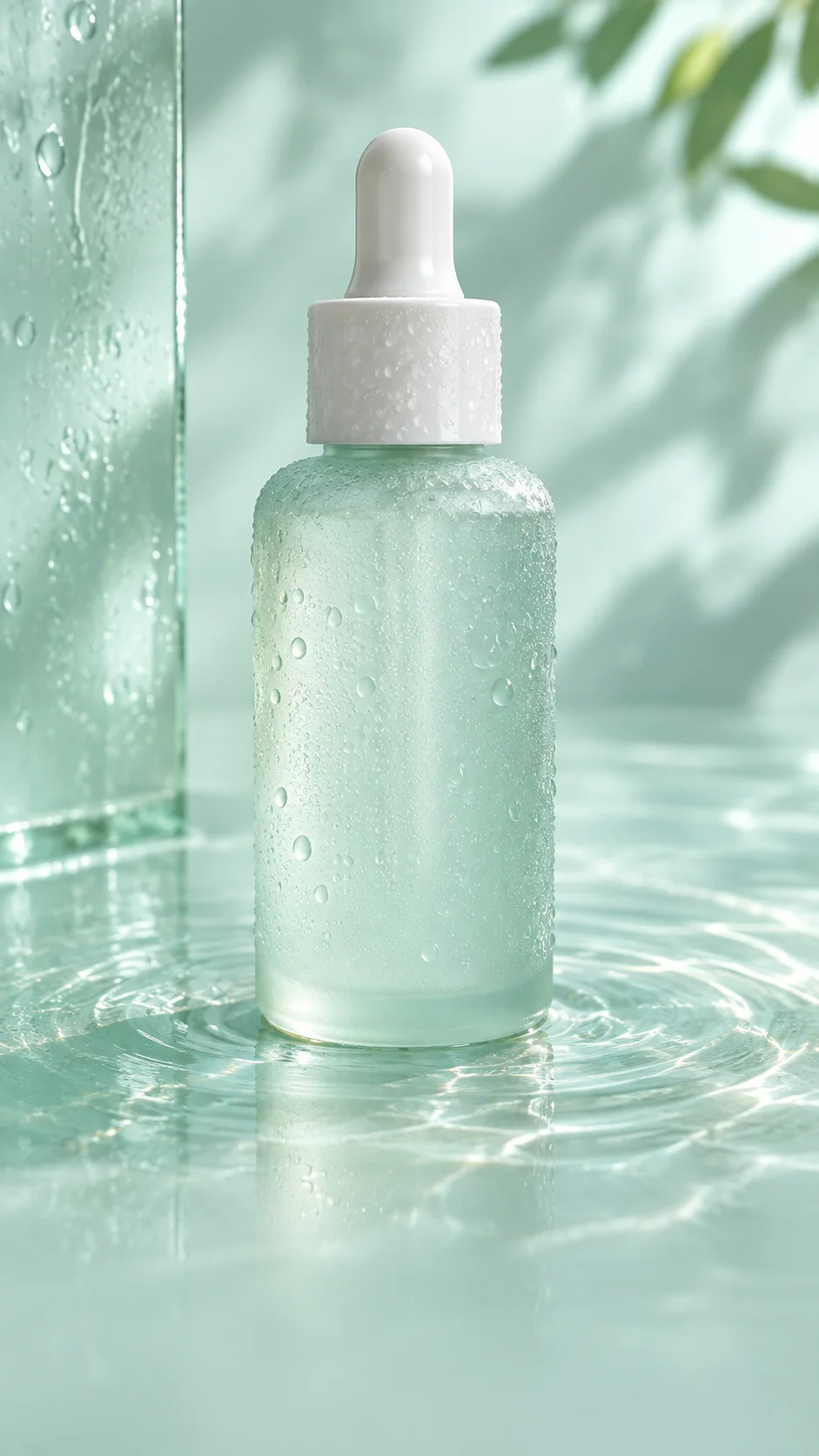
Add people and visual references
Upload a model image when your concept includes a person. Add reference assets and explain the composition, mood, or style you want to keep.
Start creating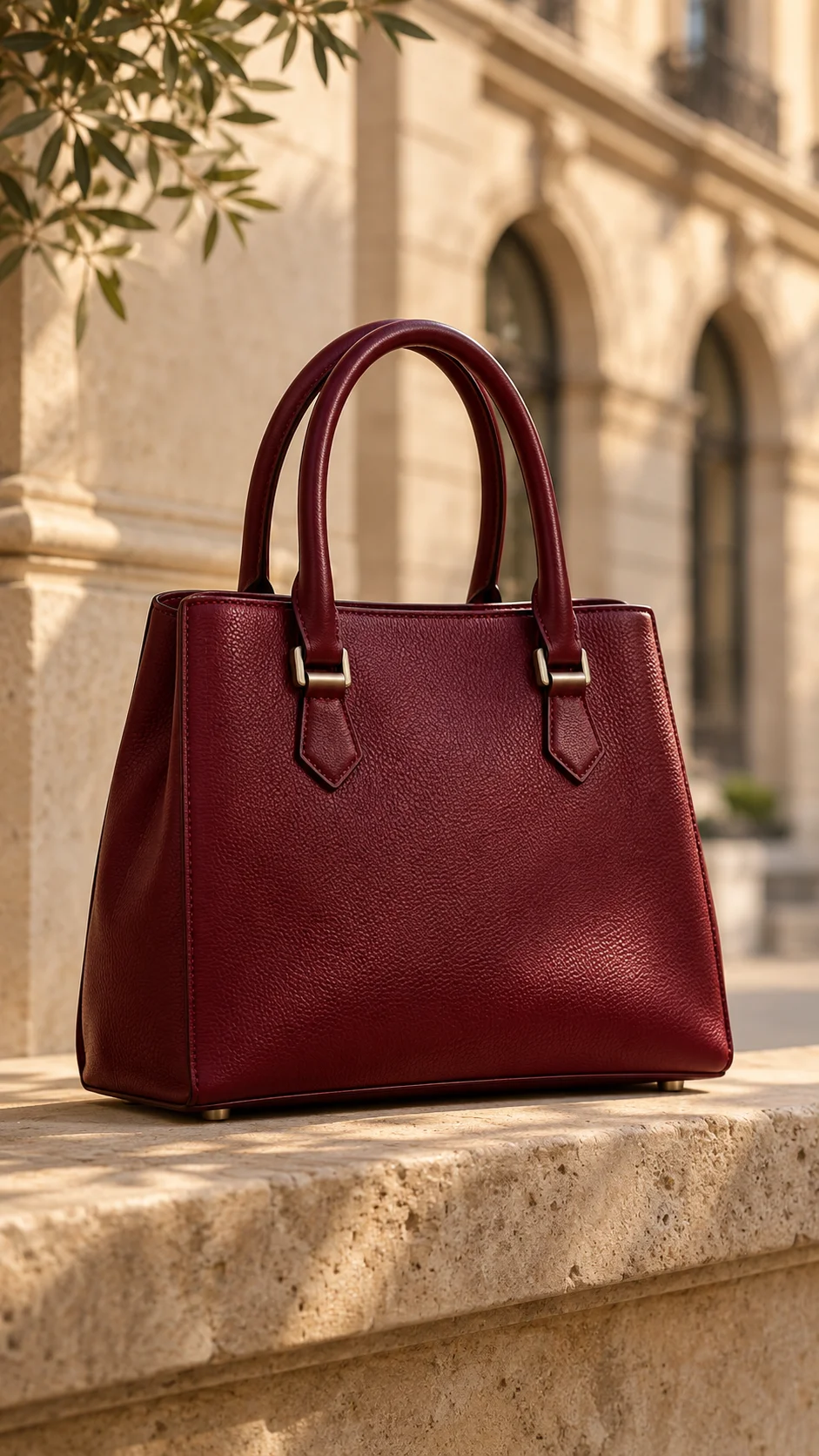
Start with a template and make the idea your own
Choose a template that fits your industry and scene, then adapt the product details and creative brief. Templates offer direction; you decide the content.
Start creating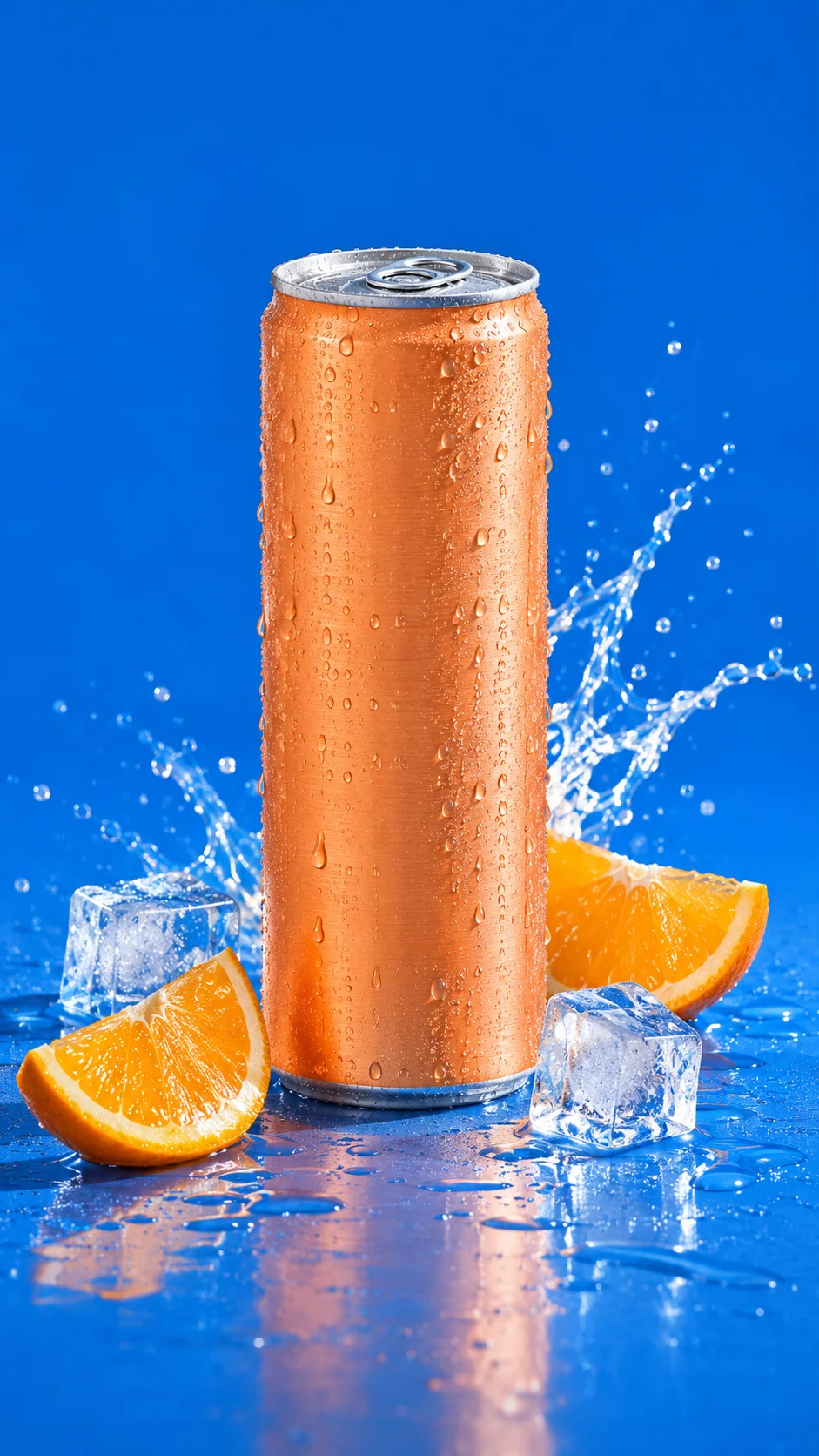
Confirm the script before production
Revise the plan through conversation and review the shots, voiceover, and on-screen text. Check the model, settings, and credit quote before production, then view the results in your project.
Start creating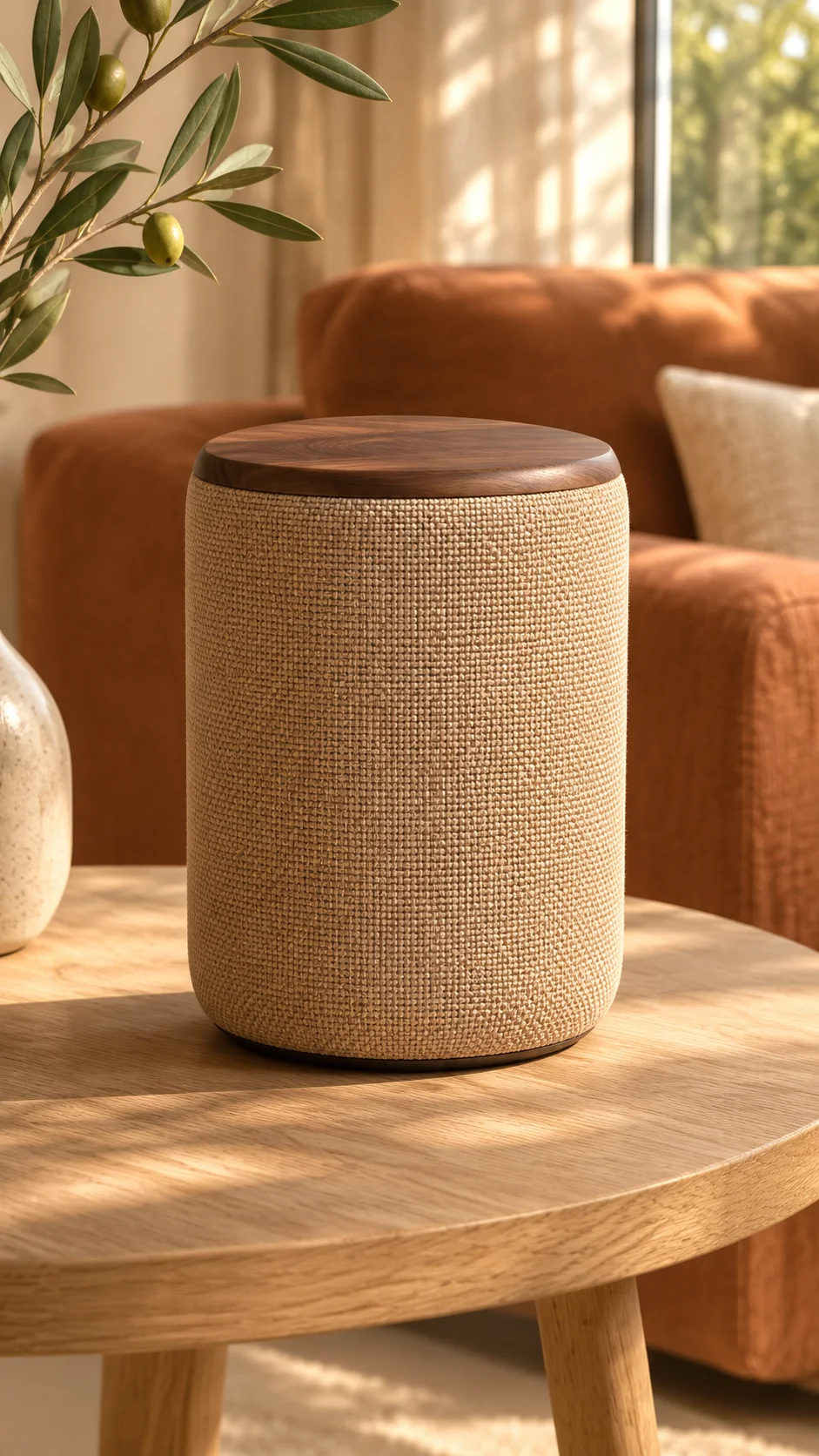
How do you create an AI ad?
Add your product and brief
Upload images and describe your selling points, audience, and preferred style, or start with a template.
Review and refine the script
Discuss the idea with AI, adjust the shots, visuals, and copy, then confirm the version you want to produce.
Confirm production and view results
Check the settings and quote before starting production. Track progress, preview, and download available results in your project.
Who is AI ad creation for?
- Ecommerce sellers
- Build visual assets around your product's selling points for launches, promotions, and product showcases.
- Brand and marketing teams
- Turn one campaign brief into different scripts to prepare assets for creative discussions and testing.
- Content creators
- Use product images and creative briefs to explore demos, lifestyle content, and short video ads.
Image creation or video ads: which should you choose?
| Creative need | AI image creation | AI video ads |
|---|---|---|
| Best for | Product stills, posters, and scene images | Product demos, visual storytelling, and motion ads |
| Assets to prepare | Image prompts and reference images | Product assets, campaign brief, and ad script |
| Workflow | Choose a model and settings in the image creation tool | Develop the script and confirm production in AI Ads |
How can you prepare more useful ad assets?
| Your current assets | Suggested next step |
|---|---|
| Clear product images and selling points | Add audience and use-case details, then start shaping the script. |
| Limited angles or product details | Add reference images from different angles and specify the details to preserve. |
| A defined brand style or copy | Include those requirements in your brief and check the script against them before production. |
AI ad generation FAQs
What should I prepare first?
Prepare clear product images, selling points, audience details, and a style description. You can also add model or reference images, or start with an existing template.
Can I generate an ad by pasting a product link?
The current entry flow uses local image uploads and a written brief. Summarize your product information in text and upload the images you want to use.
Can I edit the script before production?
Yes. Add requirements and revise the plan through conversation, then review the shots, voiceover, and on-screen text before confirming production.
How many credits does an ad cost?
The cost depends on the model, settings, and production content. Refer to the quote shown before production and the cost breakdown in the task.
Which video lengths and resolutions are supported?
Available options depend on the current model and production capabilities. Refer to the settings shown in the workspace.
Where can I find previously generated assets?
Open project history and select the relevant project to view its tasks and results. Preview or download available results without submitting the same idea again.
Explore more creative tools
Turn your next product idea into an ad
Start with a product image and a short creative brief.
Start creating