
Describe an action. Create a game-ready sprite.
Describe your character and the movement you want. Sprite Creator generates an action video, extracts its frames, and builds a sprite sheet you can preview and export for your game.
- AI-generated motion
- Background removal and frame preview
- PNG or engine-ready ZIP
From an action idea to animation frames
These illustrations show how a generated action can become a sprite atlas. Your result is built from the video generated with your chosen model and settings.
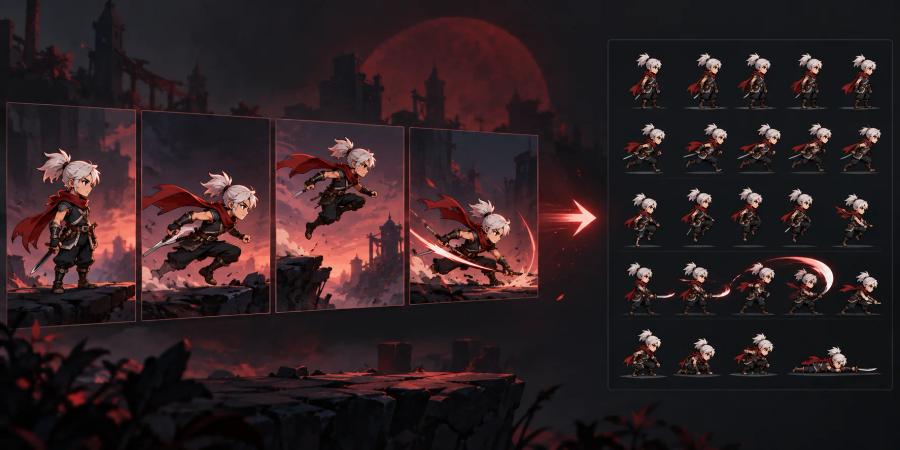
Generate the movement
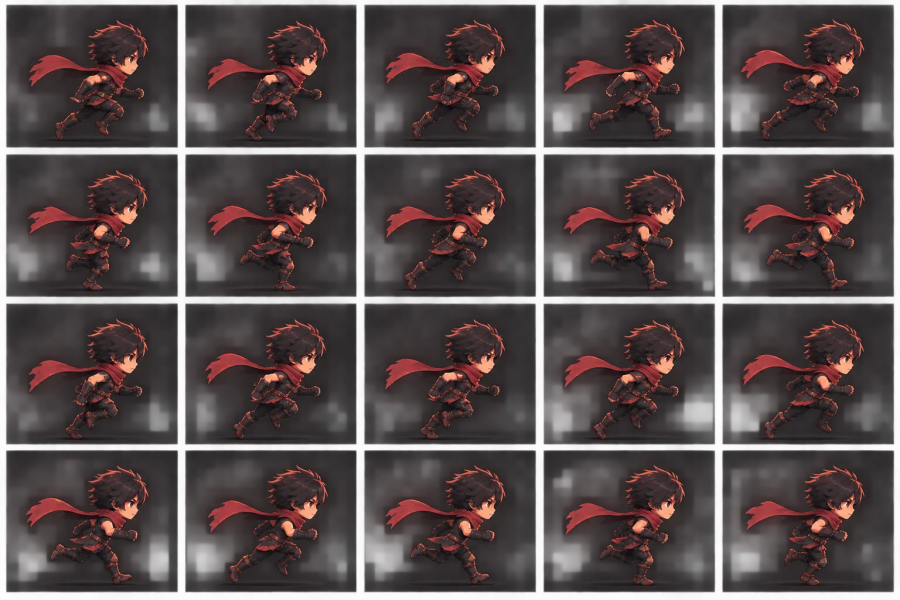
Build a sprite atlas
How to create a Sprite animation
1. Describe the action
Write a prompt about one character and a clear movement. Depending on the video model, you can also add an image or video reference.
2. Choose your settings
Select a video model, output size, duration, and solid background where supported. Set the sampling rate, frame count, and maximum frame edge for the atlas.
3. Generate and preview
Generate the action video, then inspect the video, animation frames, and packed sheet. Adjust chroma-key and frame settings to reprocess the result in your browser.
4. Export your sheet
Download the sheet as PNG, or choose Unity, Cocos Creator, or a generic ZIP package for your workflow.
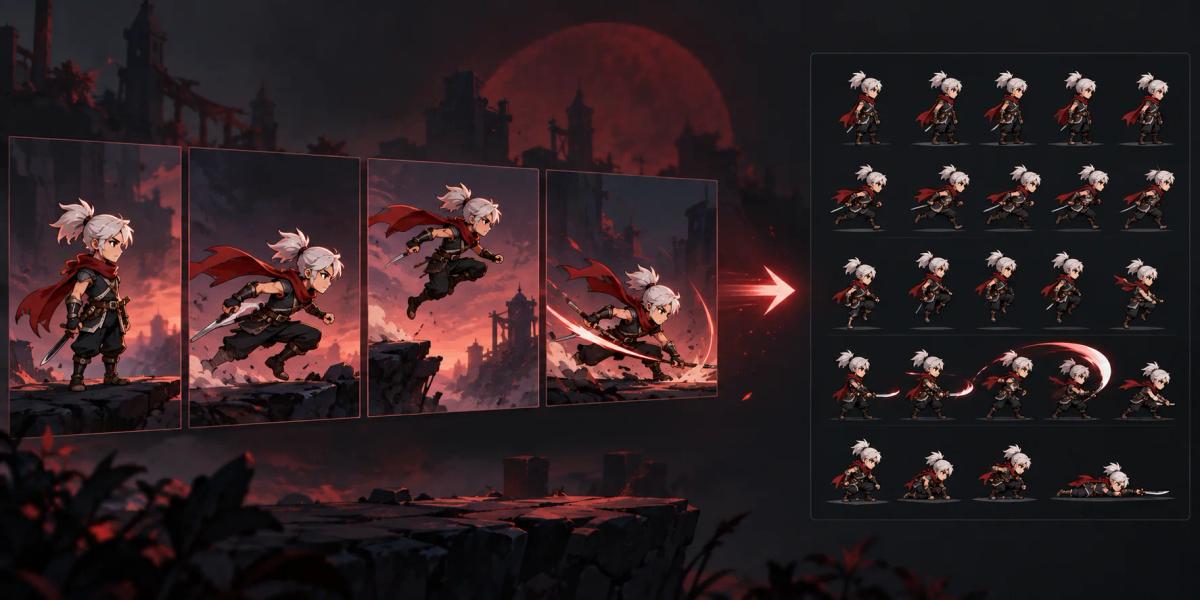
Turn generated motion into usable frames
The generated action video becomes a sequence of frames. Choose how many frames to export and use the animation preview to check how the movement loops or progresses.
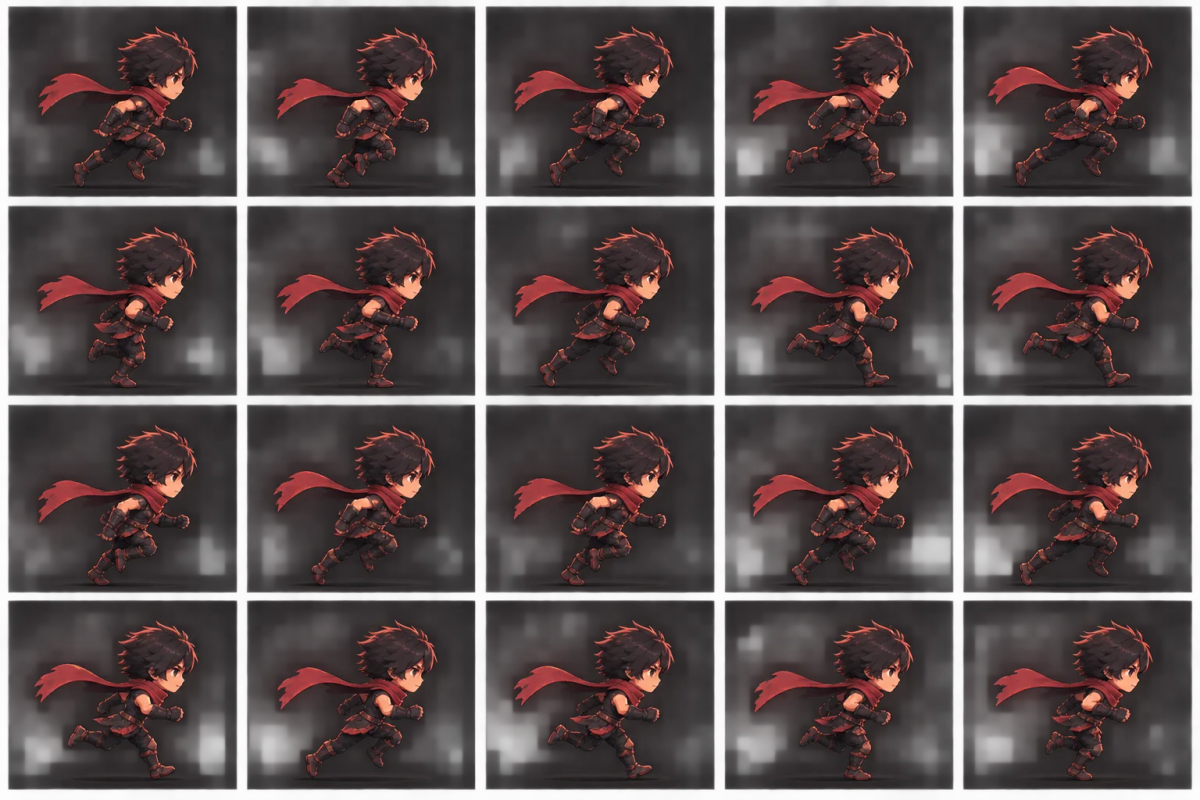
Clean the background and pack your atlas
Use the chroma-key controls to remove a solid backdrop and refine the edges. Sprite Creator crops transparent space, packs frames into a power-of-two sheet, and lets you export a PNG or engine package.
Sprite Creator FAQs
Do I need to bring my own video?
No. This page generates an action video from your prompt. Some video models also accept an image or video reference to guide the result.
Can I control the number and size of exported frames?
Yes. Choose the sampling rate, exported frame count, and maximum frame edge in the advanced atlas settings.
Can I remove a solid-color background?
Yes. Choose a solid background when your model supports it, then tune chroma-key color, similarity, smoothing, and spill while previewing the result.
What can I download?
Download a PNG sprite sheet, or choose Unity, Cocos Creator, or generic export to download a ZIP package.