
Explore a new outfit with AI
Upload a person and a garment to preview a new outfit. Generated details may vary; results do not indicate actual size or fit.
- Person + garment references
- Model and output settings
- Download your result
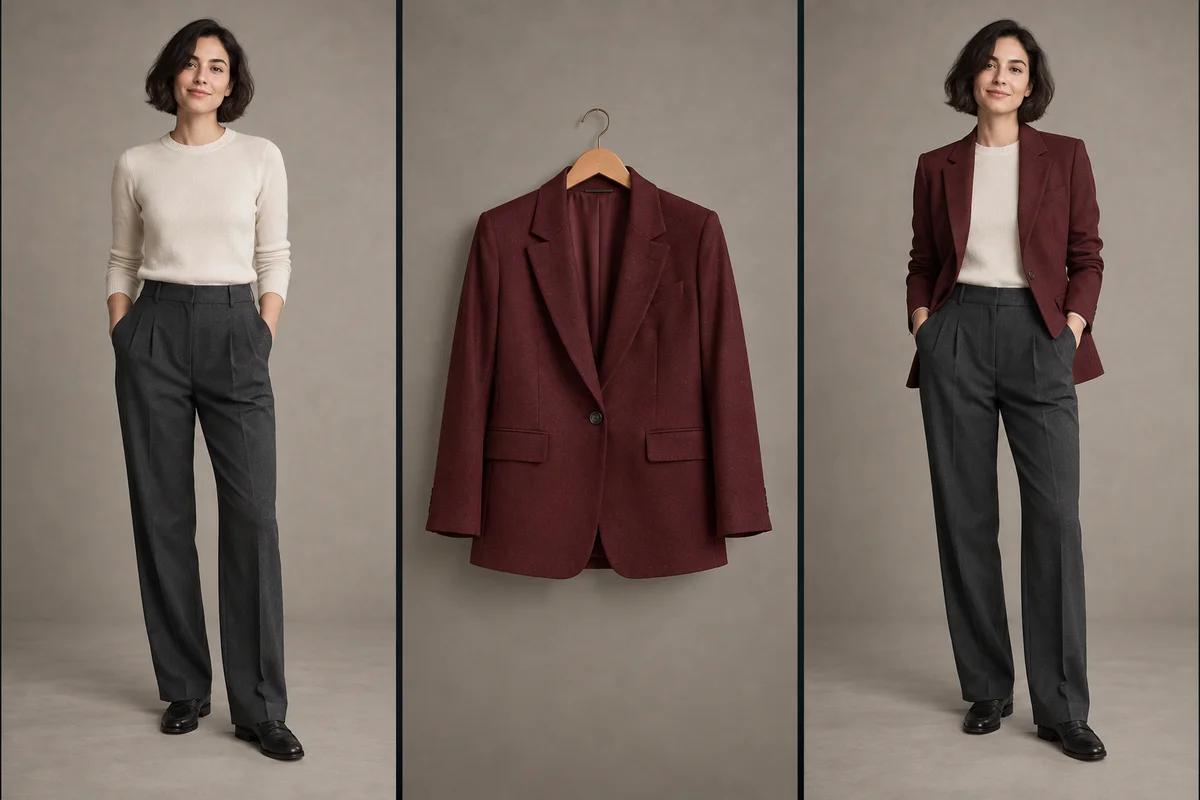
Bring a garment into your photo
Upload a person photo and a separate garment reference. The tool uses these two inputs to create an outfit preview, aiming to keep the person and scene recognizable while changing the relevant clothing. The image is an AI-created illustration of the workflow, not a recorded product result; generated details may vary.
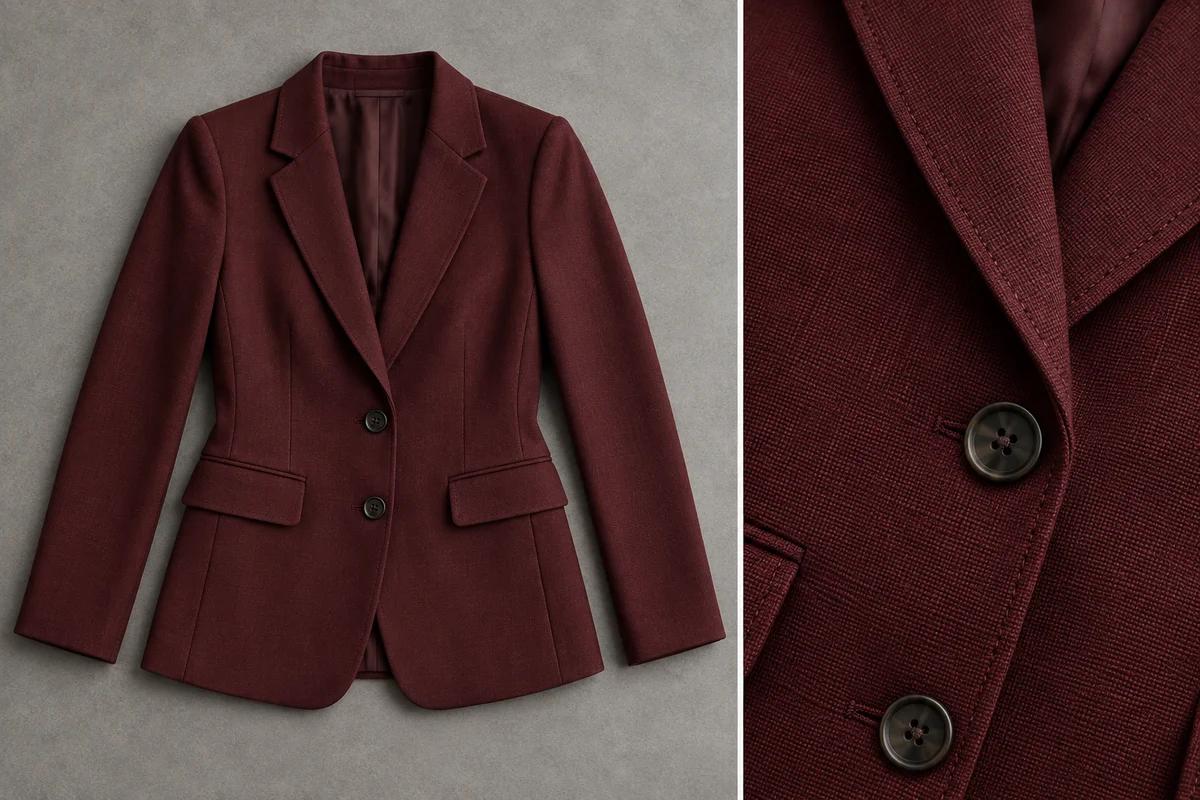
Start with a clear garment reference
Choose a flat-lay or on-model garment photo with the cut, color, and fabric details clearly visible. Keep the person photo well lit and show the area you want to dress. Clear references help communicate the intended clothing, but the preview is not a measurement or a guarantee of fit. This garment image is an illustrative example.
How to use the AI clothes changer
1. Add a person photo
Upload a clear photo of one person with the area to dress fully visible.
2. Add the garment reference
Upload a flat-lay or on-model garment photo with clear clothing details.
3. Review the model and settings
Choose an available model, aspect ratio, and resolution. Review the estimated credit cost shown in the creation panel. The tool handles the outfit instructions automatically; no custom prompt is required.
4. Generate and review
Select Generate outfit, then inspect the preview. Open or download the result, or adjust the inputs and generate again if the clothing details need another attempt.
Use photos you have permission to upload and edit. Avoid blurry references, heavily covered clothing, or busy group photos. Review faces, garment edges, patterns, and hands before sharing. AI outfit previews are for visual exploration only: they do not show actual garment size, fit, comfort, or purchasing suitability.
AI clothes changer FAQs
Which photos do I need?
Add two images: a person photo as the base and a garment reference for the clothing. The garment can be photographed flat or worn by a person; make sure the clothing details are visible.
Do I need to write a prompt?
No. This tool provides the outfit-transfer instructions automatically. You supply the two reference images and choose the available model and output settings.
Will the person and background stay the same?
The instructions aim to preserve the person, pose, and scene while changing the corresponding clothing. AI generation can still alter details, so inspect the result before using it.
Does the preview show real garment fit?
No. It is an AI-generated visual preview, not a size recommendation or fitting simulation. Use actual garment measurements and other reliable information for purchasing decisions.
How much does a generation cost?
The creation panel shows the estimated credit cost for the selected model and settings before generation. Review that estimate in the workspace.
Can I download the result?
Yes. Once a result is available, use the result actions to open or download it. You can also return to the inputs to try another garment or photo.