Make This Look Your Own
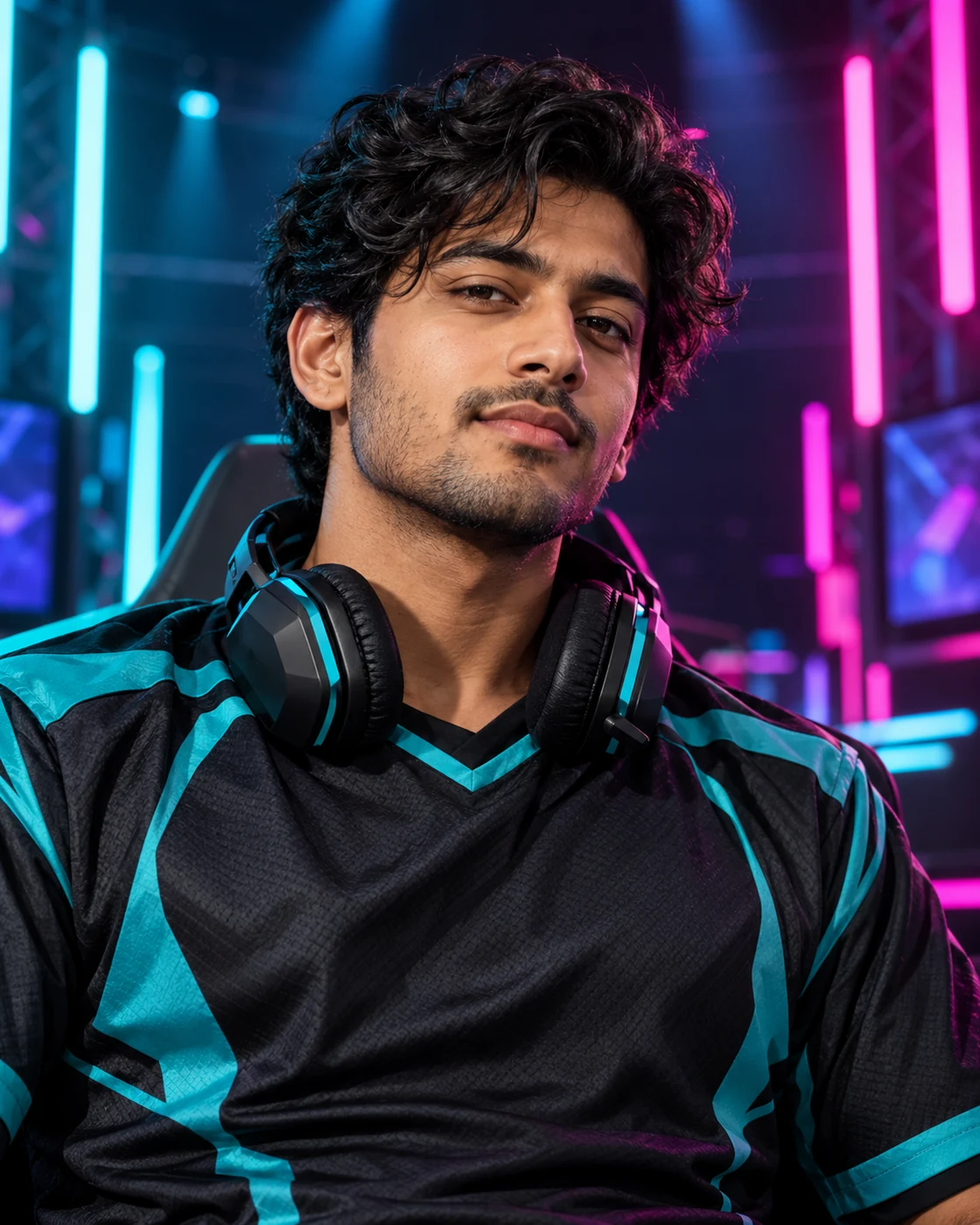
A headset below the face avoids hiding the ears and jaw. Cyan and magenta lights establish the gaming atmosphere while the facial light stays softer and more neutral.
The Scene and Visual Details
Build an esports-style portrait with RGB stage lighting and a headset around the neck. Upload one photo to personalise the player in an original team-style outfit. Use a close crop for a gaming profile or retain the stage for a channel graphic. Add your own handle separately; the template has no fixed team branding.
How to Create Your Version
Prepare one clear identity photo. The example image is included automatically.
Choose your reference
Use one clear head-and-shoulders portrait; a source headset is unnecessary.
Upload in Remix
Open Remix and upload your photo. The template supplies the scene and visual treatment; your photo supplies the identity. You do not need to copy a prompt or upload the example.
Review the result
Inspect headset ear cups, neckline and face colour under the RGB lighting.
Composition and Finishing Tips
Choose your final version deliberately rather than judging only the small preview.
Choose a useful crop
Use a close crop for a gaming profile or retain the stage for a channel graphic. Add your own handle separately; the template has no fixed team branding.
Make a focused refinement
Inspect headset ear cups, neckline and face colour under the RGB lighting. If one detail needs work, open Image Editing and describe that change while preserving the rest of the composition. Keep the first version for comparison.
Questions About This Look
Reference-photo quality and the intended output affect how useful the final image will be.
Which photos should I upload?
Use one clear head-and-shoulders portrait; a source headset is unnecessary.
What should I inspect before sharing?
Inspect headset ear cups, neckline and face colour under the RGB lighting. Generated details and likeness can vary; compare the result with the original references.
How should I crop or use the result?
Use a close crop for a gaming profile or retain the stage for a channel graphic. Add your own handle separately; the template has no fixed team branding.
Continue Creating
Explore a related template or open a separate creation tool. Model links start a separate free-form workflow.
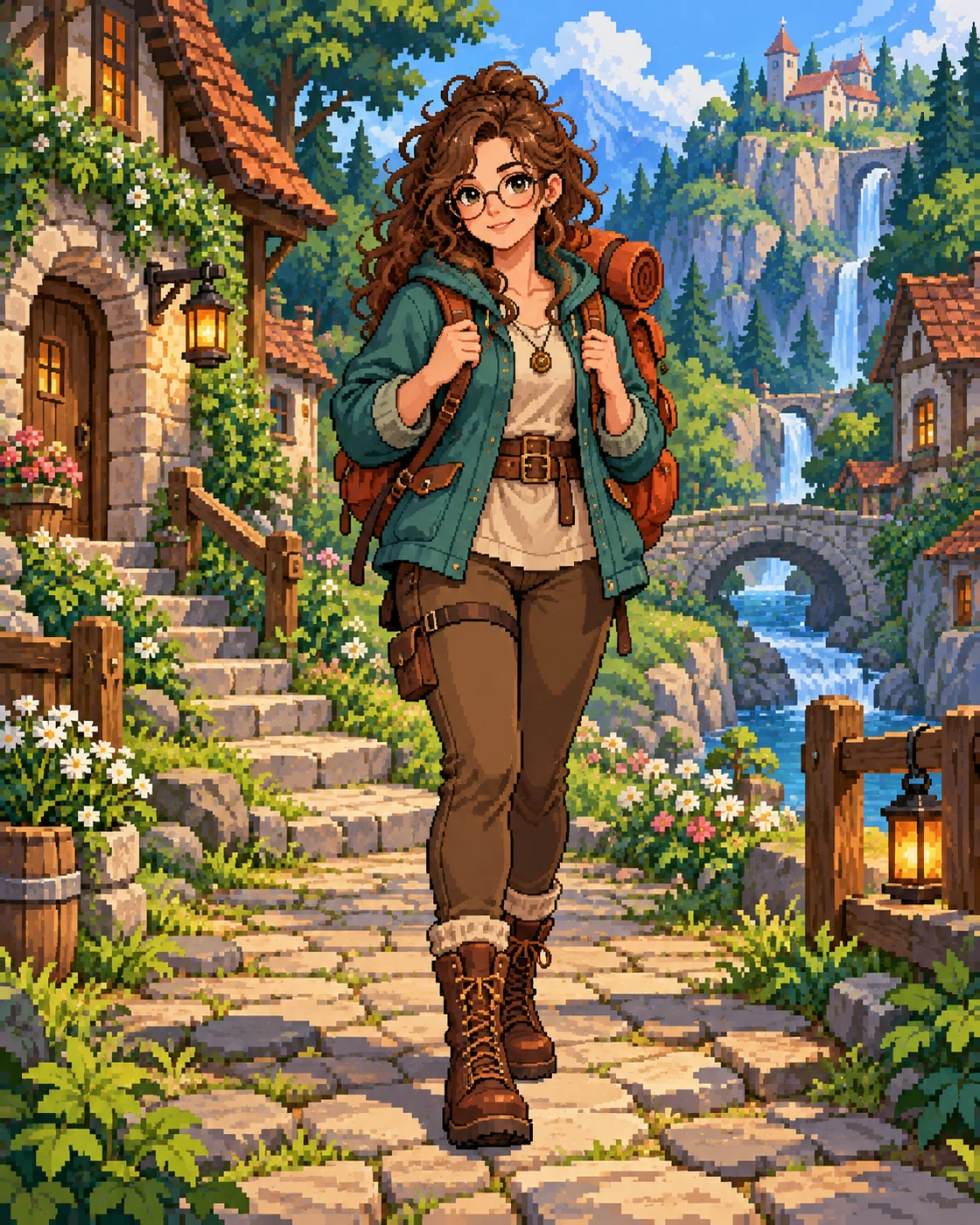
Pixel Game Hero Portrait
Try a different scene with its own upload guidance.
Gaming Portraits
Browse the other templates in this topic.
Image Editing
Refine a detail in an image you have already generated.
GPT Image 2.5 Flare
Explore a separate model workflow.
GPT Image 2.5 Sunburst
Try another model page for free-form creation.