Make This Look Your Own
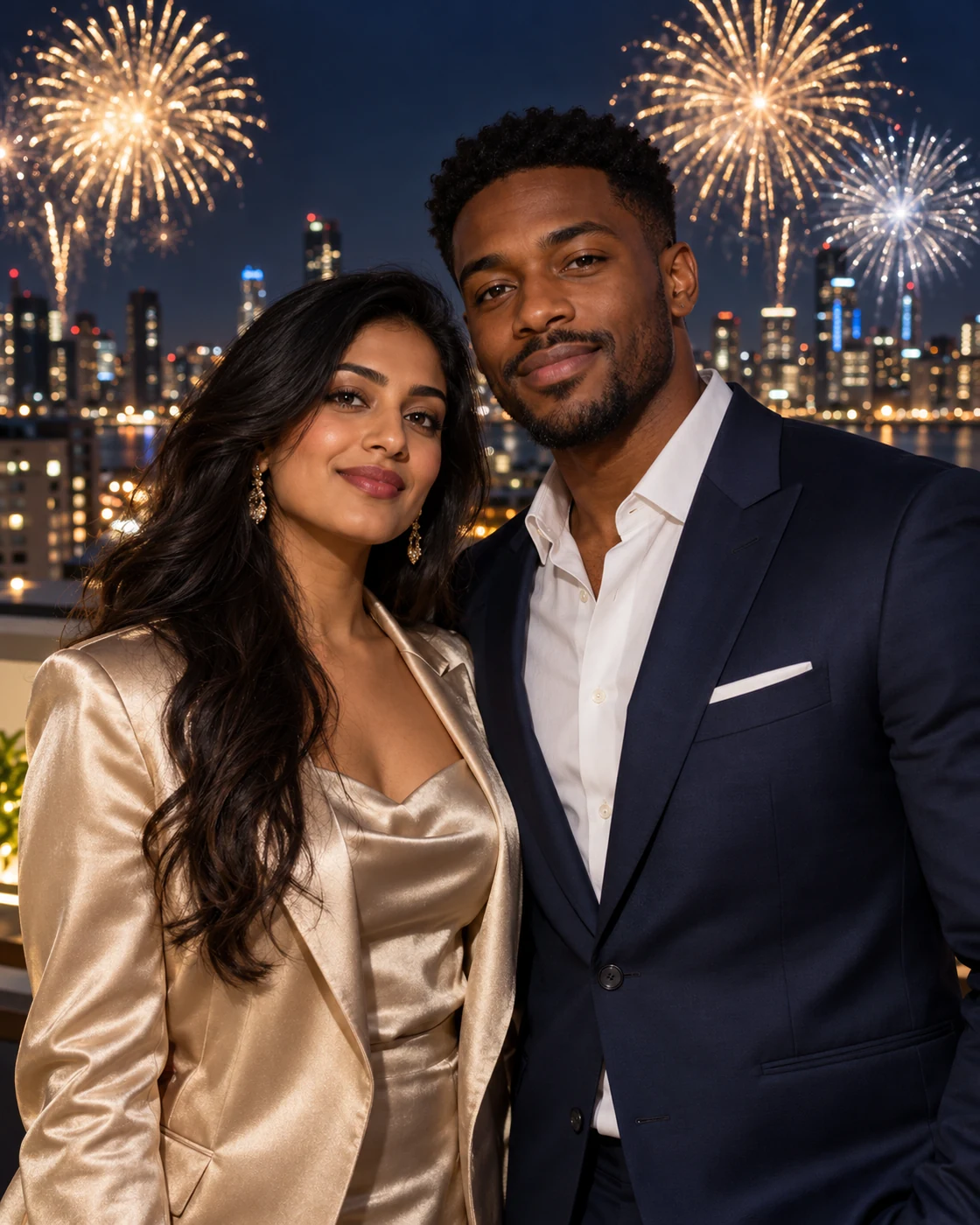
Soft foreground lighting matters as much as the fireworks: both faces should remain readable against the darker city. The example uses formal clothing and a simple shoulder-to-shoulder pose to keep the scene elegant.
The Scene and Visual Details
Create a two-person rooftop portrait beneath gold and silver fireworks. Separate photo slots keep the left and right identities clear in a year-free celebration scene. This version contains no year, so it can work for New Year, an anniversary or another celebration. Add the exact date later if the occasion needs one.
How to Create Your Version
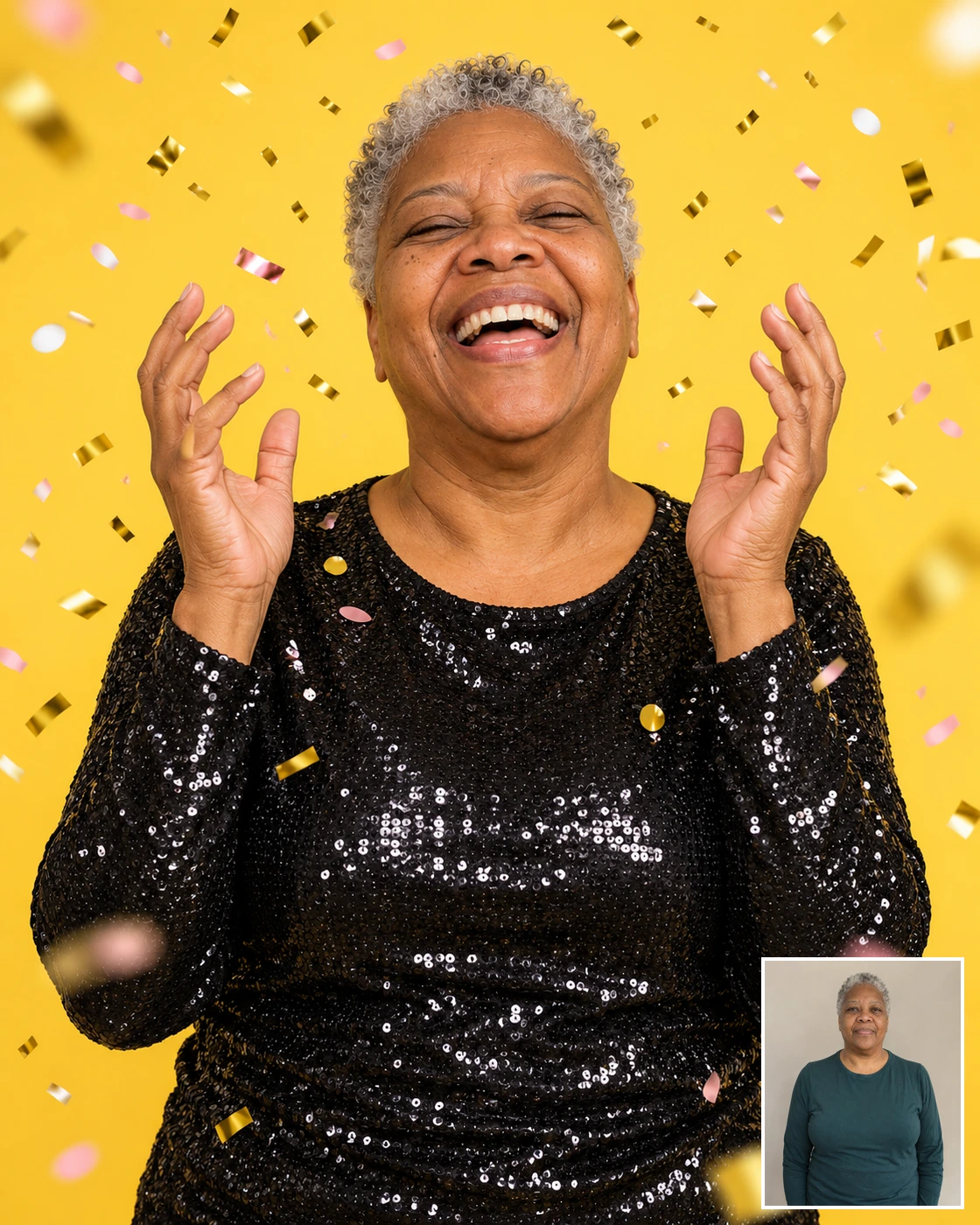
Prepare two separate photos, one subject in each. The example image is included automatically.
Choose your reference
Use two separate portraits with similarly clear lighting; the template supplies the night scene.
Upload in Remix
Open Remix and place each reference in its labelled slot. Person A maps to the left subject and Person B to the right. Check the thumbnails before submitting.
Review the result
Check both faces stay bright and distinct rather than becoming silhouettes under the fireworks.
Composition and Finishing Tips
Choose your final version deliberately rather than judging only the small preview.
Choose a useful crop
This version contains no year, so it can work for New Year, an anniversary or another celebration. Add the exact date later if the occasion needs one.
Make a focused refinement
Check both faces stay bright and distinct rather than becoming silhouettes under the fireworks. If one detail needs work, open Image Editing and describe that change while preserving the rest of the composition. Keep the first version for comparison.
Questions About This Look
Reference-photo quality and the intended output affect how useful the final image will be.
Which photos should I upload?
Use two separate portraits with similarly clear lighting; the template supplies the night scene.
What should I inspect before sharing?
Check both faces stay bright and distinct rather than becoming silhouettes under the fireworks. Generated details and likeness can vary; compare the result with the original references.
How should I crop or use the result?
This version contains no year, so it can work for New Year, an anniversary or another celebration. Add the exact date later if the occasion needs one.
Continue Creating
Explore a related template or open a separate creation tool. Model links start a separate free-form workflow.
Nineties Yearbook Portrait
Try a different scene with its own upload guidance.
Celebration Portraits
Browse the other templates in this topic.
Image Editing
Refine a detail in an image you have already generated.
GPT Image 2.5 Flare
Explore a separate model workflow.
GPT Image 2.5 Sunburst
Try another model page for free-form creation.