
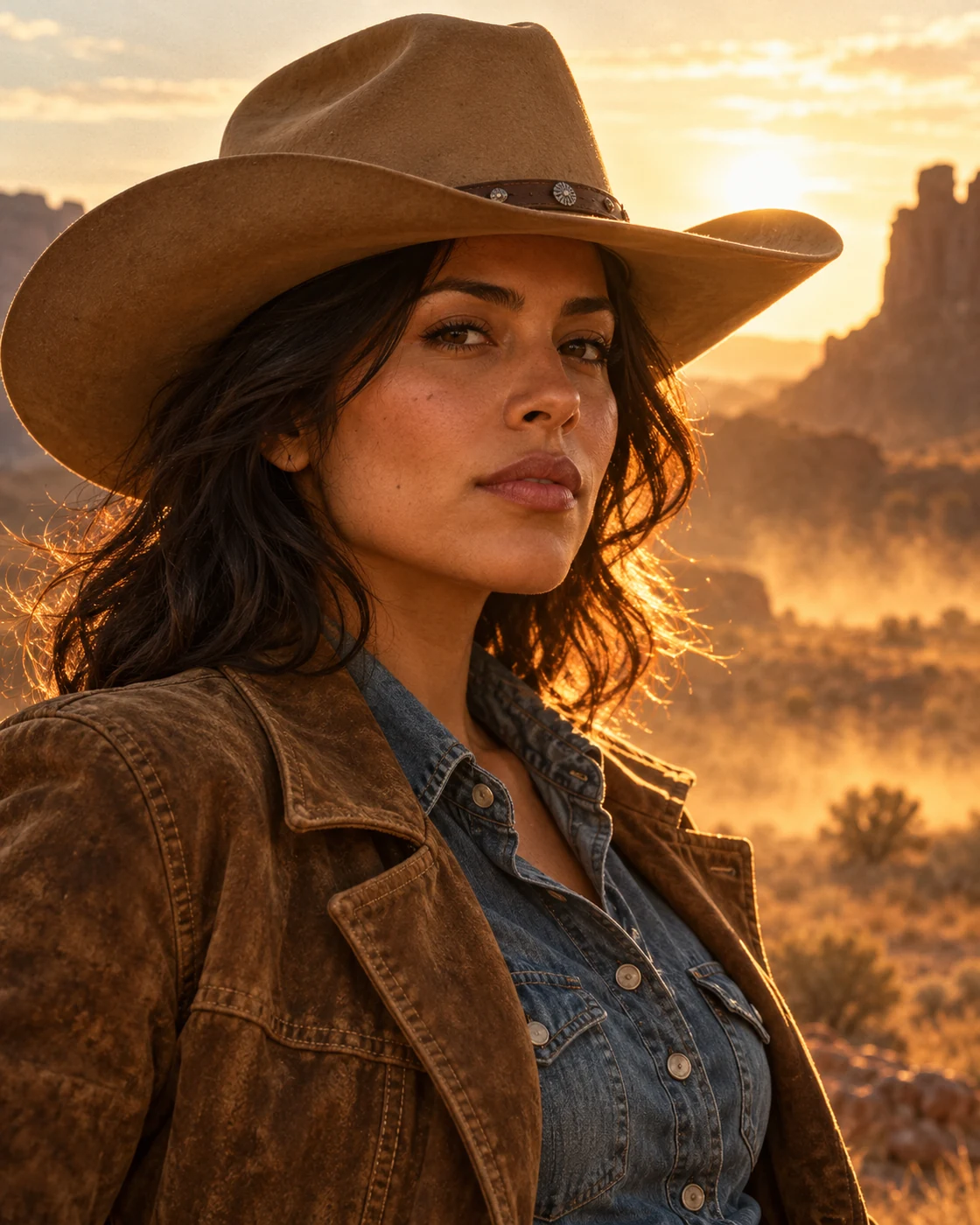
Explore Cinematic Portraits
Create character-led portraits with film-inspired settings, natural facial detail and deliberate lighting. Begin with a clear photo and review the finished identity.
Choose a Scene Before Uploading
Each template keeps its own composition, palette and practical reference-photo guidance. Compare the examples and choose the mood that fits your intended result. Create character-led portraits with film-inspired settings, natural facial detail and deliberate lighting. Begin with a clear photo and review the finished identity.
Prepare Your Photos
The upload count and identity roles are set by the chosen template.
Read the upload guidance
Use clear, unobstructed subjects. Two-photo templates have separate Person A and Person B roles; review them before submitting.
Compare the result
Check each face or animal against its own reference. Review hands, clothing, anatomy and small props before using the result.
Before You Start
The examples show creative directions for newly generated images.
Does every template need two photos?
No. Check the template page: solo portraits use one, and paired scenes use two. The template base is added automatically.
Can I refine the result?
Yes. Keep the original result, then use Image Editing for a focused change. Generated likeness and small details may vary, so inspect the final version before sharing.
Choose a Starting Point
Open a template for its full example and reference guidance.
Western Sunset Portrait
Create a western film portrait with a tan cowboy hat, suede textures and desert sunset light. Upload one photo to personalise the character.
All Templates
Explore more scenes and visual styles.
Image Editing
Refine a detail in an existing image.