
Turn your tattoo idea into a design to discuss
Describe a tattoo motif in AI Logo, add optional lettering or a reference image, and generate one flat design on a white background. Use it as a visual reference to discuss with your tattoo artist.
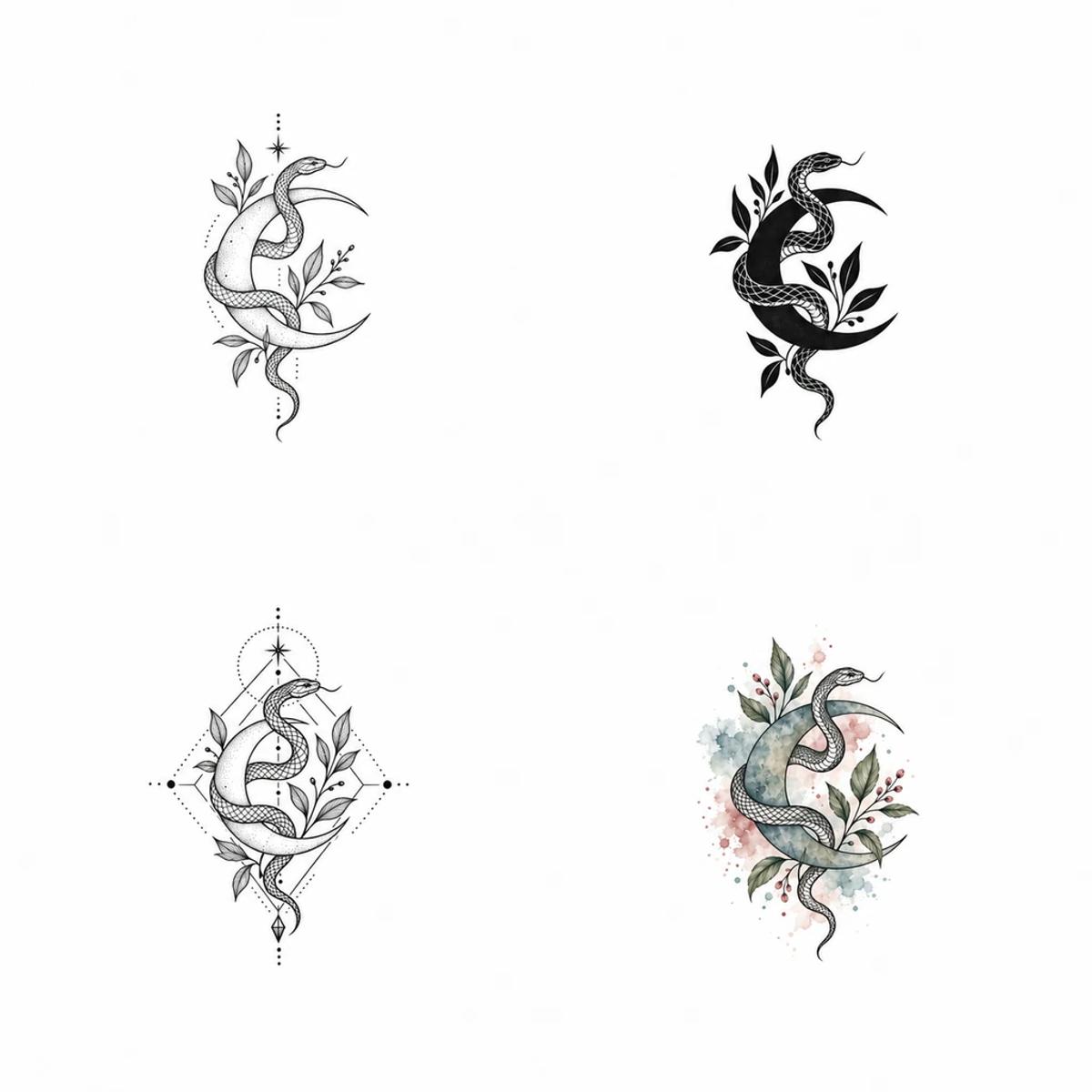
Explore your tattoo idea in four styles
Fine line emphasizes delicate contours, blackwork uses bold black areas, geometric designs focus on shapes and symmetry, and watercolor brings flowing color. The style illustrations show visual directions, not actual results from your task.
Create a tattoo design reference in three steps
Describe your tattoo idea
Describe the motifs and composition you want. Add optional tattoo text or one reference image. Leave the text field blank for a design without lettering.
Choose a style and generation settings
Choose a style, colors and body placement, then check the model, output settings and displayed price. Placement guides the composition of the artwork.
Review the design and discuss it
Check the artwork and lettering, download the image, and discuss it with your tattoo artist. Adjust the description and start another request to explore further.
AI tattoo generator FAQ
Is the generated file an SVG vector image?
No. The output is one raster image on a white background, not an editable SVG. Check the design and any tattoo text before downloading.
Can I preview the tattoo on my body?
Yes. After generating, choose “Try on body”, upload a body photo, and adjust position, size, rotation and opacity before downloading. Photos stay in your browser and use no generation credits. This is a flat overlay, not a simulation of body curves.
Is tattoo generation free?
No. Generation is charged according to the model and output settings price displayed in the interface. Check the required credits before submitting.
Can I run multiple tasks or resume a task from history?
Once a request is accepted, you can start another. Each task is saved separately in history. Resuming an existing task continues checking it without submitting or paying for it again.