
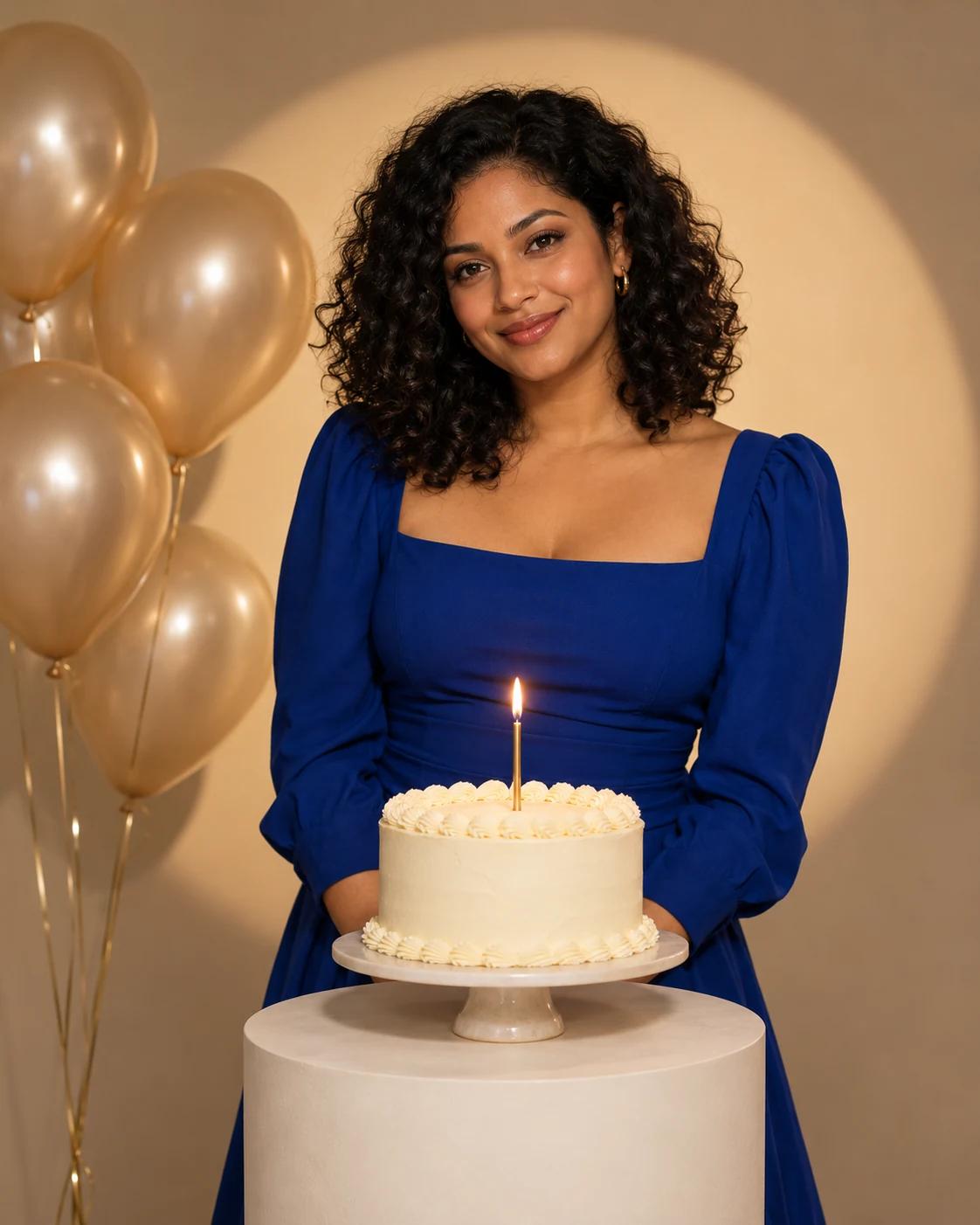
Make Your Birthday Spotlight Portrait
A warm spotlight, a simple cake and a restrained colour palette give this birthday portrait a studio look. The image leaves out names and age numbers, so it can be used as a personal celebration portrait before you add your own caption.
What Defines This Look
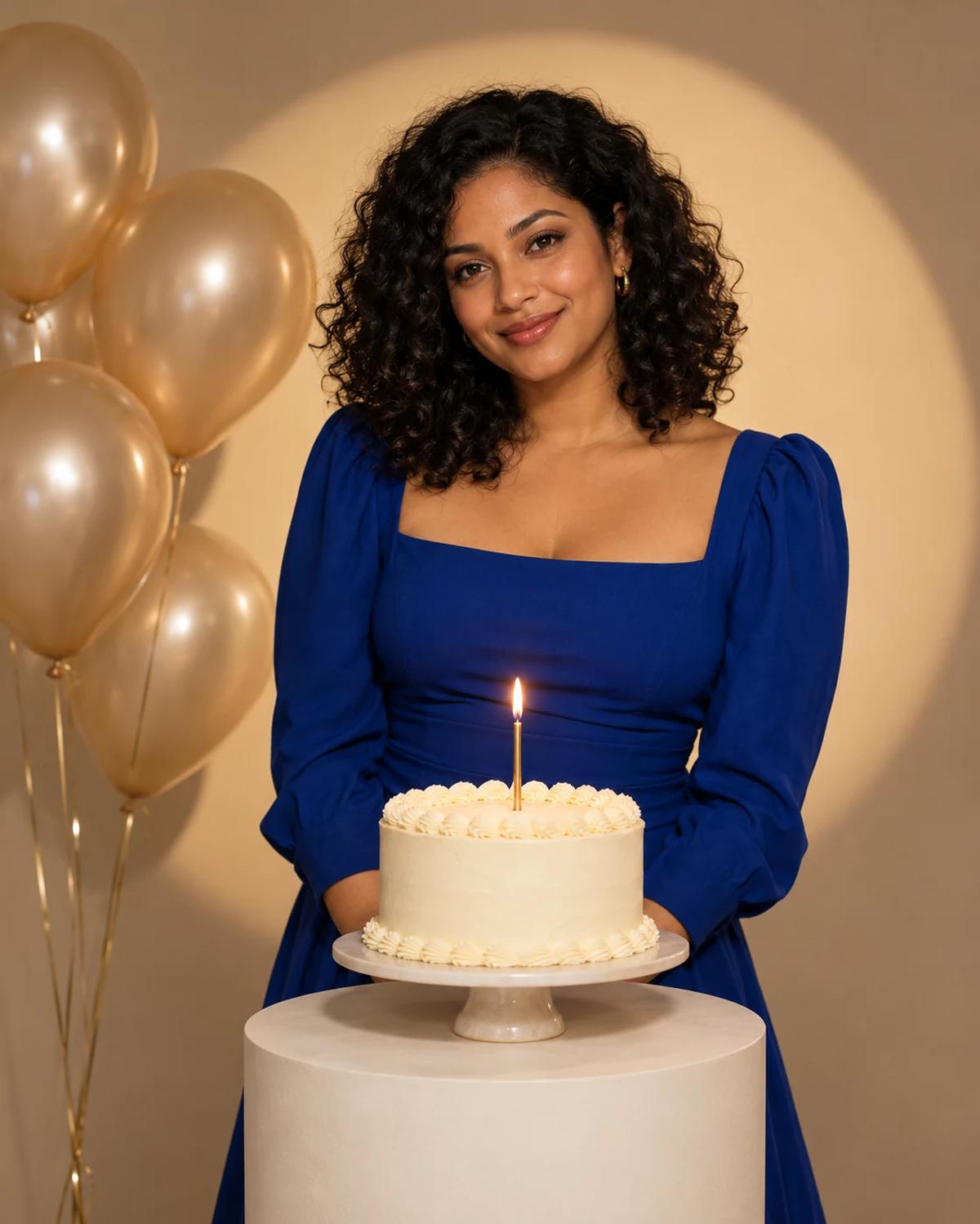
The cobalt outfit contrasts with the cream cake and champagne balloons. A single unnumbered candle keeps the composition simple, while the spotlight adds shape to the background without taking attention away from the face.
How to Personalise It
Start with one photo and use the template scene as your visual reference.
Choose a clear reference
Upload one portrait with a clear face and visible shoulders. Choose even light and avoid a phone covering the face. You do not need to hold a cake in the original photo.
Open Remix and upload
Select Remix, upload one photo and review the displayed cost before generating. The template supplies its scene and styling, with a 4:5 output composition.
Review the finished image
Check the face first, then both hands and the edge of the cake. Confirm that there is one candle and no unintended names or numbers on the cake or balloons.
Get More From the Result
A few checks make the image easier to use after generation.
Choose the right crop
Use the 4:5 result as a birthday feed post. Add your own date or message in an editor afterward if you need exact lettering.
Refine one detail at a time
If the likeness or a small detail needs work, use Image Editing for a focused adjustment. Keep an unchanged copy so you can compare the edit with the original result.
Questions About This Template
Practical guidance before you upload a photo.
Can I choose an age number?
This template intentionally uses one unnumbered candle. Add an exact age or message afterward in an editor rather than relying on generated lettering.
Does the original photo need party clothes?
No. The template provides the outfit and celebration setting; your upload supplies the person's identity.
Can I use it for a birthday invitation?
You can use the image as the visual part of an invitation. Add practical details such as the date, location and RSVP information separately and check them before sending.
Continue Creating
Explore related scenes or open a separate creation tool. These links do not automatically apply this template.
Vintage Black and White Photo Booth
Try a different composition with vintage black and white photo booth.
Birthday Portraits
Browse more ideas in this topic.
Image Editing
Refine a background, accessory or local detail in a finished image.
GPT Image 2.5 Flare
Explore another image model in a separate creation workspace.
GPT Image 2.5 Sunburst
Open the model page for a different free-form image creation workflow.