Make Your Miniature Person in a Palm
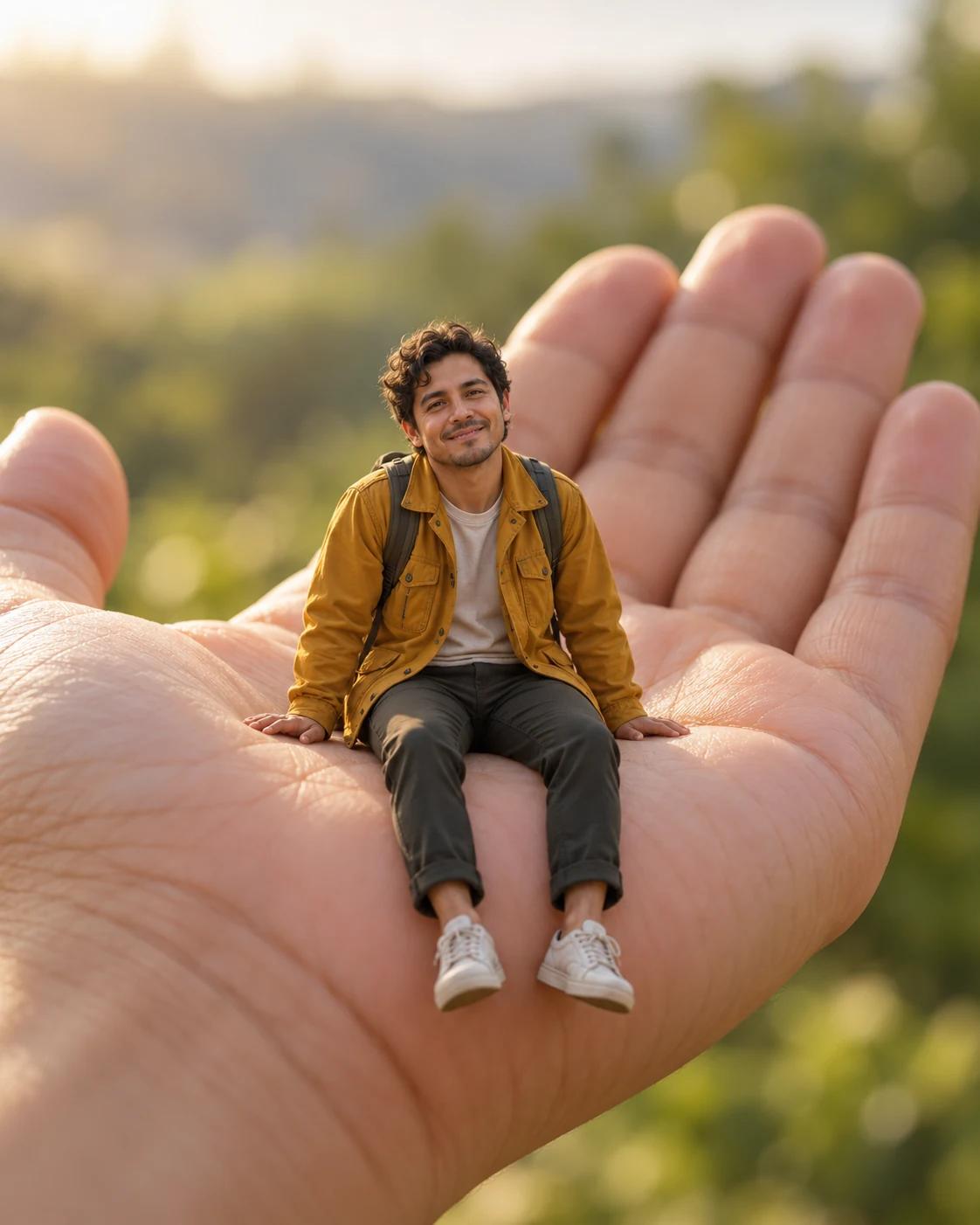
Forced perspective turns a simple portrait into a small visual joke: a tiny traveller pauses in the palm of a hand. The oversized hand gives scale, while a soft background keeps the tiny figure easy to find.
What Defines This Look
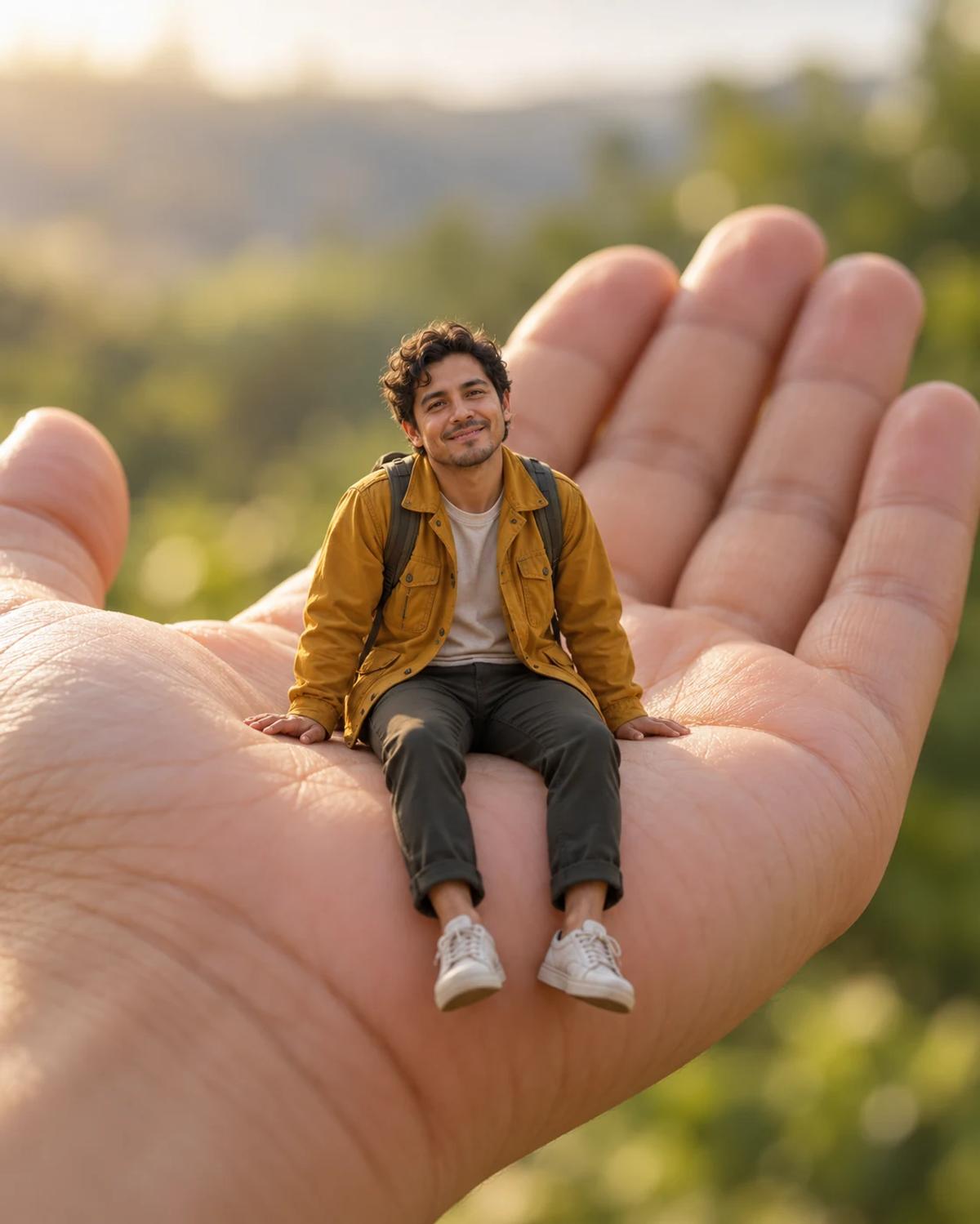
The supporting hand belongs to the template scene. Your photo personalises the miniature traveller, including their recognisable face and hair. The key details are contact between the shoes and palm, believable proportions and a clear silhouette.
How to Personalise It
Start with one photo and use the template scene as your visual reference.
Choose a clear reference
Use a photo of one person with a clear face. A standing photo with visible limbs can help convey the subject's outline, but avoid a distant group shot or a cropped head with heavy distortion.
Open Remix and upload
Select Remix, upload one photo and review the displayed cost before generating. The template supplies its scene and styling, with a 4:5 output composition.
Review the finished image
Inspect the supporting hand for natural fingers, then check that both feet sit on the palm. The person should remain miniature, with no full-size duplicate or extra figure.
Get More From the Result
A few checks make the image easier to use after generation.
Choose the right crop
Keep the hand and the whole figure in the crop. Enlarging only the face removes the scale cue that makes this concept work.
Refine one detail at a time
If the likeness or a small detail needs work, use Image Editing for a focused adjustment. Keep an unchanged copy so you can compare the edit with the original result.
Questions About This Template
Practical guidance before you upload a photo.
Will it replace the large hand with my hand?
No. This template is designed to replace the tiny person. The large supporting hand stays part of the scene.
Do I need to photograph myself standing on something?
No. Upload a clear photo of one person. The miniature scale, palm and background are supplied by the template.
Why can the face be harder to recognise here?
The figure occupies a smaller part of the finished image than in a close-up portrait. Use a sharp reference and assess the result at full size before sharing.
Continue Creating
Explore related scenes or open a separate creation tool. These links do not automatically apply this template.
Renaissance Oil Portrait
Try a different composition with renaissance oil portrait.
Miniature Worlds
Browse more ideas in this topic.
Image Editing
Refine a background, accessory or local detail in a finished image.
GPT Image 2.5 Flare
Explore another image model in a separate creation workspace.
GPT Image 2.5 Sunburst
Open the model page for a different free-form image creation workflow.