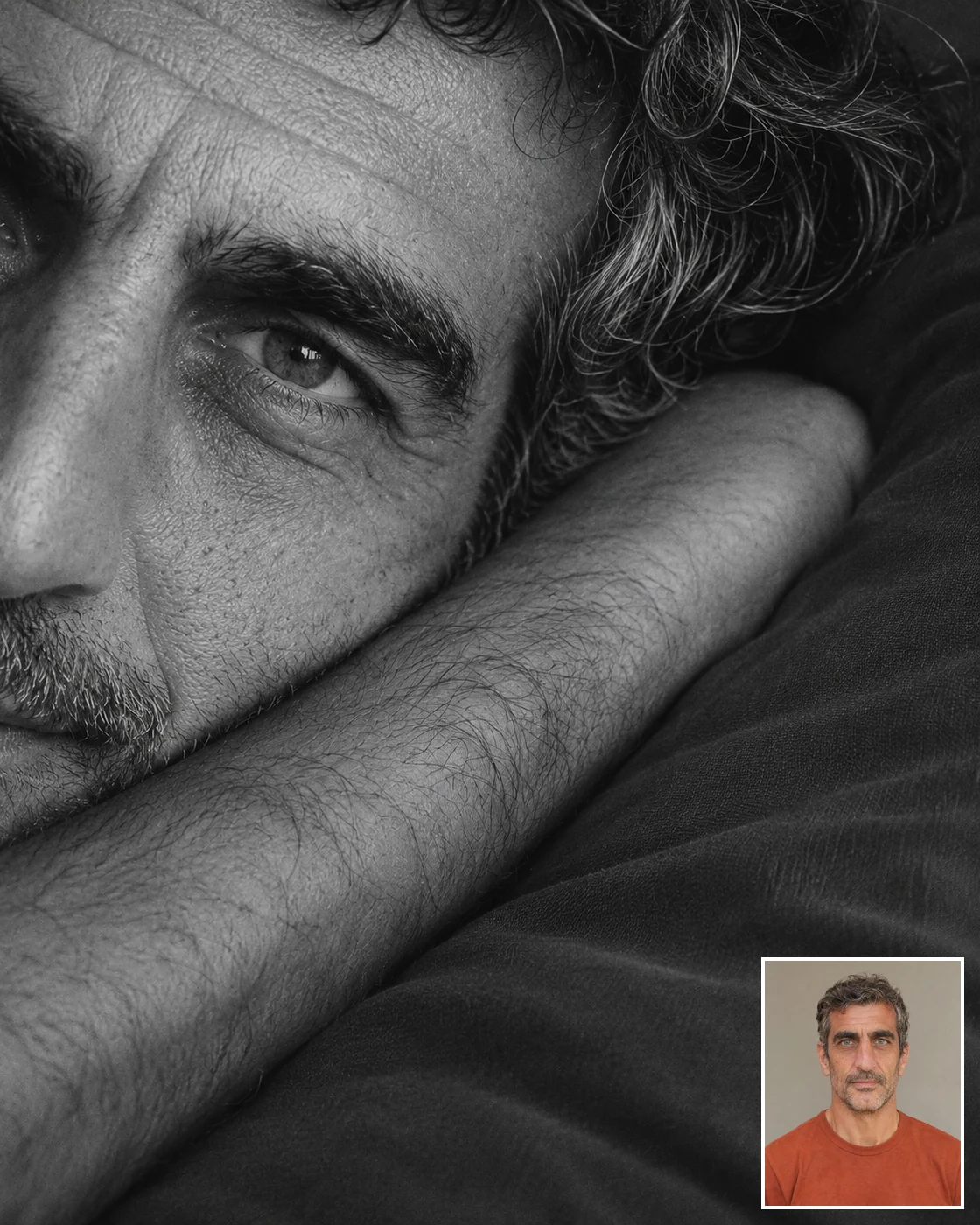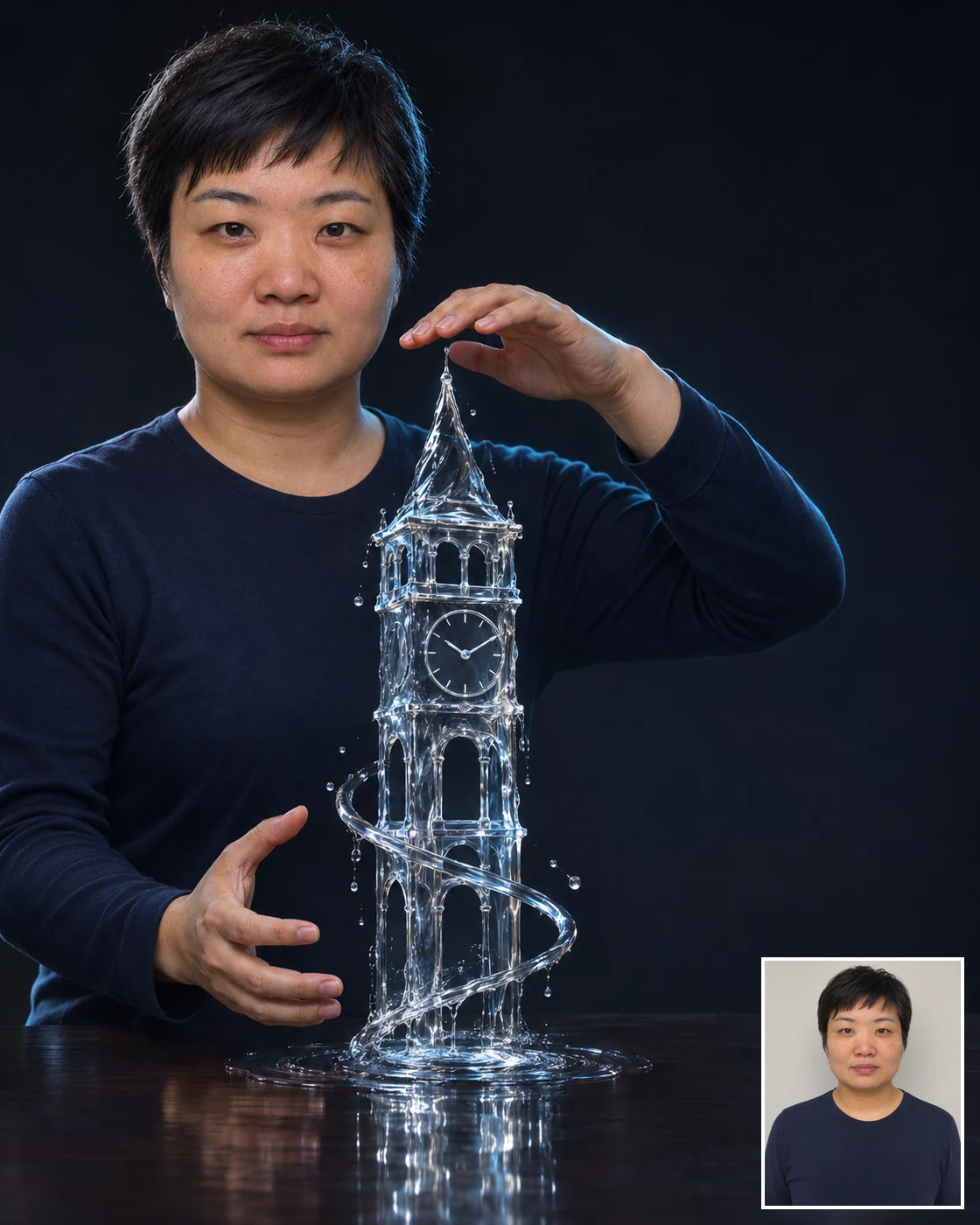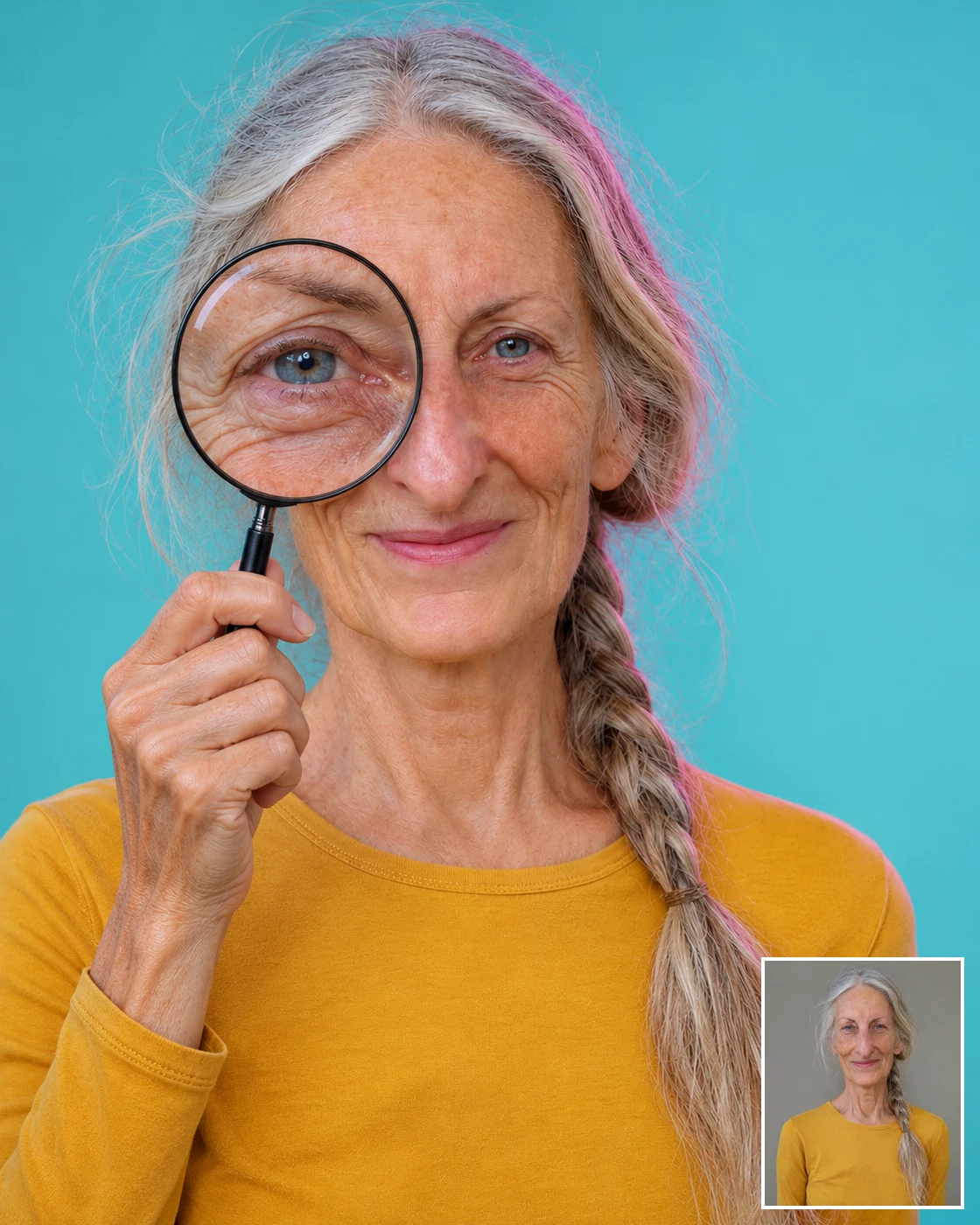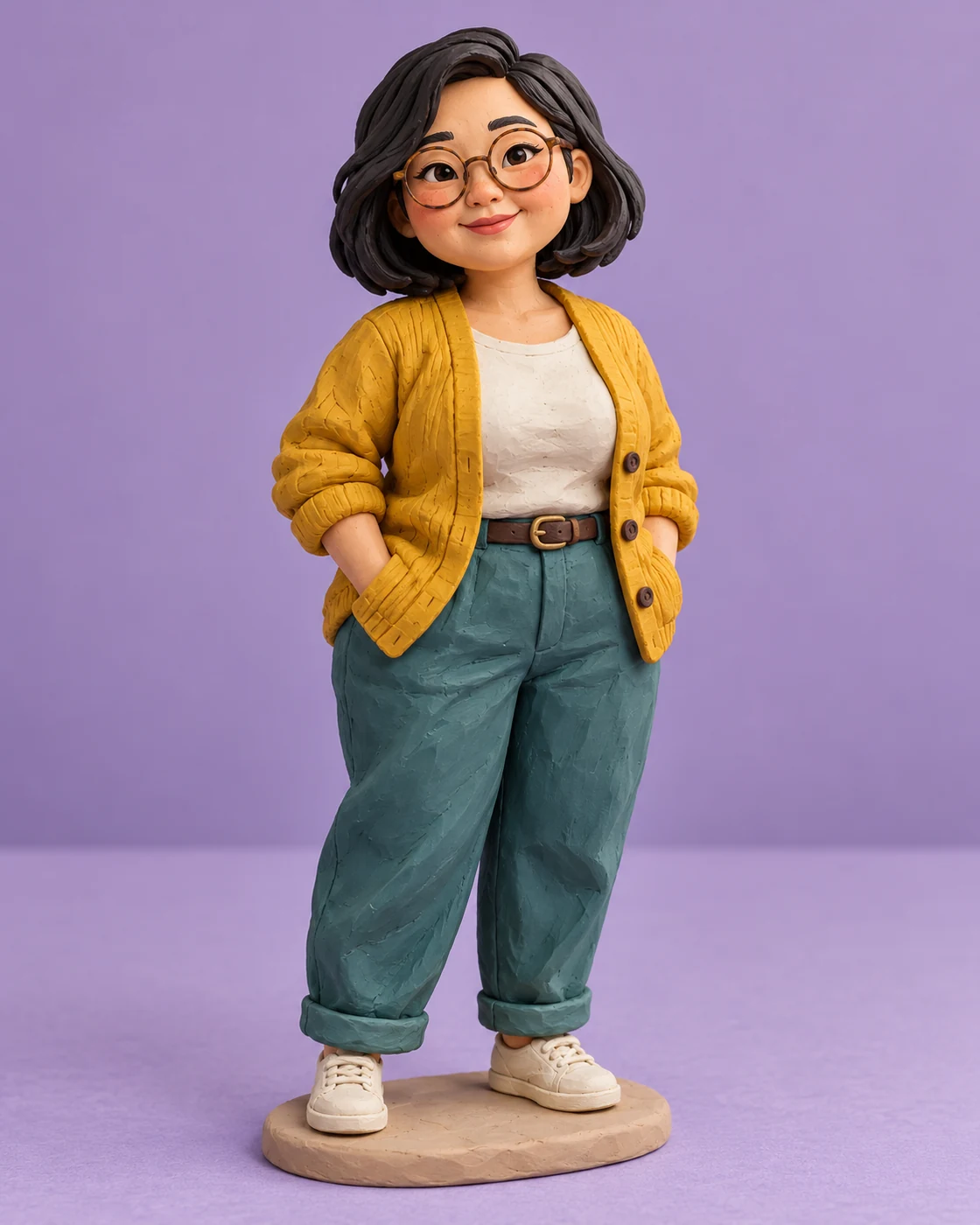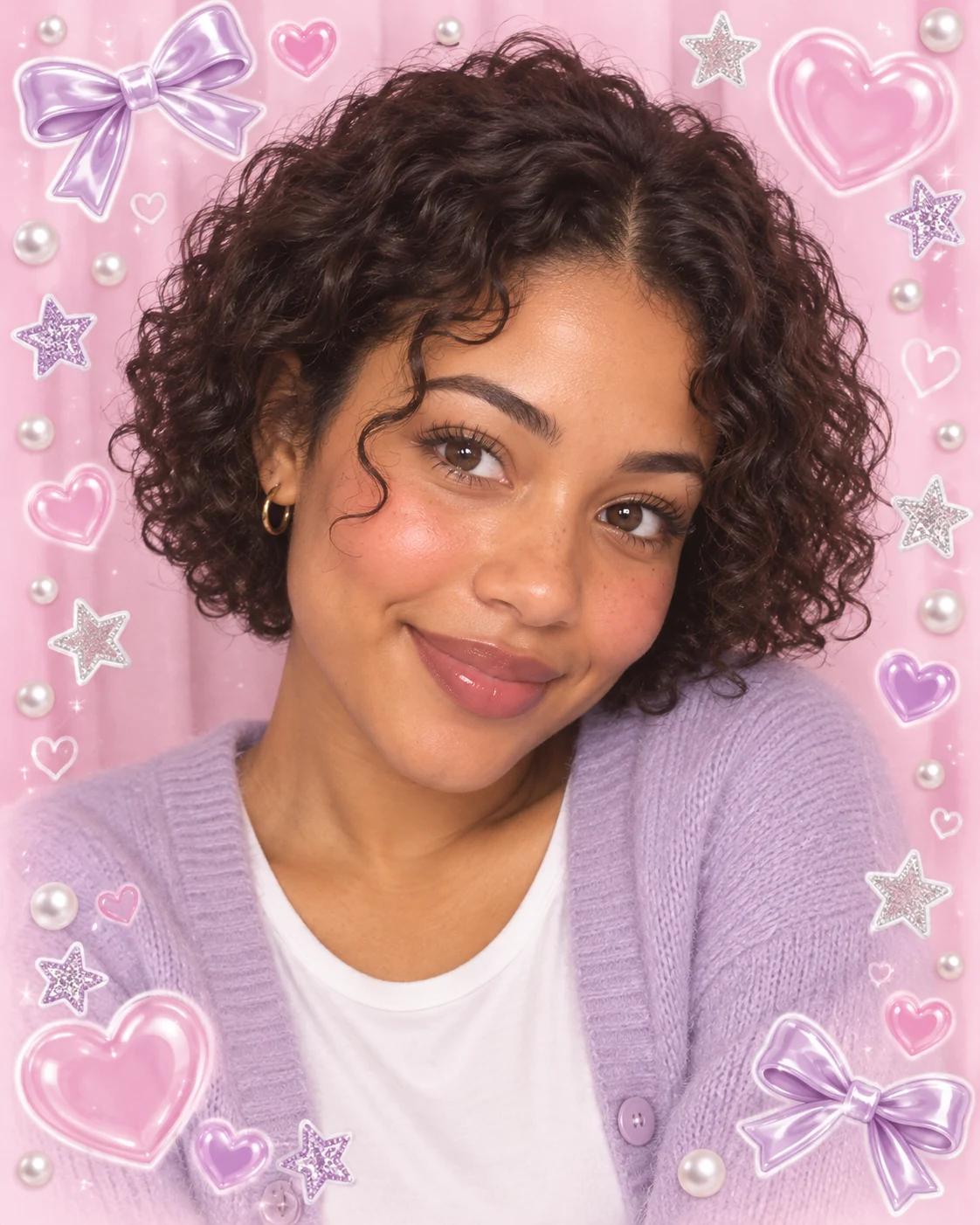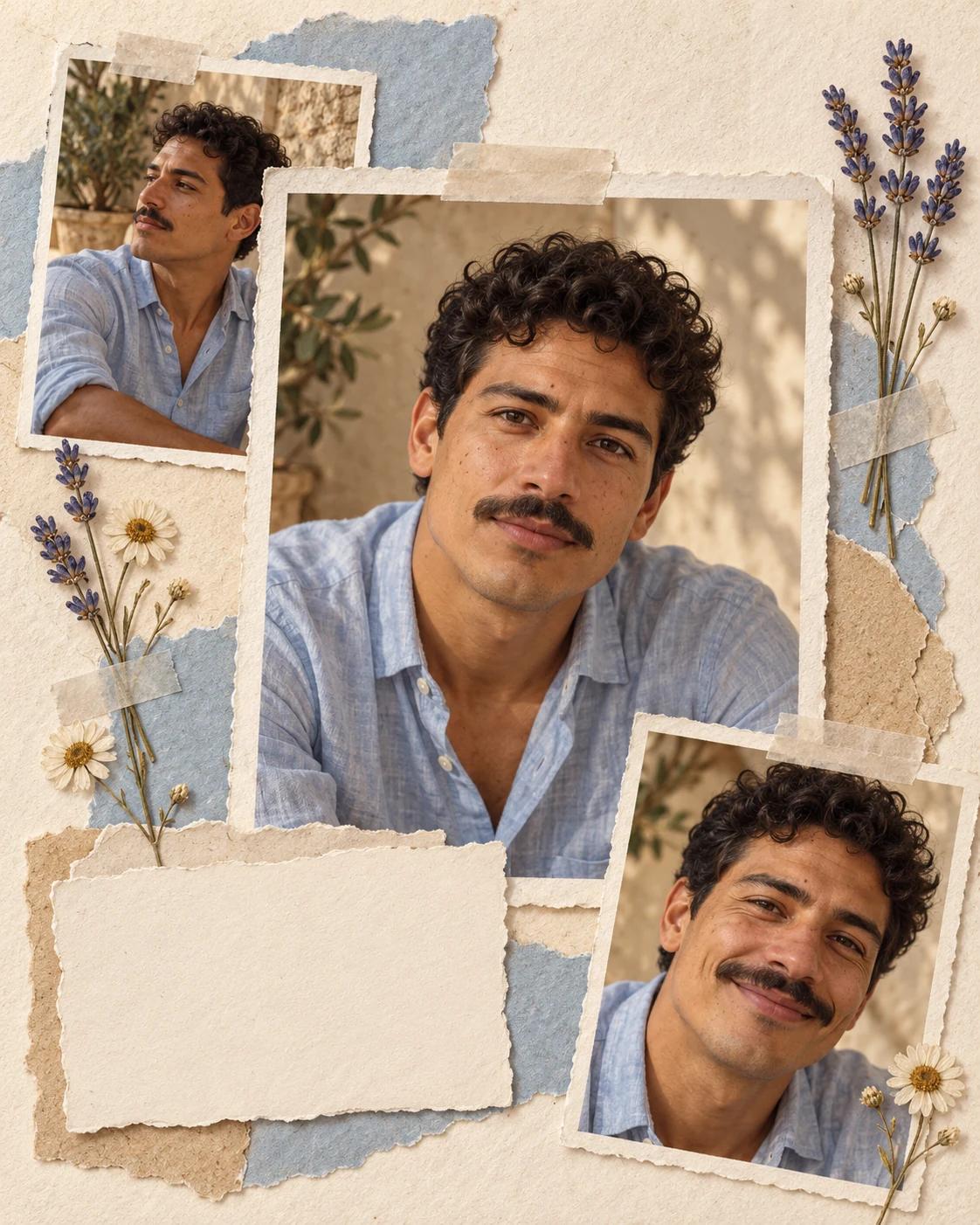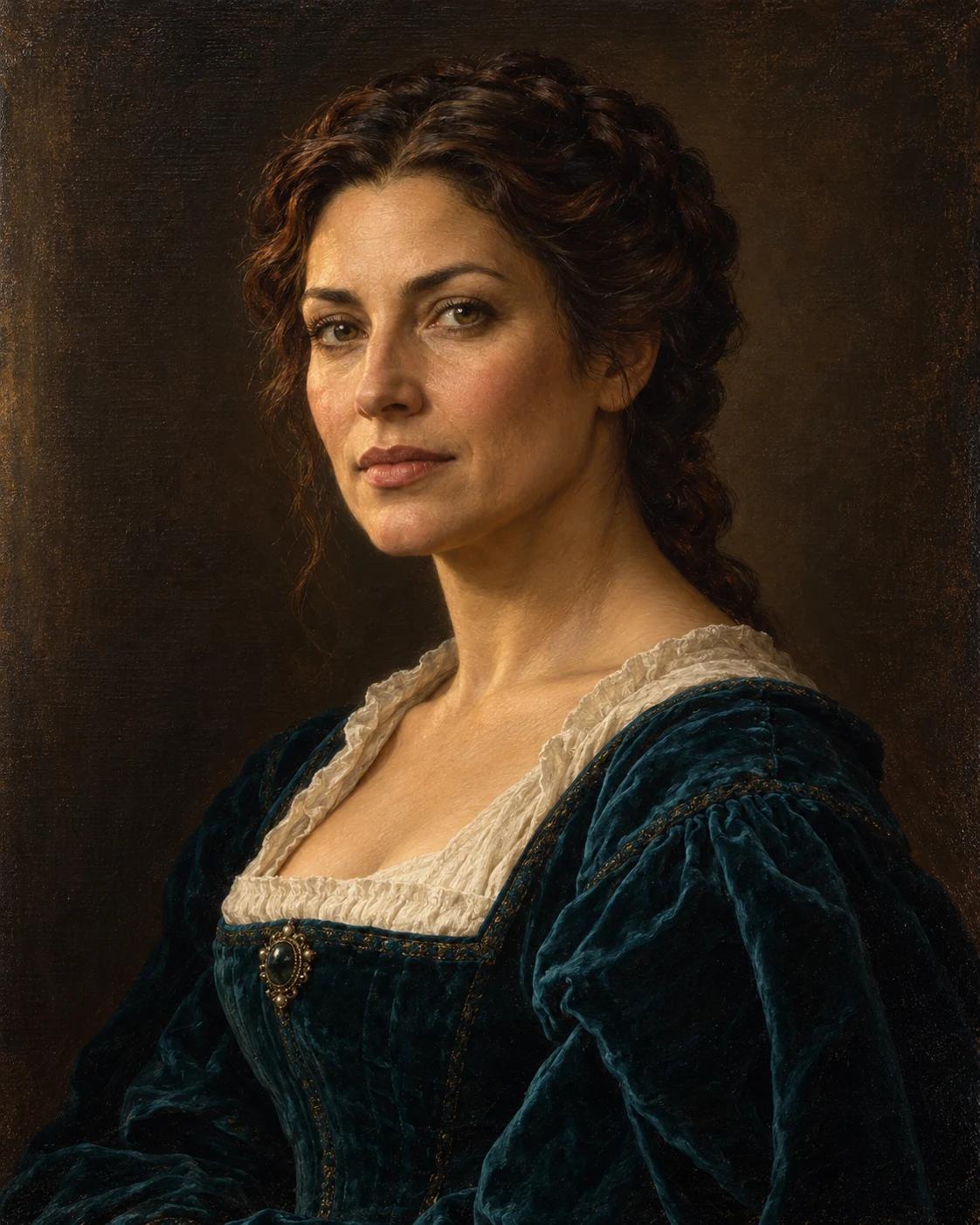
Make Your Renaissance Oil Portrait
This portrait uses the visual language of a traditional studio painting: a composed pose, a quiet background and fabric that catches soft side light. It is a way to explore a painted likeness without turning the subject into a fantasy character.
What Defines This Look
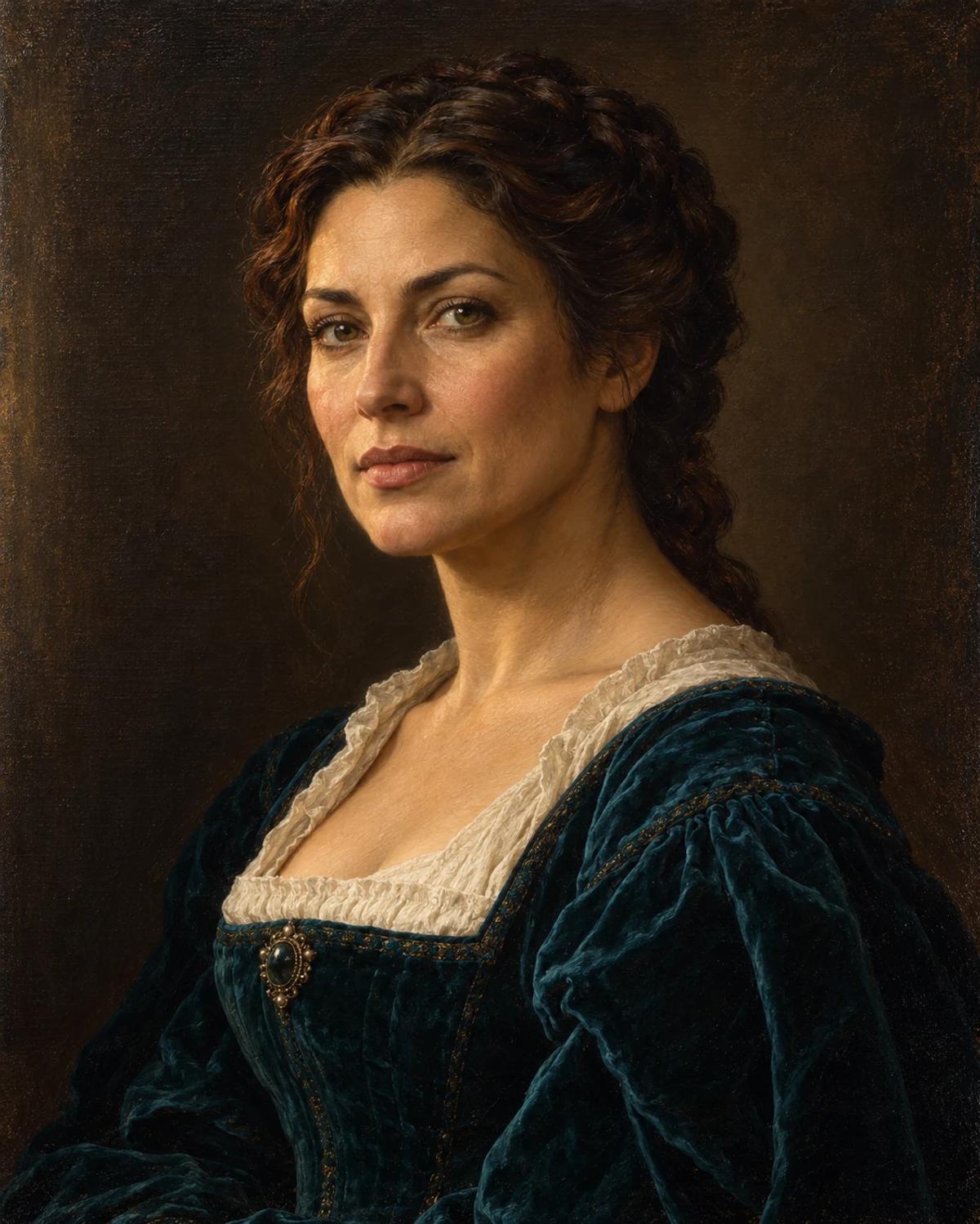
Teal velvet and warm brown tones frame the face. Brushwork should continue across skin, clothing and background so the result reads as one painting, rather than a photographic face pasted onto a historical costume.
How to Personalise It
Start with one photo and use the template scene as your visual reference.
Choose a clear reference
Choose a sharp portrait with soft light and a relaxed expression. A slight three-quarter angle fits the composition; avoid dramatic coloured light or strong filters that hide the natural shape of the face.
Open Remix and upload
Select Remix, upload one photo and review the displayed cost before generating. The template supplies its scene and styling, with a 4:5 output composition.
Review the finished image
Compare facial proportions with the reference, then inspect the neckline and any visible hands. The face should have the same painted texture as the rest of the image.
Get More From the Result
A few checks make the image easier to use after generation.
Choose the right crop
The vertical 4:5 composition works as a portrait print mockup or an art-themed profile image. Preview the crop before adding a frame or making a print.
Refine one detail at a time
If the likeness or a small detail needs work, use Image Editing for a focused adjustment. Keep an unchanged copy so you can compare the edit with the original result.
Questions About This Template
Practical guidance before you upload a photo.
Will this copy a particular historical painting?
The template uses general Renaissance-inspired portrait conventions. It is an original example, not a reproduction of a named painting.
Can the subject be a man?
Yes. The identity comes from your photo, and the clothing should adapt naturally while keeping the template's palette and composition.
Why does the face look more photographic than the background?
That is an inconsistency to review in a generated result. A cohesive result should show painted texture on the face as well as on the clothing and backdrop.
Continue Creating
Explore related scenes or open a separate creation tool. These links do not automatically apply this template.
Miniature Person in a Palm
Try a different composition with miniature person in a palm.
Artistic Portraits
Browse more ideas in this topic.
Image Editing
Refine a background, accessory or local detail in a finished image.
GPT Image 2.5 Flare
Explore another image model in a separate creation workspace.
GPT Image 2.5 Sunburst
Open the model page for a different free-form image creation workflow.