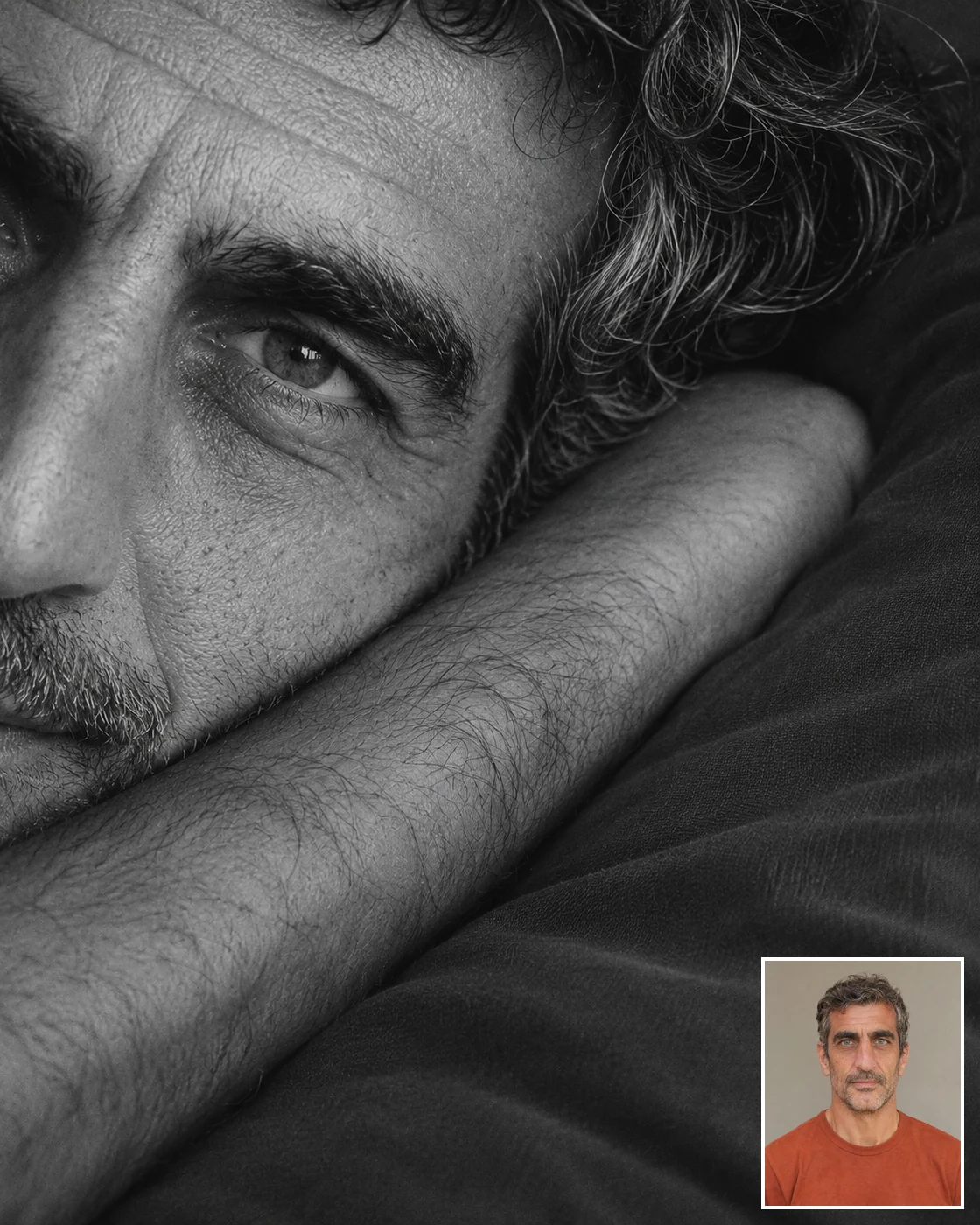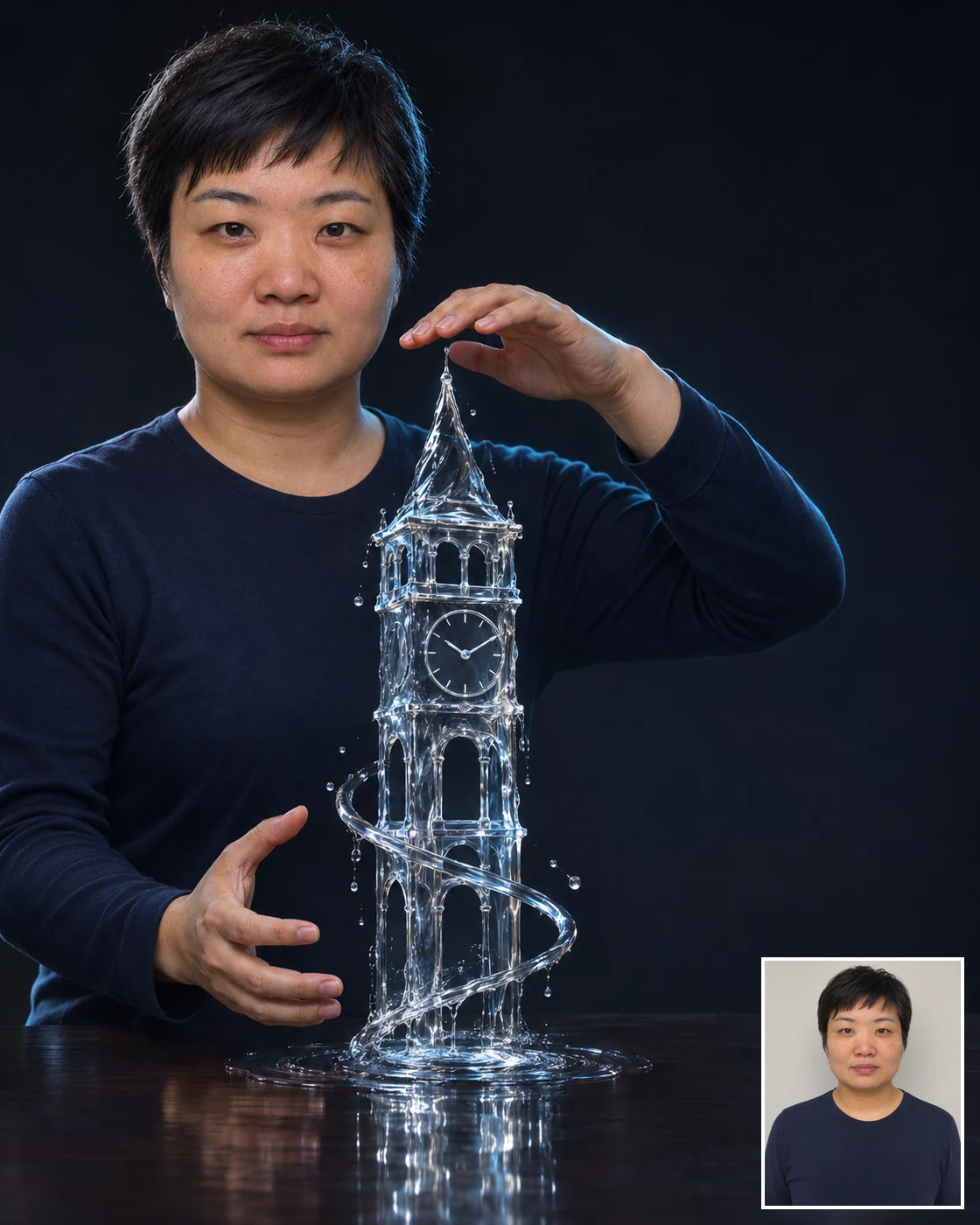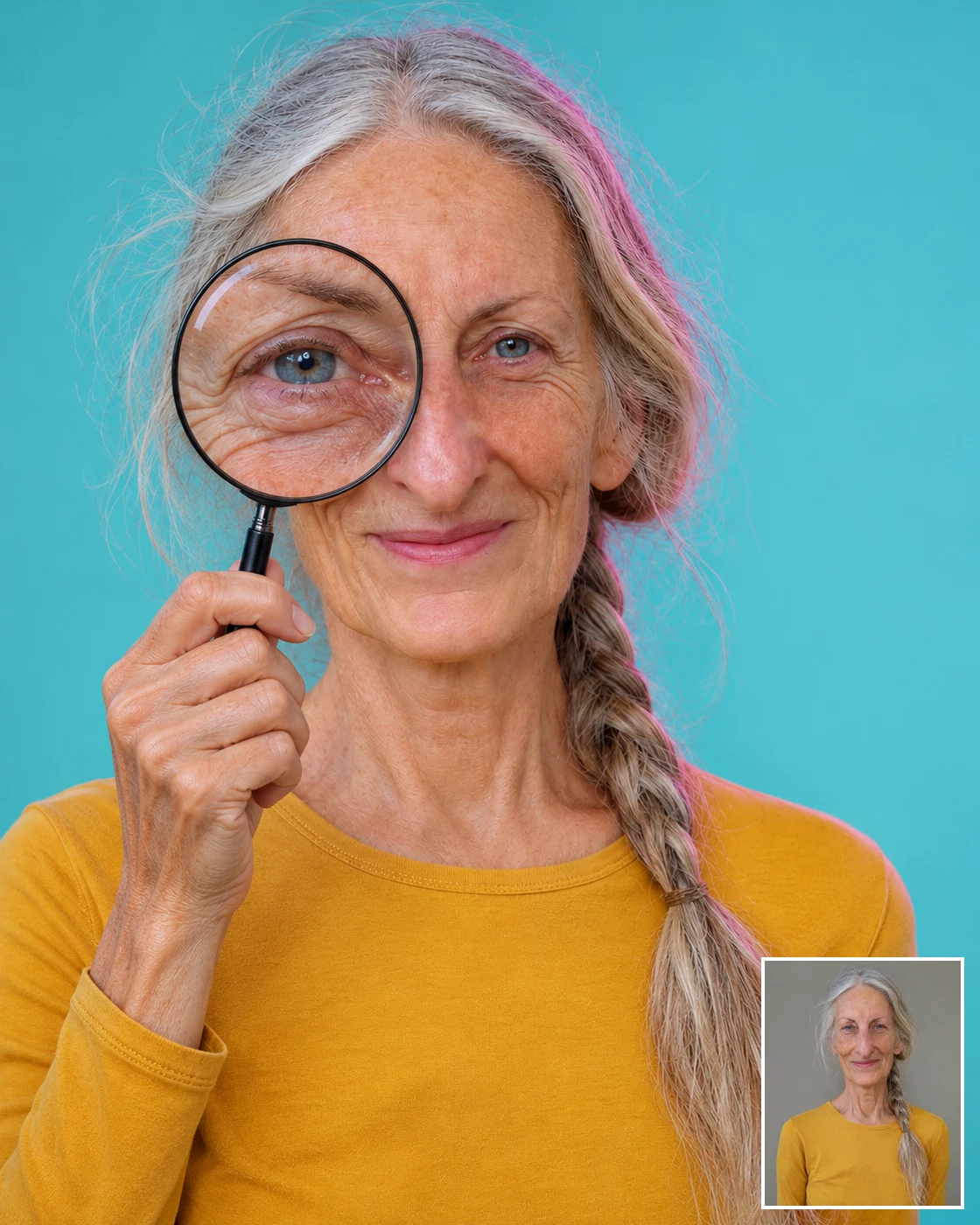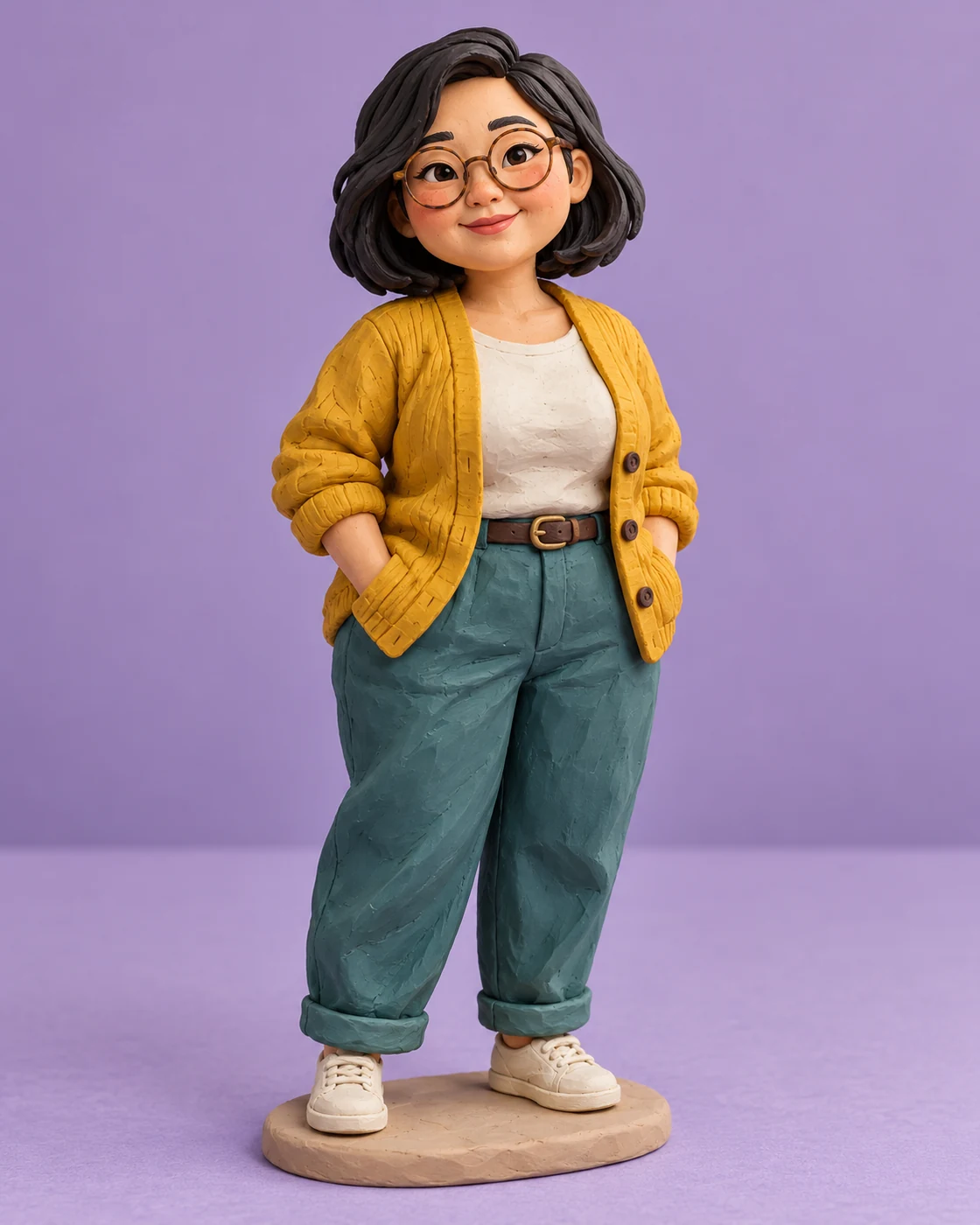
Personalise Your Pastel Purikura Portrait
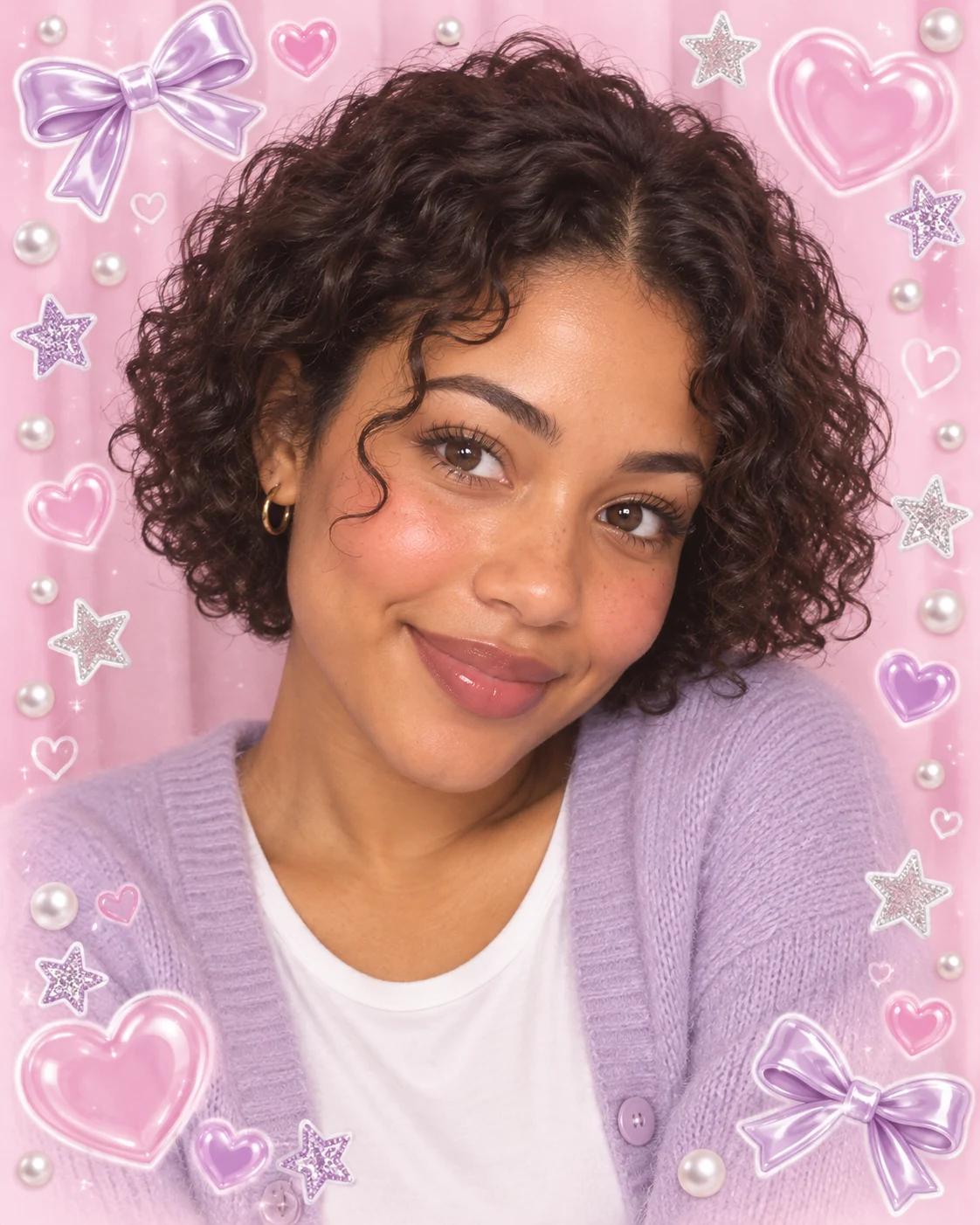
Purikura-inspired portraits combine a photo-booth face with a playful sticker border. This version leaves the centre open, using pastel shapes and a glossy finish around the portrait instead of covering the features that make the subject recognisable.
What Defines This Look
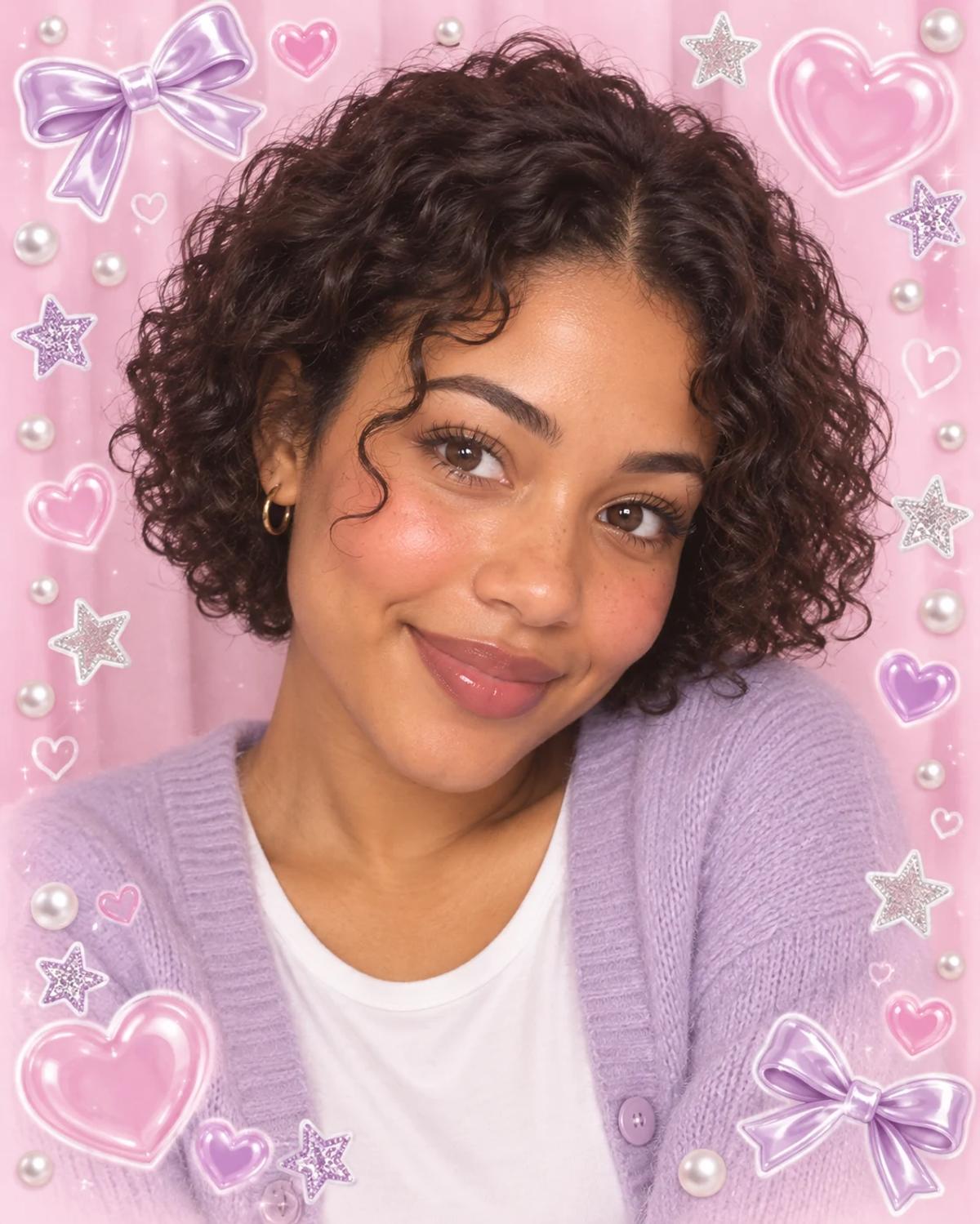
Hearts, stars and bows create the decorative frame. The face stays photographic, with gentle colour and blush rather than an exaggerated cartoon transformation. A simple cardigan keeps the composition soft and cohesive.
How to Create Your Version
Start with one clear identity photo and let the template supply the scene.
Choose the reference photos
Upload one front-facing or slightly turned portrait in even light. Keep the eyes and cheeks visible, and avoid an existing beauty filter that already changes facial proportions.
Open Remix and upload
Open Remix and upload your portrait. The template provides the pastel decoration and styling; you do not need to add stickers to the source photo.
Review before sharing
Compare the eyes, jawline and hair with your original. Make sure decorative shapes stay outside the face and that only one main portrait appears.
Make the Result Useful
Keep the composition readable and make any final adjustments deliberately.
Choose the right crop
Use the result as a playful profile image or sticker-style post. Add any exact name or short caption separately to keep lettering readable.
Refine a small detail
If a hand, accessory or background detail needs attention, open Image Editing for a focused adjustment. Keep the first result so you can compare your edit without losing the original.
Questions About This Template
Practical guidance for the reference photos and the generated result.
Does this turn my face into anime?
The intended result keeps a photographic likeness with a soft photo-booth finish. Strongly enlarged eyes or a different jawline are details to review.
Can it include a name in the border?
The template intentionally leaves out generated lettering. Add your name afterward in an editor for exact spelling.
Can I upload two people?
This version uses one subject. Choose a two-person template for a shared portrait with separate identity references.
Continue Creating
Explore a related template or open a separate creation tool. Model links below start a separate workflow.
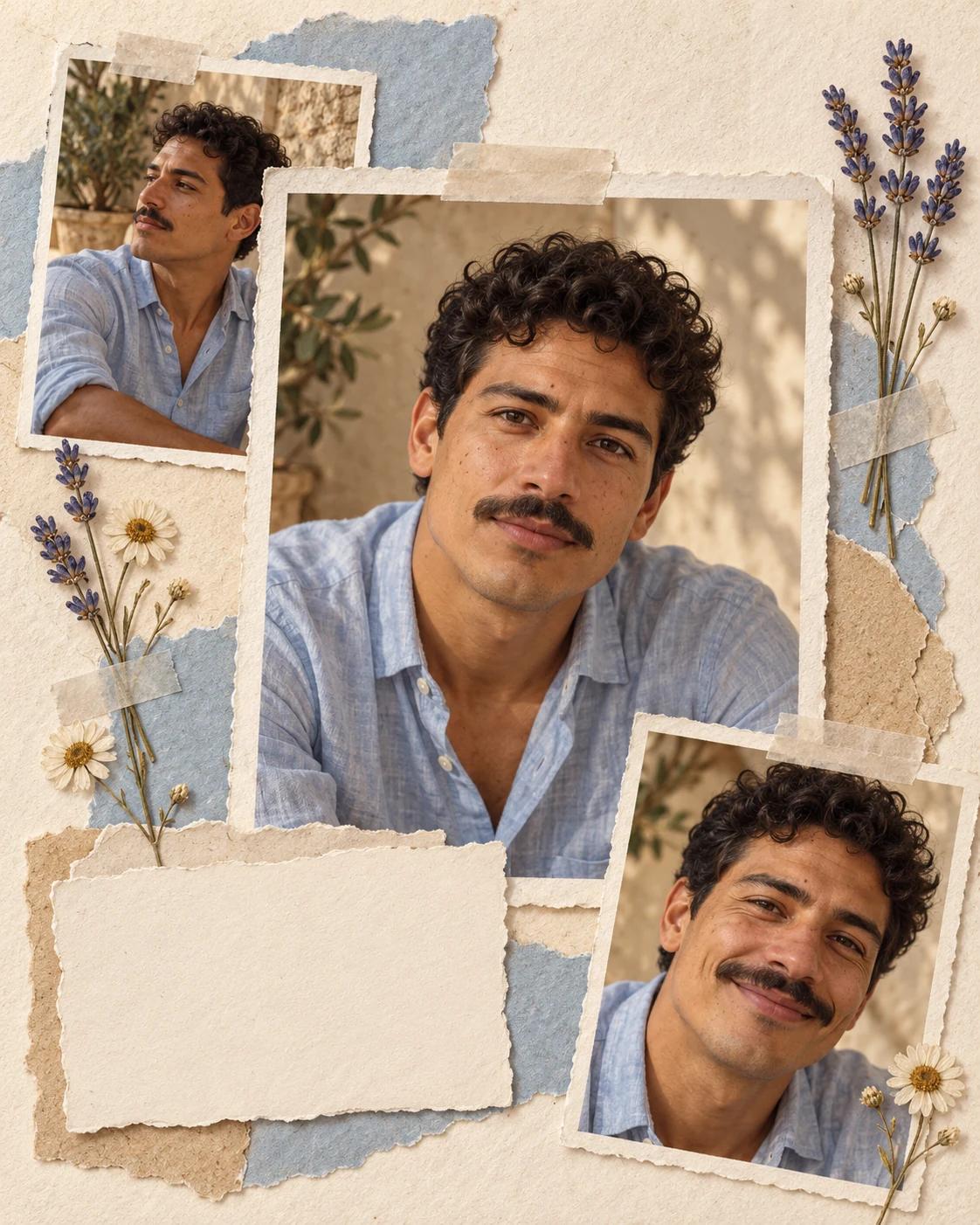
Pressed Flower Scrapbook Portrait
Try a different composition with related upload guidance.
Artistic Portraits
Browse the other templates in this topic.
Image Editing
Refine a local detail in your finished image.
GPT Image 2.5 Flare
Explore free-form image creation on this model page.
GPT Image 2.5 Sunburst
Open another model page for a separate image workflow.