Personalise Your Pressed Flower Scrapbook Portrait
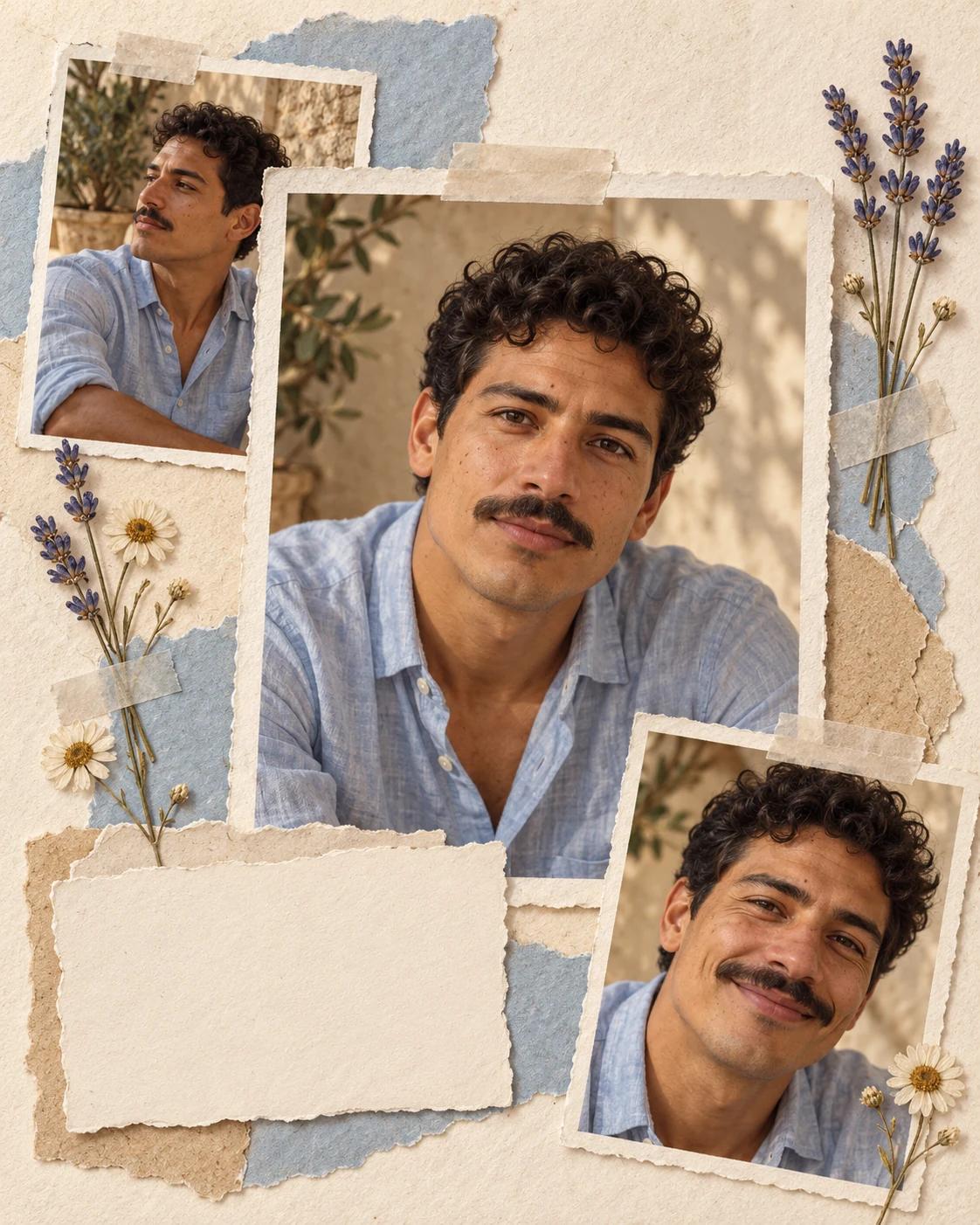
A scrapbook portrait mixes the detail of photographs with the texture of paper and dried flowers. Three views of the same person create variety, while the cream ground and pale blue palette keep the layout quiet enough to feel personal.
What Defines This Look
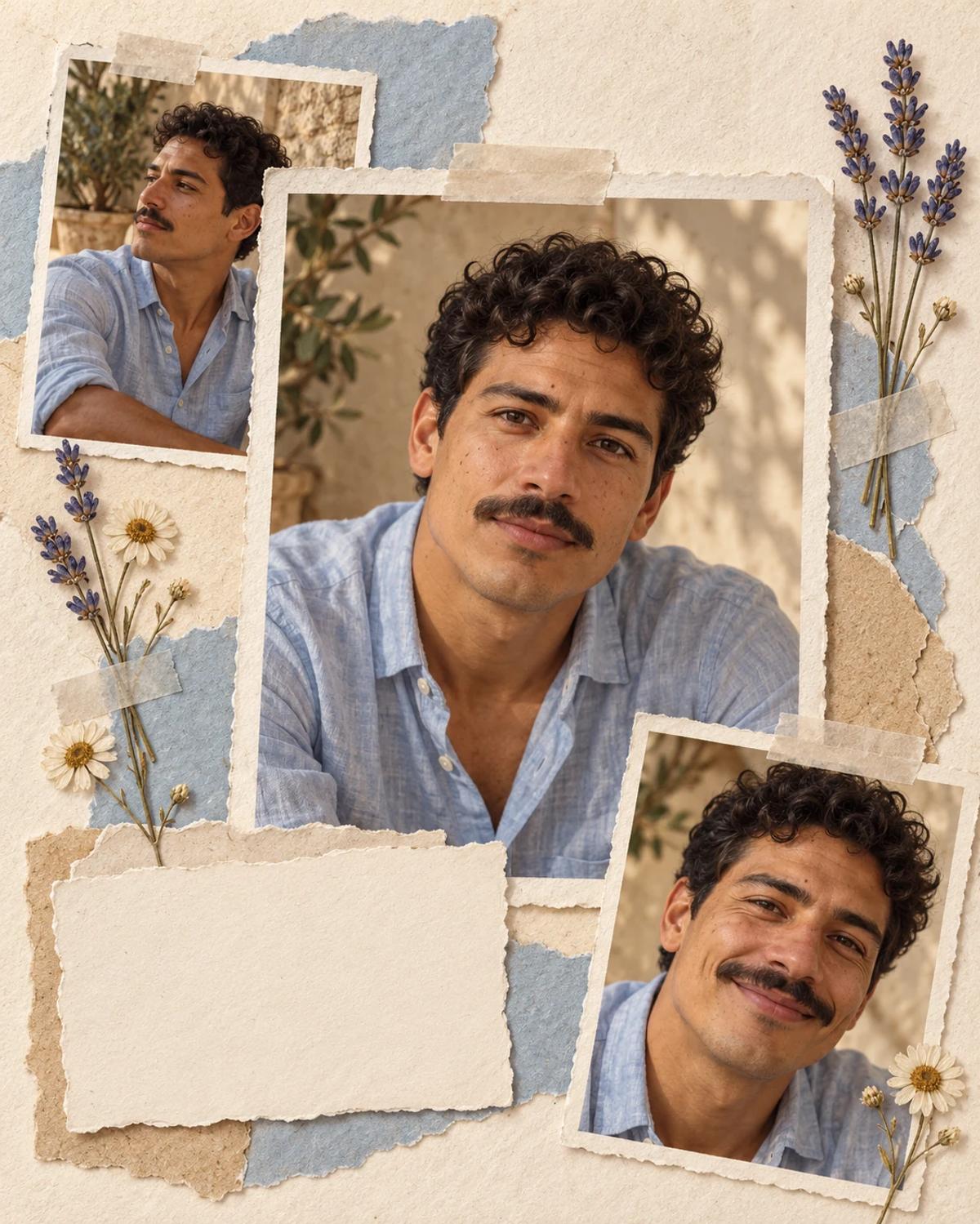
The central portrait is the visual anchor. Two smaller views add expression and a change of angle, with tape and paper shadows making the arrangement feel assembled by hand. All three faces should remain recognisably the same person.
How to Create Your Version
Start with one clear identity photo and let the template supply the scene.
Choose the reference photos
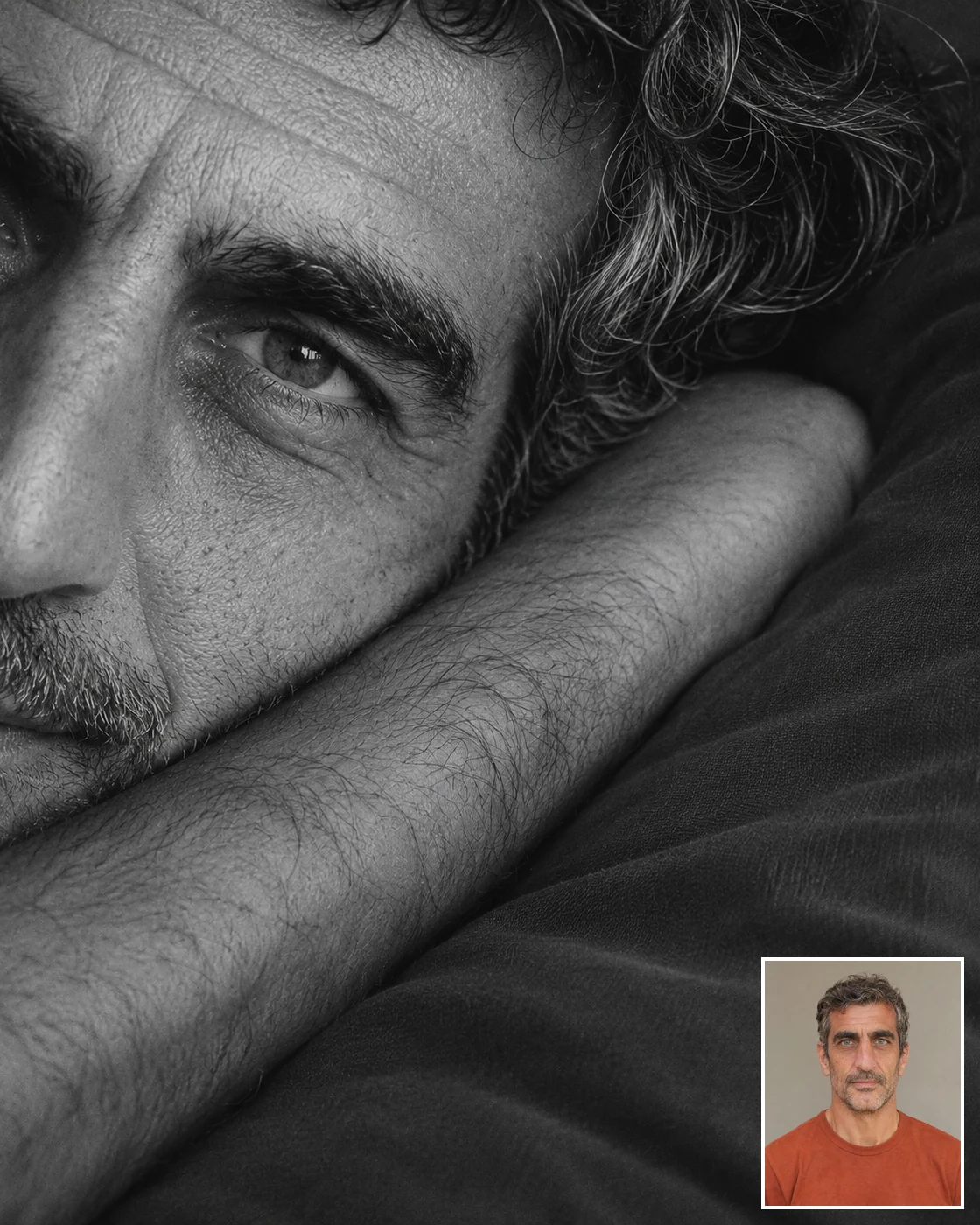
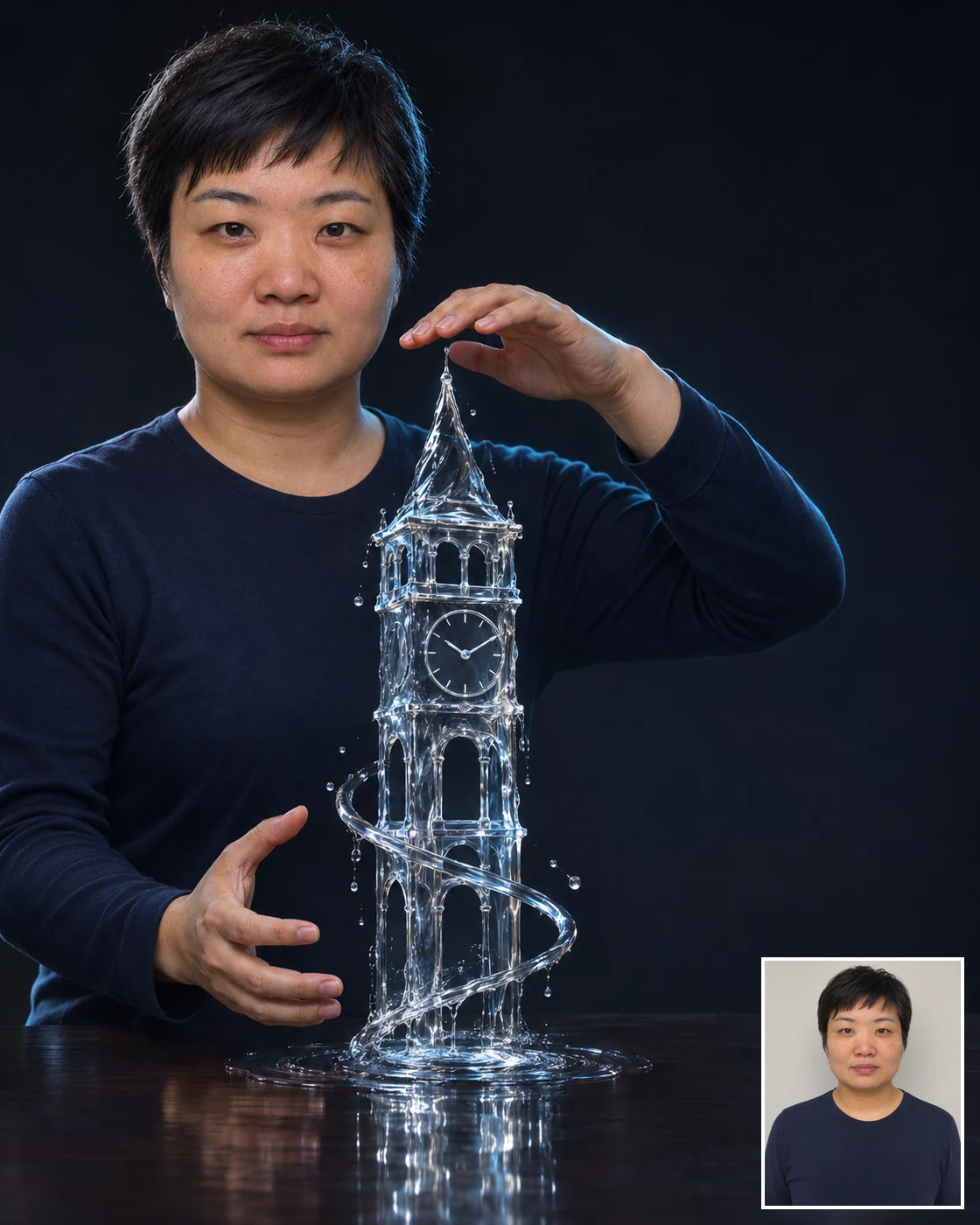
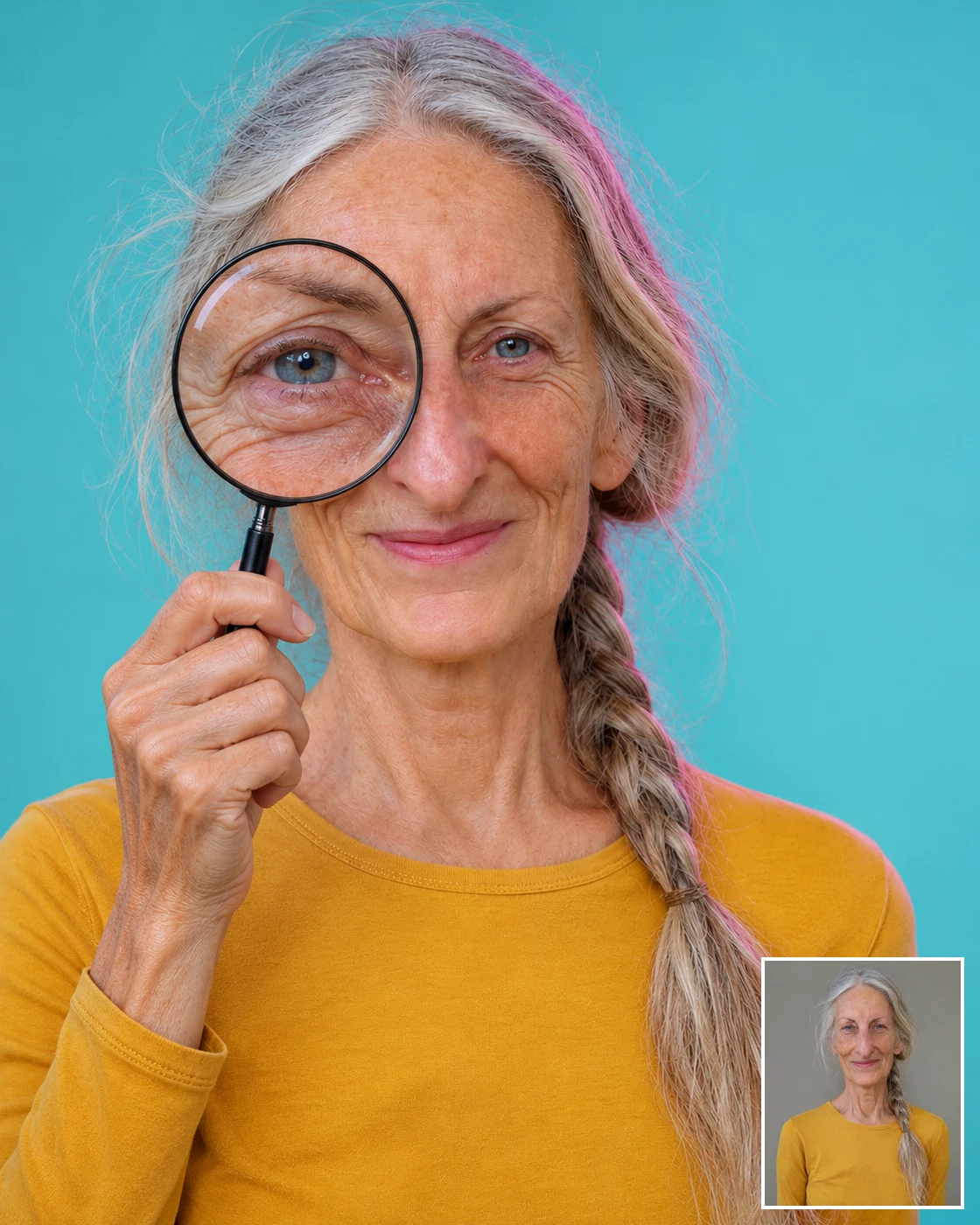
Choose one sharp portrait with a visible hairline and natural lighting. A relaxed expression gives a clear identity reference; a heavily filtered or very distant face is harder to carry across multiple views.
Open Remix and upload
Upload one photo in Remix. The template applies that identity across the three printed-photo areas and supplies the paper, flowers and collage layout.
Review before sharing
Check every face, including the smaller side view. Look for inconsistent facial features, a fourth photo, or a face extending beyond its paper frame.
Make the Result Useful
Keep the composition readable and make any final adjustments deliberately.
Choose the right crop
Keep the whole collage for a journal-inspired post. Add your own date or handwritten caption in the blank area afterward, rather than relying on generated lettering.
Refine a small detail
If a hand, accessory or background detail needs attention, open Image Editing for a focused adjustment. Keep the first result so you can compare your edit without losing the original.
Questions About This Template
Practical guidance for the reference photos and the generated result.
Do I need three photos?
No. This template uses one identity reference and generates three related views inside one collage.
Are the smaller views real moments from my life?
No. They are newly generated expressions and angles based on your reference. Keep that distinction clear if you use the image as a memory-themed post.
Can I print the scrapbook layout?
Review the image at its actual size first. The smaller photos contain less detail, so choose a print size that keeps them sharp enough for your purpose.
Continue Creating
Explore a related template or open a separate creation tool. Model links below start a separate workflow.
A Moment With Your Younger Self
Try a different composition with related upload guidance.
Memory Portraits
Browse the other templates in this topic.
Image Editing
Refine a local detail in your finished image.
GPT Image 2.5 Flare
Explore free-form image creation on this model page.
GPT Image 2.5 Sunburst
Open another model page for a separate image workflow.