Personalise Your A Moment With Your Younger Self
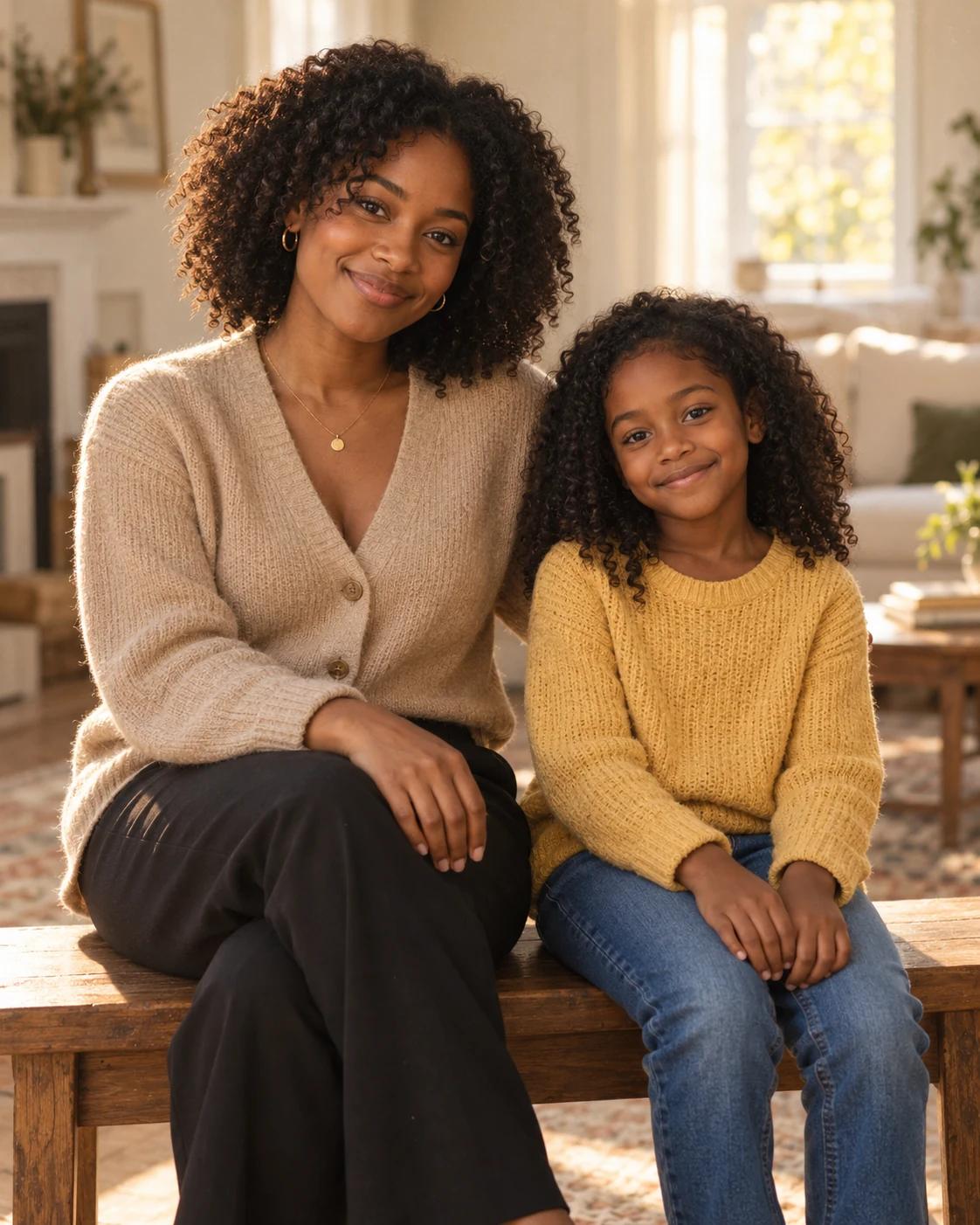
A present-day portrait beside a childhood likeness can make an expressive personal keepsake. This scene is deliberately quiet: two people on a bench, soft window light and an uncluttered room that leaves attention on the faces.
What Defines This Look
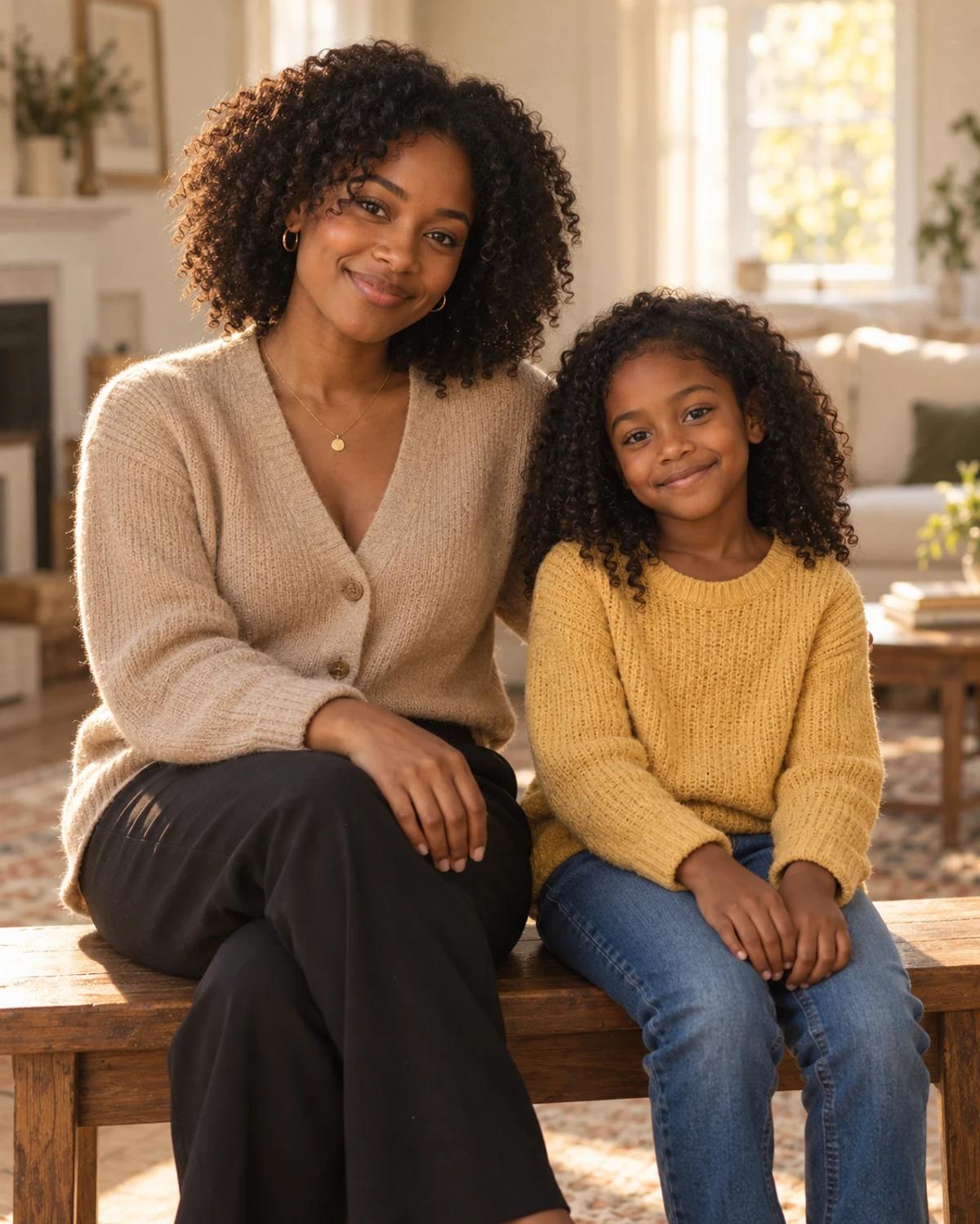
The adult sits on the left and the child on the right. Separate references matter here: an actual childhood photo provides details that a model would otherwise have to guess. The final picture is an imagined meeting, not a restored historical photograph.
How to Create Your Version
Prepare two separate reference photos and check the role labels before generating.
Choose the reference photos
For You now, choose a sharp current portrait. For You as a child, use a clear scan or evenly lit photograph of an old print. Crop away album borders and other people while keeping the whole face.
Open Remix and upload
Place the current photo in You now and the childhood photo in You as a child. Check the roles before generating. Avoid using the same adult photo twice if you want a specific childhood likeness.
Review before sharing
Check the adult and childhood faces separately, including eye shape and hairline. Confirm that the ages and body proportions remain different and that neither face has been averaged into the other.
Make the Result Useful
Keep the composition readable and make any final adjustments deliberately.
Choose the right crop
Keep both subjects and the bench in the crop for a personal memory post or print. If you share it, describe it as an imagined portrait so viewers understand the scene.
Refine a small detail
If a hand, accessory or background detail needs attention, open Image Editing for a focused adjustment. Keep the first result so you can compare your edit without losing the original.
Questions About This Template
Practical guidance for the reference photos and the generated result.
Can I use a scanned childhood print?
Yes. A sharp scan with a visible face is suitable. Remove glare and crop away unrelated faces; a damaged or tiny face gives the generation less identity detail.
Will this restore my original childhood photo?
No. It creates a new imagined scene using two references. Keep your original photo separately if you also want archival restoration.
What if I only upload a current photo?
This template requires both roles. Choose a one-photo portrait template if you do not have a usable childhood reference.
Continue Creating
Explore a related template or open a separate creation tool. Model links below start a separate workflow.
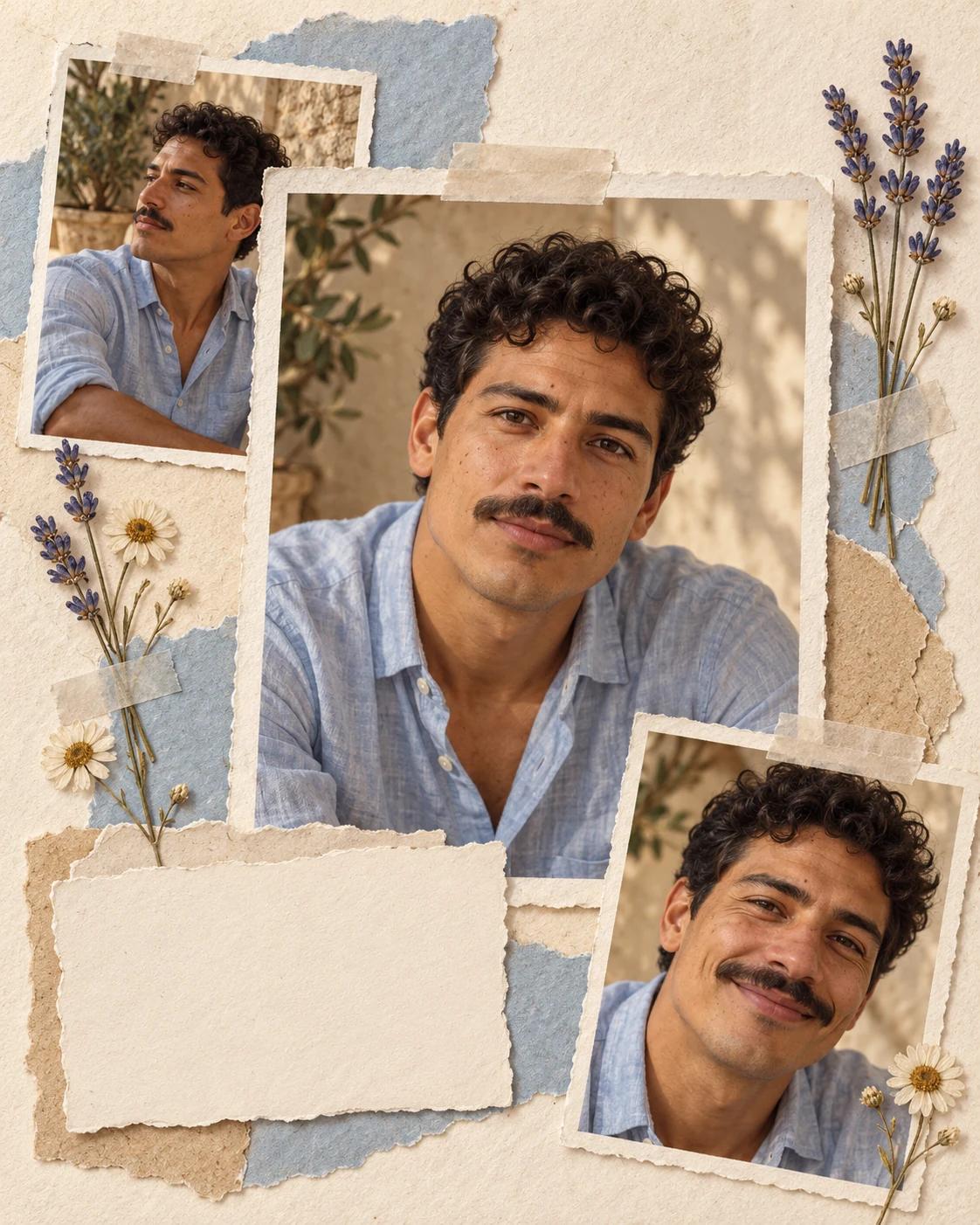
Pressed Flower Scrapbook Portrait
Try a different composition with related upload guidance.
Memory Portraits
Browse the other templates in this topic.
Image Editing
Refine a local detail in your finished image.
GPT Image 2.5 Flare
Explore free-form image creation on this model page.
GPT Image 2.5 Sunburst
Open another model page for a separate image workflow.