
Create Expressive Science-Fiction Portraits
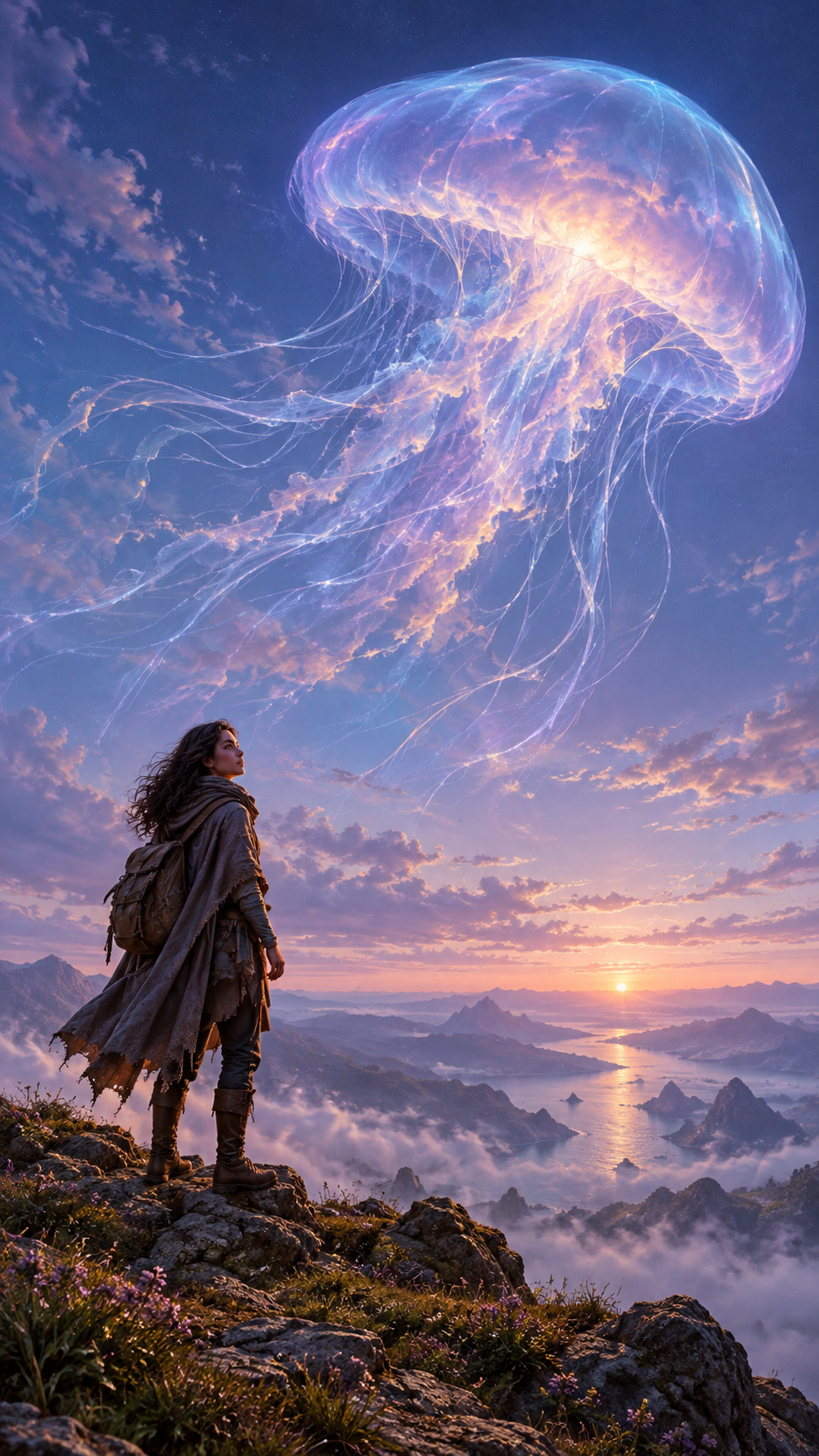
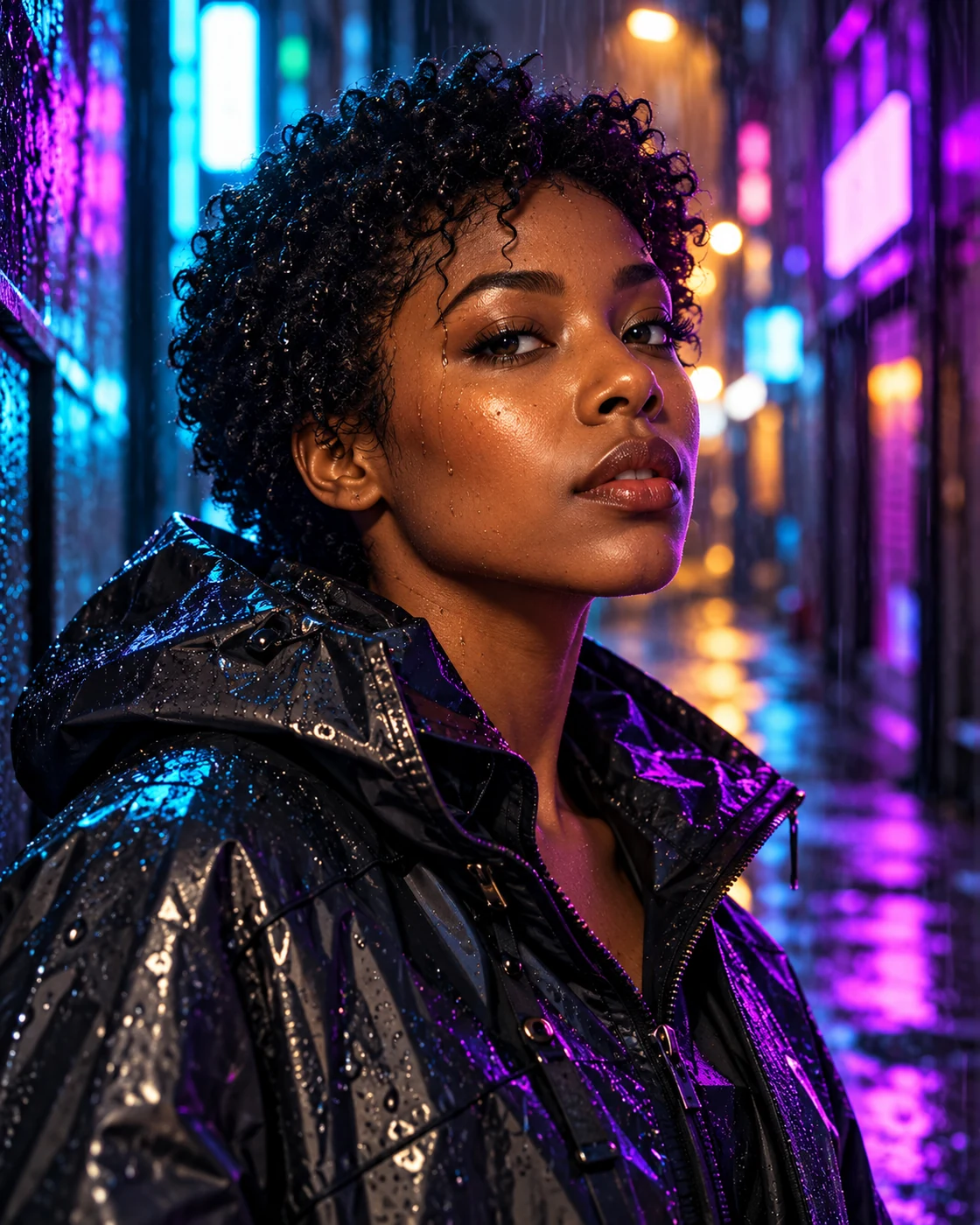
Build portraits that connect a person to an imagined world through pose, scale and light. Use celestial clouds, distant landscapes or futuristic surroundings as deliberate visual elements, with enough space for the intended crop.
Connect the Person to the Setting
Choose one defining environmental element and give the subject a visible relationship to it: an upward gaze, a turned shoulder or light reflected across the face. Specify framing, horizon placement and the relative scale of the person and setting.
A restrained palette makes the scene easier to read. Repeat the environment's light on clothing or skin, then use subtle contrast to keep the face distinct.
Build a Focused Prompt
Move from the portrait's purpose to the details that support it.
Choose the intended format
Decide whether the image is a wallpaper, avatar or creator background. Describe the framing and empty space that format needs.
Define the subject and pose
Specify one person, their placement, viewing angle and expression. For text-to-image generation, start with a fictional subject.
Add one memorable world element
Choose a luminous cloud, distant planet or futuristic structure. Describe its material, shape and scale without filling the scene with competing objects.
Unify light and style
Name a small colour palette and explain how the environment lights the person. Choose a coherent illustration or photographic fantasy style, then review the crop.
Refine Common Problems
Use targeted prompt changes to improve clarity.
Separate the face from the background
Reduce background detail near the head and request soft directional light on the face. Keep atmospheric haze farther away.
Make the world feel larger
Lower the horizon, reduce the person's size and leave open space around the main environmental feature.
Create a consistent series
Retain the framing, clothing description and palette while changing one environmental feature per image. Review each result for continuity.
Science-Fiction Portrait FAQs
What makes a prompt specific enough?
Include the subject, pose, framing, one defining setting element, lighting and visual style. Add details that affect the composition rather than long lists of decorative objects.
Can a wallpaper also work as an avatar?
Sometimes, but a wide environmental portrait may leave the face too small. Create a closer variation and check it in a circular crop.
How should I use real-world inspiration?
Translate a shape, colour or atmosphere into an original imagined scene. Describe realistic-looking fantasy artwork clearly when sharing it.
Tools for Your Next Portrait
Choose a starting point based on whether you need a new scene or an editing pass.
Image Creator
Generate a new portrait from a description of the person, imagined world and lighting.
Nano Banana Pro
Explore a listed text-to-image model option for new science-fiction portrait concepts.
Portrait Edit
Use a portrait-focused editing workflow when working with a person's image.
Image Edit
Refine the surrounding scene and composition in a separate editing pass.