Make Your Christmas Fireplace Pet Portrait
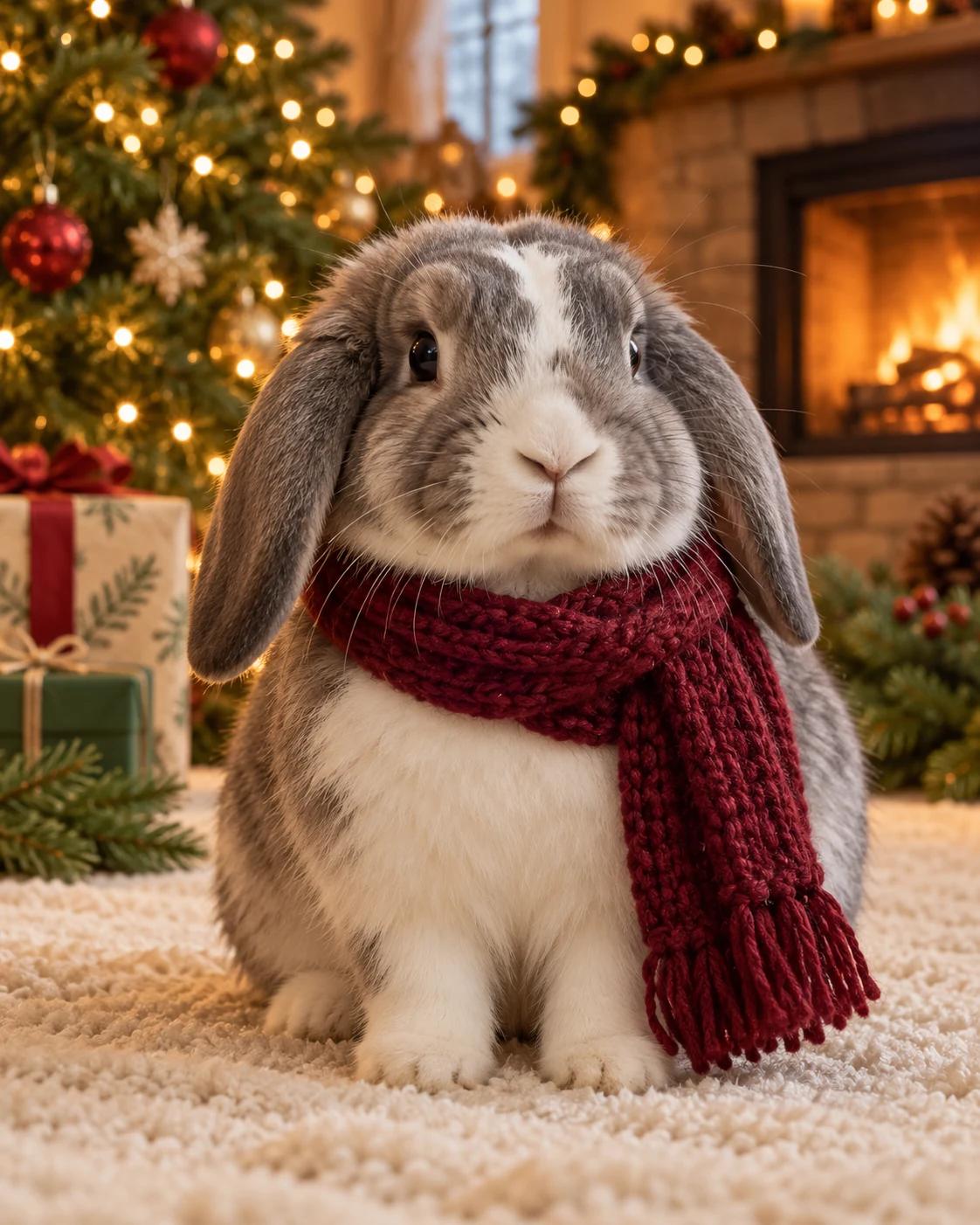
A quiet fireplace scene makes a warm holiday portrait without relying on a large costume. The example uses a rabbit, but the photo you upload should determine the pet's species, face and distinctive markings.
What Defines This Look
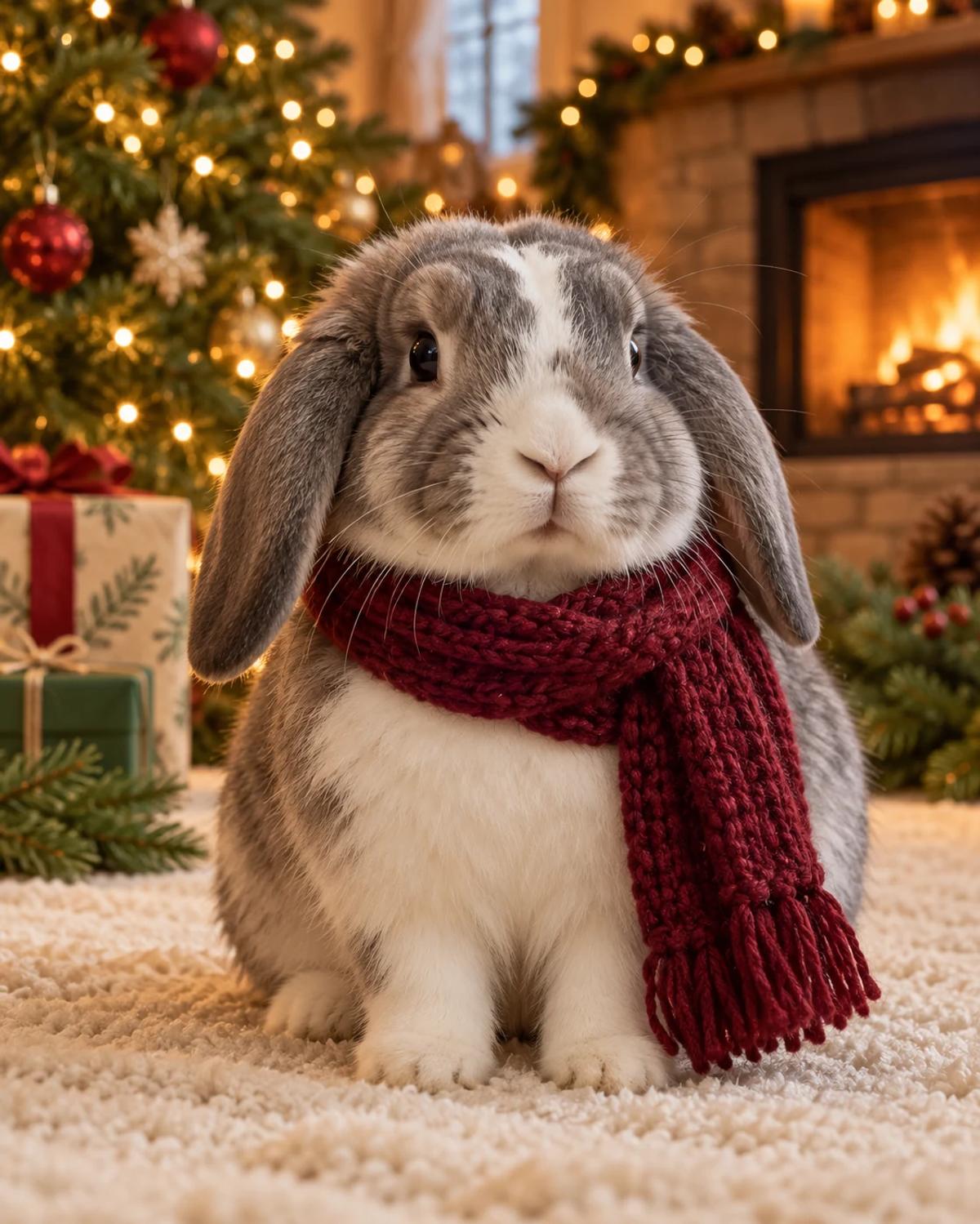
The tree and fireplace create the festive setting; the loose scarf is a small accent. The pet should remain the focus, with a readable face and natural ears and paws rather than an elaborate costume that hides its identity.
How to Personalise It
Start with one photo and use the template scene as your visual reference.
Choose a clear reference
Upload one clear photo of your pet at roughly eye level. Keep both ears and the face visible, and use a frame where the coat markings are easy to distinguish. A photo with several animals can confuse the intended subject.
Open Remix and upload
Select Remix, upload one photo and review the displayed cost before generating. The template supplies its scene and styling, with a 4:5 output composition.
Review the finished image
Check species, muzzle, ears and coat markings against your photo. If you uploaded a cat or dog, make sure rabbit features have not carried over from the example.
Get More From the Result
A few checks make the image easier to use after generation.
Choose the right crop
The 4:5 portrait can become a holiday post or the image on a greeting card. Add a personal greeting separately so you can control spelling and placement.
Refine one detail at a time
If the likeness or a small detail needs work, use Image Editing for a focused adjustment. Keep an unchanged copy so you can compare the edit with the original result.
Questions About This Template
Practical guidance before you upload a photo.
Can I upload a cat or dog instead of a rabbit?
Yes. The prompt asks the generation to preserve the uploaded pet's species and features while adapting the scarf and seated pose. Check the output for any example-animal features that remain.
Does my pet need to wear a scarf in the photo?
No. The scarf is part of the generated scene. A simple, unobstructed pet photo is the intended input.
Is this a real photograph of my pet by a fireplace?
No. It is a generated seasonal portrait based on your reference. You do not need to place your pet beside a fire or dress it for the source photo.
Continue Creating
Explore related scenes or open a separate creation tool. These links do not automatically apply this template.
Underwater Pet Adventure
Try a different composition with underwater pet adventure.
Christmas Portraits
Browse more ideas in this topic.
Image Editing
Refine a background, accessory or local detail in a finished image.
GPT Image 2.5 Flare
Explore another image model in a separate creation workspace.
GPT Image 2.5 Sunburst
Open the model page for a different free-form image creation workflow.