
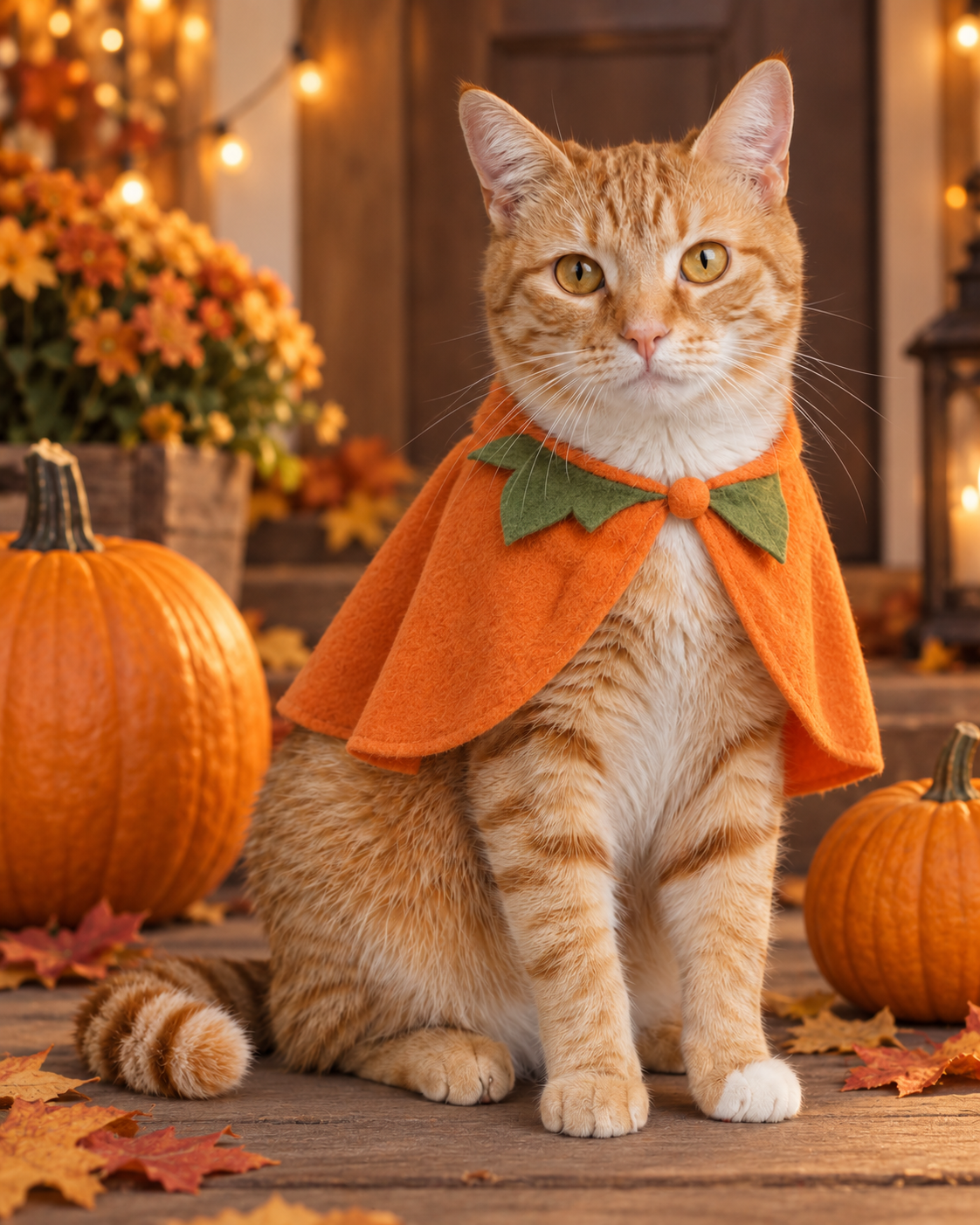
Plan a Pet Portrait
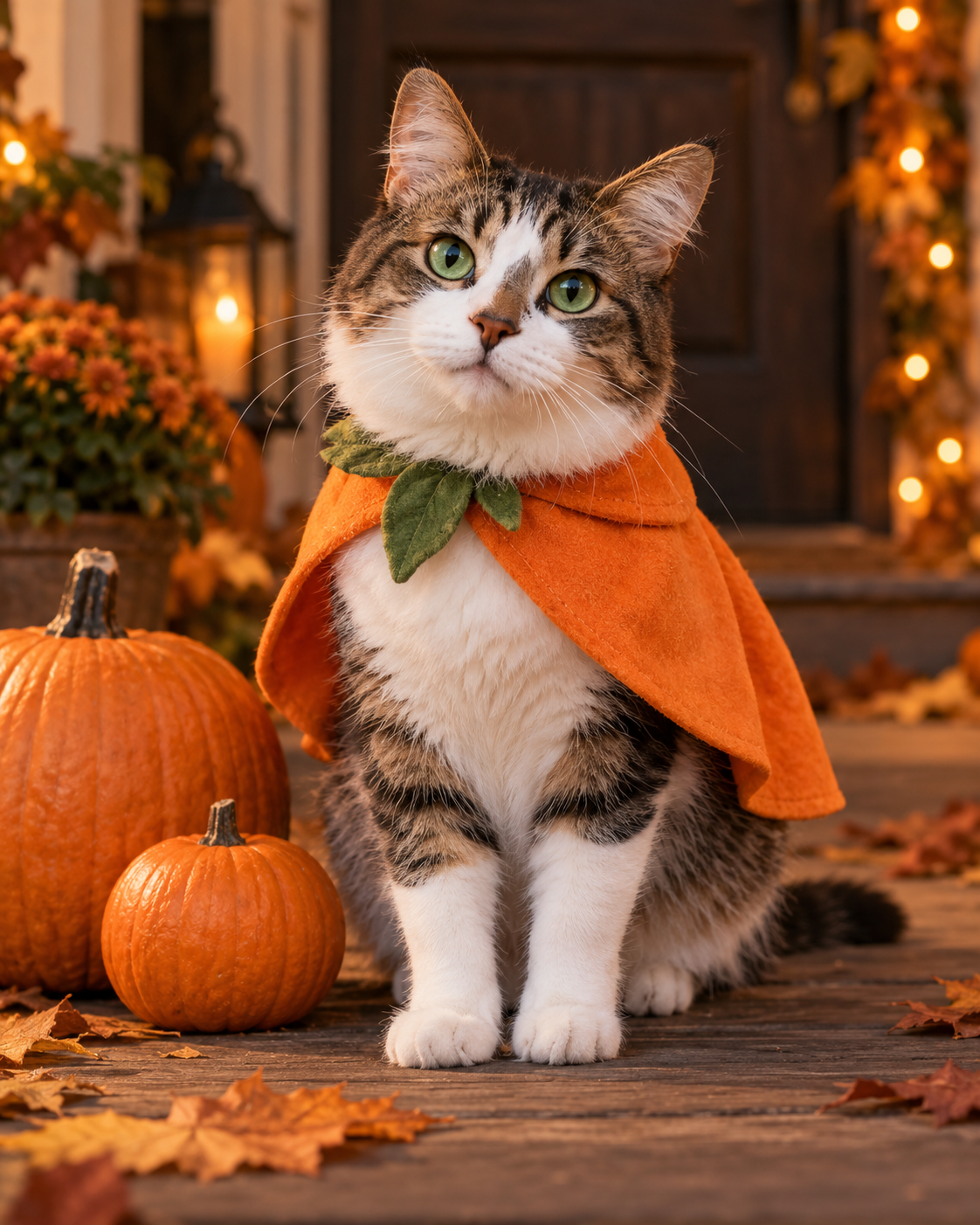
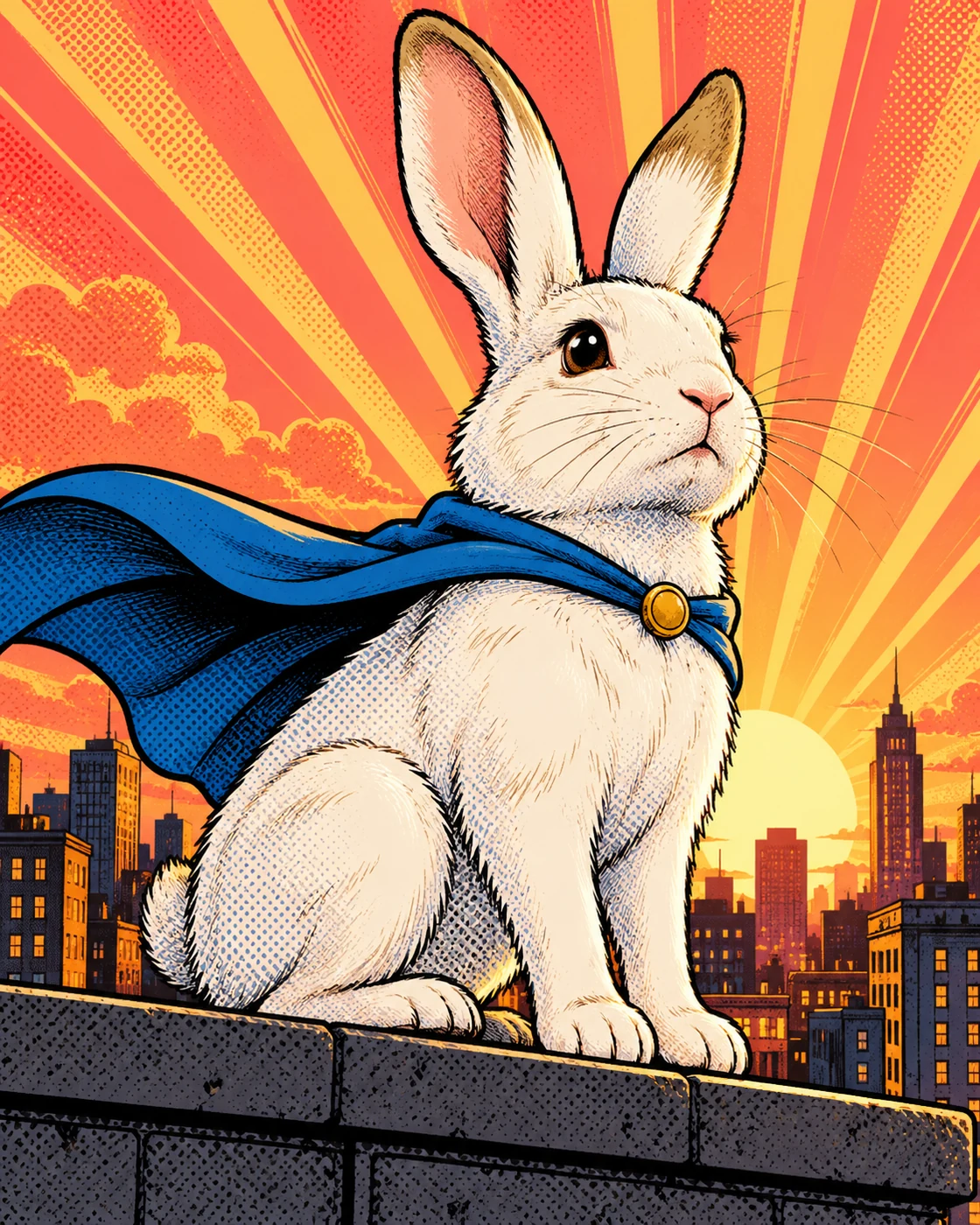
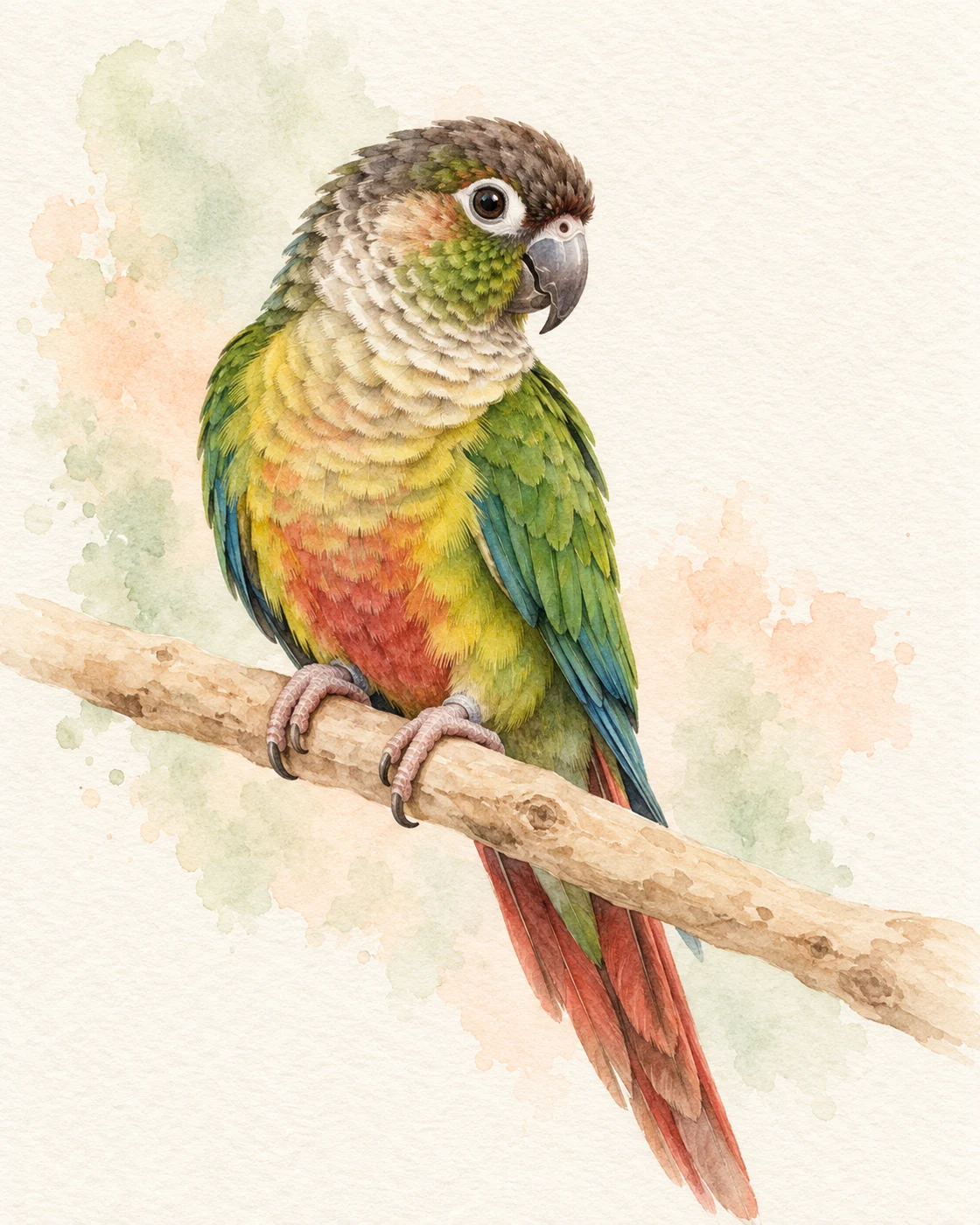
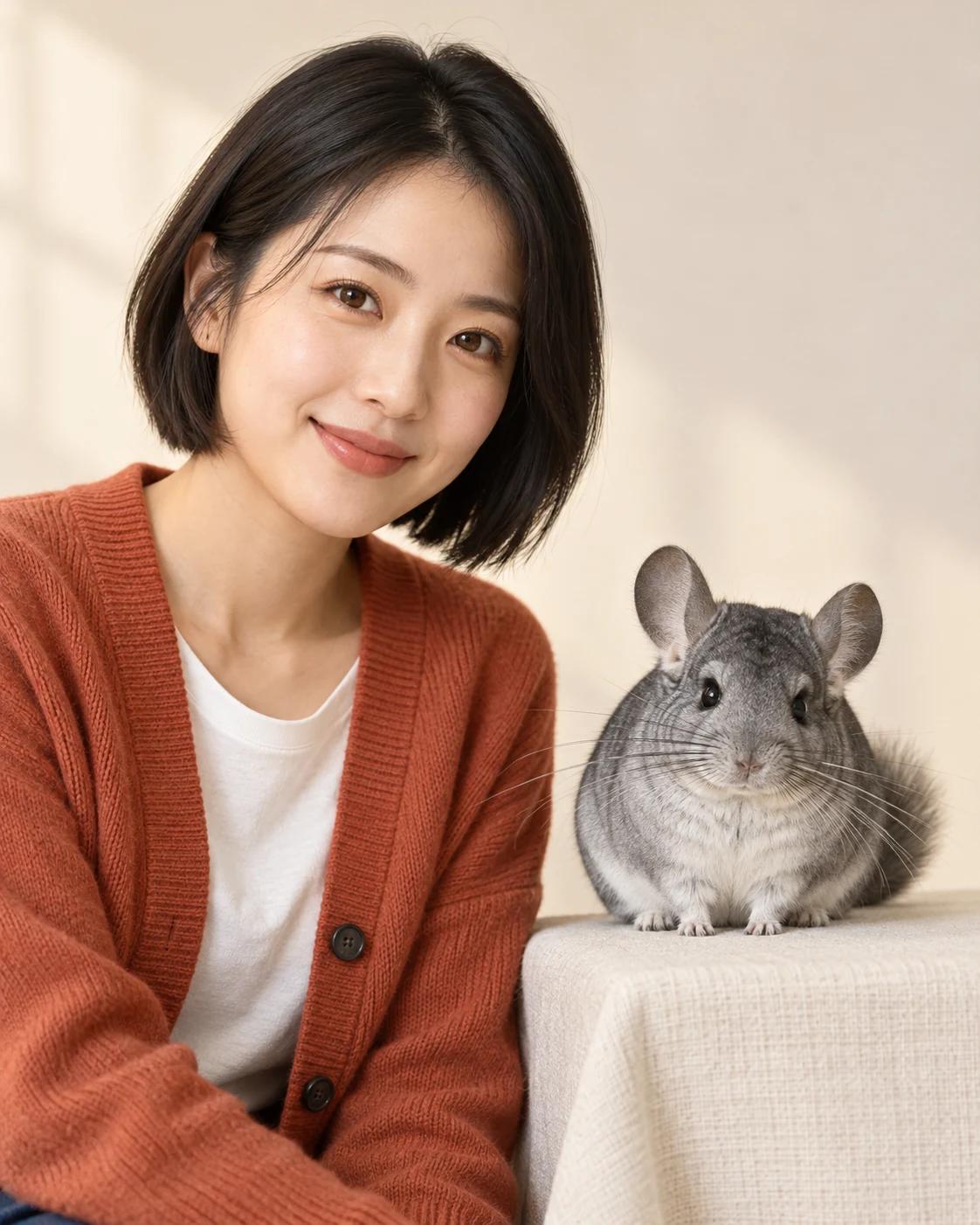
Build pet portraits around a clearly described animal, a simple pose and a setting that supports the subject. This topic covers fictional cats and dogs, everyday editorial scenes and seasonal costume portraits.
Make the Pet Recognisable
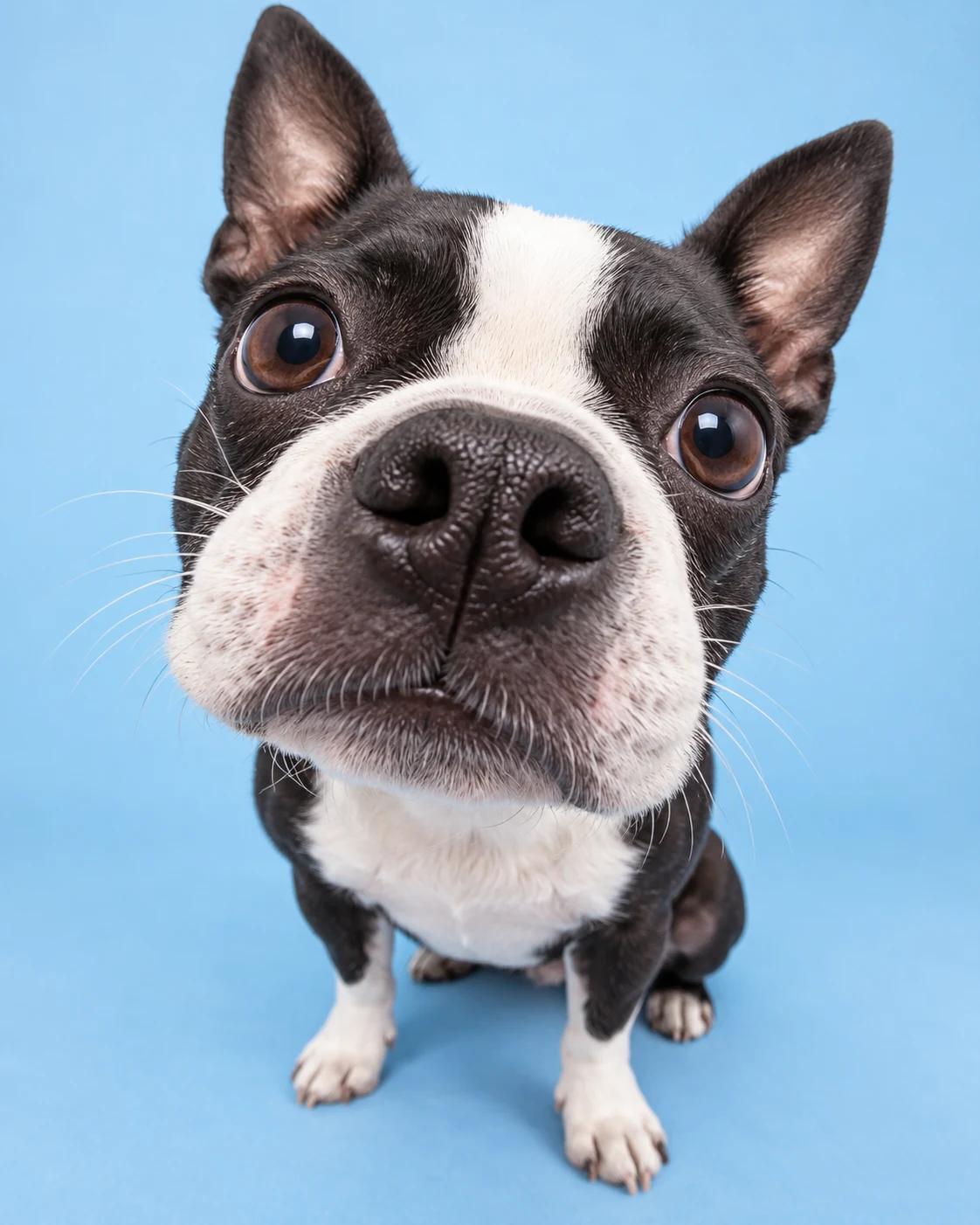
Describe the species, coat colour, distinctive markings, eyes and ears before adding props. Eye-level framing and visible paws make the pose easier to assess.
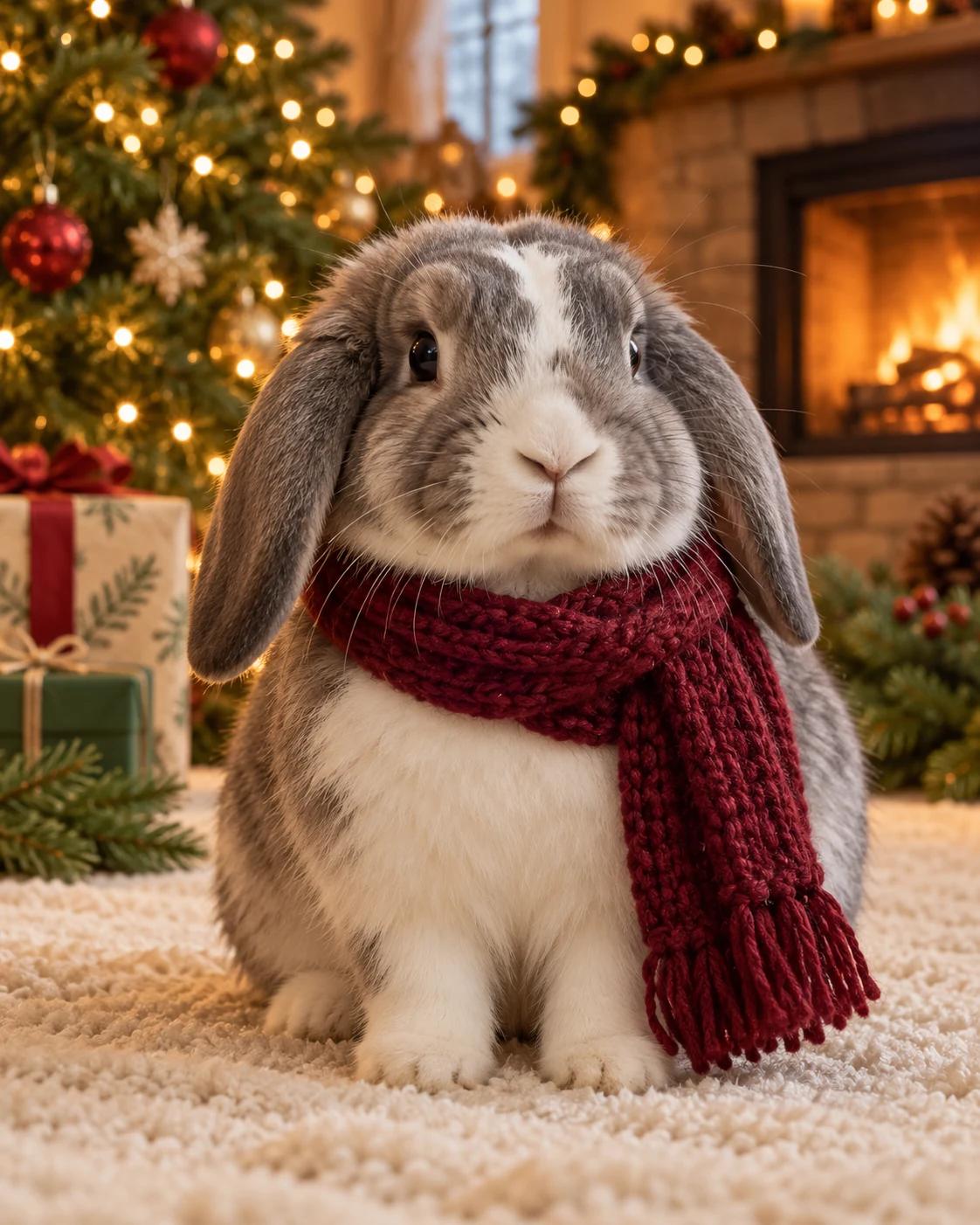
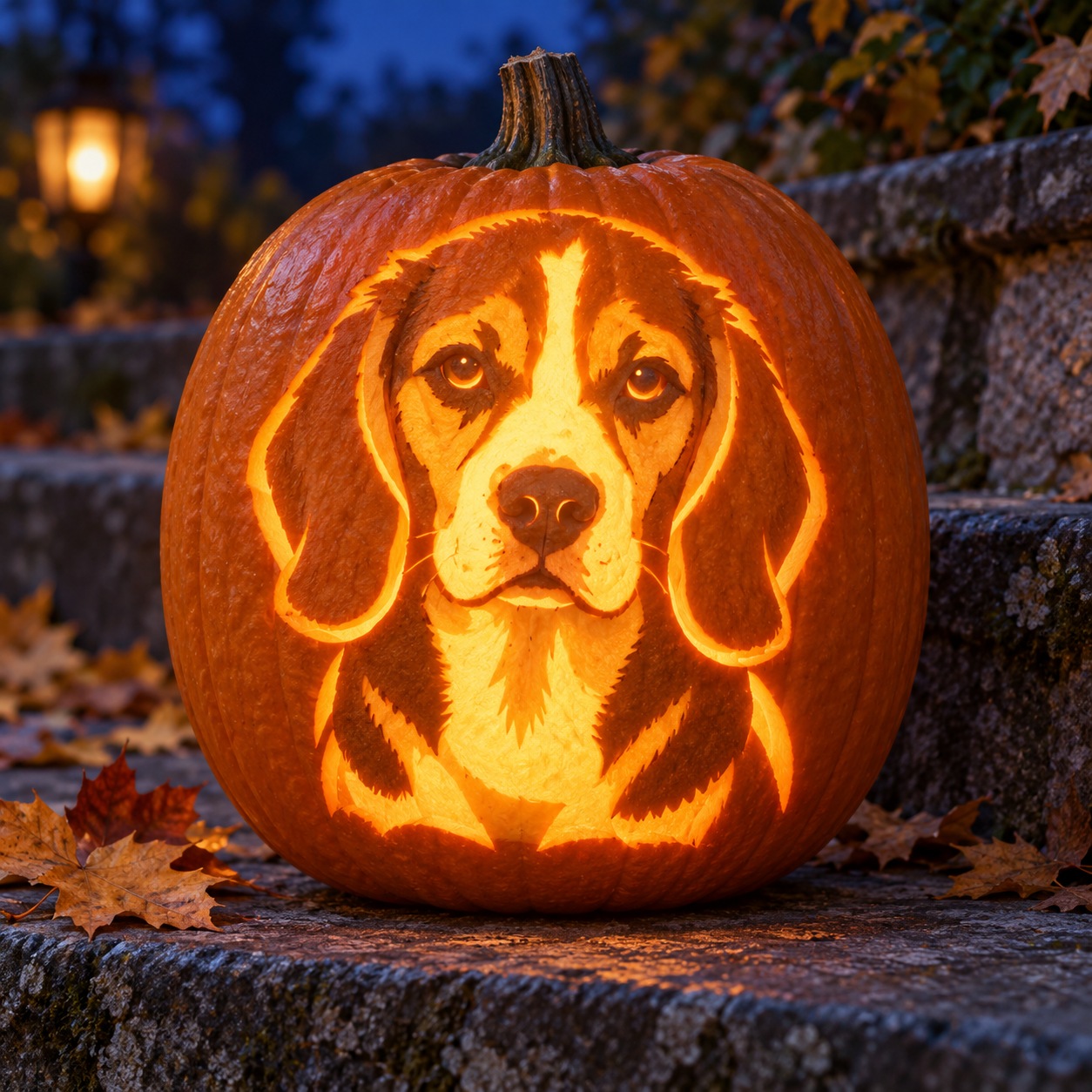
Choose one main visual idea, such as a pumpkin cape or a quiet studio setting. Keep accessories clear of the face and use background colours that separate the fur from the surroundings.
Build a Reusable Prompt
Keep the pet description consistent while exploring different settings.
Define the subject
Describe one fictional pet with specific coat markings, eye colour, ear shape and body size.
Set a simple pose
Choose sitting or standing, specify eye-level framing and ask for visible paws and natural anatomy.
Add a setting and light
Choose a porch, home interior or studio backdrop. Specify soft lighting and limit props to a few relevant objects.
Review the details
Check the eyes, ears, paws and accessory placement. Refine one issue at a time before changing the overall style.
Refine Common Problems
Simpler scenes make distracting details easier to spot and address.
Separate fur from the background
Pair dark fur with a lighter backdrop or pale fur with a slightly deeper background. Request gentle edge separation through lighting.
Reduce accessory clutter
Use one main accessory and keep it away from the eyes, ears and paws. Remove competing props if the pet becomes hard to read.
Keep variants consistent
Repeat the same coat and facial description in each prompt. Text descriptions can guide consistency, but small details may vary between images.
Pet Portrait Basics
What details should I include first?
Start with species, coat colour, markings, eyes and ears. Add the pose, setting, lighting and accessories afterwards.
Can text alone reproduce a real pet exactly?
A detailed description can suggest a similar appearance, but it cannot establish an exact likeness. Treat text-to-image pets as fictional subjects.
How many pets should I include?
Start with one pet for a clear portrait. Multiple animals introduce more poses and overlapping limbs to review.
Which framing works for social posts?
Choose a portrait composition with space around ears and paws. Check your intended platform's crop before adding any text or sharing.
Pet Portrait Resources
Choose a generation page, a focused editing tool or a related composition.
GPT Image 2
Use the selected model page to generate pet portraits from text descriptions.
Image Editing
Refine a background, prop or accessory in an existing image.
Cat Lifestyle Editorial Triptych
Explore a three-panel composition for a cat-focused lifestyle image.