Make Your Underwater Pet Adventure
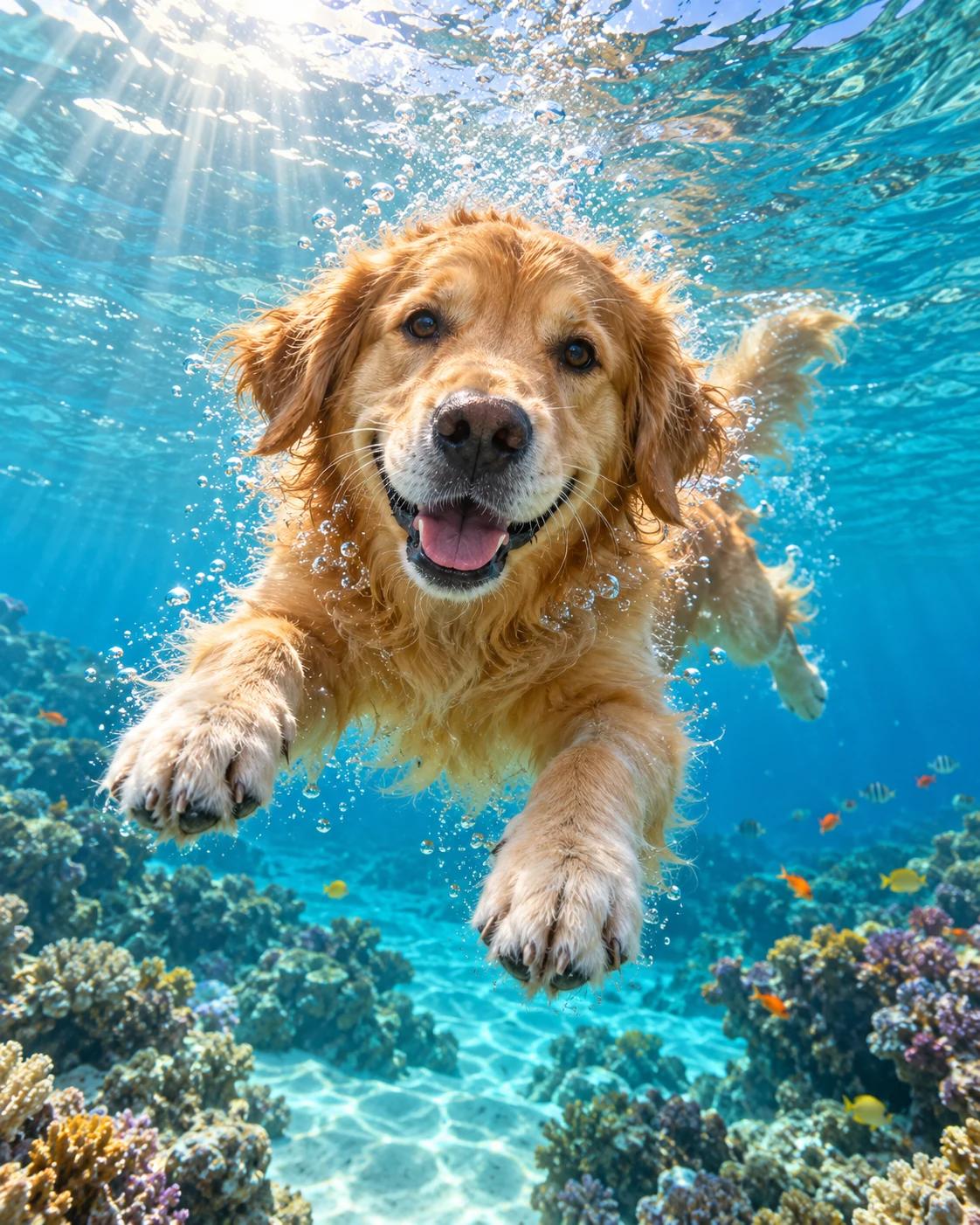
This imagined underwater adventure uses bright water and a colourful reef to frame a familiar pet. The face is the anchor of the scene; bubbles and light rays should support it rather than obscure the eyes and nose.
What Defines This Look
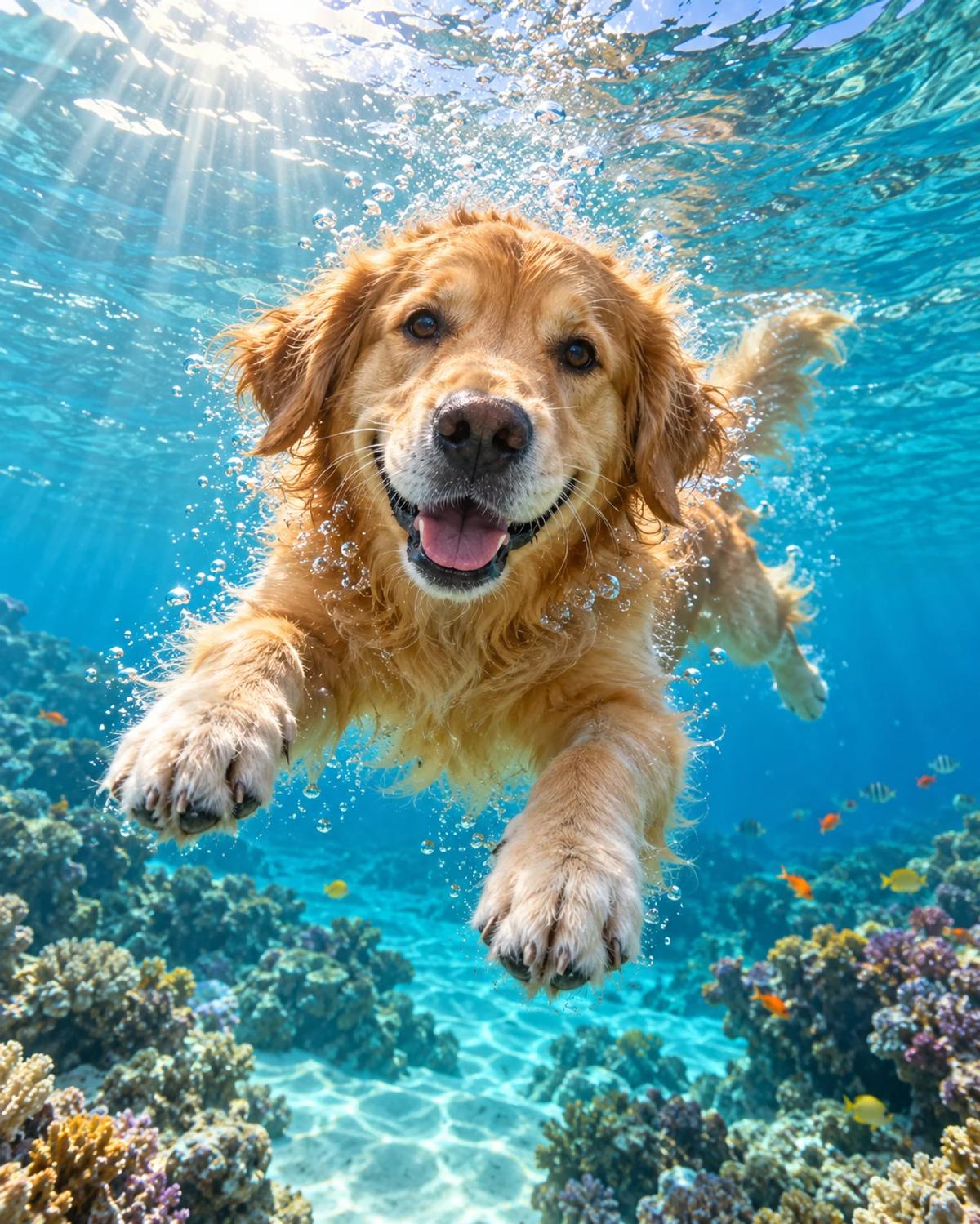
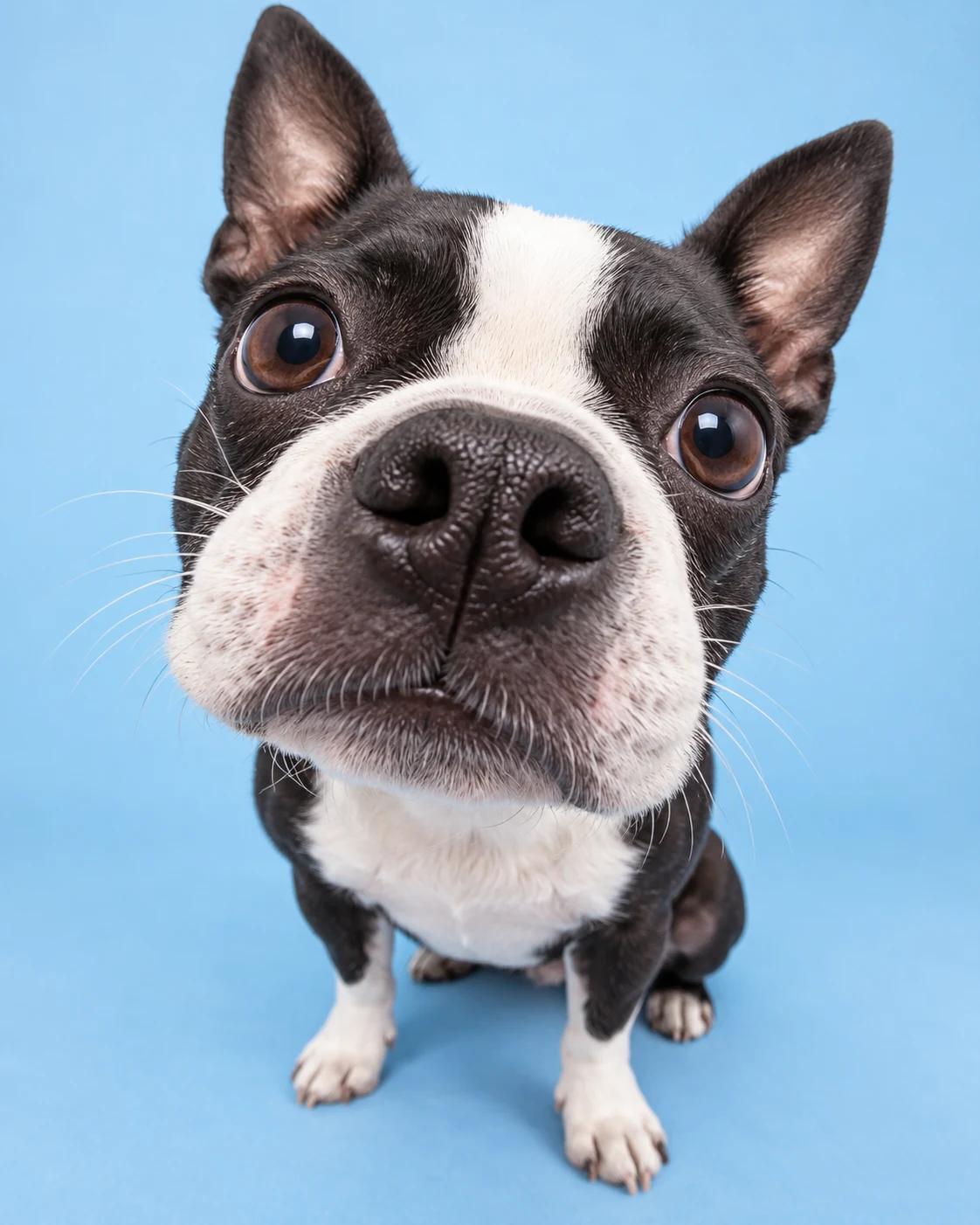
The example shows a swimming dog approaching the camera. A remix should carry over the uploaded animal's species and markings while keeping a believable body shape and the surrounding underwater scene. It is a fantasy portrait, not a reason to stage an underwater pet photo.
How to Personalise It
Start with one photo and use the template scene as your visual reference.
Choose a clear reference
Choose a sharp pet portrait with the face and characteristic markings visible. A normal dry-land photo is enough. Avoid a blurred action shot or a frame with several animals.
Open Remix and upload
Select Remix, upload one photo and review the displayed cost before generating. The template supplies its scene and styling, with a 4:5 output composition.
Review the finished image
Check the muzzle, ears and coat pattern, then inspect limb count and body shape. Watch for duplicate paws, fused limbs or bubbles crossing the eyes.
Get More From the Result
A few checks make the image easier to use after generation.
Choose the right crop
Keep enough water around the animal for the scene to read as an adventure. For a smaller profile crop, favour the face while leaving a little of the blue background.
Refine one detail at a time
If the likeness or a small detail needs work, use Image Editing for a focused adjustment. Keep an unchanged copy so you can compare the edit with the original result.
Questions About This Template
Practical guidance before you upload a photo.
Do I need an underwater reference photo?
No. Use an ordinary clear pet photo. The water, bubbles and reef are generated from the template scene.
Can I use a cat or another pet?
The prompt follows the uploaded pet's species and markings. The swimming pose may adapt differently for different animals, so review anatomy and likeness before using the result.
Will it look exactly like the example?
The layout and setting provide a starting point, but generated details can vary. Check the individual result, especially paws, ears and facial features.
Continue Creating
Explore related scenes or open a separate creation tool. These links do not automatically apply this template.
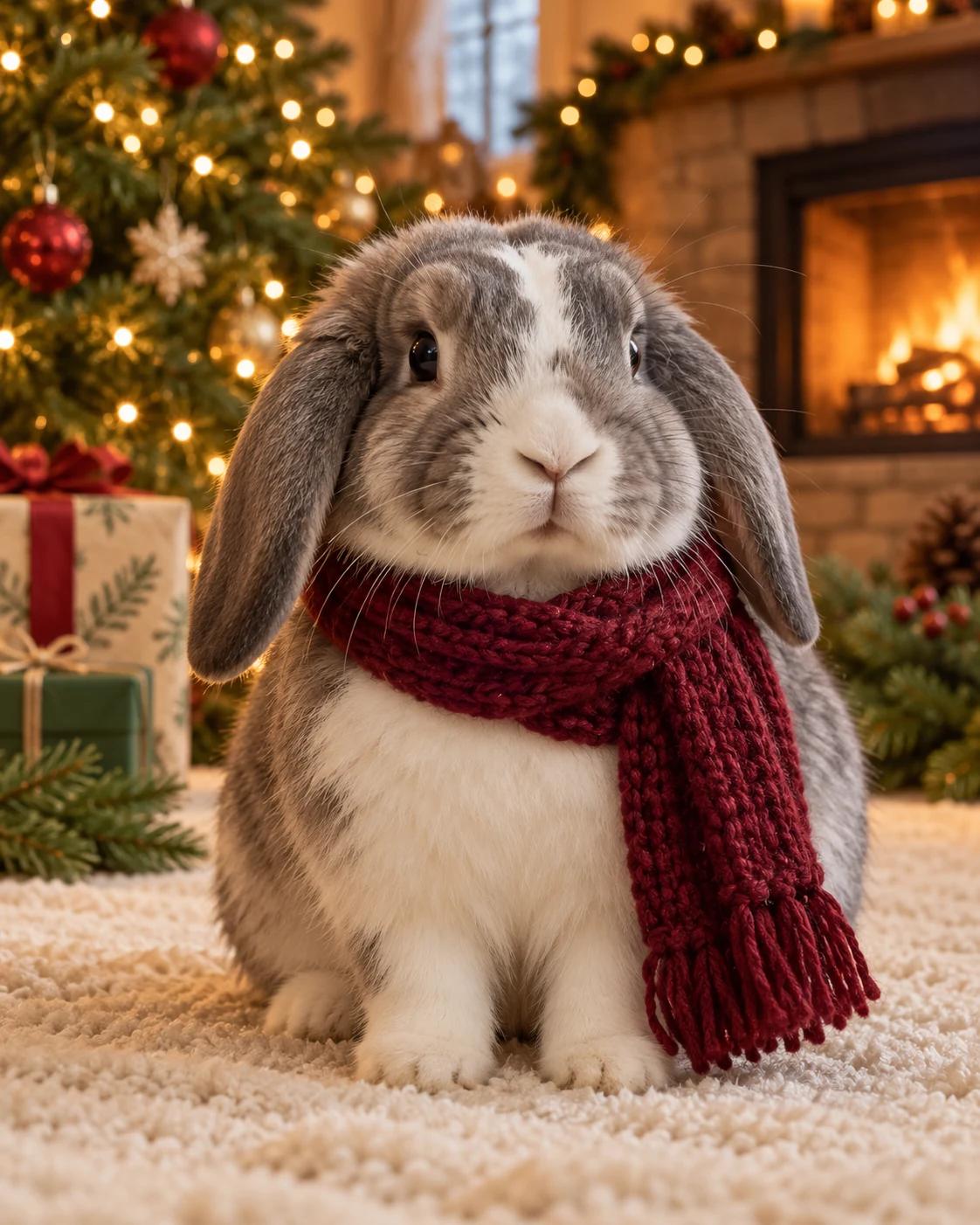
Christmas Fireplace Pet Portrait
Try a different composition with christmas fireplace pet portrait.
Pet Portraits
Browse more ideas in this topic.
Image Editing
Refine a background, accessory or local detail in a finished image.
GPT Image 2.5 Flare
Explore another image model in a separate creation workspace.
GPT Image 2.5 Sunburst
Open the model page for a different free-form image creation workflow.