Personalise Your You and Your Pet Studio Portrait
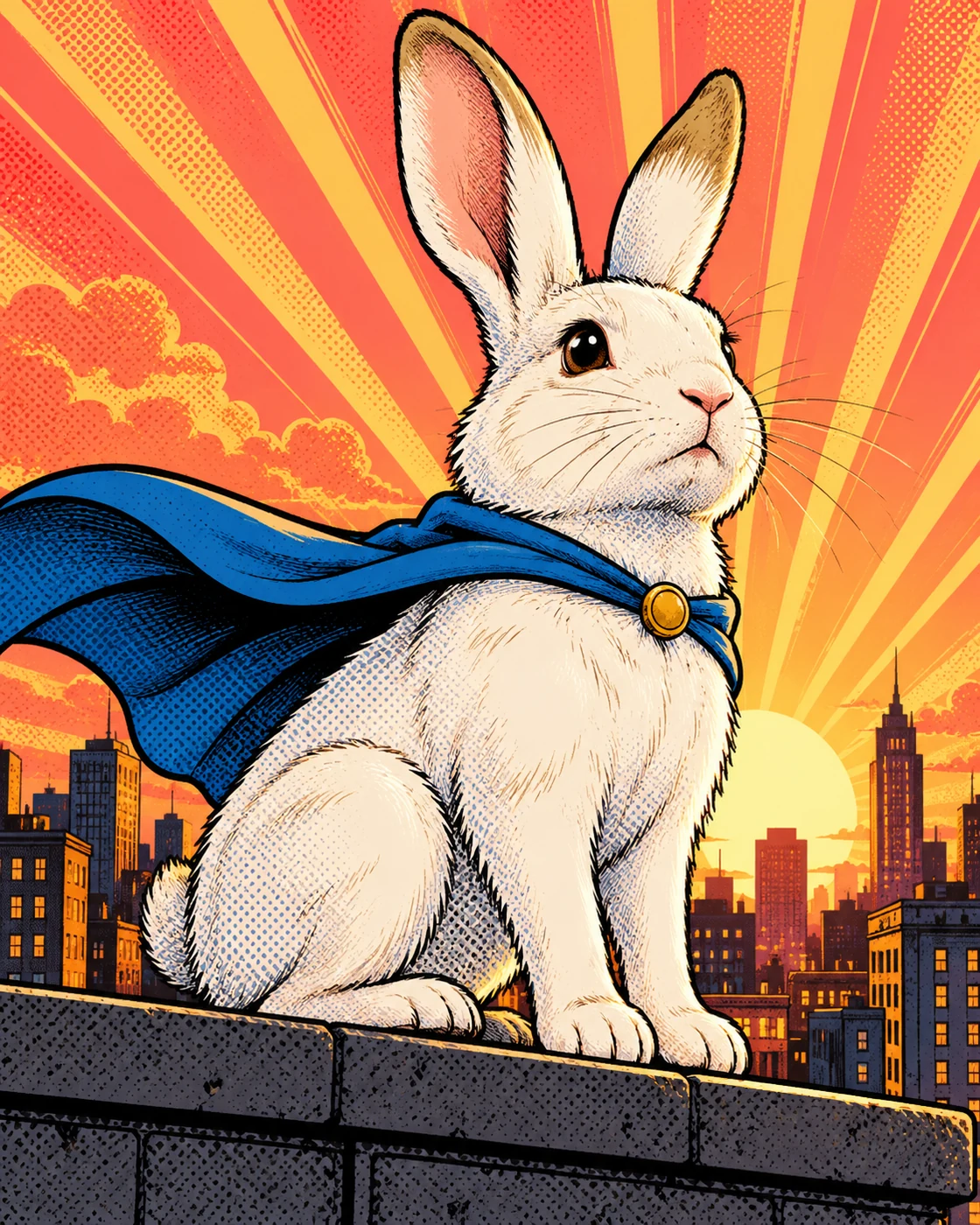
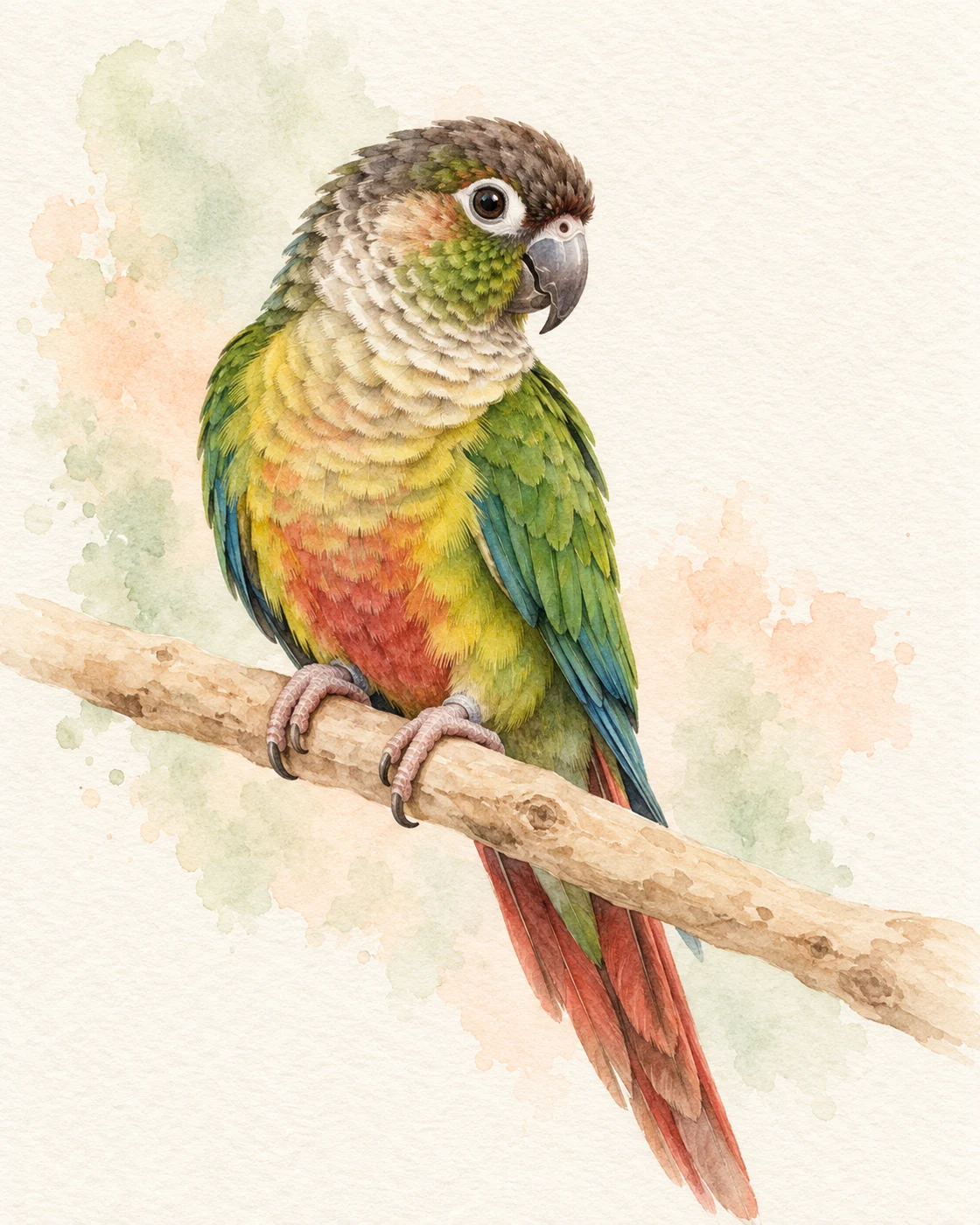
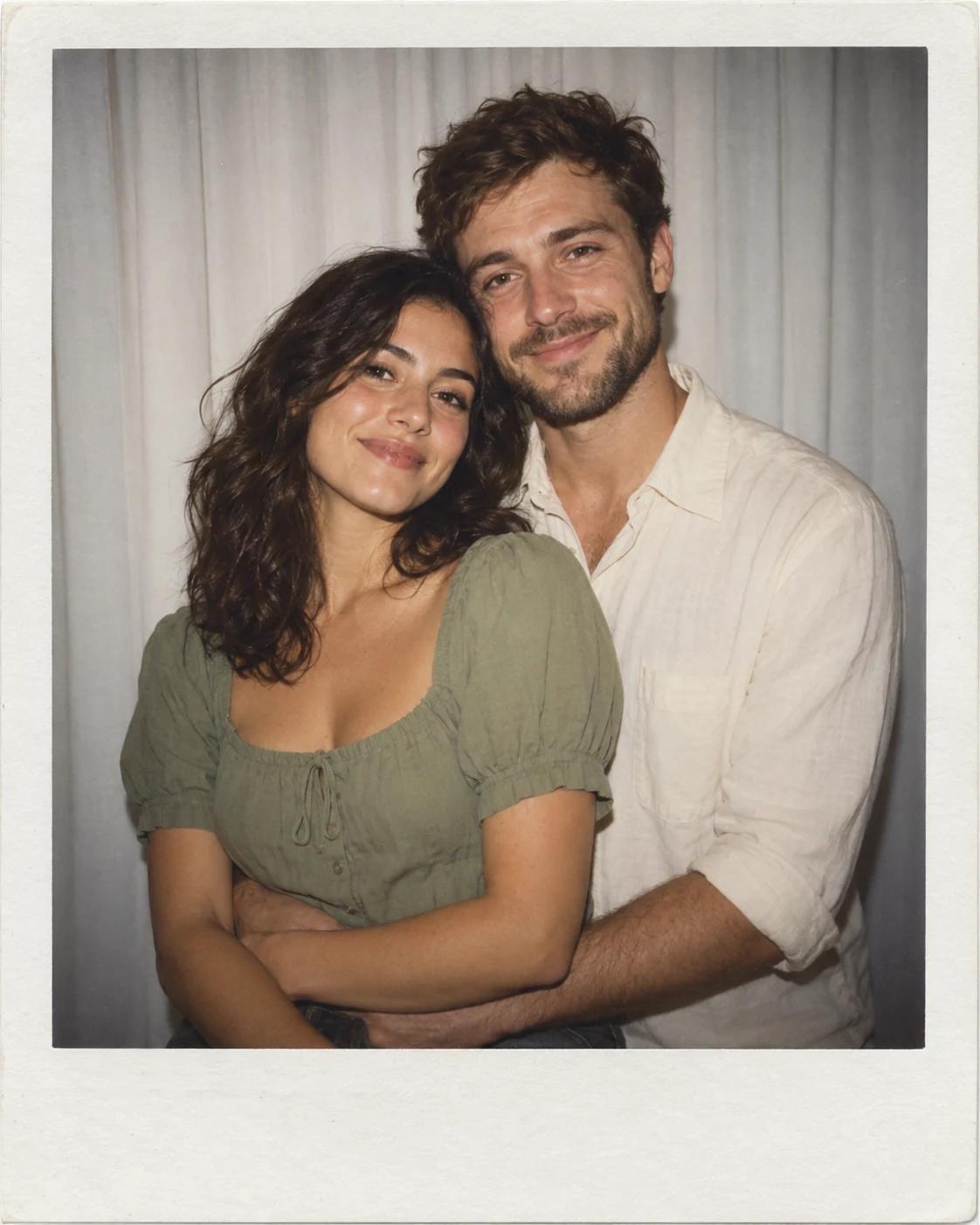
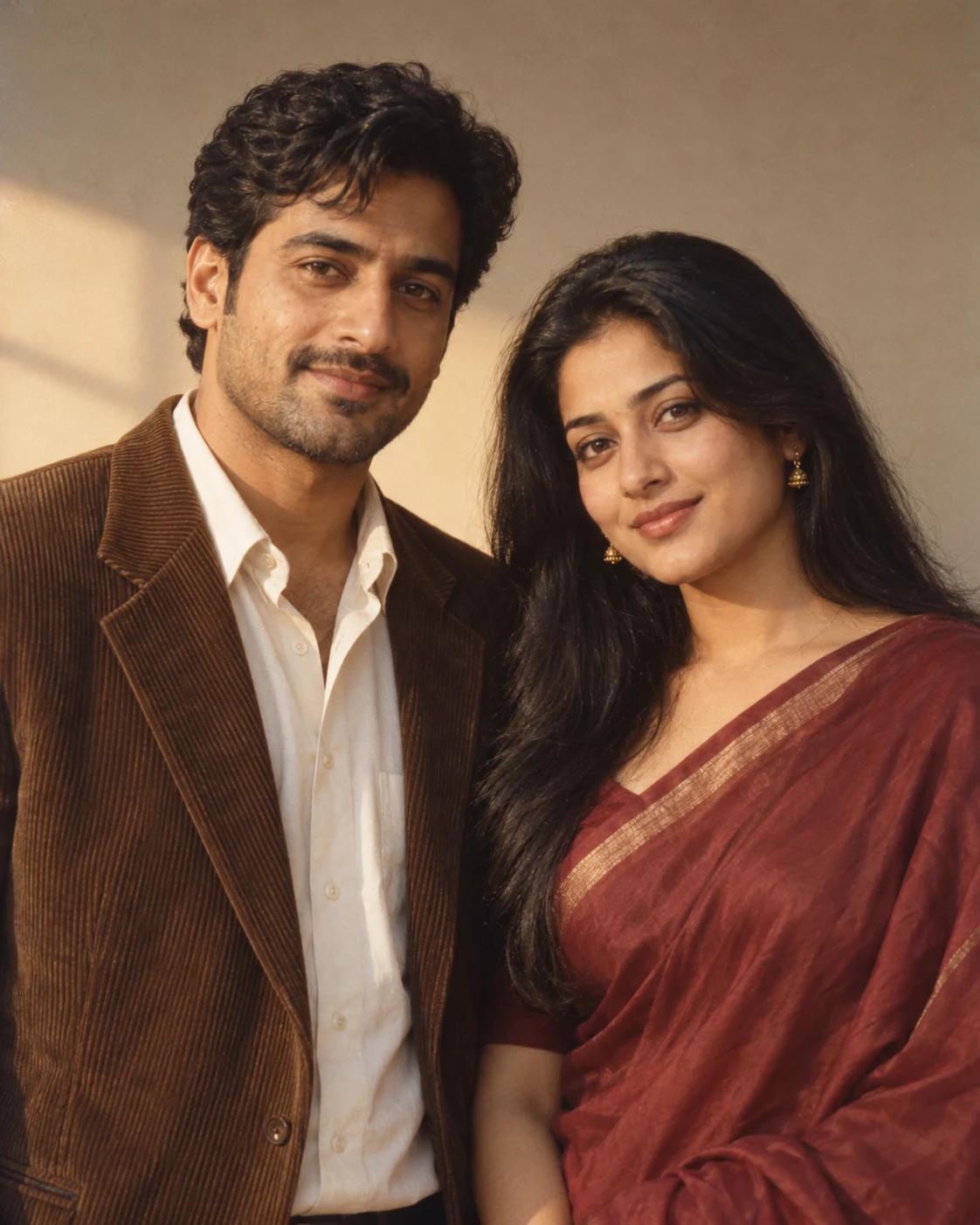
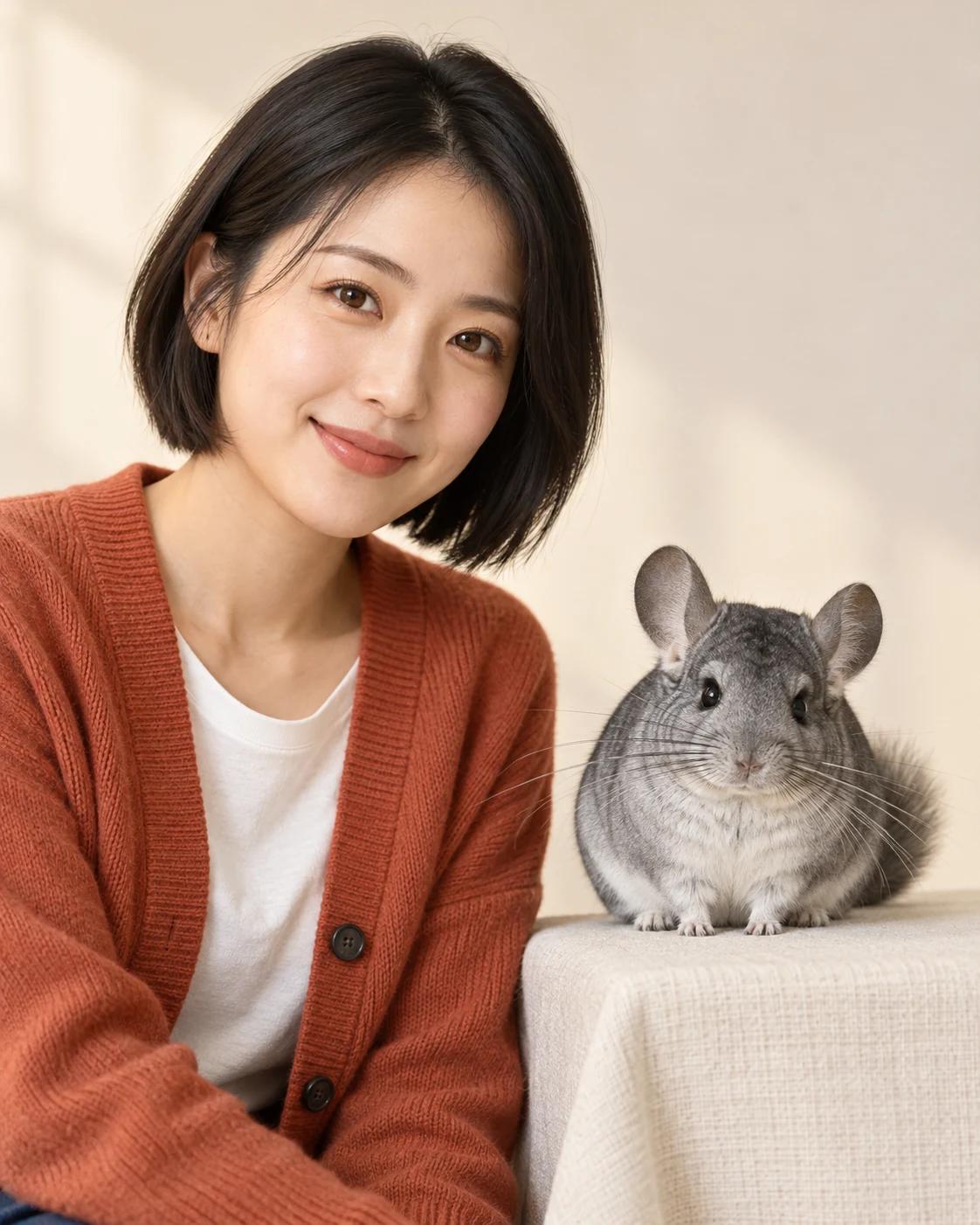
A studio portrait with a pet works best when both faces have room to be seen. This layout puts the person and animal beside each other, avoiding a complicated holding pose and letting familiar expressions and markings carry the image.
What Defines This Look
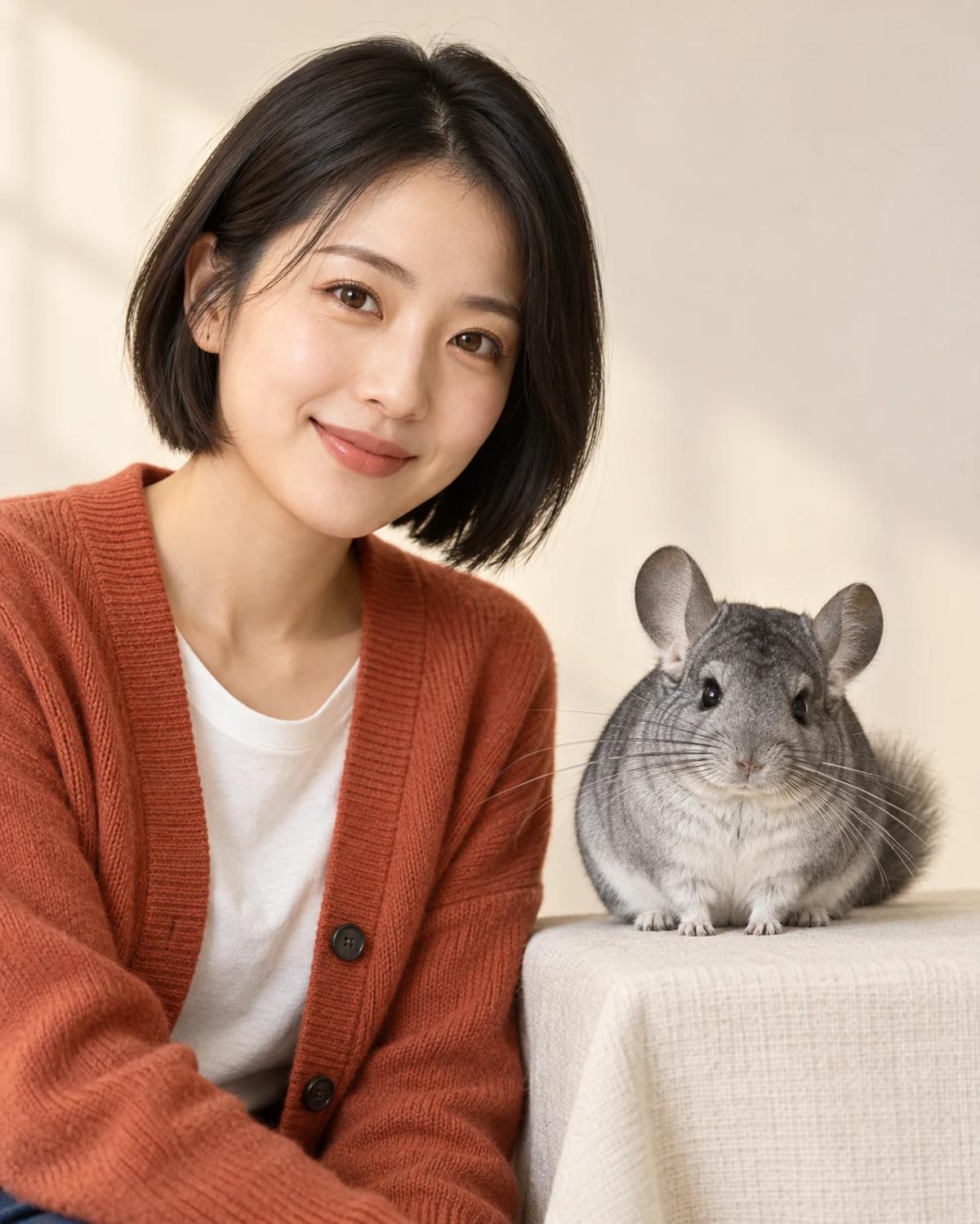
The example pairs a person with a chinchilla, but your pet reference determines the animal. The simple ivory background and warm clothing keep the two subjects connected without turning the pet into an accessory.
How to Create Your Version
Prepare two separate reference photos and check the role labels before generating.
Choose the reference photos
Choose a clear portrait of the owner and an eye-level photo of one pet. Show the animal’s ears, face and distinctive markings. Avoid a source photo in which a hand covers the pet’s head.
Open Remix and upload
Upload the person under Owner and the animal under Pet. Each slot has a separate purpose. You do not need a source photo showing them together.
Review before sharing
Check the person’s likeness, then the pet’s species, muzzle, ears and coat pattern. Make sure neither subject has borrowed features from the other and that the animal’s size feels believable.
Make the Result Useful
Keep the composition readable and make any final adjustments deliberately.
Choose the right crop
The 4:5 portrait suits a profile post or a small keepsake print. Leave space around the pet’s ears and paws when cropping.
Refine a small detail
If a hand, accessory or background detail needs attention, open Image Editing for a focused adjustment. Keep the first result so you can compare your edit without losing the original.
Questions About This Template
Practical guidance for the reference photos and the generated result.
Can I use a dog, cat or rabbit?
Yes. The pet slot supplies species and markings. Review the result carefully for any chinchilla features carried over from the example.
Do the person and pet need to be photographed together?
No. Separate photos are the intended inputs. A clear face in each reference is more useful than a crowded shared snapshot.
Can I include several pets?
This version is designed for one person and one pet. Multiple animals in the pet photo may make the intended identity ambiguous.
Continue Creating
Explore a related template or open a separate creation tool. Model links below start a separate workflow.
Fisheye Pet Close-Up
Try a different composition with related upload guidance.
Pet Portraits
Browse the other templates in this topic.
Image Editing
Refine a local detail in your finished image.
GPT Image 2.5 Flare
Explore free-form image creation on this model page.
GPT Image 2.5 Sunburst
Open another model page for a separate image workflow.