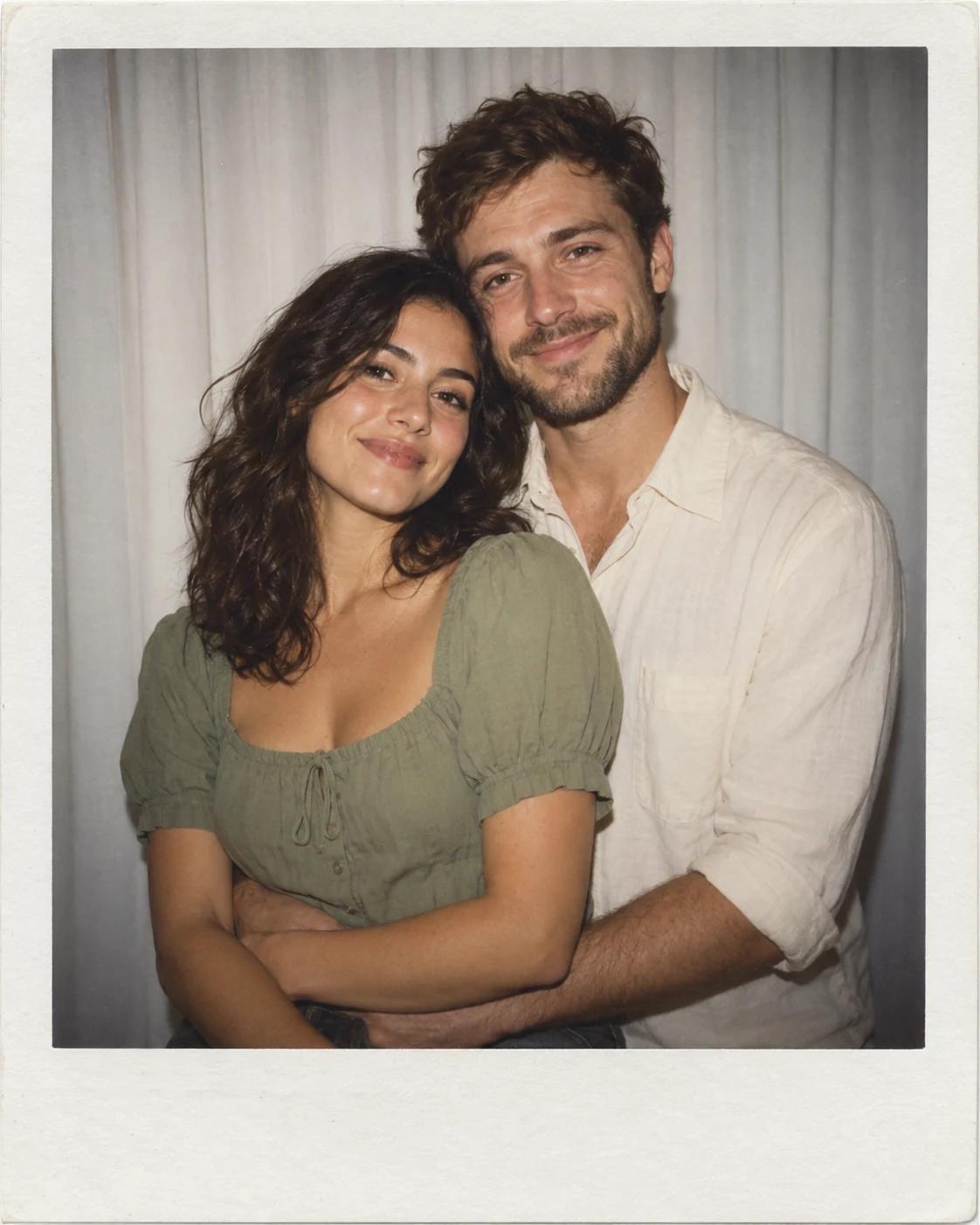
Personalise Your White Curtain Polaroid Hug
A white curtain and a soft flash make a two-person portrait feel intimate without a busy setting. This template brings two separate reference photos into a single instant-film composition, with a gentle embrace and room around both faces.
What Defines This Look
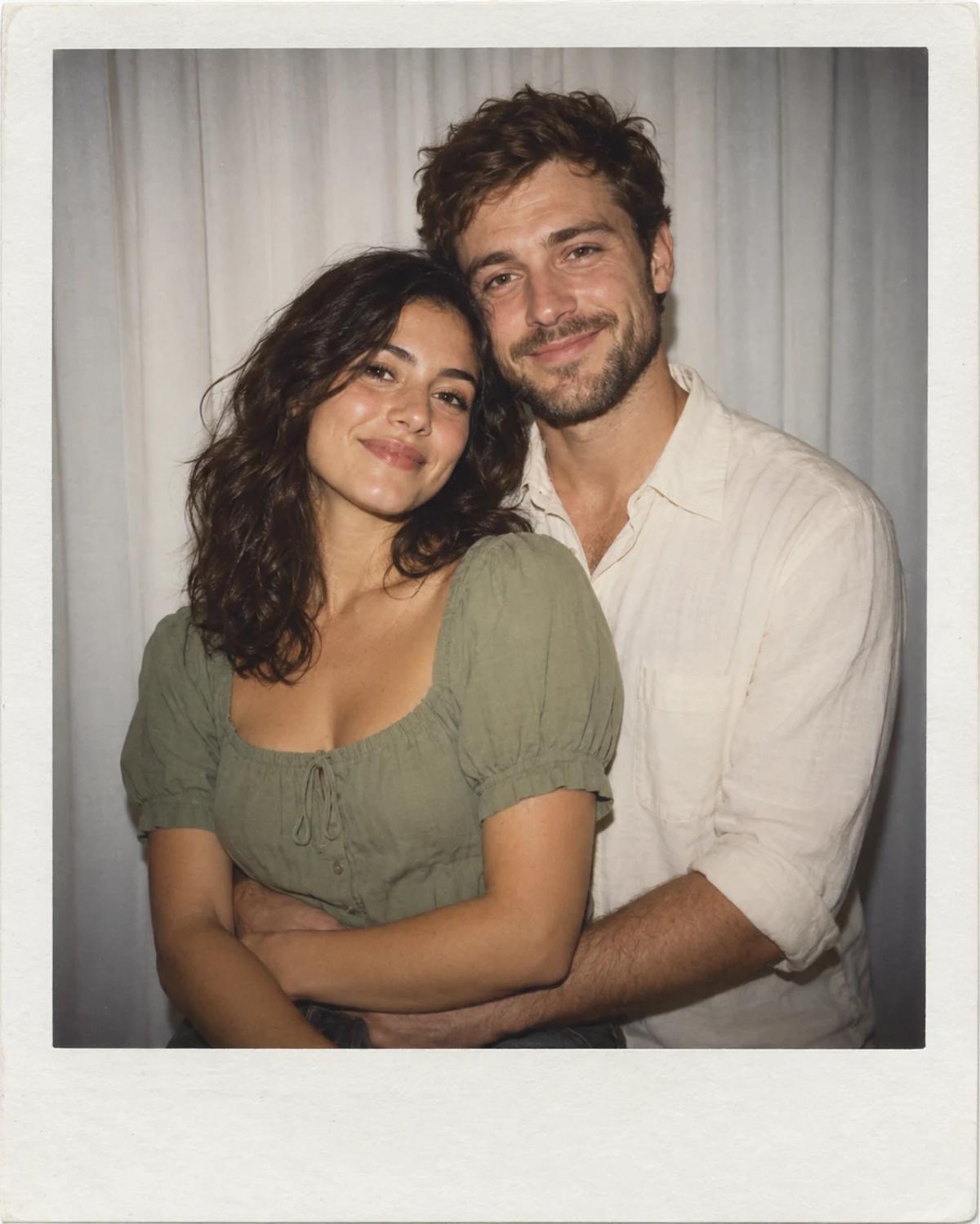
The cream border and slightly faded colour give the picture its keepsake feel. Person A occupies the front-left position; Person B stands a little behind on the right. The pose and setting come from the example, while each uploaded photo supplies one identity.
How to Create Your Version
Prepare two separate reference photos and check the role labels before generating.
Choose the reference photos
Choose one clear, single-person portrait for each slot. Similar head angles and lighting make the pair easier to compare. Keep eyes, hairline and chin visible; avoid group photos or sunglasses.
Open Remix and upload
Upload the foreground subject under Person A and the other person under Person B. Confirm both thumbnails before generating. The template image is supplied automatically; you do not need to upload the example.
Review before sharing
Compare each face with its own reference. Then inspect the arms around the waist and make sure the two bodies remain distinct. Keep the complete ivory border if you want the instant-photo look.
Make the Result Useful
Keep the composition readable and make any final adjustments deliberately.
Choose the right crop
Use the full composition for a keepsake or shared portrait. If you add a caption, place it in an editor after generation so the names and spelling remain under your control.
Refine a small detail
If a hand, accessory or background detail needs attention, open Image Editing for a focused adjustment. Keep the first result so you can compare your edit without losing the original.
Questions About This Template
Practical guidance for the reference photos and the generated result.
Can I use photos taken separately?
Yes. Upload two separate photos, one person per slot. The generated image brings them into the same scene; it is not a record of a real shared moment.
Which person appears in front?
Person A goes in the foreground on the left. Person B is slightly behind on the right. Use the slot labels to keep the intended arrangement.
Does it work for friends as well as couples?
Yes. Choose two people and a pose you are comfortable depicting. The template does not require a particular relationship or gender pairing.
Continue Creating
Explore a related template or open a separate creation tool. Model links below start a separate workflow.
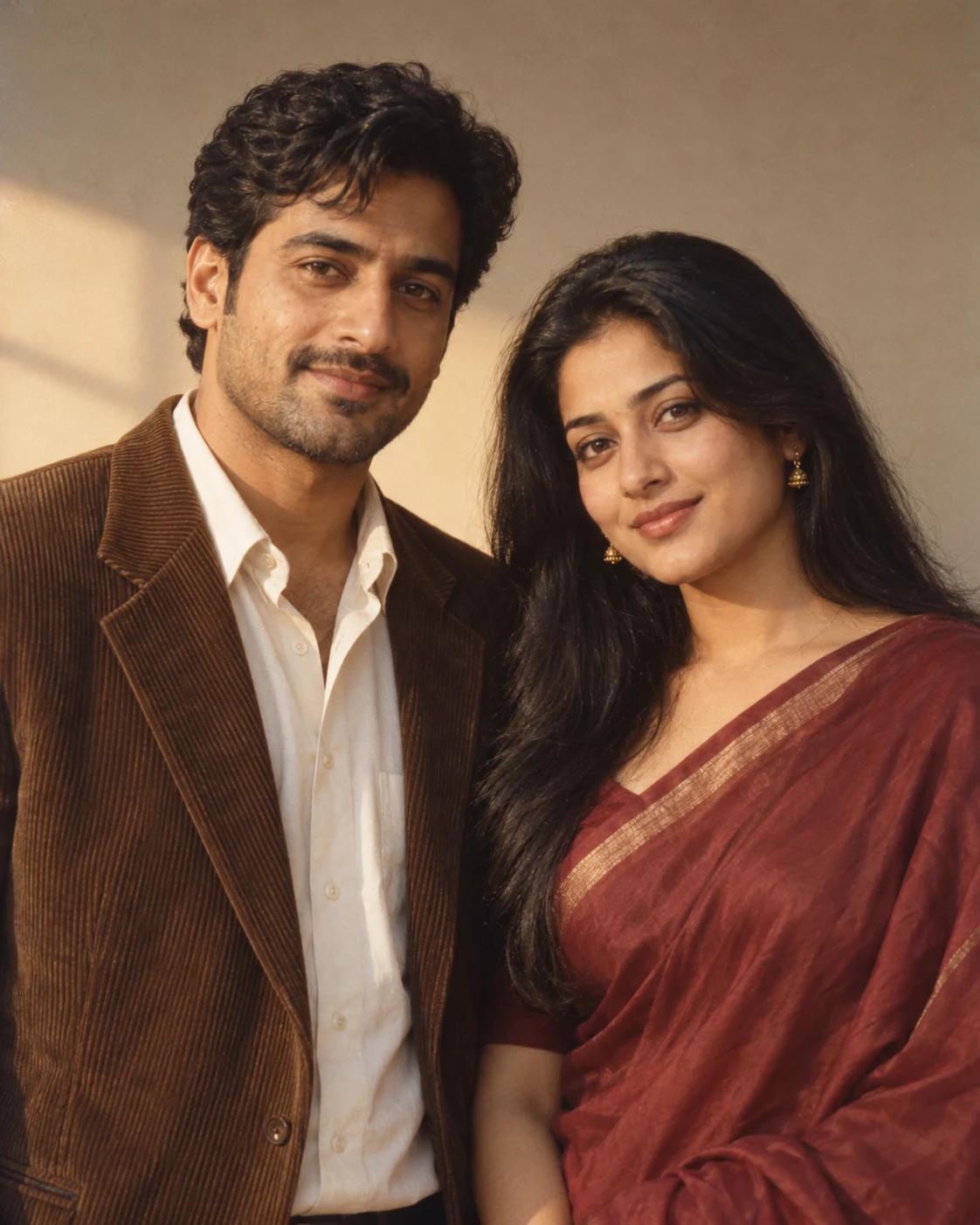
Golden Hour Retro Couple Portrait
Try a different composition with related upload guidance.
Together Portraits
Browse the other templates in this topic.
Image Editing
Refine a local detail in your finished image.
GPT Image 2.5 Flare
Explore free-form image creation on this model page.
GPT Image 2.5 Sunburst
Open another model page for a separate image workflow.