

Explore Together Portraits
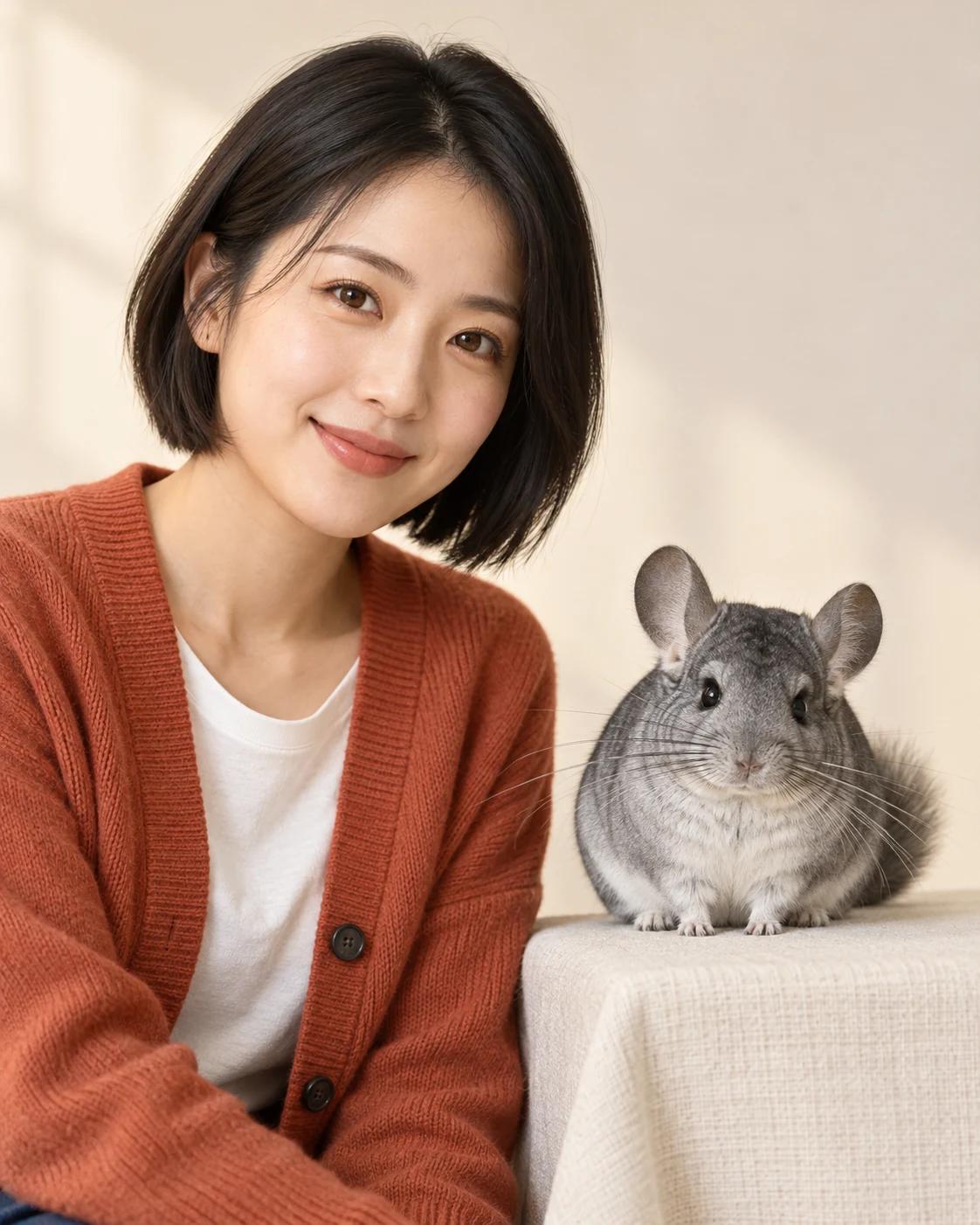
Two reference slots let each subject keep a separate identity. Choose a pose first, then use the labels to place the right person or pet in each position.
Choose the Story You Want to Tell
Create shared portraits from separate photos, with clear roles for each person or pet and a choice of candid or studio compositions.
Prepare Useful Reference Photos
Each template explains the number and purpose of its uploads.
Read the upload labels
For paired templates, each photo has its own role. Use one clear subject per photo and avoid cropping away facial features.
Check the finished identities
Compare each generated face with the intended reference. Review hands, body proportions and any repeated portraits before sharing.
Before You Start
Treat the examples as creative starting points.
Do all templates need two photos?
No. The upload count depends on the template. Two-person and present/childhood scenes use two; a scrapbook can repeat one identity across multiple views.
Will the result reproduce a real moment?
These templates generate new scenes. They can use familiar identities, but they do not verify or reconstruct a real shared event.
Choose a Starting Point
Open a complete template or refine an image you already have.
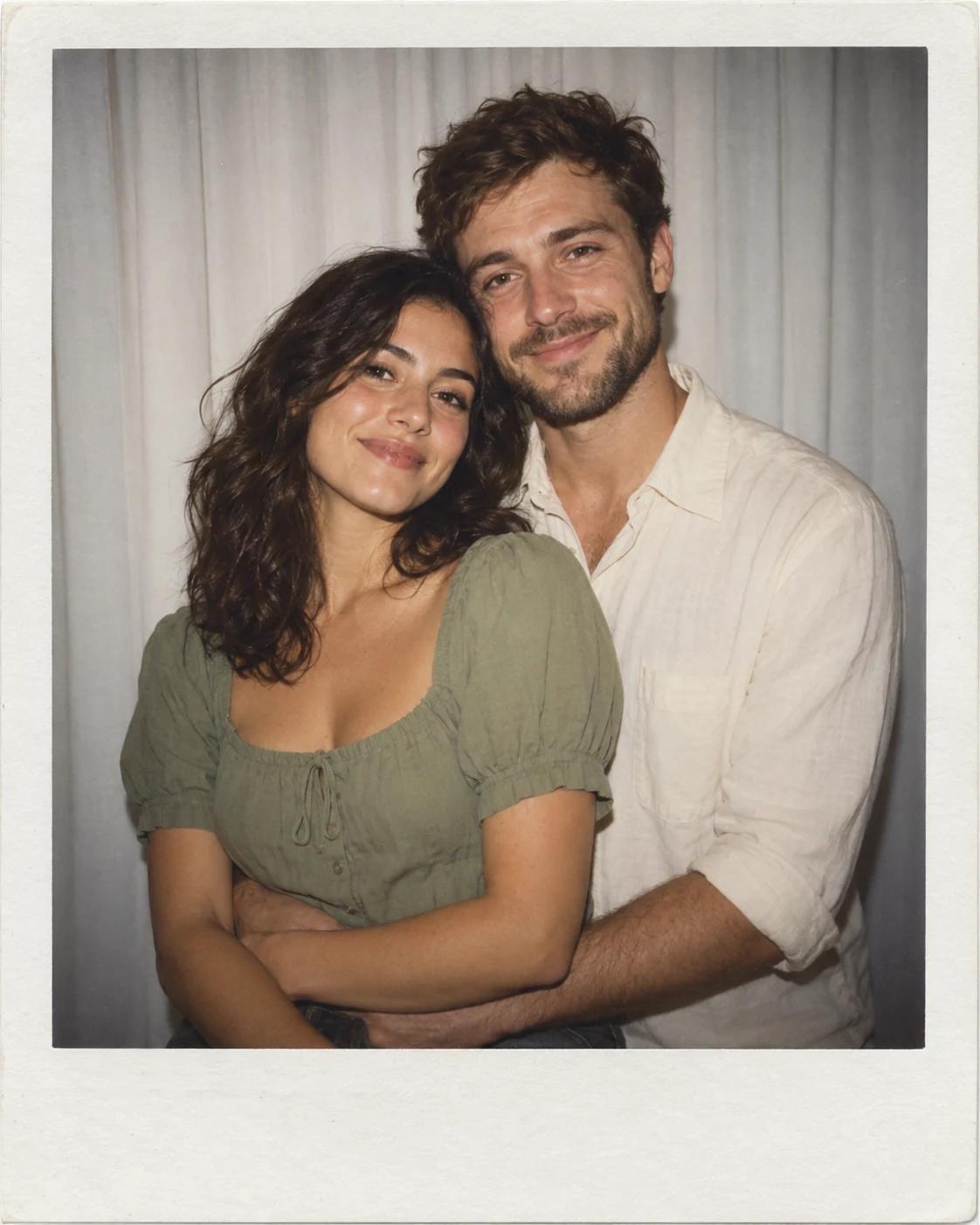
White Curtain Polaroid Hug
See the example and detailed upload guidance.
All Image Templates
Explore other portrait styles and subjects.
Image Editing
Adjust one part of a finished result.