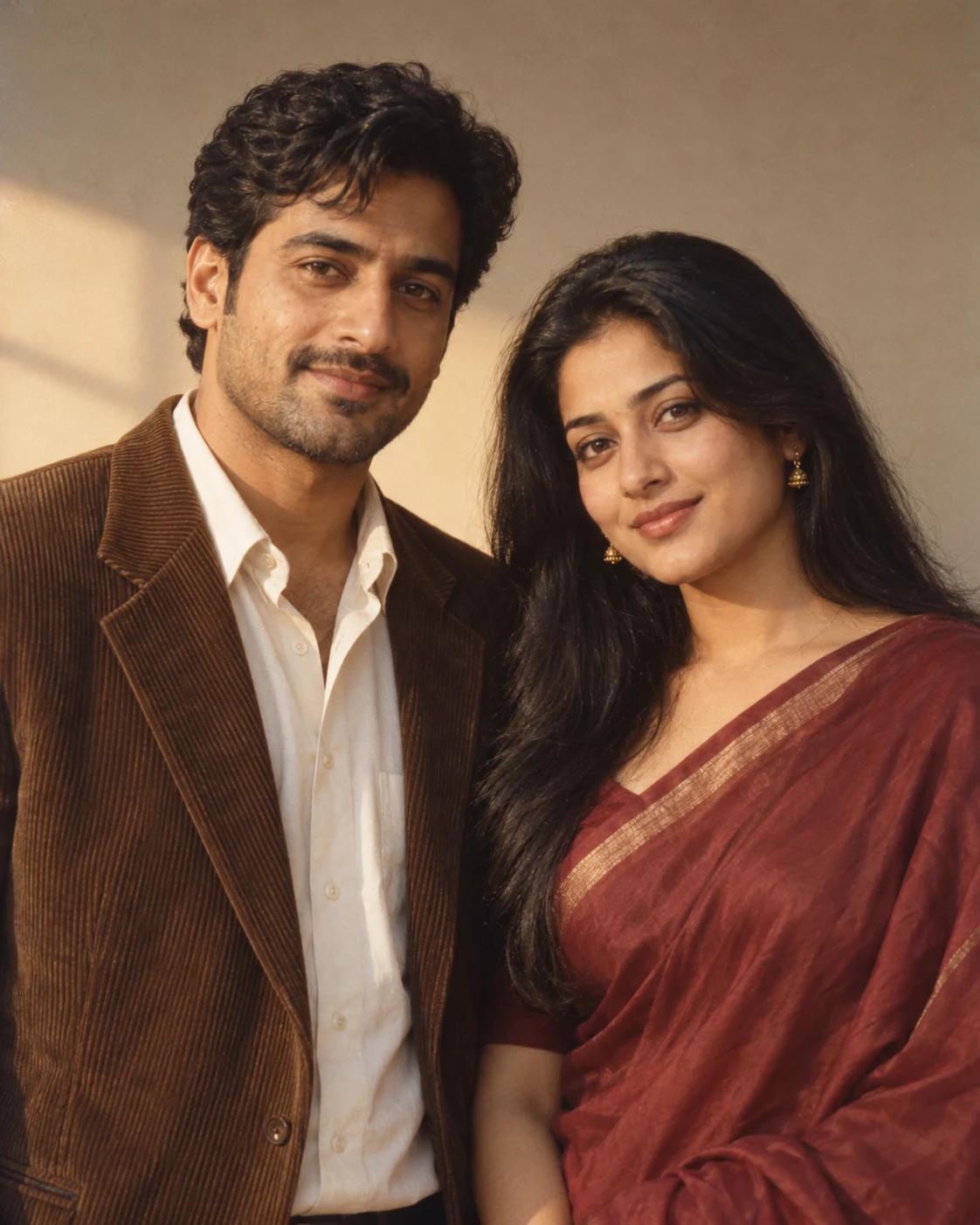
Personalise Your Golden Hour Retro Couple Portrait
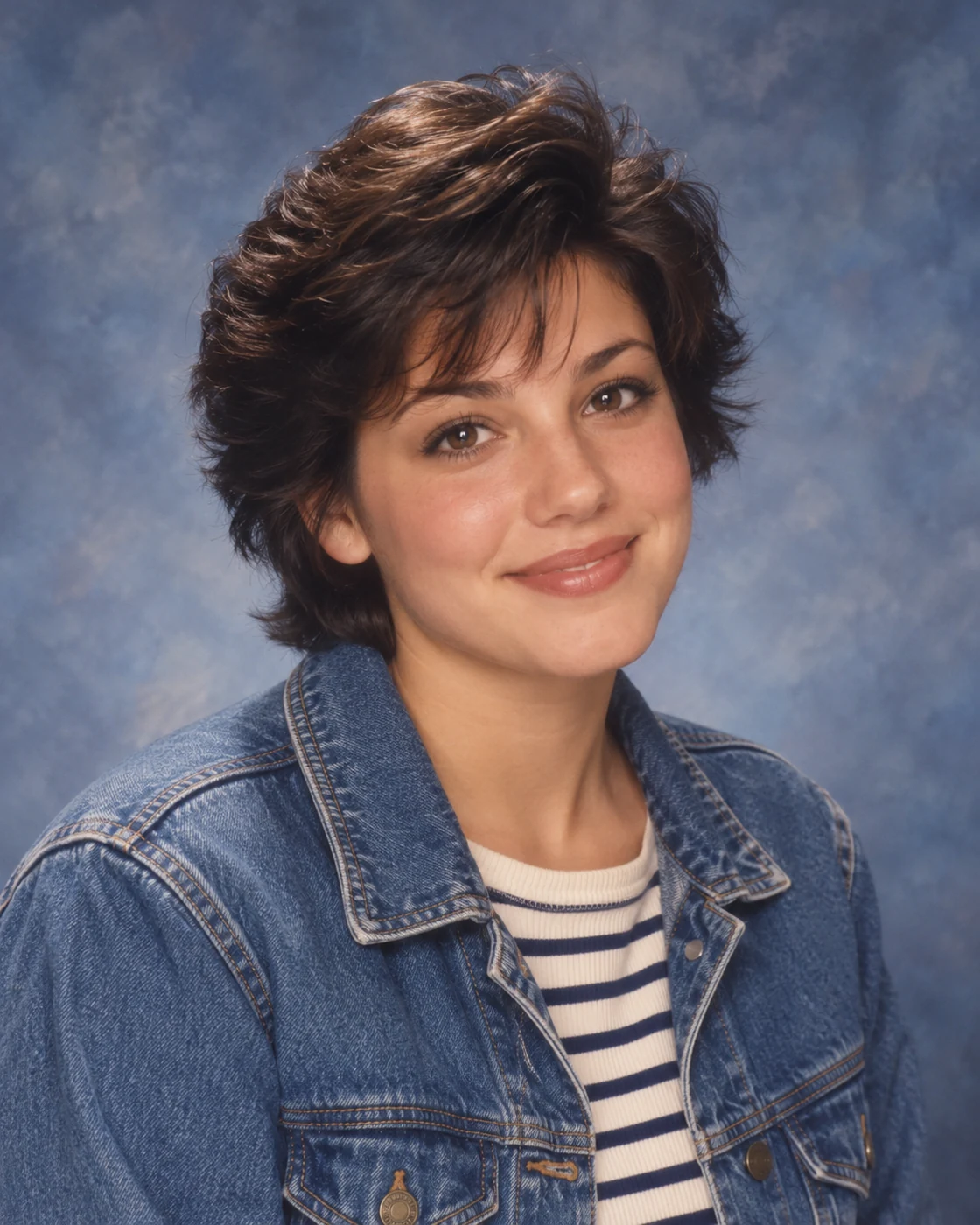
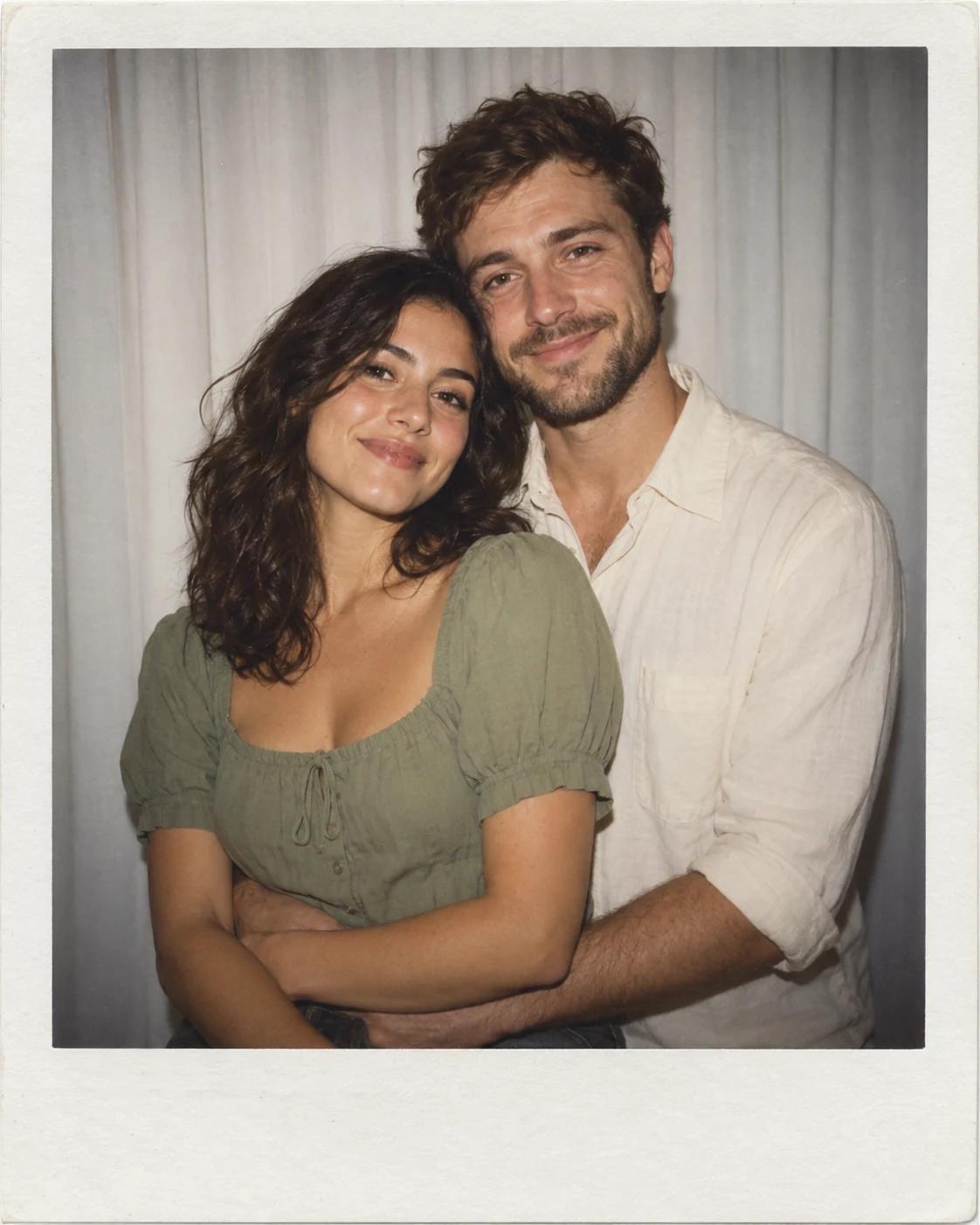
Golden side light and a restrained palette can make a simple two-person portrait feel like a treasured studio print. This template uses separate identity photos and a shared setting, with the mood carried by colour and light rather than elaborate props.
What Defines This Look
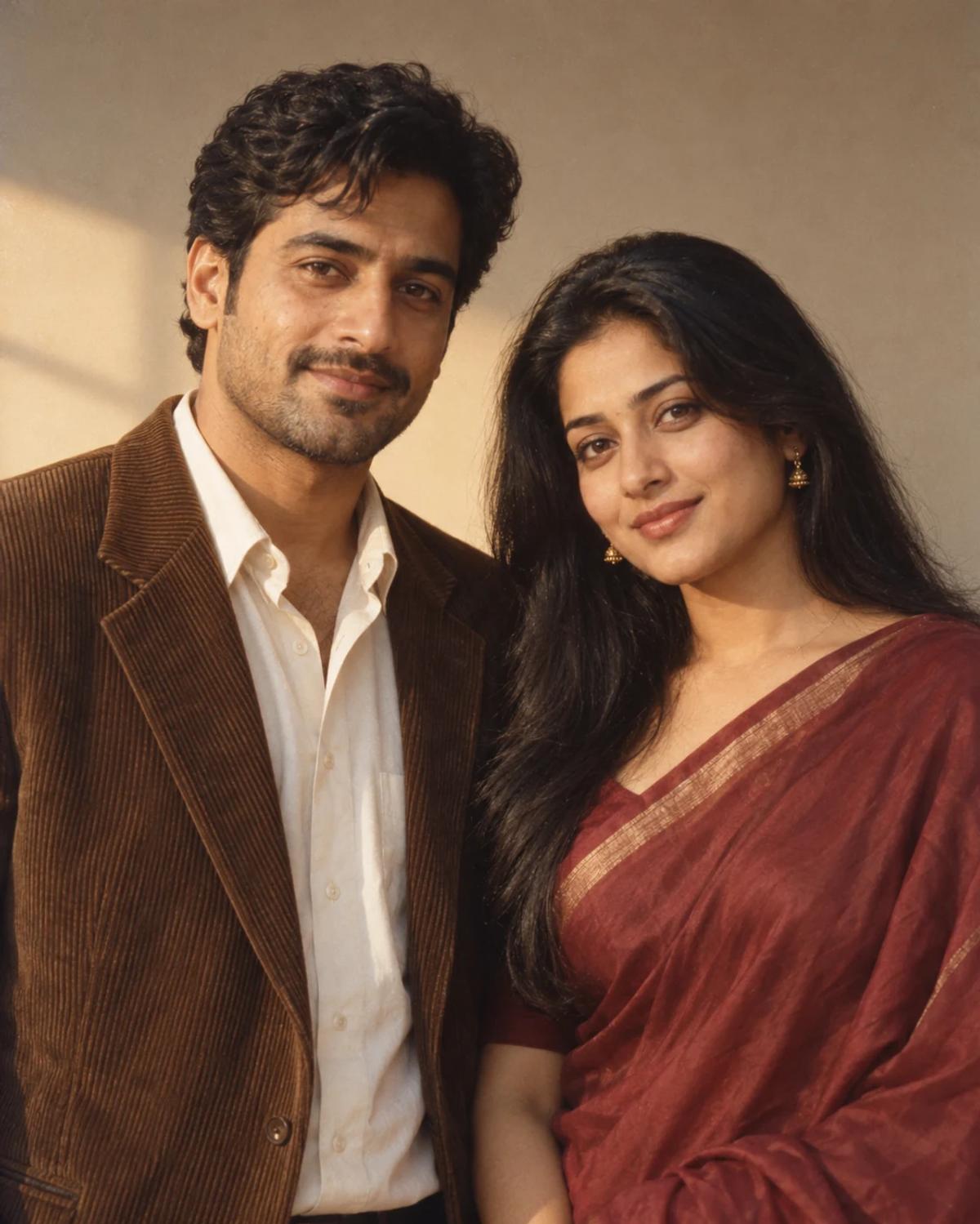
Person A stands on the left and Person B on the right. Brown, ivory and burgundy tones belong to the template styling; your references provide the faces and hair. Fine grain adds texture while facial detail remains readable.
How to Create Your Version
Prepare two separate reference photos and check the role labels before generating.
Choose the reference photos
Use two clear portraits with similar camera heights. A slight turn is fine, but avoid combining an extreme side profile with a front-facing selfie when both subjects should look toward the camera.
Open Remix and upload
Add the left subject to Person A and the right subject to Person B. Check both thumbnails, then review the displayed cost before generating.
Review before sharing
Compare each person’s face with the correct upload. Watch for blended hairlines where shoulders touch, inconsistent light direction and excessive smoothing that removes familiar features.
Make the Result Useful
Keep the composition readable and make any final adjustments deliberately.
Choose the right crop
Keep both shoulders in a 4:5 crop for a balanced portrait. If you want a vintage print finish, add a border afterward without reducing the faces to tiny details.
Refine a small detail
If a hand, accessory or background detail needs attention, open Image Editing for a focused adjustment. Keep the first result so you can compare your edit without losing the original.
Questions About This Template
Practical guidance for the reference photos and the generated result.
Are the example outfits required in my photos?
No. The template supplies the outfit palette and studio scene. Simple source clothing is fine.
Can it be a friendship portrait?
Yes. The two-person layout is suitable for friends or partners. Choose the two identities and arrangement you want to depict.
Will the warm light change skin colour?
Warm light affects the scene, but the prompt asks to preserve each subject’s skin tone. Review the result against the source photos rather than accepting a heavily shifted complexion.
Continue Creating
Explore a related template or open a separate creation tool. Model links below start a separate workflow.
White Curtain Polaroid Hug
Try a different composition with related upload guidance.
Together Portraits
Browse the other templates in this topic.
Image Editing
Refine a local detail in your finished image.
GPT Image 2.5 Flare
Explore free-form image creation on this model page.
GPT Image 2.5 Sunburst
Open another model page for a separate image workflow.