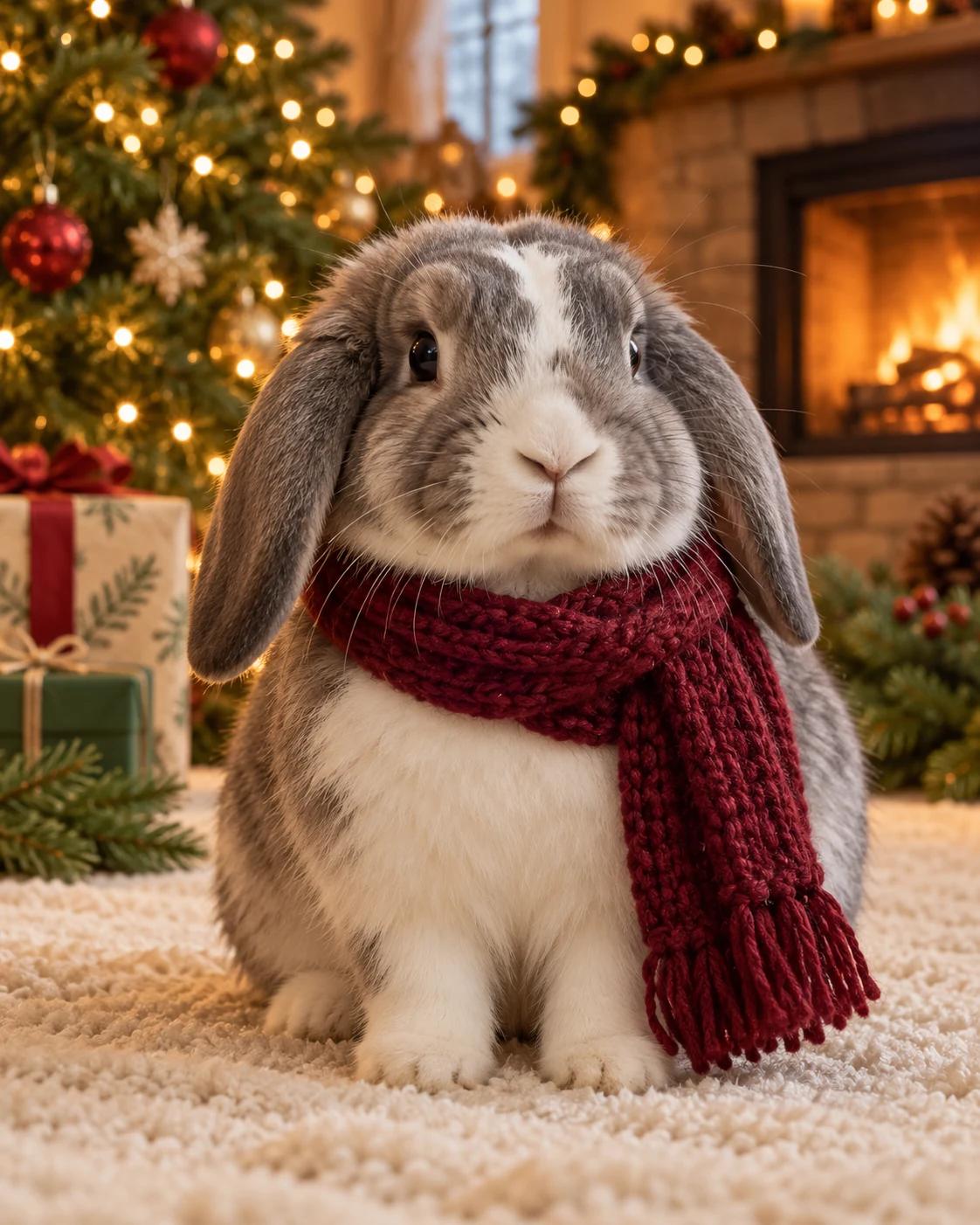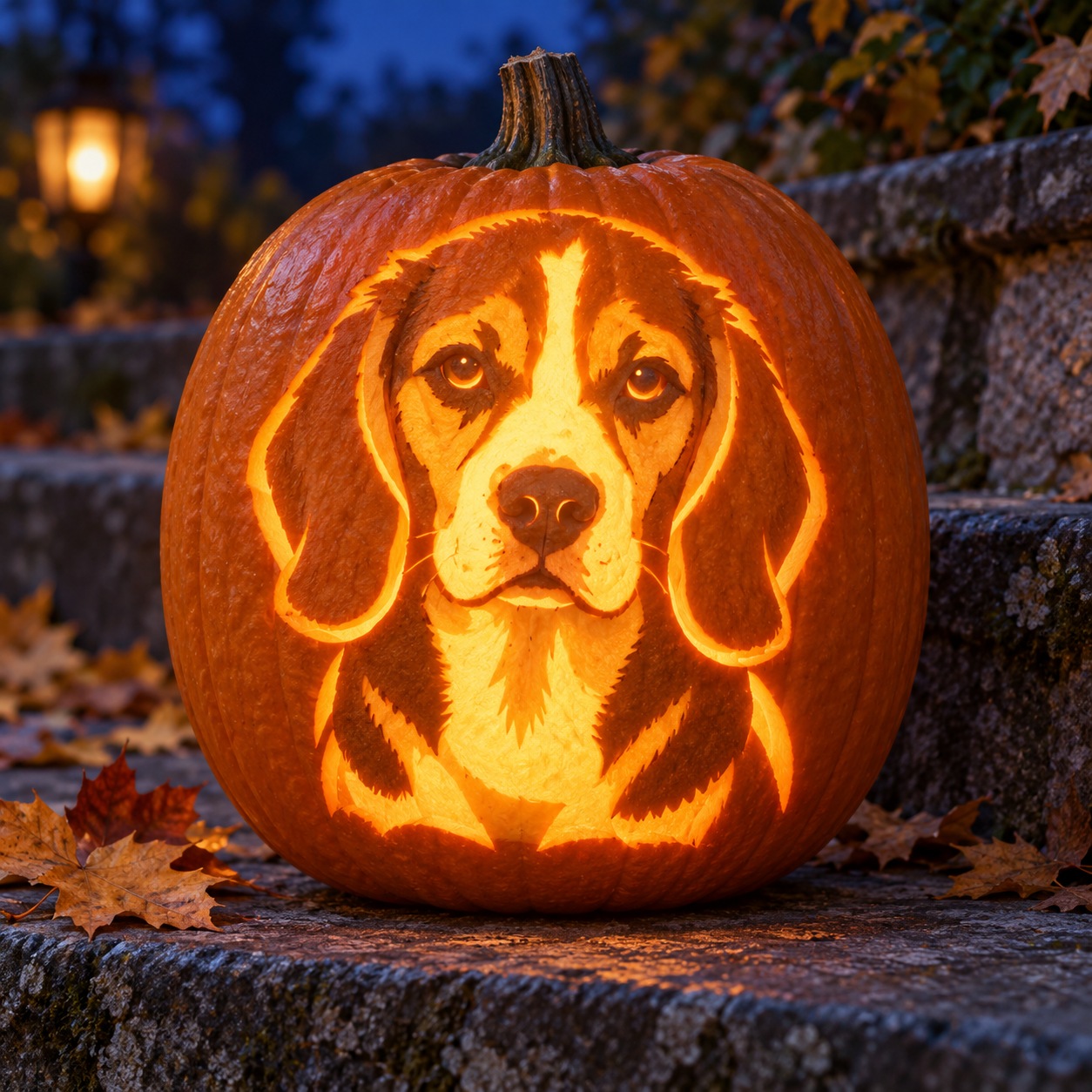
From pet reference to pumpkin portrait
This template changes the material, not just the background: recognizable pet features become carved pumpkin shapes. A tricolor beagle provides the example’s floppy-ear silhouette, white forehead blaze and rounded muzzle. The cool stone setting separates this idea from a warm costume portrait.
Start with the features that make your pet recognizable
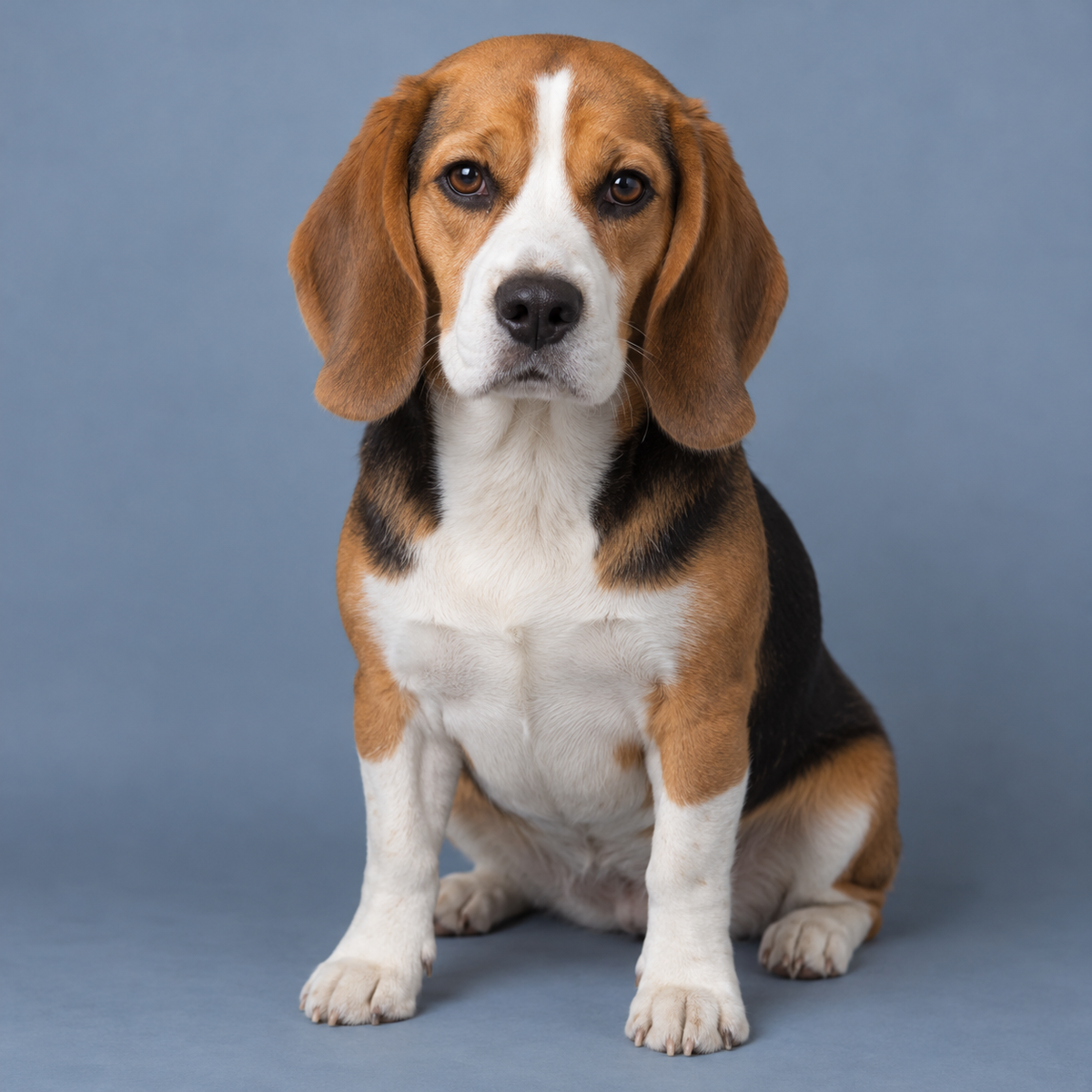
This is the generated beagle reference used for the example. A front-facing head, visible ears and a clear muzzle create a readable silhouette. The final image translates markings into glowing openings and retained pumpkin skin; it should not paste a furry dog onto a pumpkin.
Create a reference-based pumpkin portrait
Upload a photo before using the main prompt.
Choose one pet reference
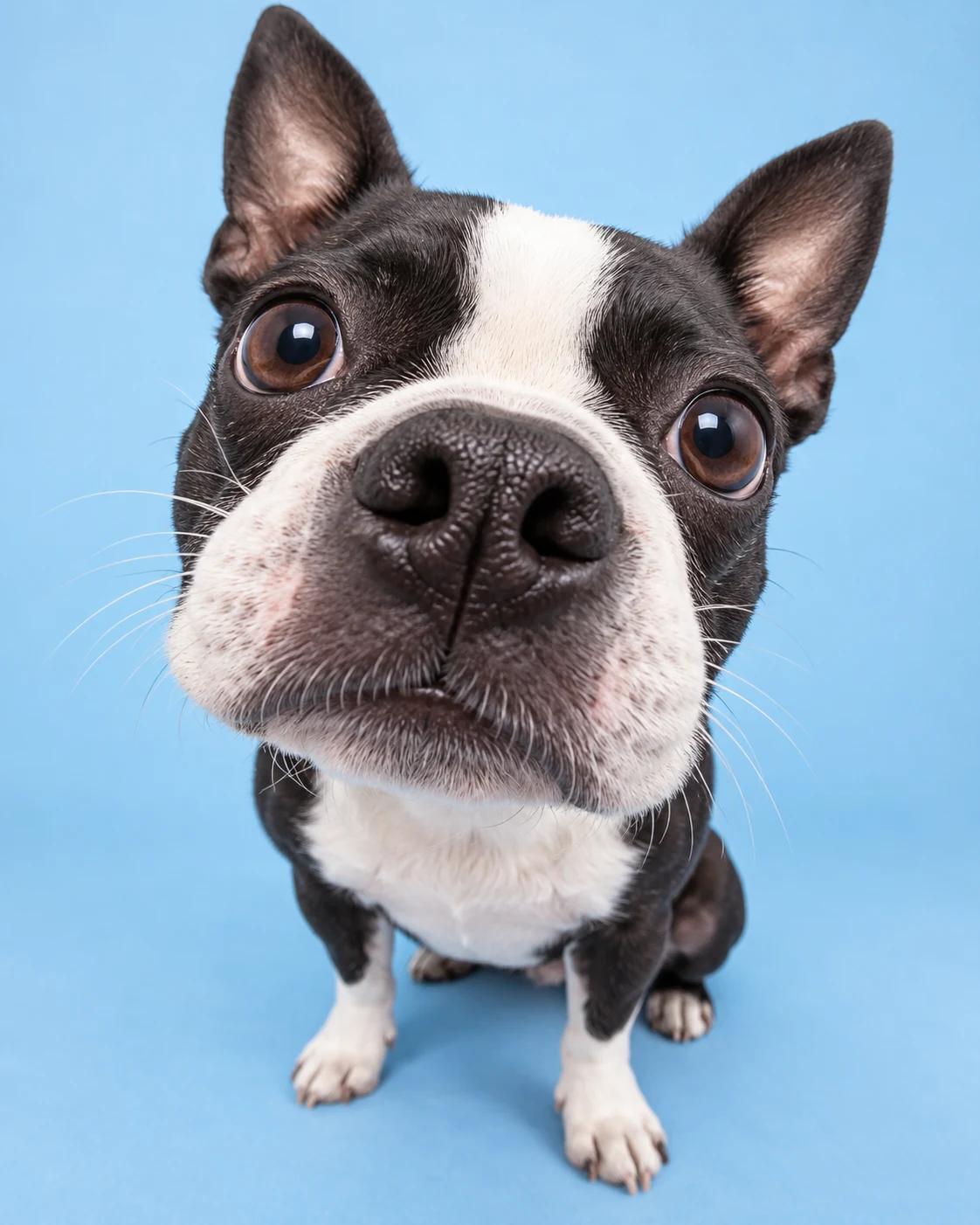
Use a sharp, well-lit photo with the face and ears visible. Crop the image to remove other animals and distracting objects.
Transfer the prompt and upload
Use this prompt opens the image creator with the instructions. Add your own photo as the reference; the template does not upload it for you.
Simplify the carved features
Keep the ear outline, forehead marking, eyes and muzzle. Ask for broader connecting bridges if the design becomes a mass of fine holes.
Inspect the material and lighting
Look for visible pumpkin rind, warm internal light and a readable face. If the result looks like fur or a printed image, repeat that all portrait features must be carved pumpkin material.
Text-only alternative for a fictional pet
Switch to text-to-image and use this complete prompt if you have no reference photo. You can replace the beagle description with another animal’s defining features.
Create a photorealistic square Halloween decoration concept showing one orange jack-o’-lantern with the portrait of a fictional tricolor beagle carved into its front. Give the carved dog long floppy ears, a broad white forehead stripe represented by light openings, gentle eyes, a rounded muzzle and a dark nose expressed in retained pumpkin skin. Render everything as carved pumpkin material with visible rind thickness, broad connecting bridges and warm inner light. Do not show real fur, a printed photograph or a live animal. Centre the pumpkin on weathered blue-grey stone garden steps at deep blue twilight, with a few autumn leaves and an understated background. Close three-quarter view, portrait facing camera, detailed pumpkin skin. No text, logo or watermark. Visual concept only, not a carving stencil.
Adjust the visual treatment
Make a bolder silhouette
Reduce fine fur lines and preserve only large markings, ears and muzzle. This often reads more clearly at small social-post sizes.
Change the setting
Swap the cool stone steps for a pale tabletop or a dark garden wall. Keep the warm glow inside the pumpkin to separate the carved portrait.
Keep it a concept
A generated image is not a ready-to-cut stencil. It does not establish structural stability or a safe physical carving process.
Common questions
Can I use a cat, rabbit or another animal?
Yes. The main prompt is species-neutral and follows the uploaded reference. Choose a view that clearly shows that animal’s ears and facial proportions.
Why does it look like a printed photo?
Simplify the reference description and insist on carved openings, retained pumpkin skin and visible rind thickness. Remove words asking for detailed fur on the pumpkin surface.
Can I use the result as a real carving stencil?
Treat it as a decoration concept. A separate practical design step is needed to make a physical stencil with connected shapes.
Can I make it without a photo?
Yes. Use the text-only alternative in this guide to create a fictional animal portrait.
Continue creating
Useful next steps for the concept.
Image creator
Start from a pet reference or use the text-only alternative.
Image editor
Refine a carved edge, reduce distracting detail or change the surrounding scene.
Pumpkin cape pet portrait
Explore a softer costume portrait with a reference-based pet edit.