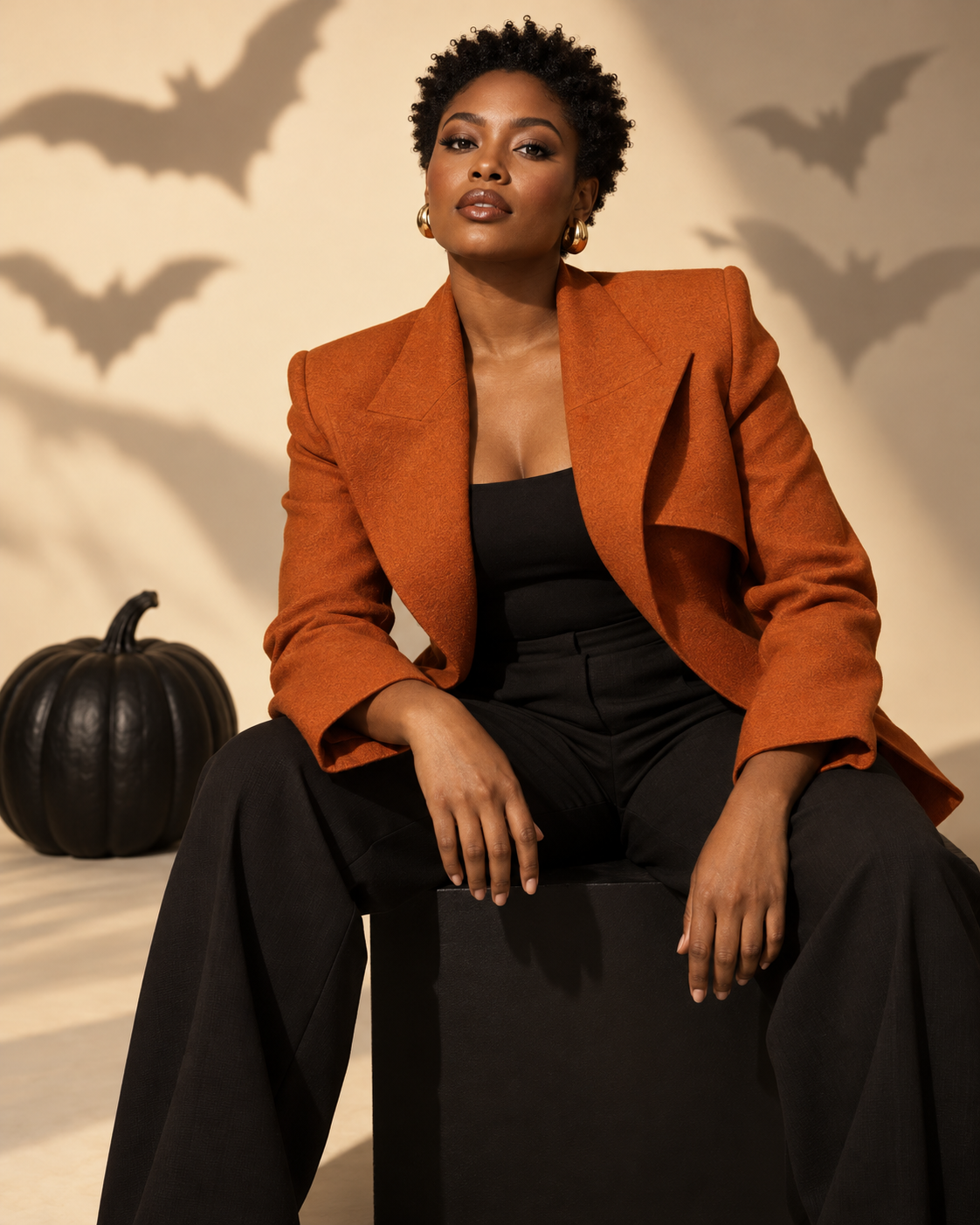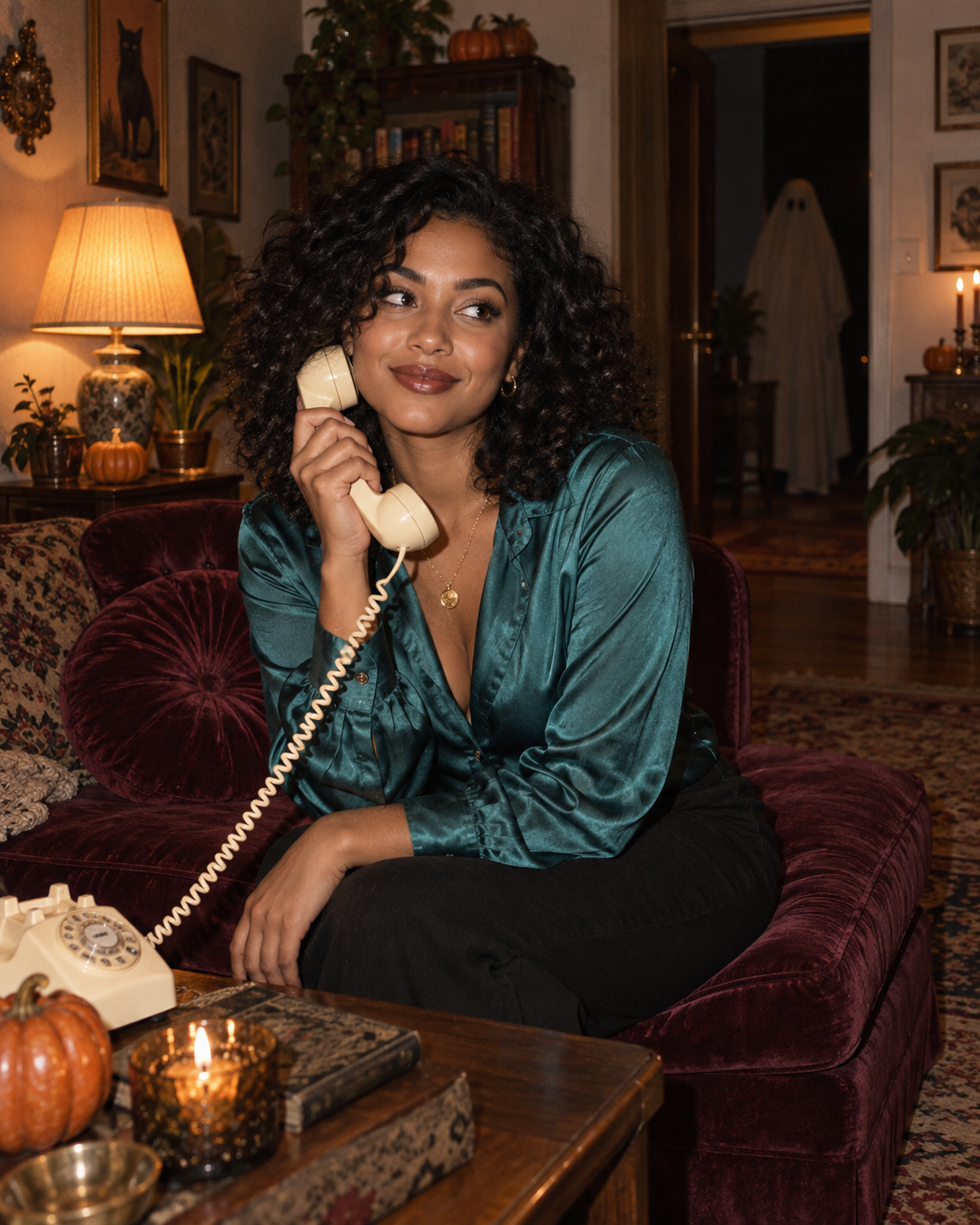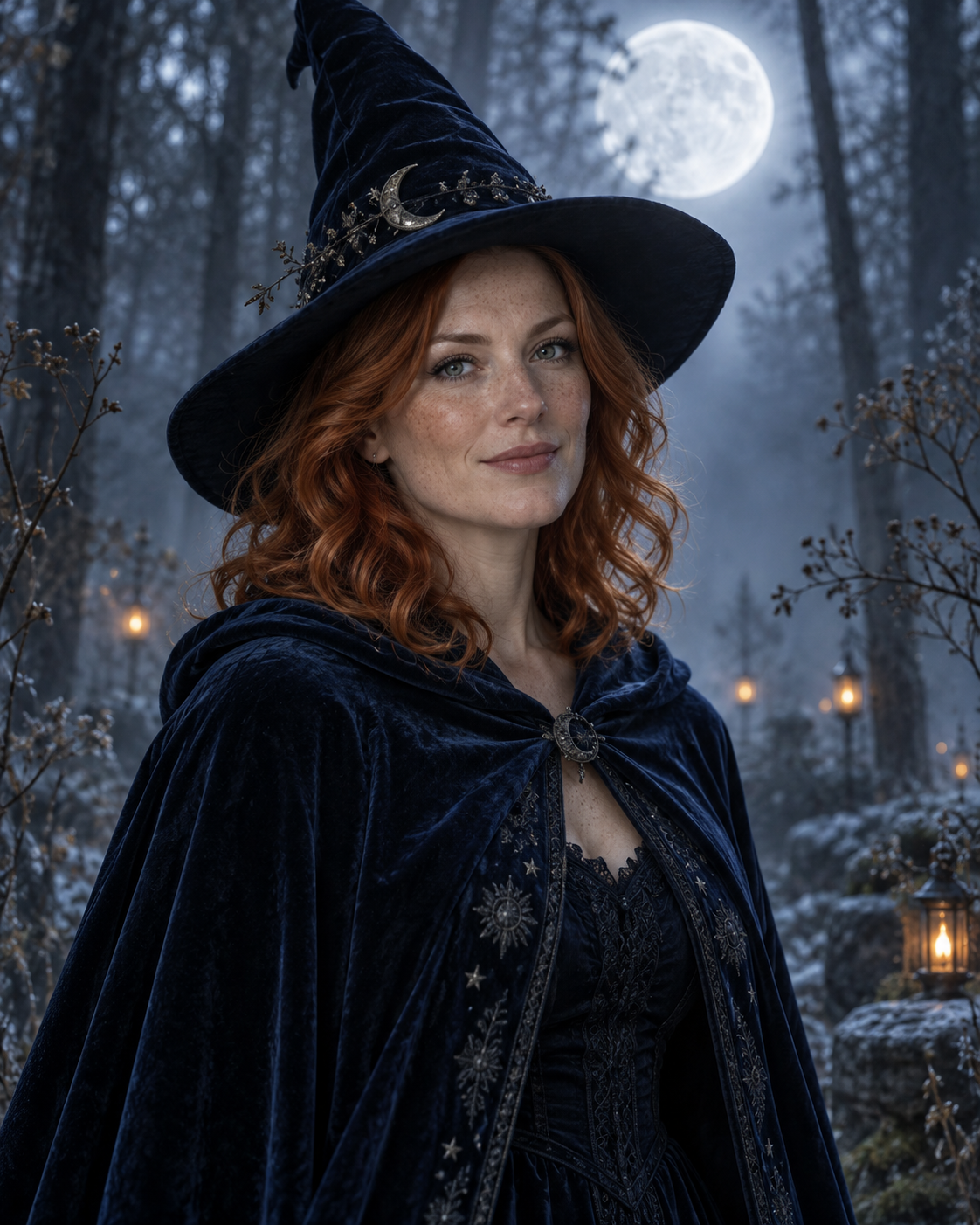
A toy likeness with a designed display case
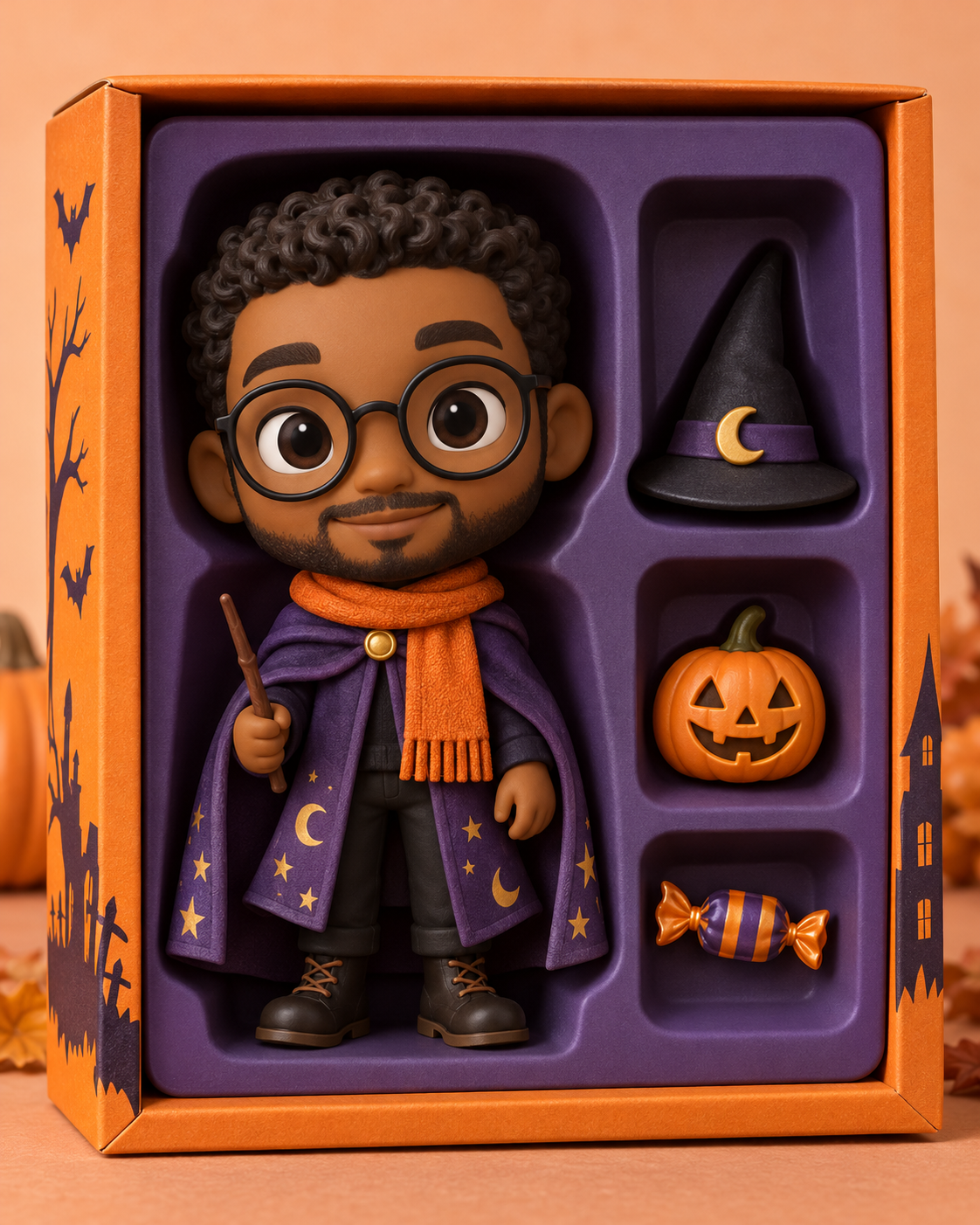
Turn your portrait into a Halloween collectible figure in an orange-and-purple display box, complete with miniature accessories. Upload one photo to personalise the toy. The example shows the intended composition. Your uploaded photo provides the identity; the template provides the scene and styling. Generated likeness and small details can vary, so review the result before sharing.
A toy likeness with a designed display case
The figure uses a slightly oversized head and a small vinyl body. A purple cape and orange scarf link it to the surrounding display box, with a pumpkin, hat and candy in separate compartments. The face is the personal element; the packaging and miniature scale make it a collectible-style image.
Upload a front-facing portrait with clear hair and facial features. Distinctive glasses or facial hair can help the toy remain recognisable, but avoid a face hidden behind a phone.
Make this look with one photo
The template instructions are applied automatically. You do not need to write or copy a prompt.
Choose a clear identity reference
Upload a front-facing portrait with clear hair and facial features. Distinctive glasses or facial hair can help the toy remain recognisable, but avoid a face hidden behind a phone.
Open Remix and upload your photo
Use this template’s Remix button, then upload one photo of one person. The template image is supplied automatically as the visual base. Avoid uploading a collage or several different people.
Review the settings before generating
The intended composition is 4:5. Check the available settings and credit estimate in the creator before starting. The main subject is personalised while the template scene is retained.
Check the result and save
The result should look like one vinyl figure. A photographic face pasted onto a plastic head breaks the intended collectible effect. Keep one figure and a clear separation between its arms and the accessory compartments. Check that small props have not become extra hands. Save a version you are happy with; another attempt may produce different details.
Get a more convincing result
Small source-photo choices are more useful than adding complicated instructions.
Keep the face and body in the same material
The result should look like one vinyl figure. A photographic face pasted onto a plastic head breaks the intended collectible effect.
Inspect the box and accessories
Keep one figure and a clear separation between its arms and the accessory compartments. Check that small props have not become extra hands.
Start with a clean reference
Use an unfiltered photo with one clear face. Tight crops, strong beauty filters and objects across the face can make identity transfer harder to assess. Keep the original photo for comparison.
Before you remix
Will it look exactly like a photograph of me?
No. This is a stylised toy likeness: recognisable traits are translated into collectible proportions and material.
Can I keep my glasses?
The preset asks to retain distinctive glasses when visible in your source. Check the frames and eyes because tiny details may simplify.
Can I order a physical figure?
This template creates an image only. It does not manufacture, sell or ship a physical toy.
Do I need to enter a prompt?
No. This template supplies its instructions automatically. Upload one photo and review the available settings before starting.
Continue creating
Explore a related Halloween look, refine a detail, or try a separate image model.
Halloween collection
Browse the full seasonal collection and choose a different visual treatment.
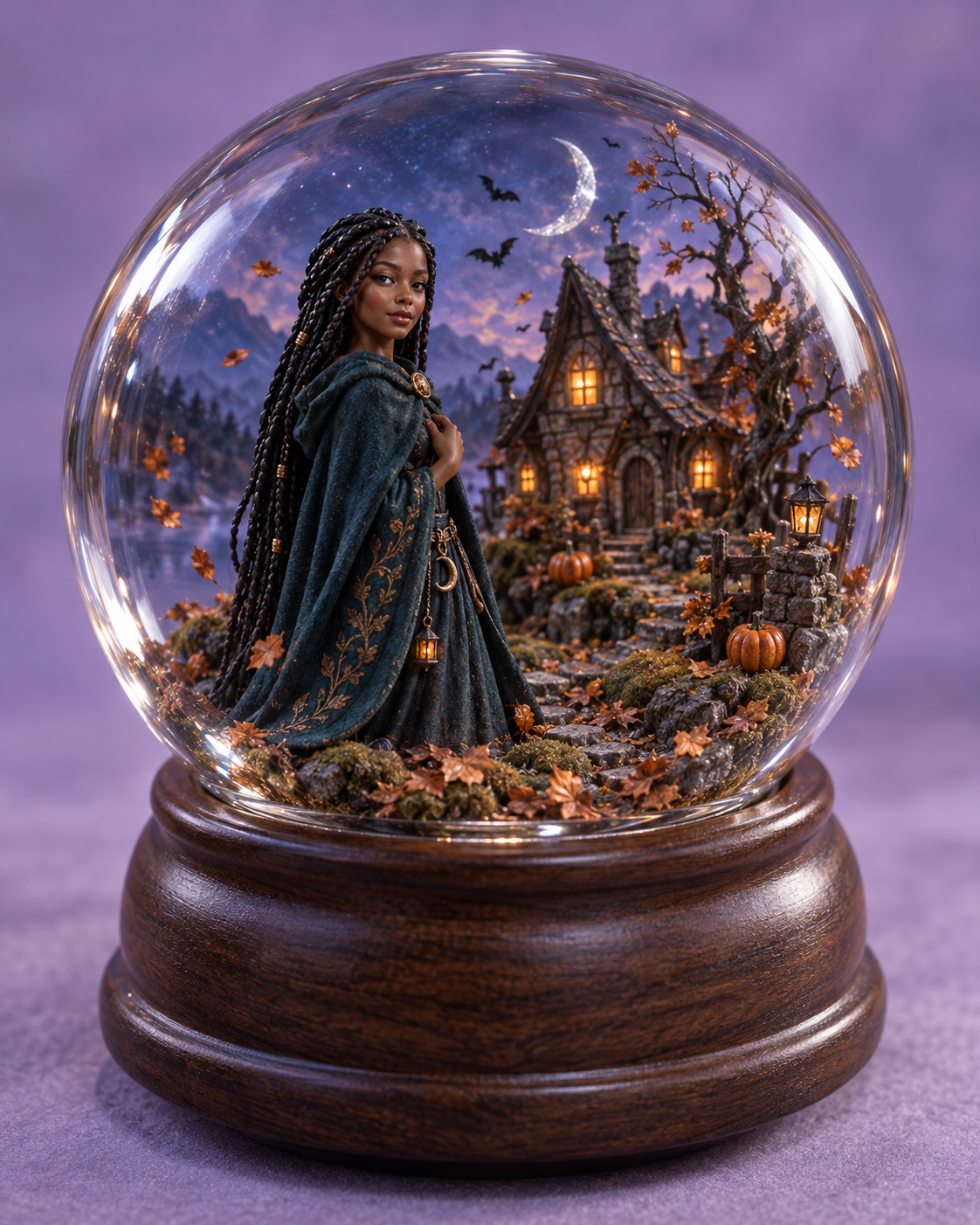
Haunted Glass Globe
Place a miniature likeness inside a glass Halloween world instead of a display box.
Image editor
Refine a small visual detail or prepare another source photo for a new attempt.
GPT Image 2.5 Sunburst
Explore this separate image-model page for another project. Opening it does not change this template’s Remix preset.