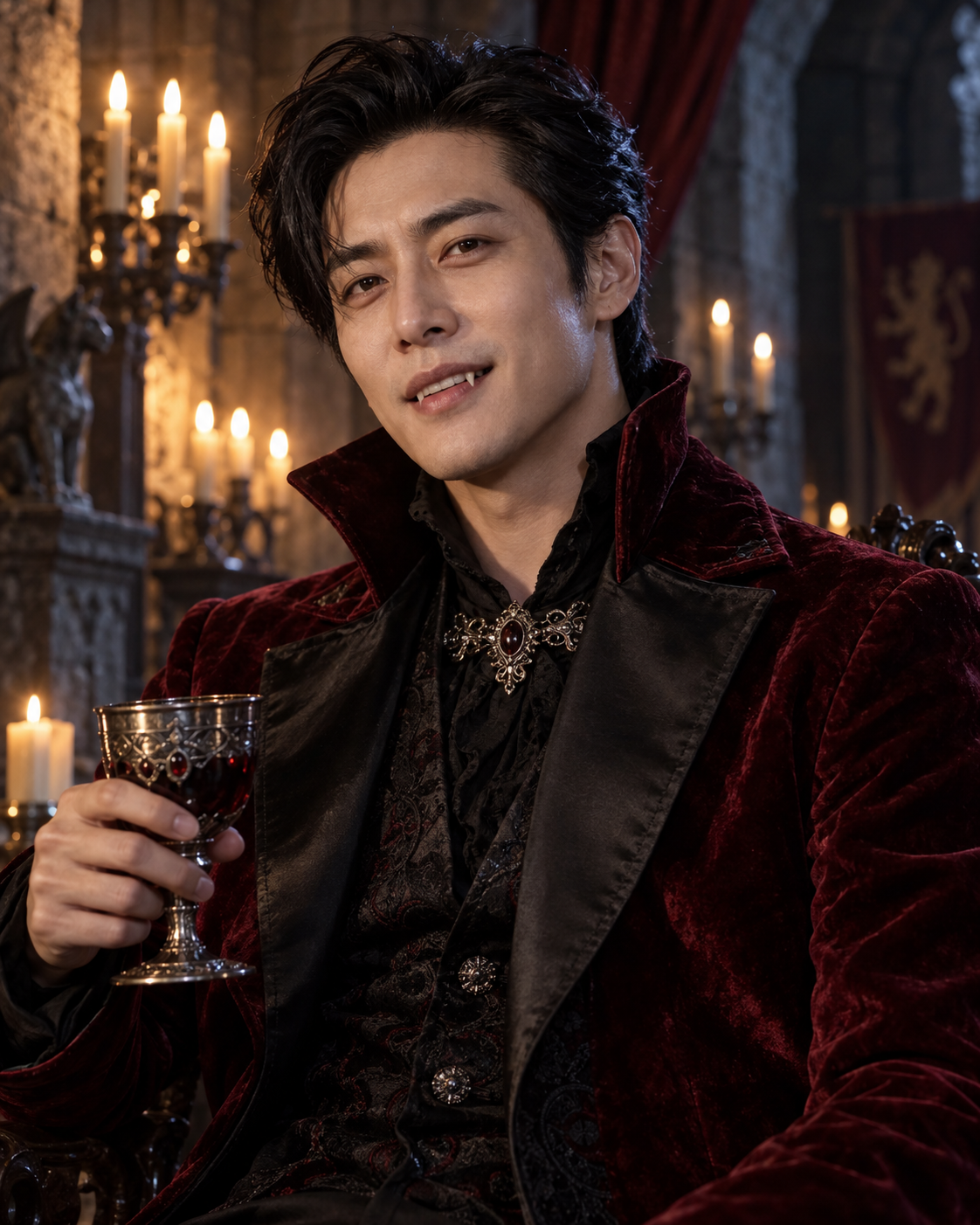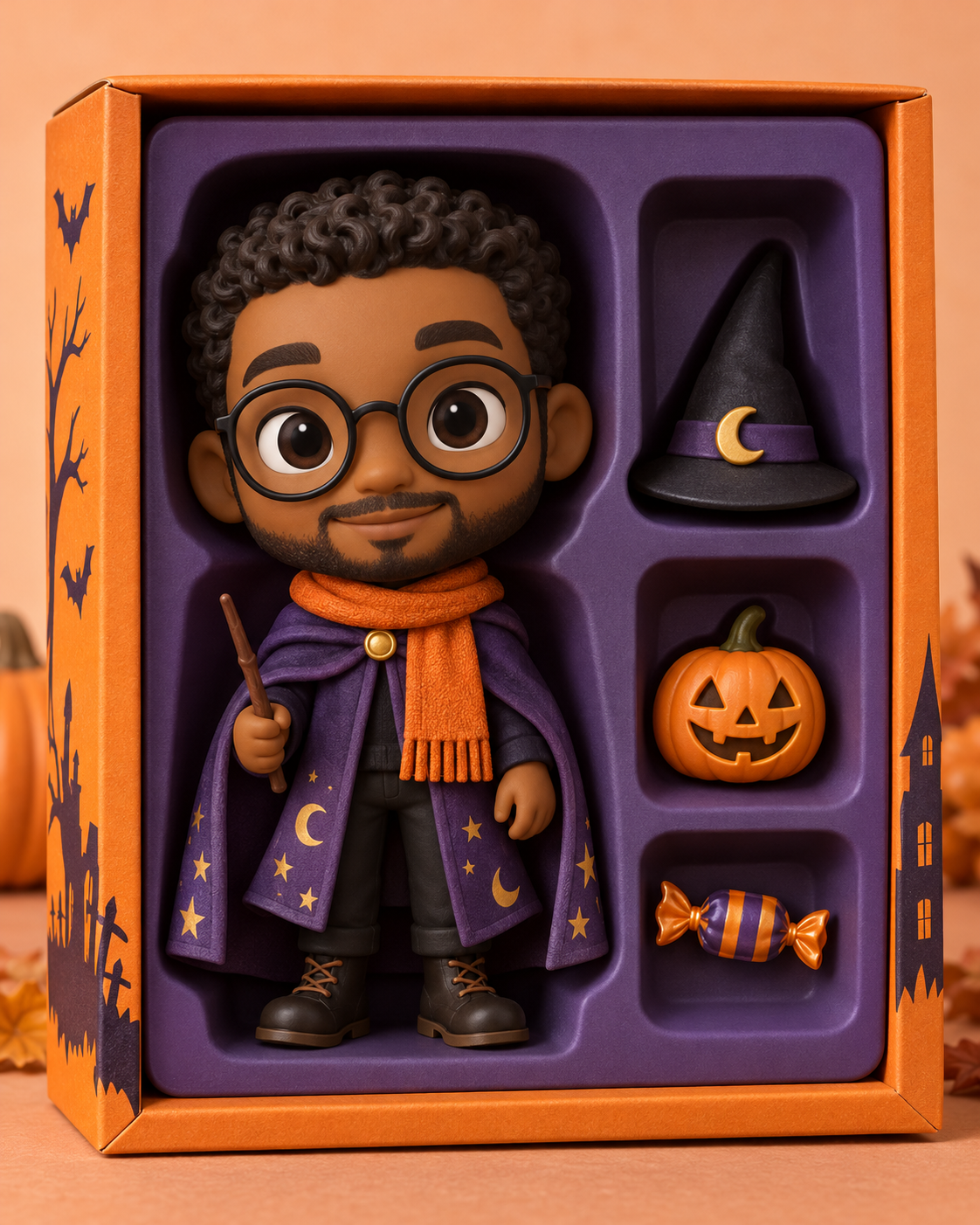
One person, two layers of atmosphere
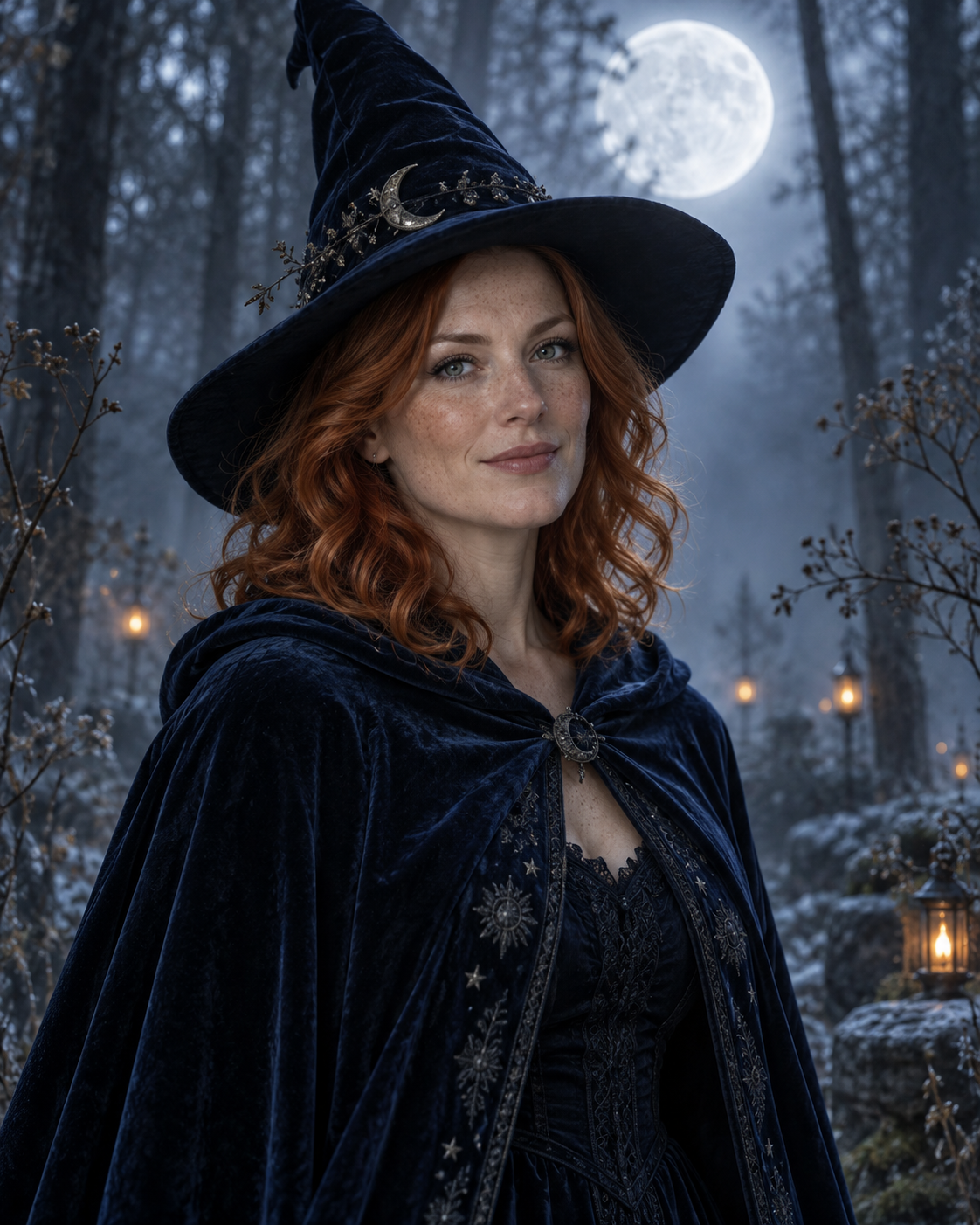
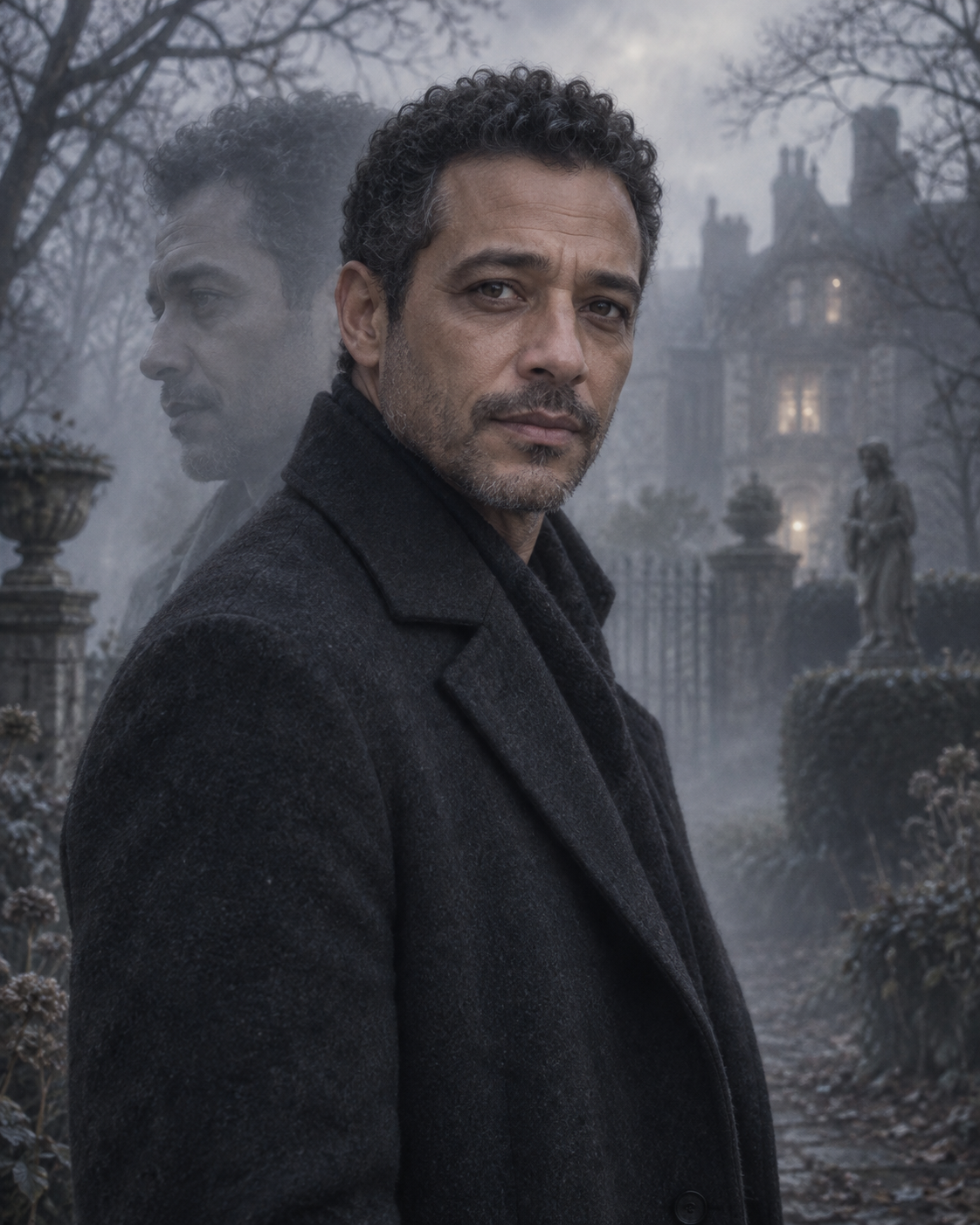
Create an atmospheric ghost portrait with a sharp main face and a faint echo of the same person. One photo becomes a misty, blue-grey Halloween composition. The example shows the intended composition. Your uploaded photo provides the identity; the template provides the scene and styling. Generated likeness and small details can vary, so review the result before sharing.
One person, two layers of atmosphere
The main portrait stays opaque and sharply focused. A faint offset profile and shoulder echo behind it create the ghost effect, while fog and bare branches provide context. The contrast between a readable face and a soft secondary layer is more important than making the whole image transparent.
Choose a clear portrait with a simple outline and a visible jaw. Avoid group shots or an existing motion-blur effect, which can make it harder to identify the main face.
Make this look with one photo
The template instructions are applied automatically. You do not need to write or copy a prompt.
Choose a clear identity reference
Choose a clear portrait with a simple outline and a visible jaw. Avoid group shots or an existing motion-blur effect, which can make it harder to identify the main face.
Open Remix and upload your photo
Use this template’s Remix button, then upload one photo of one person. The template image is supplied automatically as the visual base. Avoid uploading a collage or several different people.
Review the settings before generating
The intended composition is 4:5. Check the available settings and credit estimate in the creator before starting. The main subject is personalised while the template scene is retained.
Check the result and save
The foreground face should have one coherent set of eyes, nose and mouth. The second exposure belongs behind it, not across its central features. Compare the profile and hair shape in the echo with the main subject. An unrelated second face is an error, not the intended ghost effect. Save a version you are happy with; another attempt may produce different details.
Get a more convincing result
Small source-photo choices are more useful than adding complicated instructions.
Distinguish the main face from the echo
The foreground face should have one coherent set of eyes, nose and mouth. The second exposure belongs behind it, not across its central features.
Check that both layers describe the same person
Compare the profile and hair shape in the echo with the main subject. An unrelated second face is an error, not the intended ghost effect.
Start with a clean reference
Use an unfiltered photo with one clear face. Tight crops, strong beauty filters and objects across the face can make identity transfer harder to assess. Keep the original photo for comparison.
Before you remix
Why are there two outlines?
The second outline is an intentional low-opacity echo of the same person, used to create a double-exposure effect.
Should my whole face be transparent?
No. The main face is meant to stay readable and opaque; the echo carries the ghostly treatment.
Can I upload an already blurred photo?
A sharp source is better. The template adds its own blur and transparency to a controlled background layer.
Do I need to enter a prompt?
No. This template supplies its instructions automatically. Upload one photo and review the available settings before starting.
Continue creating
Explore a related Halloween look, refine a detail, or try a separate image model.
Halloween collection
Browse the full seasonal collection and choose a different visual treatment.
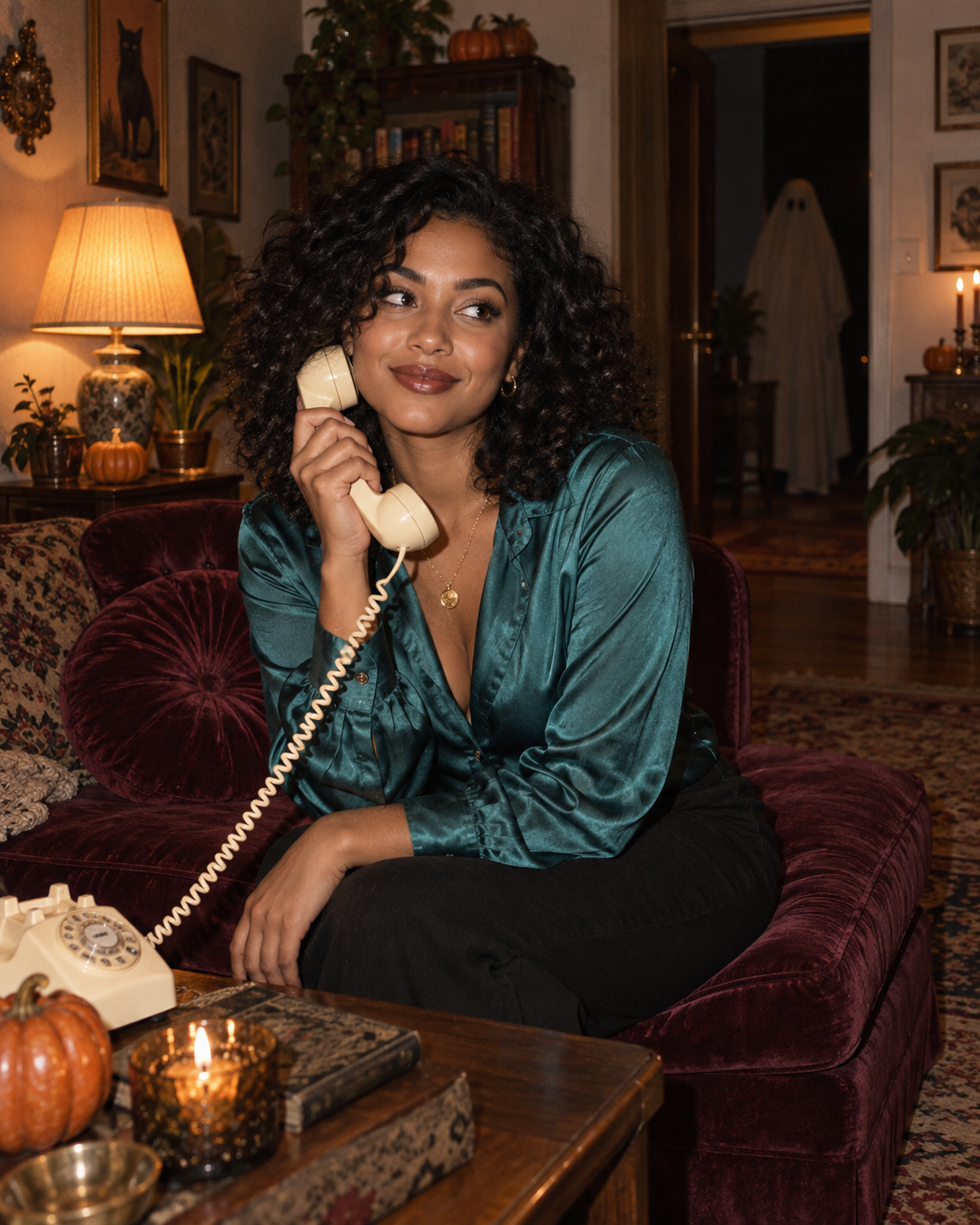
Retro Halloween Phone Portrait
Try a warmer cinematic scene with a separate, distant ghost detail.
Image editor
Refine a small visual detail or prepare another source photo for a new attempt.
GPT Image 2.5 Flare
Explore this separate image-model page for another project. Opening it does not change this template’s Remix preset.