Gothic costume without losing the person
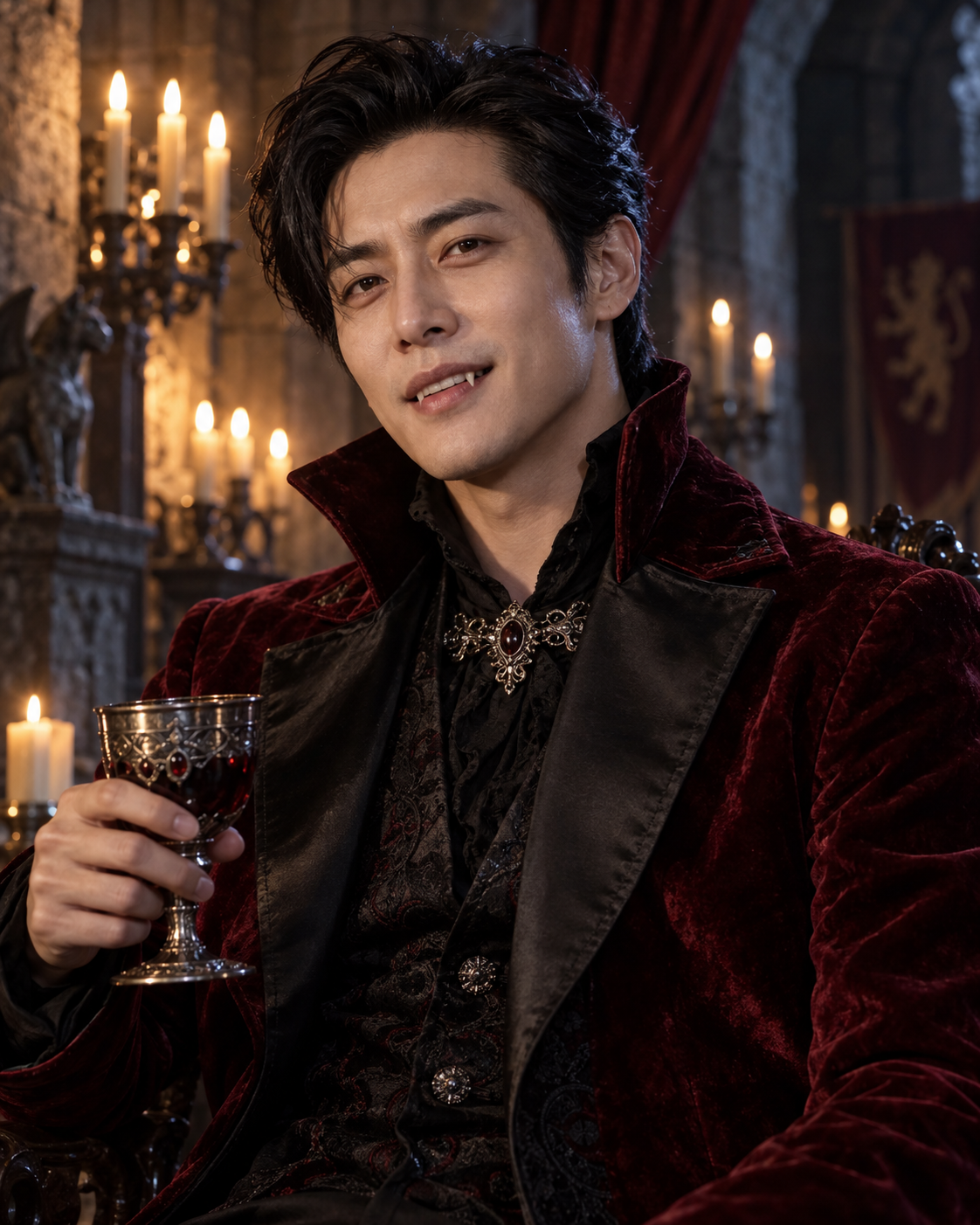
Turn one portrait into a candlelit vampire-aristocrat look with burgundy velvet, a castle backdrop and subtle fangs. Keep your own recognizable facial features. The example shows the intended composition. Your uploaded photo provides the identity; the template provides the scene and styling. Generated likeness and small details can vary, so review the result before sharing.
Gothic costume without losing the person
Burgundy velvet, candlelight and cool edge lighting create the vampire mood. Small canine teeth act as an accent rather than replacing the whole mouth. The waist-up framing gives room for the collar and silver clasp while keeping the face large enough to recognise.
Use one well-lit adult portrait with the full jaw and both eyes visible. A relaxed expression or a small natural smile is a better starting point than an extreme open-mouth pose.
Make this look with one photo
The template instructions are applied automatically. You do not need to write or copy a prompt.
Choose a clear identity reference
Use one well-lit adult portrait with the full jaw and both eyes visible. A relaxed expression or a small natural smile is a better starting point than an extreme open-mouth pose.
Open Remix and upload your photo
Use this template’s Remix button, then upload one photo of one person. The template image is supplied automatically as the visual base. Avoid uploading a collage or several different people.
Review the settings before generating
The intended composition is 4:5. Check the available settings and credit estimate in the creator before starting. The main subject is personalised while the template scene is retained.
Check the result and save
Inspect the mouth at full size. Teeth should remain small and anatomically plausible rather than becoming rows of exaggerated fangs. The candlelight may warm the face, but avoid an output that changes the person’s underlying skin tone or loses facial detail in shadow. Save a version you are happy with; another attempt may produce different details.
Get a more convincing result
Small source-photo choices are more useful than adding complicated instructions.
Keep the teeth restrained
Inspect the mouth at full size. Teeth should remain small and anatomically plausible rather than becoming rows of exaggerated fangs.
Check skin and lighting together
The candlelight may warm the face, but avoid an output that changes the person’s underlying skin tone or loses facial detail in shadow.
Start with a clean reference
Use an unfiltered photo with one clear face. Tight crops, strong beauty filters and objects across the face can make identity transfer harder to assess. Keep the original photo for comparison.
Before you remix
Do I need vampire makeup in my upload?
No. The template supplies the costume and atmosphere. Start with an unobstructed everyday portrait.
Will it make my skin completely white?
The preset asks to preserve your skin tone and use lighting for the gothic effect. Review the result because generated colour can still vary.
What if the teeth look strange?
Try a clear photo with a relaxed mouth. A subtle expression gives the edit less mouth geometry to reinterpret.
Do I need to enter a prompt?
No. This template supplies its instructions automatically. Upload one photo and review the available settings before starting.
Continue creating
Explore a related Halloween look, refine a detail, or try a separate image model.
Halloween collection
Browse the full seasonal collection and choose a different visual treatment.
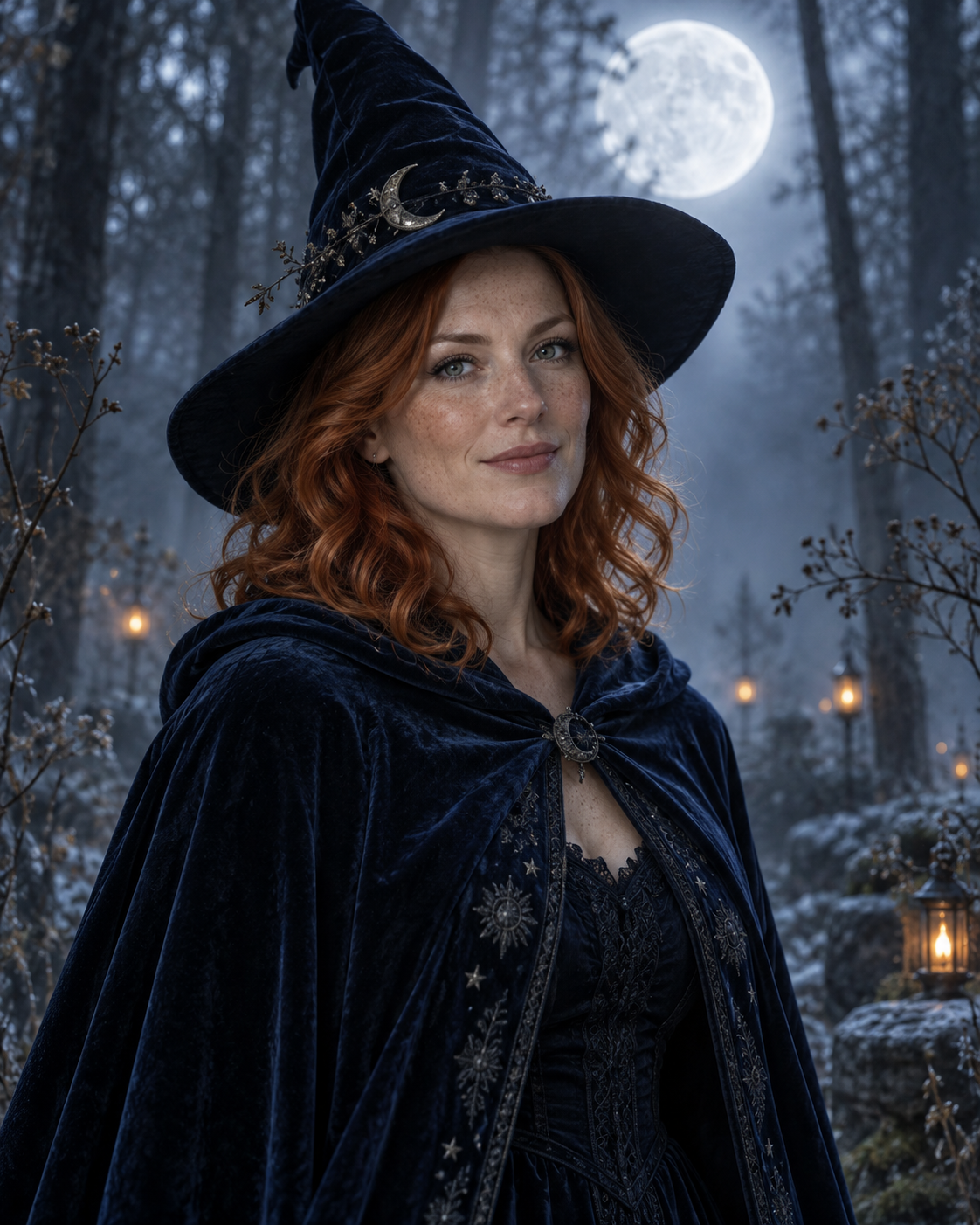
Moonlit Witch Portrait
Explore a cool woodland palette and a pointed-hat costume instead of the warm castle setting.
Image editor
Refine a small visual detail or prepare another source photo for a new attempt.
GPT Image 2.5 Flare
Explore this separate image-model page for another project. Opening it does not change this template’s Remix preset.