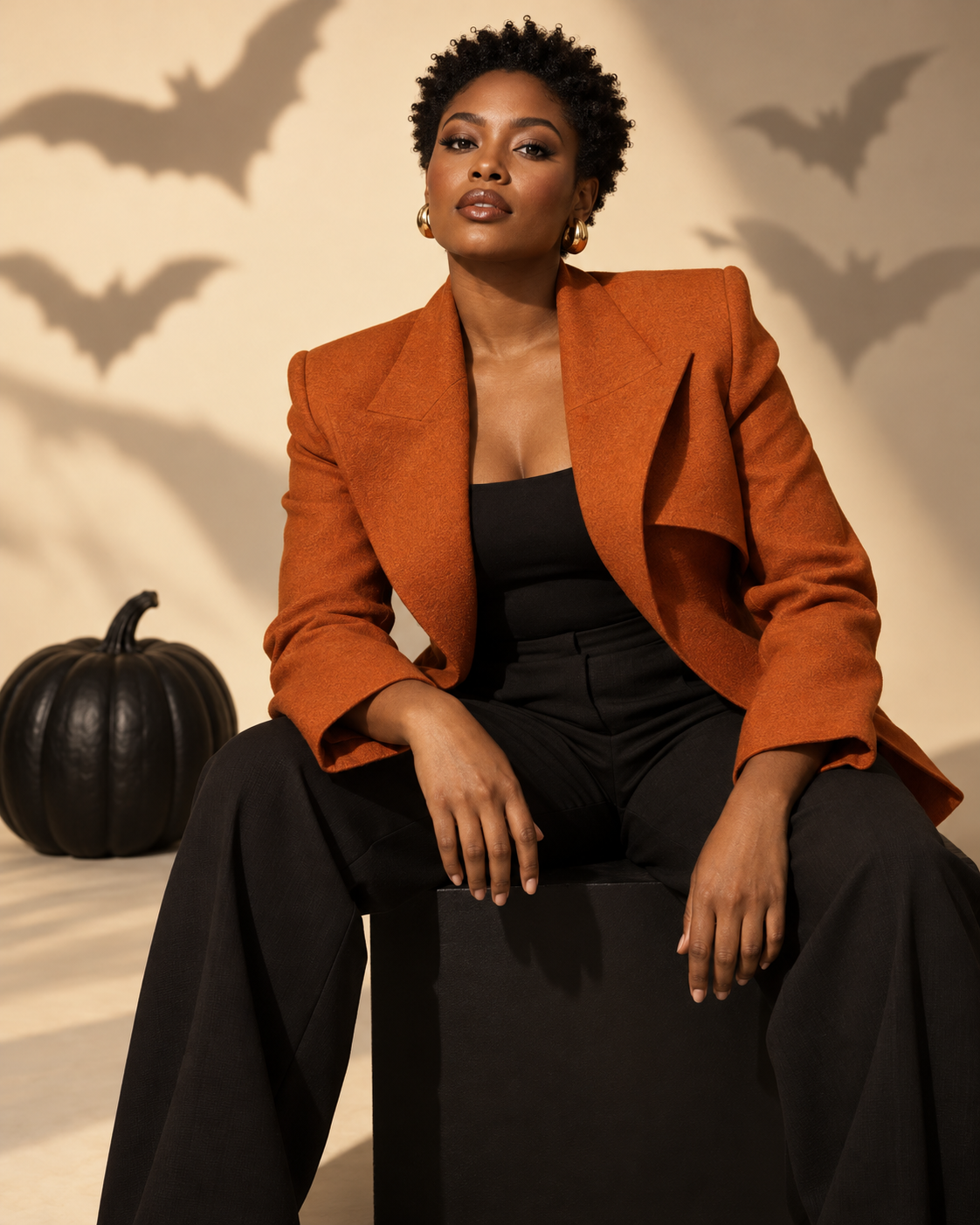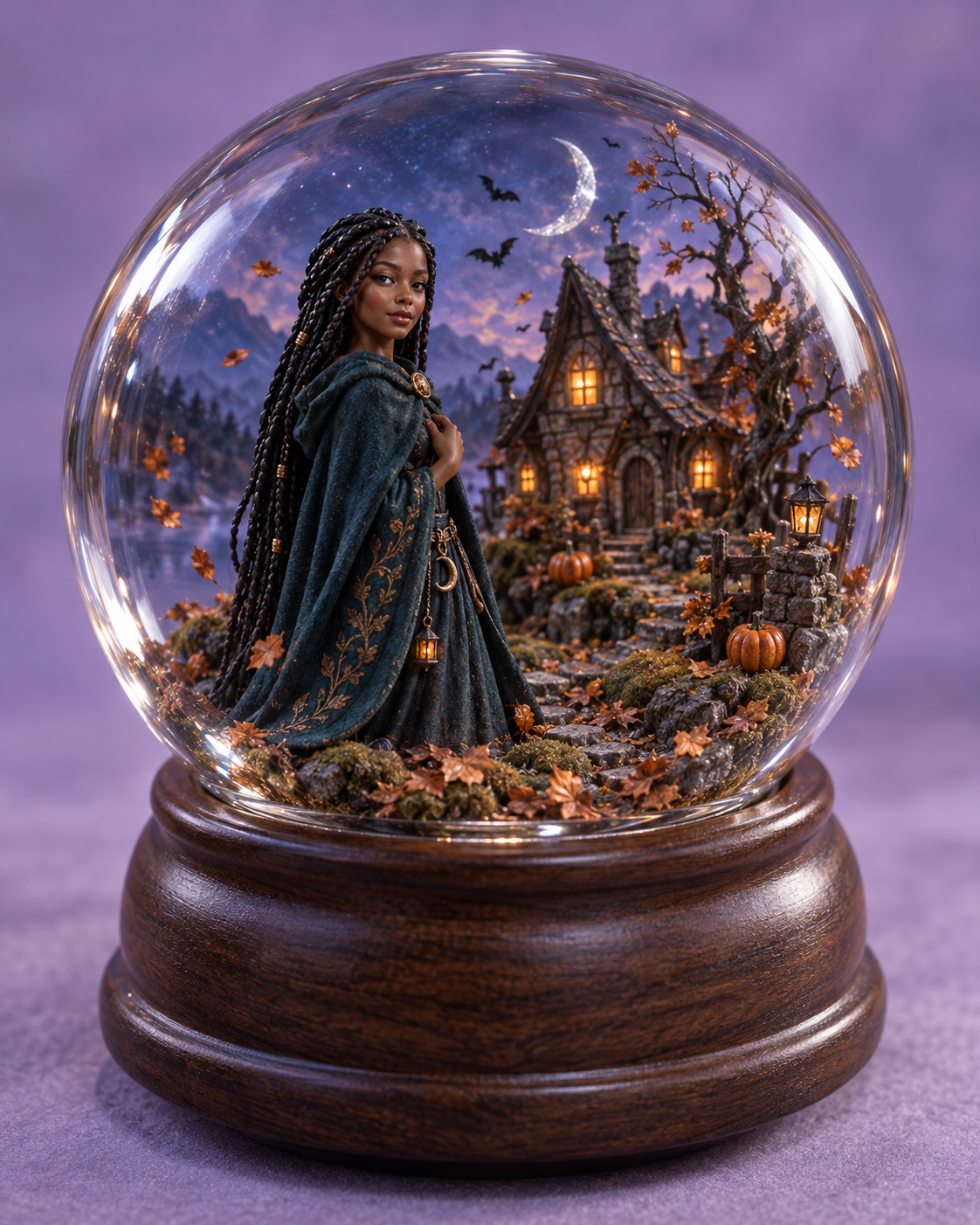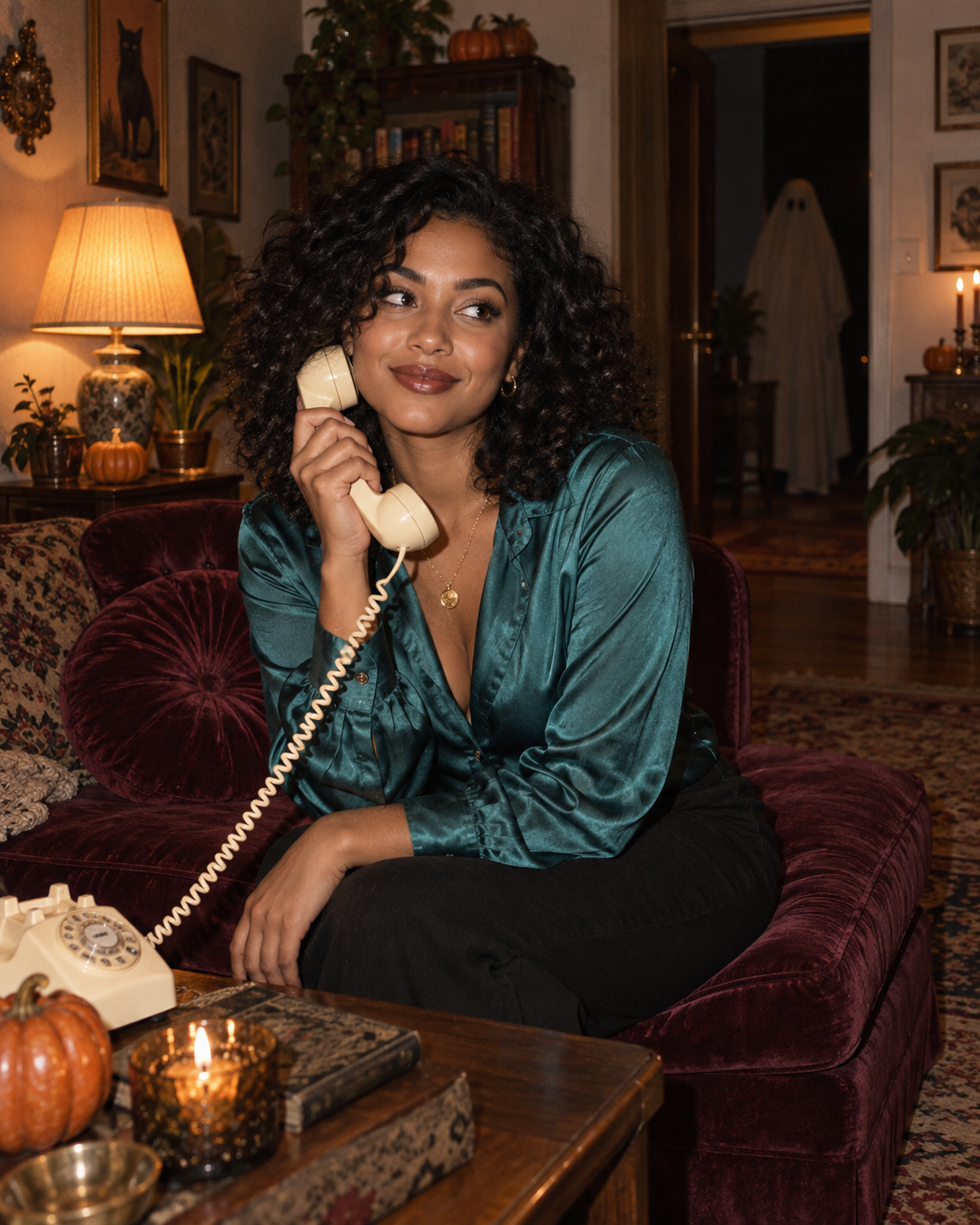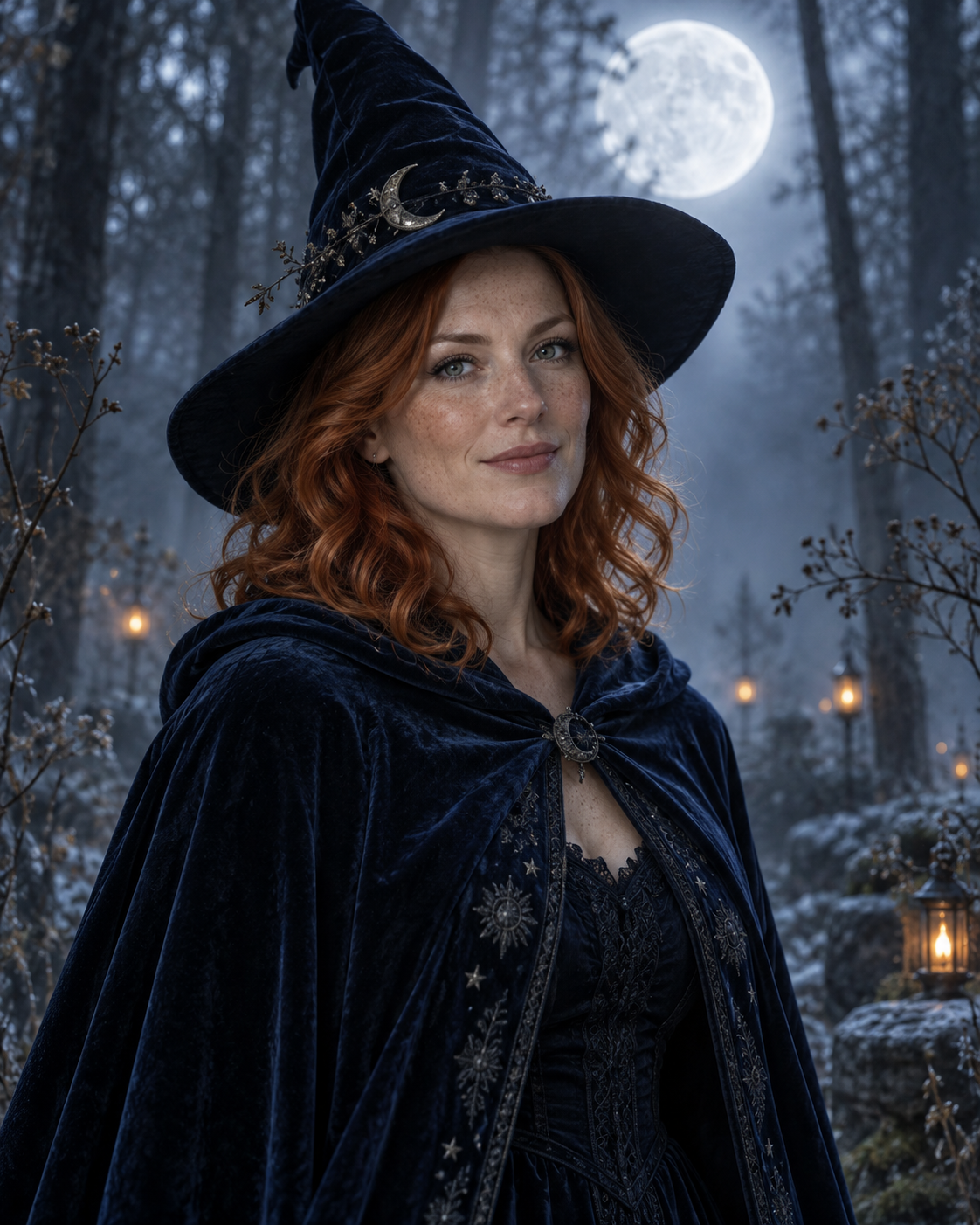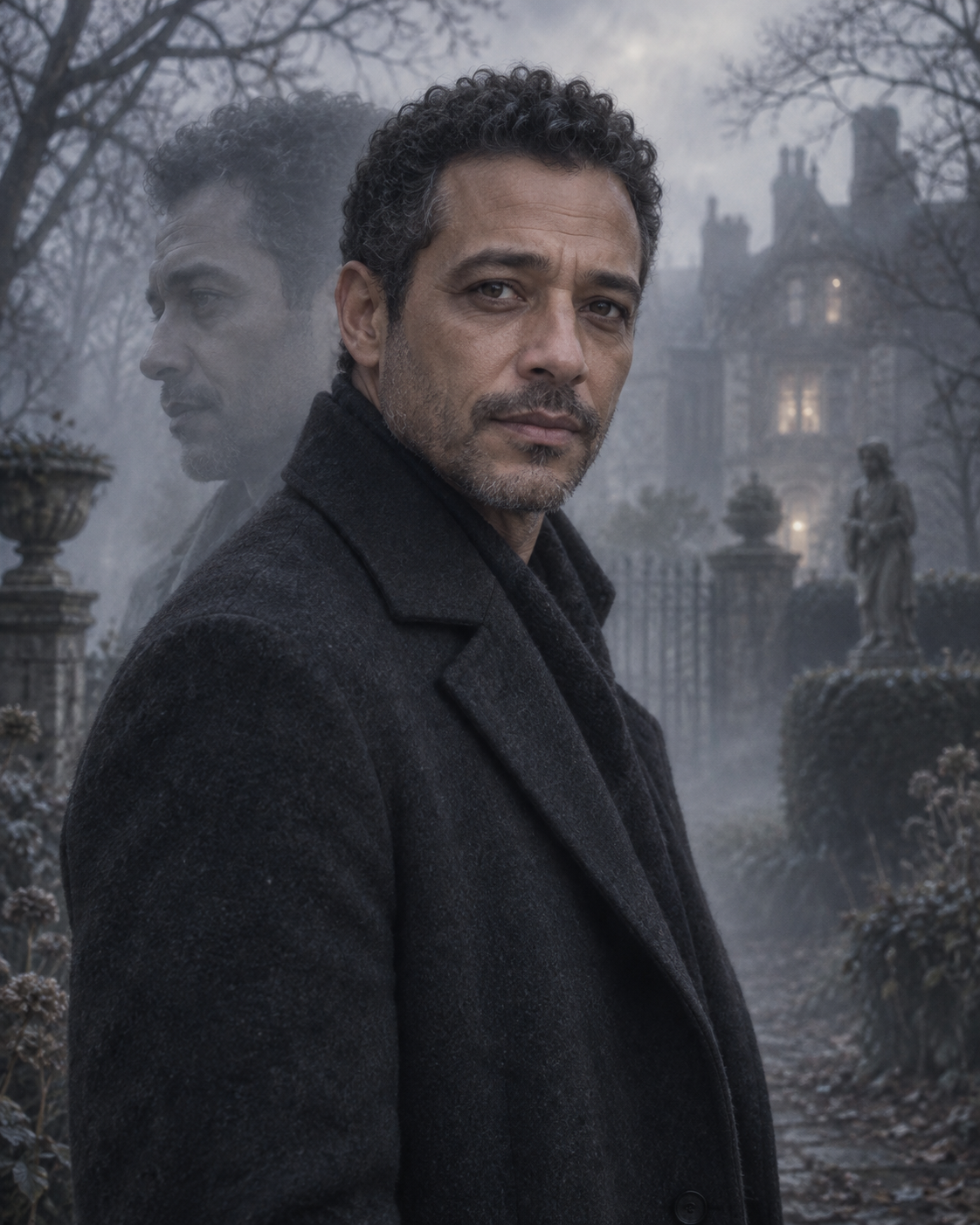
A small decoration can create the whole look
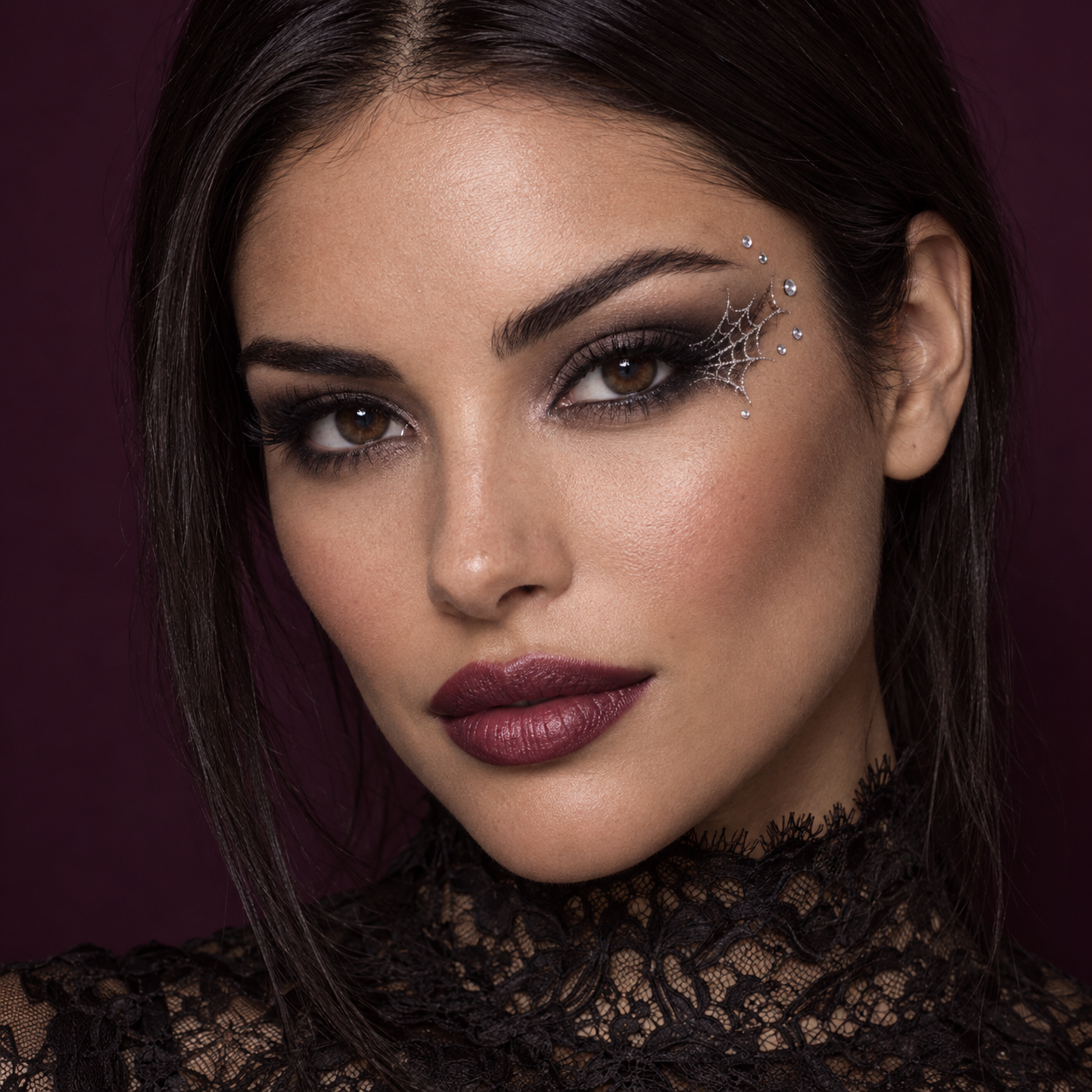
Try a delicate Halloween beauty look with silver spiderweb eyeliner, tiny jewels and berry lips. Upload a clear selfie to keep your own face at the centre. The example shows the intended composition. Your uploaded photo provides the identity; the template provides the scene and styling. Generated likeness and small details can vary, so review the result before sharing.
A small decoration can create the whole look
A fine web at the outer eye and a few temple jewels create a Halloween accent while leaving most of the skin visible. Berry lips, a lace collar and soft studio light finish the beauty portrait. The square composition is designed for a close face crop rather than a full costume scene.
Choose a sharp selfie with both eyes open and no beauty filter that heavily changes facial shape. Keep hair away from the eye that will carry the decoration and avoid strong glare on glasses.
Make this look with one photo
The template instructions are applied automatically. You do not need to write or copy a prompt.
Choose a clear identity reference
Choose a sharp selfie with both eyes open and no beauty filter that heavily changes facial shape. Keep hair away from the eye that will carry the decoration and avoid strong glare on glasses.
Open Remix and upload your photo
Use this template’s Remix button, then upload one photo of one person. The template image is supplied automatically as the visual base. Avoid uploading a collage or several different people.
Review the settings before generating
The intended composition is 1:1. Check the available settings and credit estimate in the creator before starting. The main subject is personalised while the template scene is retained.
Check the result and save
The eyeliner should sit on the skin, not cut through an eyelid or create an extra eye. Check the iris, lashes and brow separately. Small stones should read as surface decorations. If they become large growths or blur into the eye, try a sharper source photo. Save a version you are happy with; another attempt may produce different details.
Get a more convincing result
Small source-photo choices are more useful than adding complicated instructions.
Look closely at the decorated eye
The eyeliner should sit on the skin, not cut through an eyelid or create an extra eye. Check the iris, lashes and brow separately.
Keep jewels separate from skin texture
Small stones should read as surface decorations. If they become large growths or blur into the eye, try a sharper source photo.
Start with a clean reference
Use an unfiltered photo with one clear face. Tight crops, strong beauty filters and objects across the face can make identity transfer harder to assess. Keep the original photo for comparison.
Before you remix
Will the makeup hide my face?
The preset uses small decorations around one eye and asks to retain facial structure. Check the result because detail placement can vary.
Are there real spiders in the scene?
No. The theme is a drawn silver web and jewellery, with no real spider.
Can I use a full-body photograph?
A close selfie is preferable for this design. A distant face provides less detail for a beauty close-up.
Do I need to enter a prompt?
No. This template supplies its instructions automatically. Upload one photo and review the available settings before starting.
Continue creating
Explore a related Halloween look, refine a detail, or try a separate image model.
Halloween collection
Browse the full seasonal collection and choose a different visual treatment.
Halloween Fashion Editorial
Expand the seasonal styling into a wider costume and studio scene.
Image editor
Refine a small visual detail or prepare another source photo for a new attempt.
GPT Image 2.5 Sunburst
Explore this separate image-model page for another project. Opening it does not change this template’s Remix preset.